Chapter 92: GitLab CI Deep Dive
92.16 Interview questions, revision and chapter quiz
Interview cards
Interview questions
- Pipeline vs stage vs job? — One full run; a group of jobs that run together; one named script.
- What is a runner and an executor? — The program that runs jobs; the way it runs them (docker, shell, kubernetes).
- Why protected runners? — So only jobs from protected branches or tags can use runners that reach production.
- How do you stop duplicate MR and branch pipelines? —
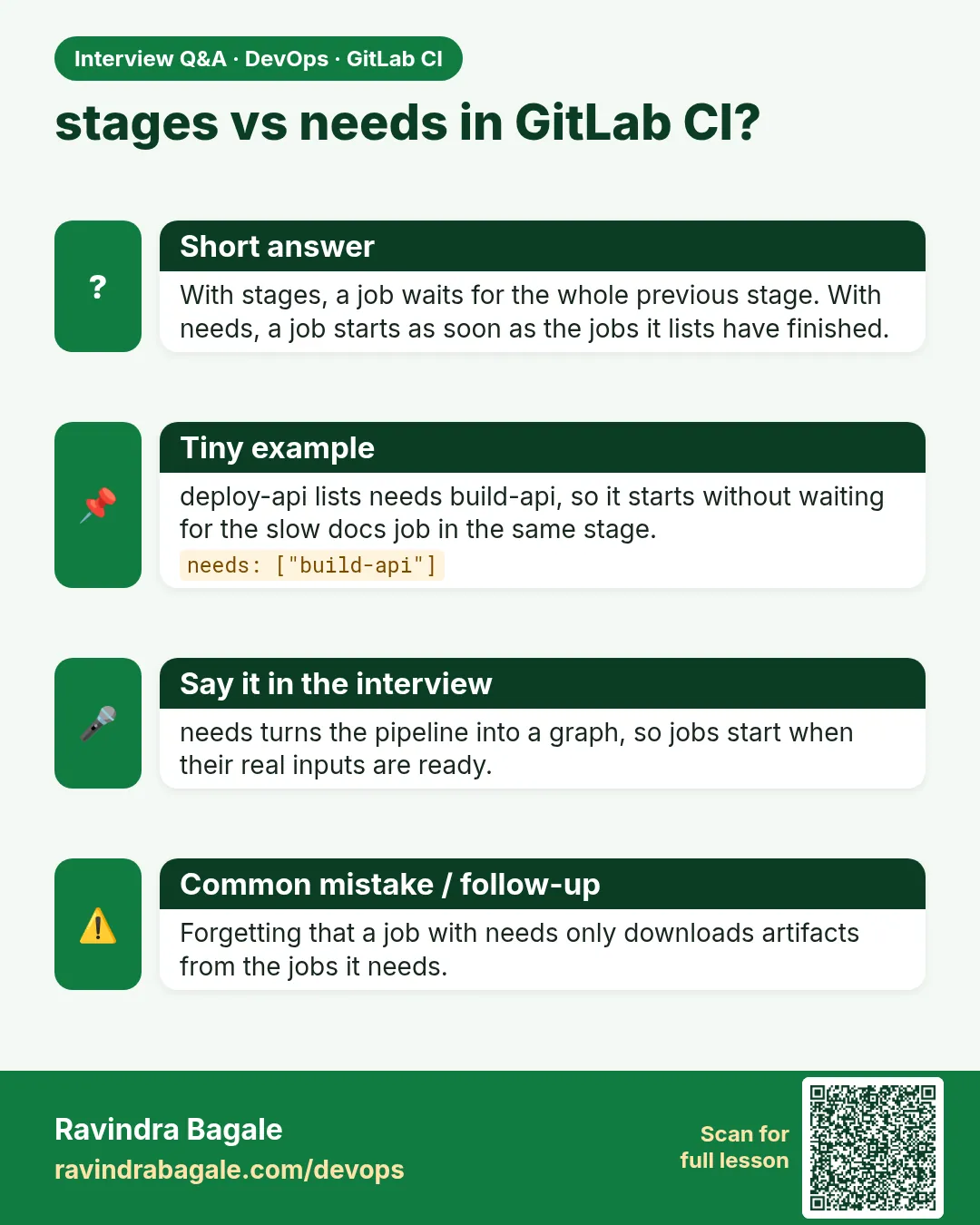
workflow:rulesusingCI_OPEN_MERGE_REQUESTS, as in the GitLab docs. - stages vs needs? — Stages wait for the whole previous stage;
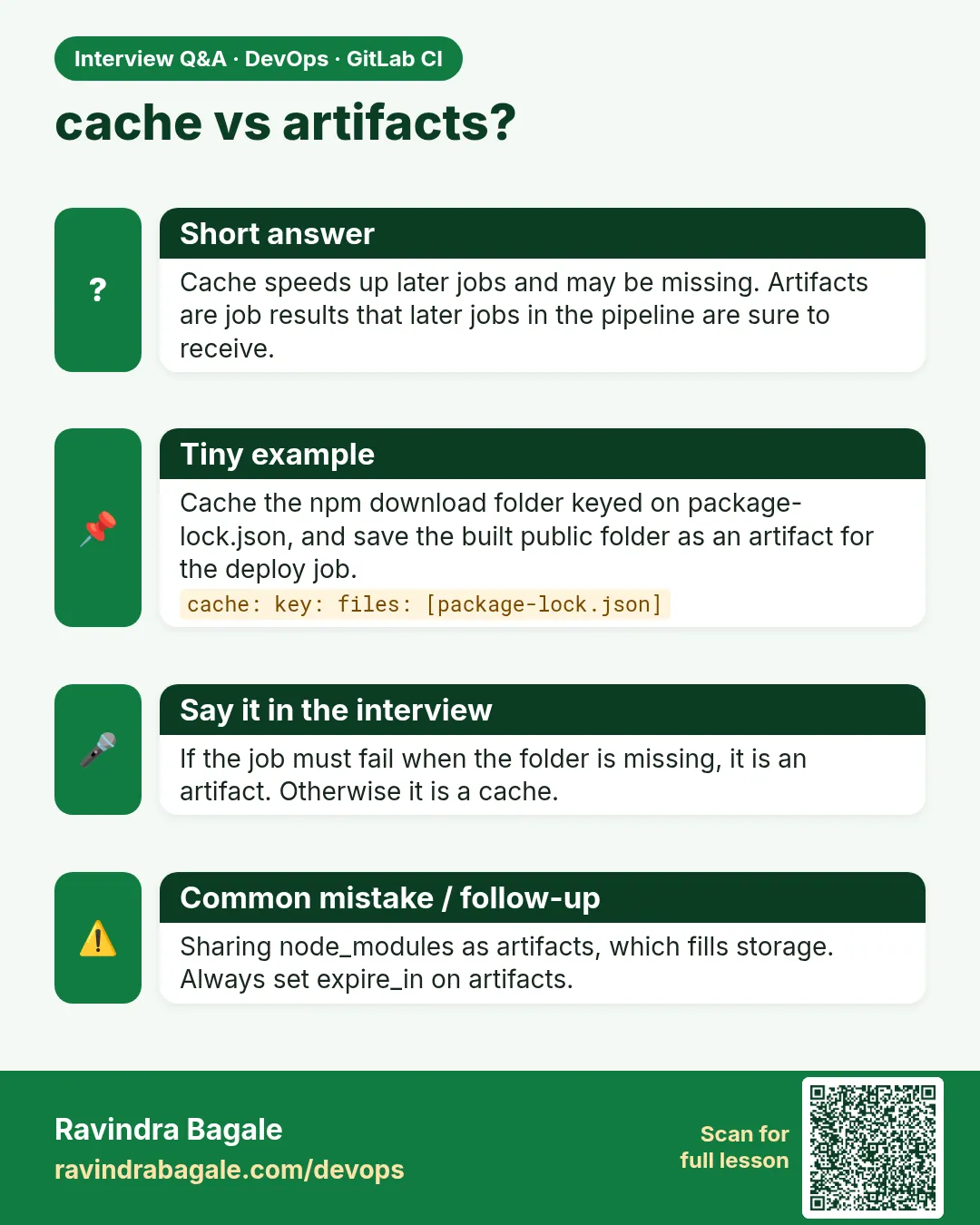
needsstarts a job when its listed jobs finish. - cache vs artifacts? — Cache speeds up and may be missing; artifacts are results later jobs must get.
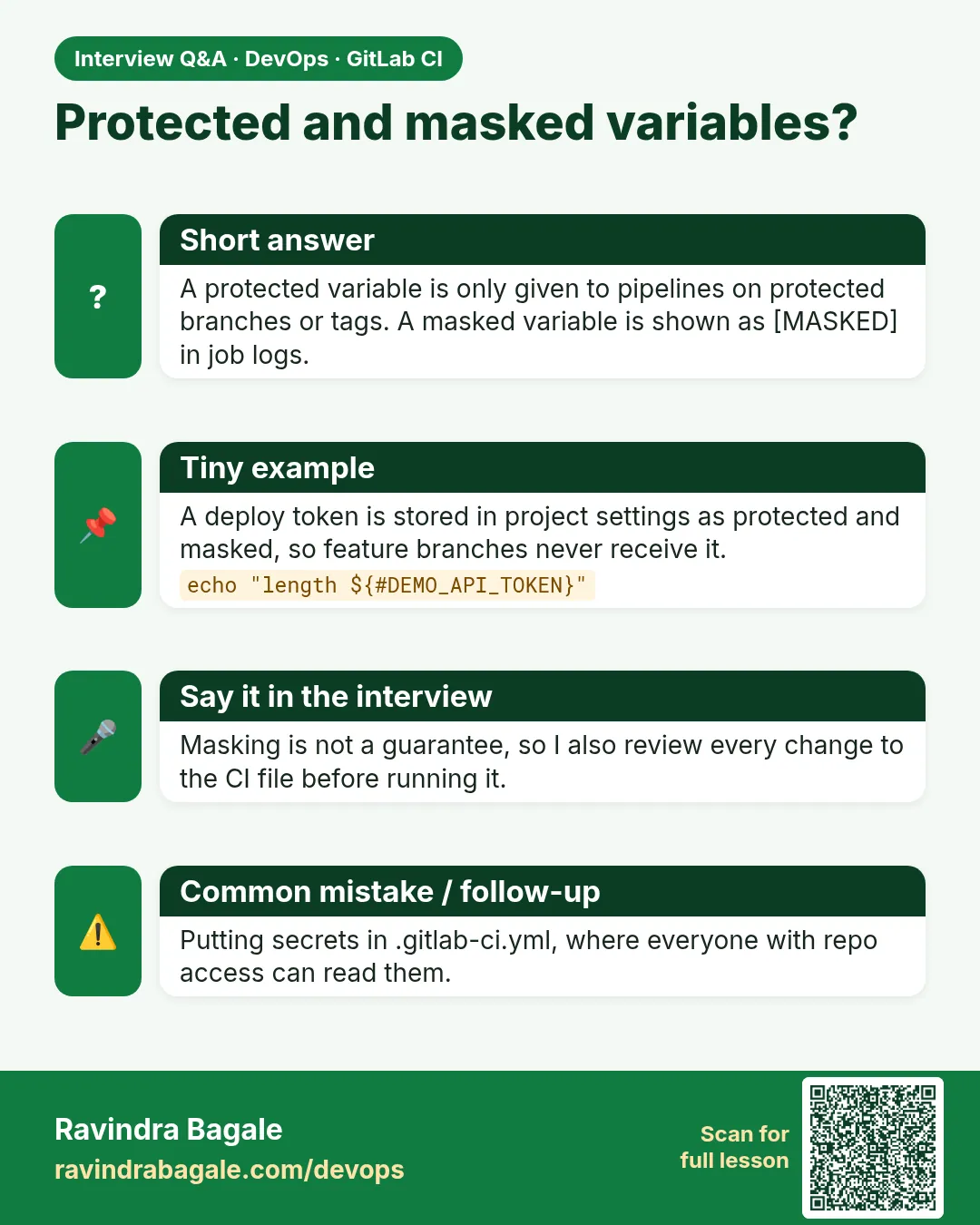
- Protected vs masked variables? — Protected limits which refs receive it; masked hides it in logs, but is not a guarantee.
- How do jobs push images without personal passwords? — Predefined
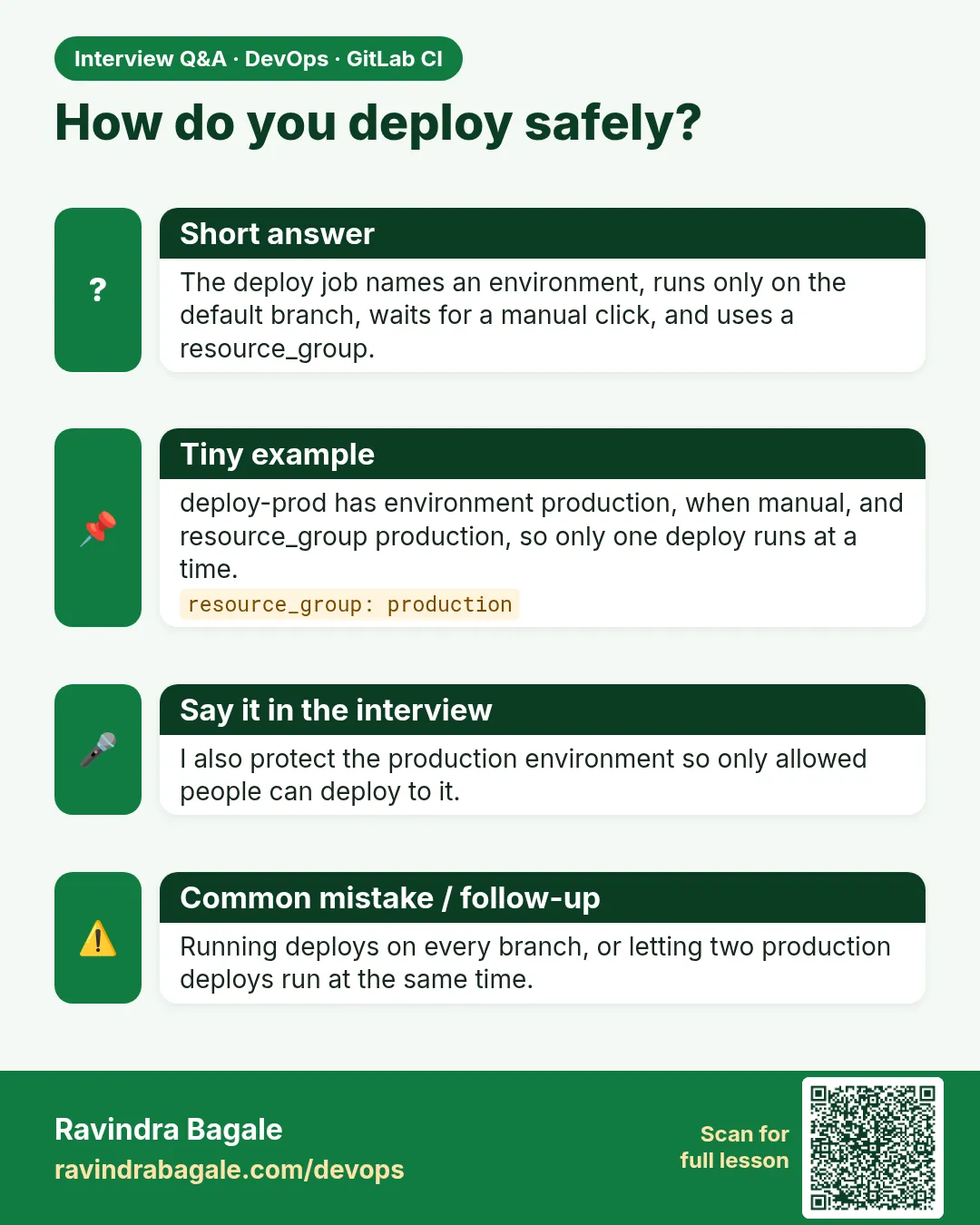
CI_REGISTRY_*variables with the short-lived job token. - How do you make production safe? — Environment, manual job, protected environment, and
resource_group. - How do you reuse CI config? —
includeplusextendshidden jobs, or CI/CD components, pinned to a tag.
Revision checklist
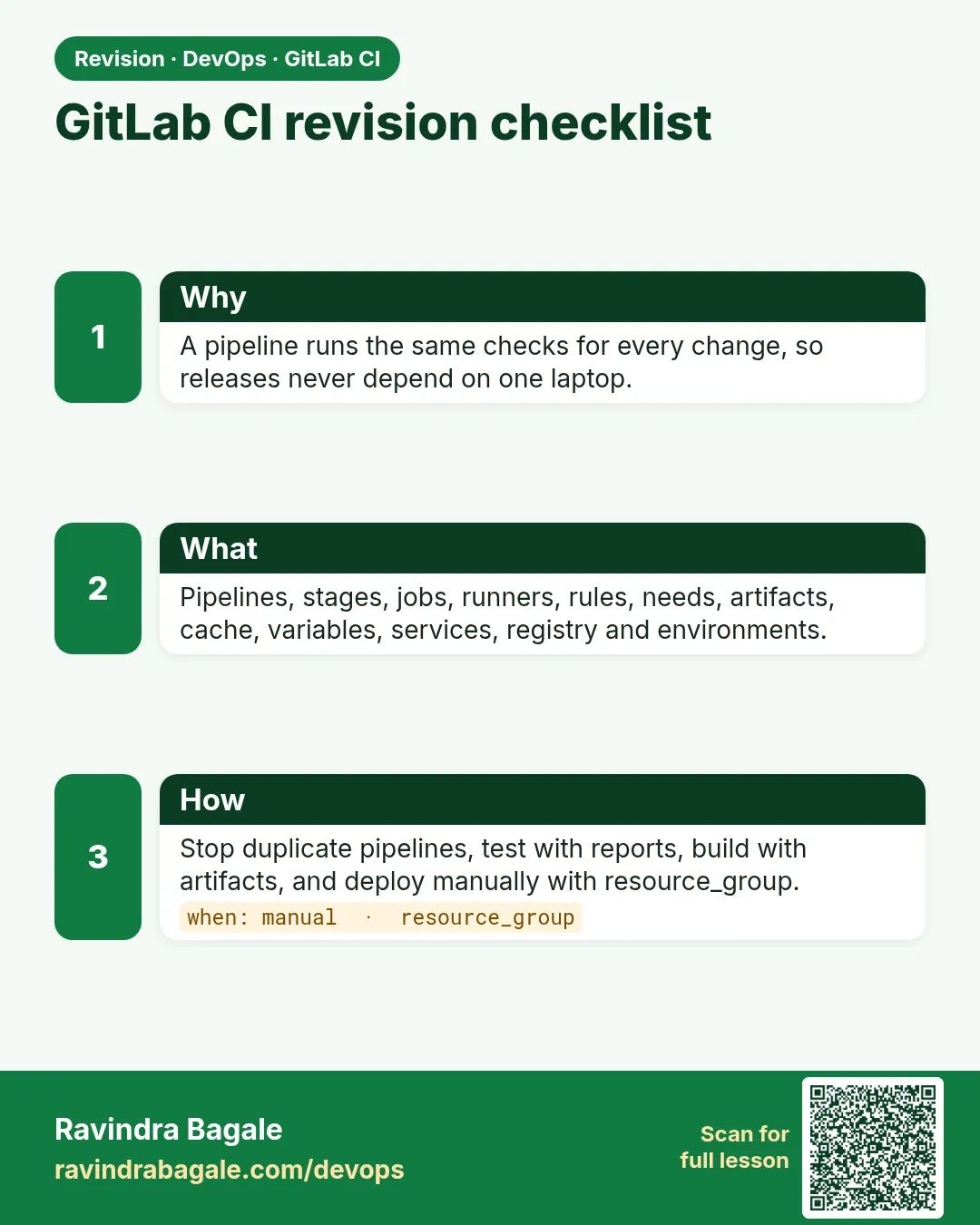
- [ ] I can explain pipeline, stage, job and runner.
- [ ] I can write default, image, before_script and script.
- [ ] I know shared vs self-managed runners, tags and protected runners.
- [ ] I can write workflow:rules that stop duplicate pipelines.
- [ ] I can use needs, artifacts, expire_in and dependencies.
- [ ] I keep secrets in protected, masked variables and never echo them.
- [ ] I know when to use cache and when to use artifacts.
- [ ] I can add a database service for tests.
- [ ] I can upload JUnit reports with when: always.
- [ ] I can push to the built-in registry with predefined variables.
- [ ] I can make a manual, protected production deploy with resource_group.
- [ ] I can reuse config with include and extends.
Quick quiz
Q1. Jobs in the same stage run how?
At the same time (in parallel), if runners are free.
Q2. What does needs: [] do?
The job waits for nothing and can start as soon as the pipeline starts.
Q3. Which variable helps stop duplicate pipelines when an MR is open?
CI_OPEN_MERGE_REQUESTS, used in workflow:rules.
Q4. What does a protected variable do?
It is only given to pipelines on protected branches or tags.
Q5. Is masking a guaranteed way to hide a secret?
No. GitLab's docs say masking is not guaranteed; review CI changes and never print secrets.
Q6. Cache or artifact for build output that the deploy job needs?
Artifact.
Q7. What does resource_group do?
Makes jobs in the same group run one at a time.
Q8. How does a job log in to the project registry without a personal password?
With CI_REGISTRY_USER and CI_REGISTRY_PASSWORD, which use the short-lived job token.
Q9. A job stays pending forever. First thing to check?
Whether any online runner has the tags the job asks for.
Q10. Why add when: always to a JUnit report artifact?
So the report is uploaded even when tests fail.
Ravindra Bagale's Tip
In interviews, walk through one pipeline: workflow rules, test jobs with reports, build with artifacts, manual protected deploy with resource_group.
Interview मध्ये एक pipeline समजावून सांगा: workflow rules, reports सोबत test jobs, artifacts सोबत build, resource_group सोबत manual protected deploy.
Interview में एक pipeline समझाओ: workflow rules, reports वाले test jobs, artifacts वाला build, resource_group वाला manual protected deploy.
In short
- A pipeline has stages; stages have jobs; runners run jobs.
- rules and workflow:rules control what runs; stop duplicate pipelines on day one.
- needs speeds pipelines; artifacts pass results; cache speeds installs.
- Secrets live in protected, masked variables, and CI changes still need review.
- Production deploys: environment, manual, protected, resource_group.
- Reuse with include and extends, pinned to a tag.
Did you understand? Let us try it once more.