Chapter 92: GitLab CI Deep Dive
92.14 Comparison — GitLab CI vs GitHub Actions vs Jenkins
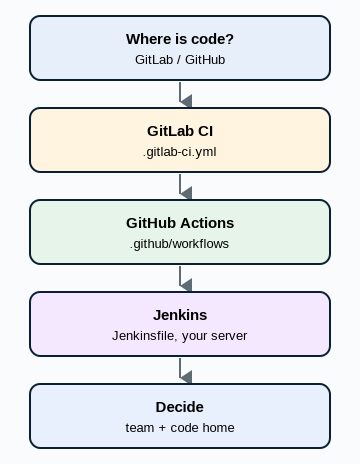
Story (fictional teaching scenario). In a fictional client meeting in Visakhapatnam, Emre from Ankara asked which CI to standardise on. Swati gave a short answer: the one next to your code, unless you have a strong reason. Their code was on GitLab, so GitLab CI. A sister team on GitHub kept GitHub Actions. An old on-prem system kept Jenkins until it was replaced.
Why
Interviewers ask, and teams waste months arguing. Clear trade-offs end the argument.
What
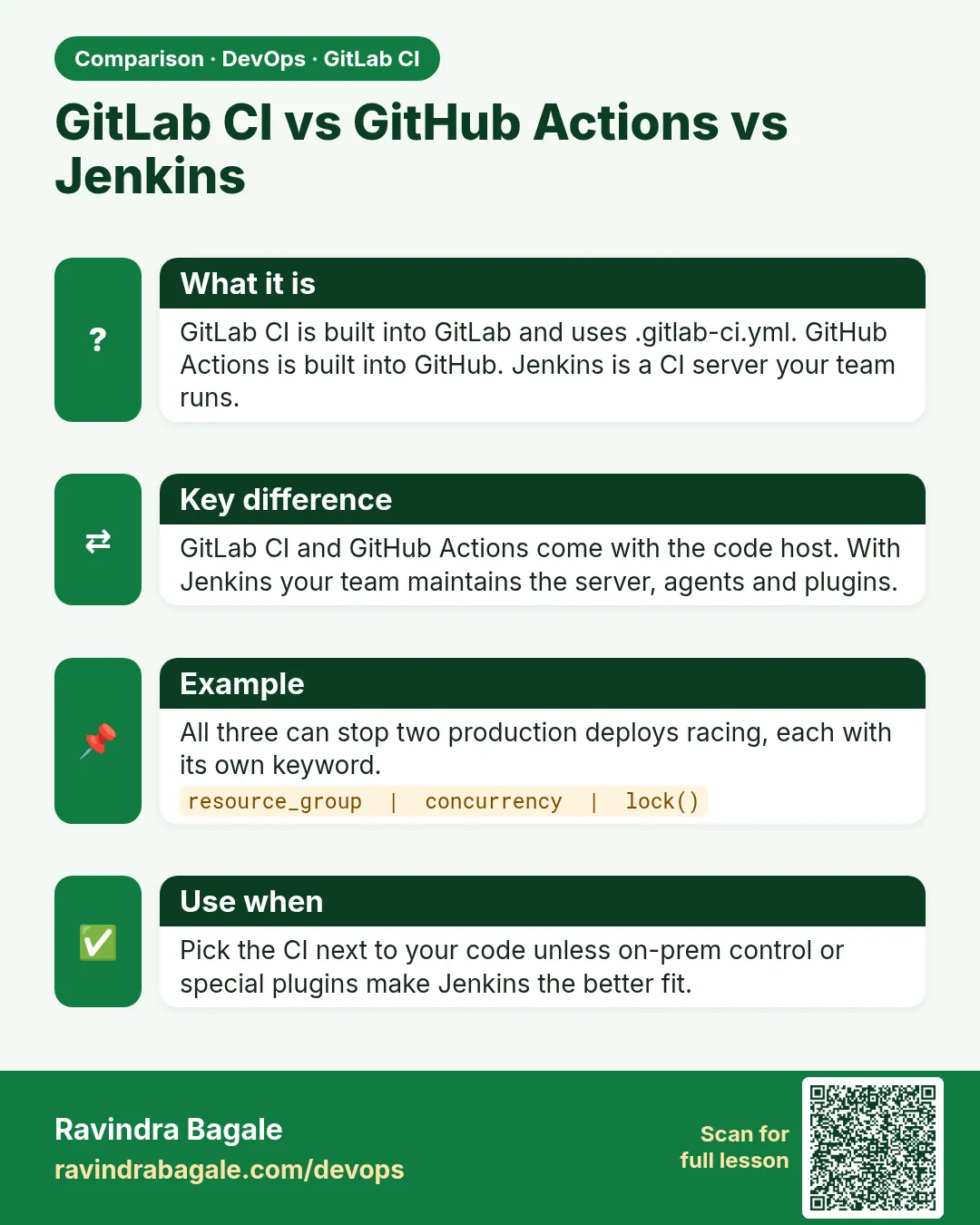
| Topic | GitLab CI | GitHub Actions | Jenkins |
|---|---|---|---|
| File | .gitlab-ci.yml |
.github/workflows/*.yml |
Jenkinsfile |
| Unit of work | Stages and jobs | Jobs and steps | Stages and steps |
| Where jobs run | GitLab runners (shared or self-managed) | GitHub-hosted or self-hosted runners | Jenkins agents |
| Order | stages, plus needs graph |
parallel jobs, plus needs |
stages in order, parallel blocks |
| One deploy at a time | resource_group |
concurrency |
lockable resources plugin |
| Human approval | when: manual + protected environments |
environments with reviewers | input step |
| Reuse | include, extends, components |
reusable workflows, actions | shared libraries |
How
- Start from where the code lives.
- Check hard needs: on-prem, special plugins, approvals, budget.
- Pick one main CI per team.
Example 1: The same test job three ways
GitLab CI:       unit-test: { script: ["python -m pytest -q"] }
GitHub Actions:  steps: - run: python -m pytest -q
Jenkins:         stage('Test') { steps { sh 'python -m pytest -q' } }
What it means: The command is identical. Only the wrapper changes.
Example 2: One-at-a-time deploy three ways
GitLab CI:       resource_group: production
GitHub Actions:  concurrency: { group: deploy-prod }
Jenkins:         lock('production') { ... }   (Lockable Resources plugin)
What it means: All three can stop two production deploys racing. Learn the keyword for your tool.
Ravindra Bagale's Tip
Say it plainly: same ideas, different file names. Then name one real difference, like resource_group in GitLab or environments in Actions.
साध्या शब्दात सांगा: कल्पना त्याच, file names वेगळी. मग एक खरा फरक सांगा, जसं GitLab मधला resource_group किंवा Actions मधले environments.
सीधे कहो: ideas वही, file names अलग. फिर एक असली फर्क बताओ, जैसे GitLab का resource_group या Actions के environments.
Did you understand? Let us try it once more.