Excel MONTH Function
Chala mitrano — today MONTH. Pull the month piece out of a full date as a number.
चला मित्रांनो — आज MONTH. पूर्ण तारखेतून MONTH भाग संख्या म्हणून काढा.
चलो दोस्तों — आज MONTH. पूरी तारीख से MONTH भाग संख्या के रूप में निकालो.
Purpose
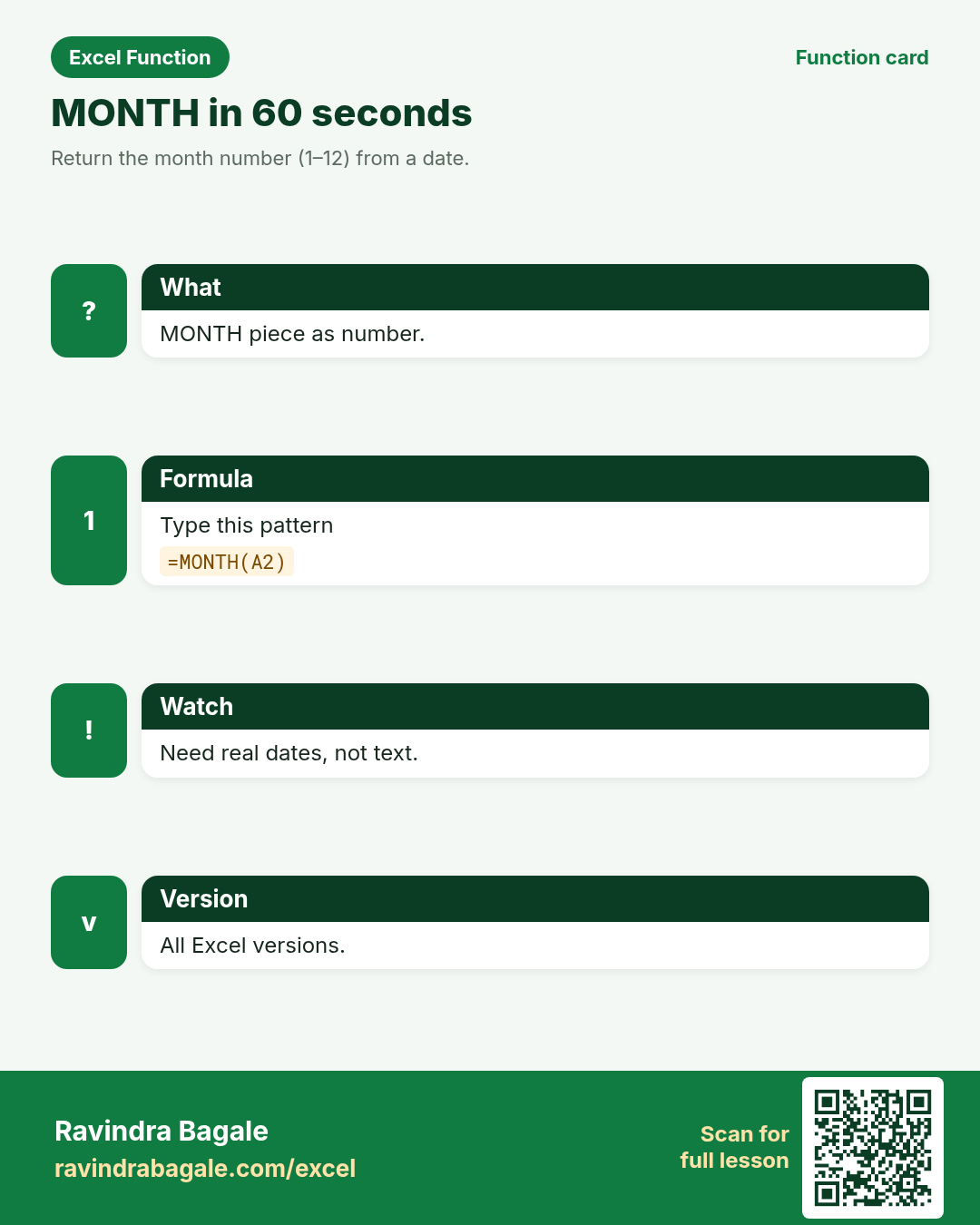
Return the month number (1–12) from a date.
Return value
A number.
Syntax
Arguments
| Argument | Required? | Description |
|---|---|---|
serial_number | Required | A real Excel date (or a cell with a date). |
Version
All Excel versions. LibreOffice Calc and Google Sheets too.
How to use — Why → What → How
Why: Reports often need only the month for pivots, filters and fiscal groupings. Seasonal sales pivots in Surat and Berlin group by month number. In Indian back offices and foreign sister teams, MONTH shows up on leave, SLA and invoice sheets every week.
What: MONTH(date) returns the month component as a number you can compare and calculate with. Read every argument in the table once before you type; each one changes the answer on purpose.
How — numbered steps:
- Click result cell.
- Type =MONTH(A2).
- Use the number in IF or pivot helpers.
Ravindra Bagale's Tip
Friends, after you learn MONTH, open a real leave or invoice sheet and find one cell this function would fix this week.
Ravindra Bagale's Tip – मराठी
मित्रांनो, MONTH शिकून झाल्यावर खरी leave किंवा invoice sheet उघडा.
Ravindra Bagale's Tip – हिंदी
दोस्तों, MONTH सीखने के बाद असली leave या invoice sheet खोलो.
Ravindra Bagale's Tip
Friends, sleep on MONTH and rebuild example 1 tomorrow without looking.
Ravindra Bagale's Tip – मराठी
मित्रांनो, MONTH वर एक रात्र झोपा आणि उद्या उदाहरण 1 न पाहता पुन्हा लिहा.
Ravindra Bagale's Tip – हिंदी
दोस्तों, MONTH पर एक रात सोकर कल उदाहरण 1 बिना देखे फिर लिखो.
Ravindra Bagale's Tip
Friends, say the business question in plain words before you type =MONTH.
Ravindra Bagale's Tip – मराठी
मित्रांनो, =MONTH टाइप करण्यापूर्वी प्रश्न साध्या शब्दांत सांगा.
Ravindra Bagale's Tip – हिंदी
दोस्तों, =MONTH टाइप करने से पहले सवाल सादे शब्दों में बोलो.
Ravindra Bagale's Tip
Friends, after you finish MONTH, open yesterday’s real workbook and find one place this function would have saved ten minutes. That habit turns lessons into salary skills.
Ravindra Bagale's Tip – मराठी
मित्रांनो, MONTH शिकून झाल्यावर कालची खरी वर्कबुक उघडा आणि शोधा जिथे हे फंक्शन दहा मिनिटे वाचवू शकले असते.
Ravindra Bagale's Tip – हिंदी
दोस्तों, MONTH सीखने के बाद कल की असली वर्कबुक खोलो और ढूँढो जहाँ यह फ़ंक्शन दस मिनट बचा सकता था.
Ravindra Bagale's Tip
Friends, treat MONTH like a seatbelt on date sheets — use it before a manager asks why the deadline slipped.
Ravindra Bagale's Tip – मराठी
मित्रांनो, MONTH ला date sheets वरील seatbelt समजा — manager विचारण्यापूर्वी वापरा.
Ravindra Bagale's Tip – हिंदी
दोस्तों, MONTH को date sheets पर seatbelt समझो — manager पूछे उससे पहले इस्तेमाल करो.
Download practice file: practice-month.xlsx (includes sheet About this data, practice sheets, and Answers).
Worked examples
1) Month number
Surat sales.
| Date | ₹ |
|---|---|
| 2026-10-31 | 8800 |
Result: 10
What it means: October → 10.
2) Month name via TEXT
Report label.
| Date |
|---|
| 2026-10-31 |
Result: Oct
What it means: TEXT for names; MONTH for numbers.
3) Qtr helper
Berlin €.
| Date | € |
|---|---|
| 2026-05-10 | 150 |
Result: 2
What it means: May is quarter 2.
4) Same month test
Compare two dates.
| D1 | D2 |
|---|---|
| 2026-10-01 | 2026-10-31 |
Result: TRUE
What it means: Both October.
5) With DATE
Build then read.
| Y | M | D |
|---|---|---|
| 2026 | 12 | 25 |
Result: 12
What it means: December.
6) Fiscal note
India FY often Apr–Mar.
| Date |
|---|
| 2026-04-05 |
Result: 4
What it means: April starts many Indian fiscal years.
Common errors and fixes
Notes and tips
- Revisit the MONTH errors table after the quiz.
- Build one new example from memory before closing the laptop.
- Check date formats and regional settings if a result looks wrong.
- Teach one tip to a classmate in Marathi or Hindi.
- Keep currency consistent inside one report column (practice may mix ₹ $ £ €).
- Note a fallback formula when home Excel is older than class Excel.
- Drill: extract MONTH from five mixed Indian/foreign date rows without peeking.
- MONTH vs TEXT: MONTH returns a number; TEXT returns a display string.
- Fictional sample data only.
- Print the MONTH revision card for one week of practice.
- Ask juniors to predict before Enter.
- Track your most common mistake monthly.
- Seasonal sales pivots in Surat and Berlin group by month number.
- Excel stores dates as serial numbers.
- Verify with a known calendar date before trusting long chains.
- Print the revision card for MONTH and stick it near your monitor for one week of real worksheets.
- When helping a junior, ask them to predict the result before pressing Enter — prediction builds judgement.
- Keep a personal notebook of the one mistake you make most often with this function; review it monthly.
- Share one tip from this page with a classmate in Marathi or Hindi — teaching locks the idea.
- If a result looks wrong, check date formats and regional settings before changing the formula.
- Date serial numbers are how Excel stores dates — formatting only changes the display.
- Share one tip from this page with a classmate in Marathi or Hindi — teaching locks the idea.
- Keep currency symbols consistent inside a single report column even when practice mixes ₹ $ £ € across examples.
- Classroom habit: after MONTH, open yesterday’s real workbook and find one place this function saves time.
- For interviews, explain why calendar days and working days differ on a project that crosses a weekend.
In real work
Drill: extract MONTH from five mixed Indian/foreign date rows without peeking. Seasonal sales pivots in Surat and Berlin group by month number. Classroom drill: write three brand-new MONTH formulas on a blank sheet using names from your own city — if you can invent them without the page open, you own the skill. Then break one formula on purpose and watch the error; recovering from that break is half of interview readiness. Always verify with a known calendar date before trusting a long chain of date formulas. Keep a personal notebook of the one mistake you make most often with this function; review it monthly. When Excel versions differ at home and in class, write the fallback formula under the modern one in a comment cell.
How it compares
MONTH vs TEXT: MONTH returns a number; TEXT returns a display string.
Interview corner
- Why MONTH not TEXT?
- Numbers calculate; TEXT is for labels.
- Text date?
- Convert first.
- Common mistake?
- Formatting confused with real serial.
Related functions
Practice tasks (10)
- Task 1. Extract MONTH from 2026-10-31.MONTH(date).
- Task 2. Handle a text date first.DATEVALUE.
- Task 3. Flag rows matching a rule with IF.IF.
- Task 4. Explain number vs TEXT name.Interview.
- Task 5. Build date then extract.DATE+MONTH
- Task 6. Fill down a column.Fill.
- Task 7. Document fiscal note if relevant.Note.
- Task 8. Compare two dates on this component.Equals.
- Task 9. Quiz a classmate orally.Teach.
- Task 10. Bonus: combine YEAR and MONTH for YYYYMM key.Join.
Quick quiz
Answers: Q1=A number, Q2=A real date, Q3=TEXT with mmm, Q4=DATEVALUE/DATE, Q5=Yes (check after you try).
Revision card
Standalone card (no tip or photo strip). QR opens this lesson. Download the PNG and revise offline.