Excel LEN Function
Chala mitrano — lEN is a ruler for text. It counts every character, including the spaces you cannot see.
चला मित्रांनो — LEN म्हणजे text ची पट्टी. दिसणारी आणि न दिसणारी spaces सहित प्रत्येक अक्षर मोजा.
चलो दोस्तों — LEN टेक्स्ट का फ़ूटा है. दिखने वाले और छुपे spaces समेत हर अक्षर गिनता है.
Purpose
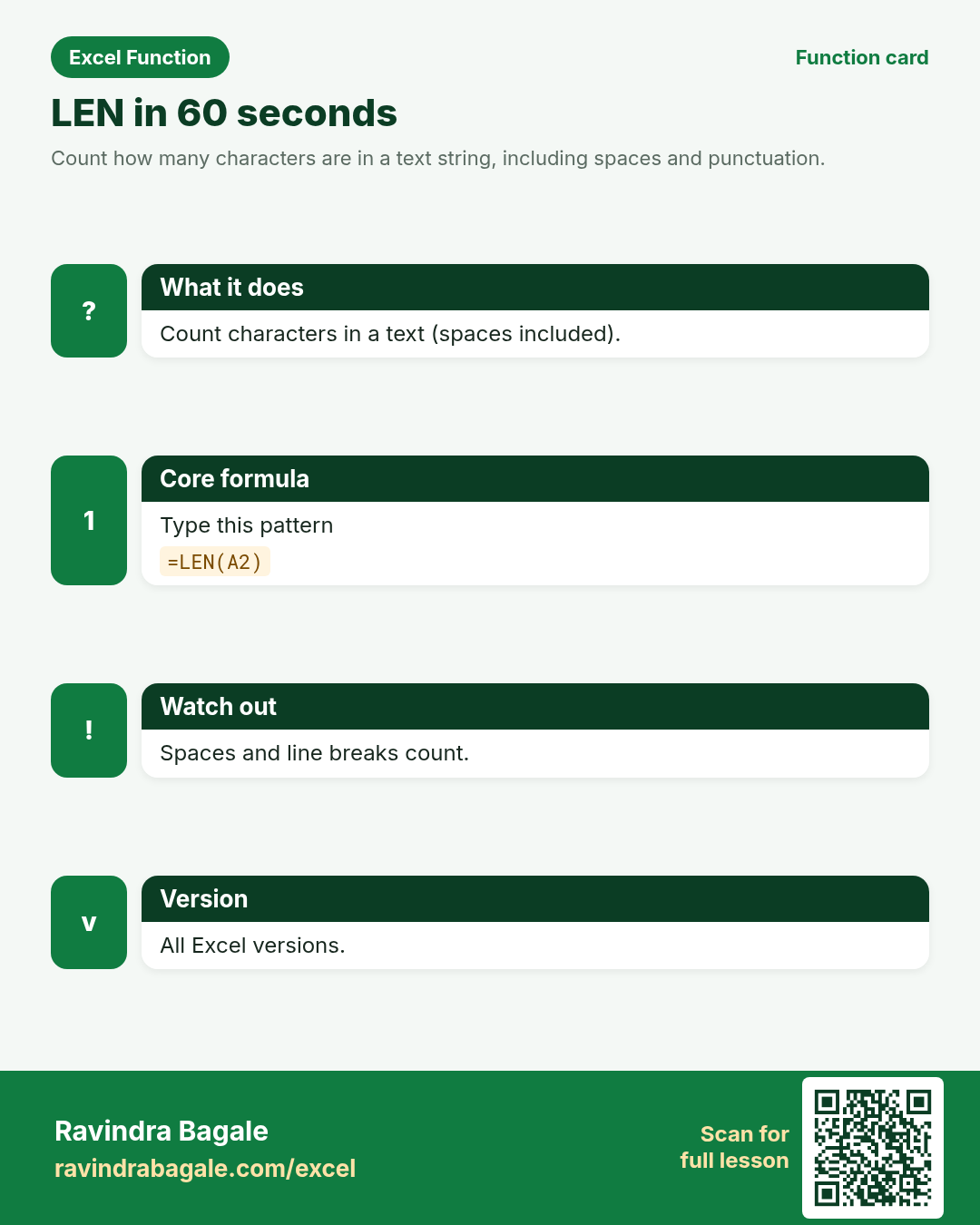
Count how many characters are in a text string, including spaces and punctuation.
Return value
A number — the character count.
Syntax
Arguments
| Argument | Required? | Description |
|---|---|---|
text | Required | The text or cell whose characters you want to count. |
Version
All Excel versions. LibreOffice Calc compatible (same idea as LEN).
How to use — Why → What → How
Why: A Kolhapur college form rejects student IDs that are not exactly 8 characters. A Toronto CRM flags customer names longer than 40 characters. LEN makes those checks automatic. LEN is the first forensic tool on dirty sheets. Before any LEFT/RIGHT lesson, make students compare LEN and LEN(TRIM()) on a deliberately padded column. That habit prevents a week of false VLOOKUP mystery.
What: LEN returns the number of characters in the text. Spaces count. Line breaks count. It does not care whether characters are letters or digits. Read every argument in the table once before you type; each one changes the answer on purpose.
How — numbered steps:
- Click the result cell.
- Type =LEN(
- Click the text cell.
- Close bracket, Enter.
- Fill down beside a column of IDs or names.
- Compare LEN and LEN(TRIM(...)) to spot extra spaces.
- Use IF(LEN(A2)=8,"OK","Check") for simple validation.
Ravindra Bagale's Tip
Friends, lEN before and after TRIM tells you how many extra spaces were hiding. That trick catches dirty CSV imports fast.
Ravindra Bagale's Tip – मराठी
मित्रांनो, TRIM च्या आधी आणि नंतर LEN करा — किती अतिरिक्त spaces होत्या हे कळते. CSV imports साठी जलद ट्रिक.
Ravindra Bagale's Tip – हिंदी
दोस्तों, TRIM से पहले और बाद में LEN करो — कितने अतिरिक्त spaces थे पता चलता है. CSV imports के लिए तेज़ ट्रिक.
Ravindra Bagale's Tip
Friends, sleep on LEN and rebuild example 1 tomorrow without looking. That five-minute test beats rereading the whole page.
Ravindra Bagale's Tip – मराठी
मित्रांनो, LEN वर एक रात्र झोपा आणि उद्या उदाहरण 1 न पाहता पुन्हा लिहा. पाच मिनिटांची ही चाचणी पूरे पृष्ठ वाचण्यापेक्षा जास्त मदत करते.
Ravindra Bagale's Tip – हिंदी
दोस्तों, LEN पर एक रात सोकर कल उदाहरण 1 बिना देखे फिर लिखो. पाँच मिनट का यह टेस्ट पूरा पेज पढ़ने से ज़्यादा मदद करता है.
Ravindra Bagale's Tip
Friends, after you finish LEN, open yesterday’s real workbook and find one place this function would have saved ten minutes. That habit turns lessons into salary skills.
Ravindra Bagale's Tip – मराठी
मित्रांनो, LEN शिकून झाल्यावर कालची खरी वर्कबुक उघडा आणि शोधा जिथे हे फंक्शन दहा मिनिटे वाचवू शकले असते. ही सवय धड्यांना पगाराची कौशल्ये बनवते.
Ravindra Bagale's Tip – हिंदी
दोस्तों, LEN सीखने के बाद कल की असली वर्कबुक खोलो और ढूँढो जहाँ यह फ़ंक्शन दस मिनट बचा सकता था. यही आदत पाठ को सैलरी स्किल बनाती है.
Download practice file: practice-len.xlsx (includes sheet About this data, practice sheets, and Answers).
Worked examples
1) ID length check
Kolhapur student IDs.
| Student ID | Name |
|---|---|
| STU12045 | Aarav Patil |
| STU99 | Meera Joshi |
| STU12046 | Omar Sheikh |
Result: 8
What it means: STU12045 has 8 characters — valid length.
2) Name length
Toronto CRM limit 40.
| Name |
|---|
| Priya Desai |
| Christopher Jonathan Williams |
Result: 11
What it means: Priya Desai is 11 characters including the space.
3) Spaces count
Extra spaces.
| Raw |
|---|
| Aarav Patil |
| Aarav Patil |
Result: 12
What it means: Double space makes length 12 vs 11.
4) After TRIM
Cleaned length.
| Raw |
|---|
| Pune |
| Pune |
Result: 4
What it means: TRIM drops leading/trailing spaces.
5) Empty cell
Blank.
| Note |
|---|
| x |
Result: 0
What it means: Empty text has length 0.
6) IF validation
Flag short IDs.
| Student ID |
|---|
| STU12045 |
| STU99 |
Result: OK
What it means: First ID passes the 8-character rule.
Common errors and fixes
Notes and tips
- LEN counts spaces and punctuation.
- LENB exists for double-byte character sets — rarely needed in these classes.
- Pair LEN with TRIM to audit dirty data.
- Data-entry teams in Kolhapur colleges and Toronto SaaS onboarding both live on length rules. Teach LEN as the first audit tool before LEFT/RIGHT parsing.
- LEN vs LENB: LENB counts bytes in some locales. LEN vs SUBSTITUTE trick: (LEN(A2)-LEN(SUBSTITUTE(A2," ",""))) counts spaces.
- Fictional sample data only — practice amounts and names are made for learning.
- After the 10 tasks, re-read the errors table once.
- Say the business question in plain words before you type equals.
- Keep a scrap sheet for experiments so you do not overwrite class files.
- Fill formulas down only after the first row looks correct.
- When two answers look possible, write both on paper then test in Excel.
- LEN is the first forensic tool on dirty sheets. Before any LEFT/RIGHT lesson, make students compare LEN and LEN(TRIM()) on a deliberately padded column. That habit prevents a week of false VLOOKUP mystery.
- Revisit the LEN errors table after the quiz — most classroom mistakes are listed there.
- Build one brand-new example on a blank sheet from memory before you close the laptop.
- If a result looks wrong, check spaces with LEN and case with exact equals before changing the formula.
- Share one tip from this page with a classmate in Marathi or Hindi — teaching locks the idea.
- Keep currency symbols consistent inside a single report column even when practice mixes ₹ $ £ € across examples.
- When Excel versions differ at home and in class, write the fallback formula under the modern one in a comment cell.
- Print the revision card for LEN and stick it near your monitor for one week of real worksheets.
- When helping a junior, ask them to predict the result before pressing Enter — prediction builds judgement.
- Keep a personal notebook of the one mistake you make most often with this function; review it monthly.
In real work
Data-entry teams in Kolhapur colleges and Toronto SaaS onboarding both live on length rules. Teach LEN as the first audit tool before LEFT/RIGHT parsing. LEN is the first forensic tool on dirty sheets. Before any LEFT/RIGHT lesson, make students compare LEN and LEN(TRIM()) on a deliberately padded column. That habit prevents a week of false VLOOKUP mystery. Classroom drill: write three brand-new LEN formulas on a blank sheet using names from your own city — if you can invent them without the page open, you own the skill. Then break one formula on purpose (wrong case, wrong start, extra space) and watch the error; recovering from that break is half of interview readiness.
How it compares
LEN vs LENB: LENB counts bytes in some locales. LEN vs SUBSTITUTE trick: (LEN(A2)-LEN(SUBSTITUTE(A2," ",""))) counts spaces.
Interview corner
- Do spaces count in LEN?
- Yes.
- Length of an empty cell?
- 0.
- How do you count only spaces?
- LEN minus LEN after SUBSTITUTE removes spaces.
Related functions
LEFT, RIGHT, TRIM, LENB, SUBSTITUTE
Practice tasks (10)
- Task 1. Show LEN of STU12045.Hint: one argument only.
- Task 2. Flag IDs where LEN is not 8 using IF.Hint: compare with =.
- Task 3. Compare LEN of Aarav Patil vs Aarav Patil.Hint: look at the double space.
- Task 4. LEN(TRIM()) on a cell with leading spaces.Hint: nest TRIM.
- Task 5. Length of an empty cell.Hint: clear the cell first.
- Task 6. Count characters in Christopher Jonathan Williams.Hint: spaces count.
- Task 7. Build OK/Check column for three student IDs.Hint: IF + LEN.
- Task 8. Explain why two names look equal but LEN differs.Hint: invisible spaces.
- Task 9. Use LEN to decide if LEFT(A2,4) is safe for a code.Hint: check length first.
- Task 10. Write one audit note about LEN vs TRIM.Hint: before/after idea.
Quick quiz
Answers: Q1=4, Q2=Count, Q3=0, Q4=LEN vs LEN(TRIM()), Q5=Number (check after you try).
Revision card
Standalone card (no tip or photo strip). QR opens this lesson. Download the PNG and revise offline.