Ravindra BagaleCourses & study guides मराठी

Ravi Sir's Cards › DevOps

Chapter 37: Terraform Import Moved and Removed Blocks: Cards

मराठी cards · Open the chapter

Revision cards
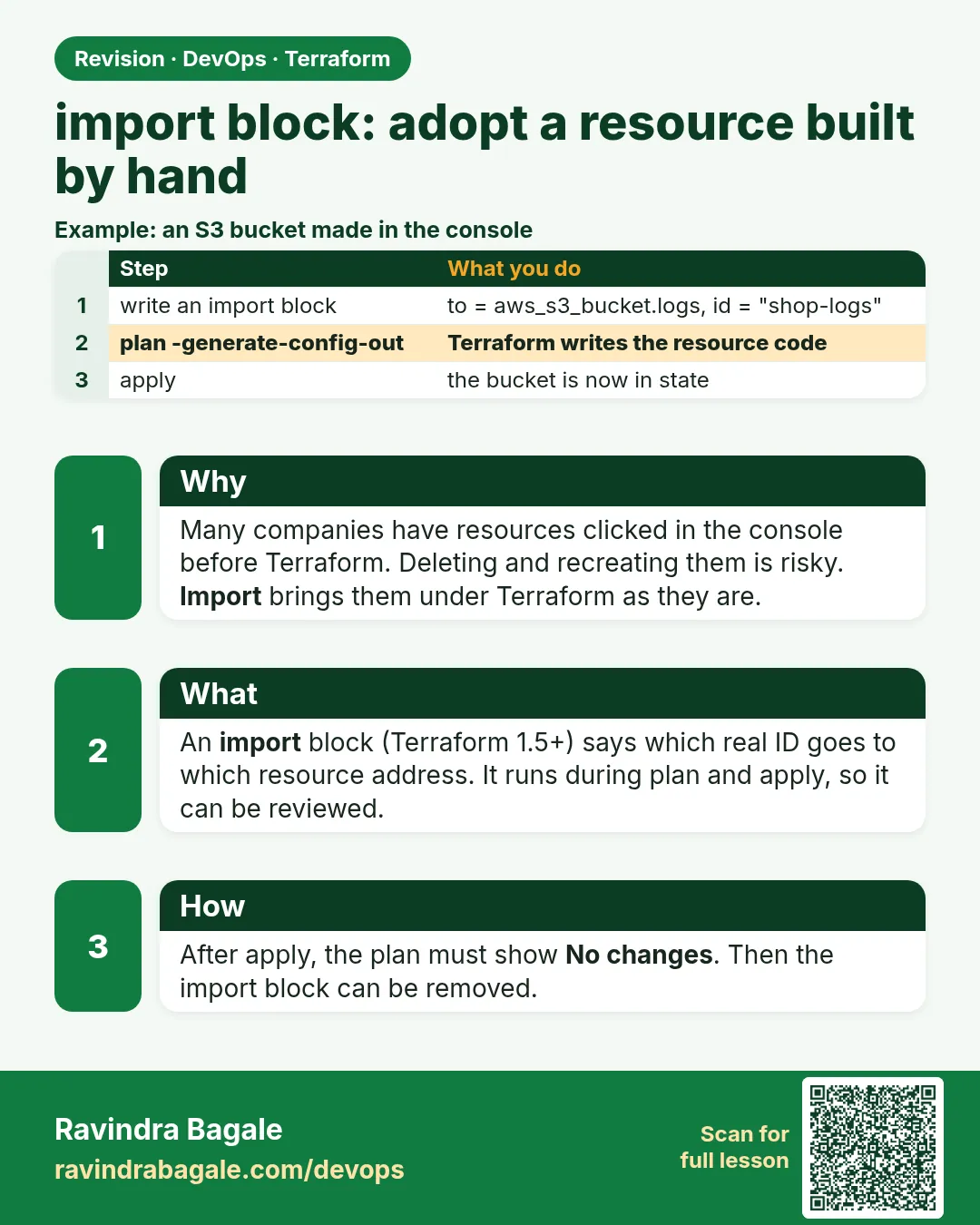
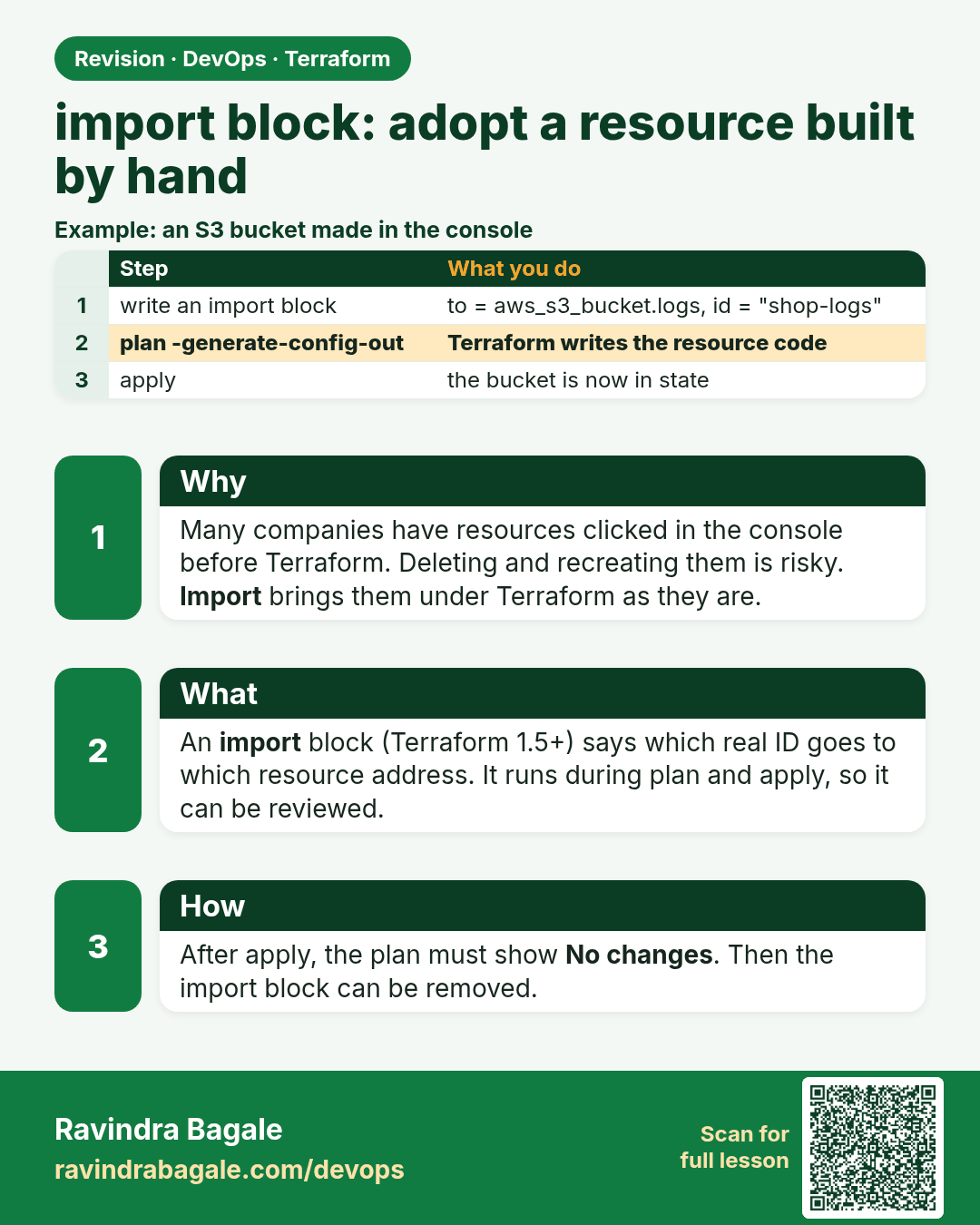
import block: adopt a resource built by hand. Many companies have resources clicked in the console before Terraform. Deleting and recreating them is risky. Import brings them under Terraform as they are.
Revision card 1 of 3: import block: adopt a resource built by hand · Download PNG · Open card page

Lesson: 37.1 import block — adopt a resource built by hand
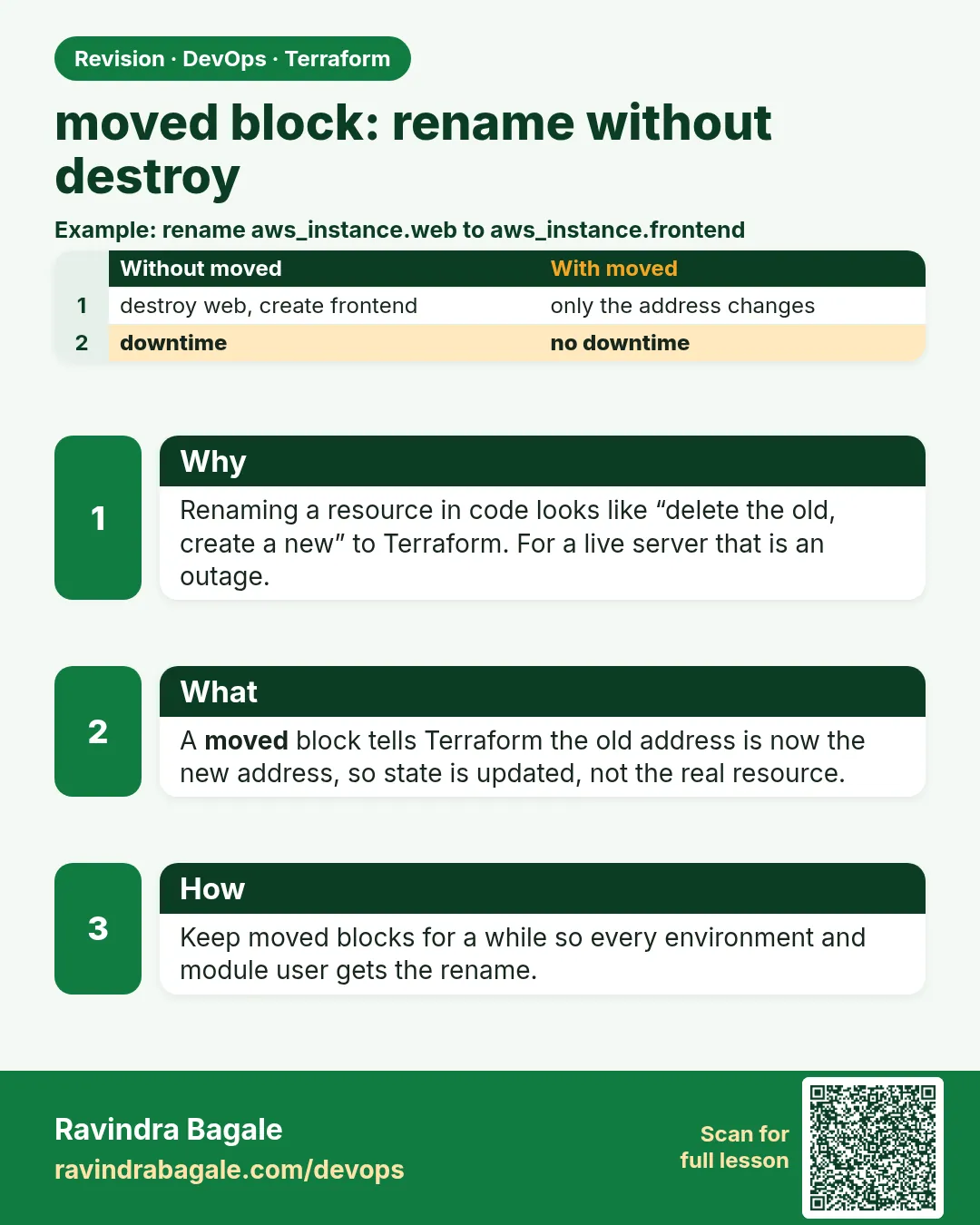
moved block: rename without destroy. Renaming a resource in code looks like “delete the old, create a new” to Terraform. For a live server that is an outage.
Revision card 2 of 3: moved block: rename without destroy · Download PNG · Open card page

Lesson: 37.2 moved block — rename without destroy

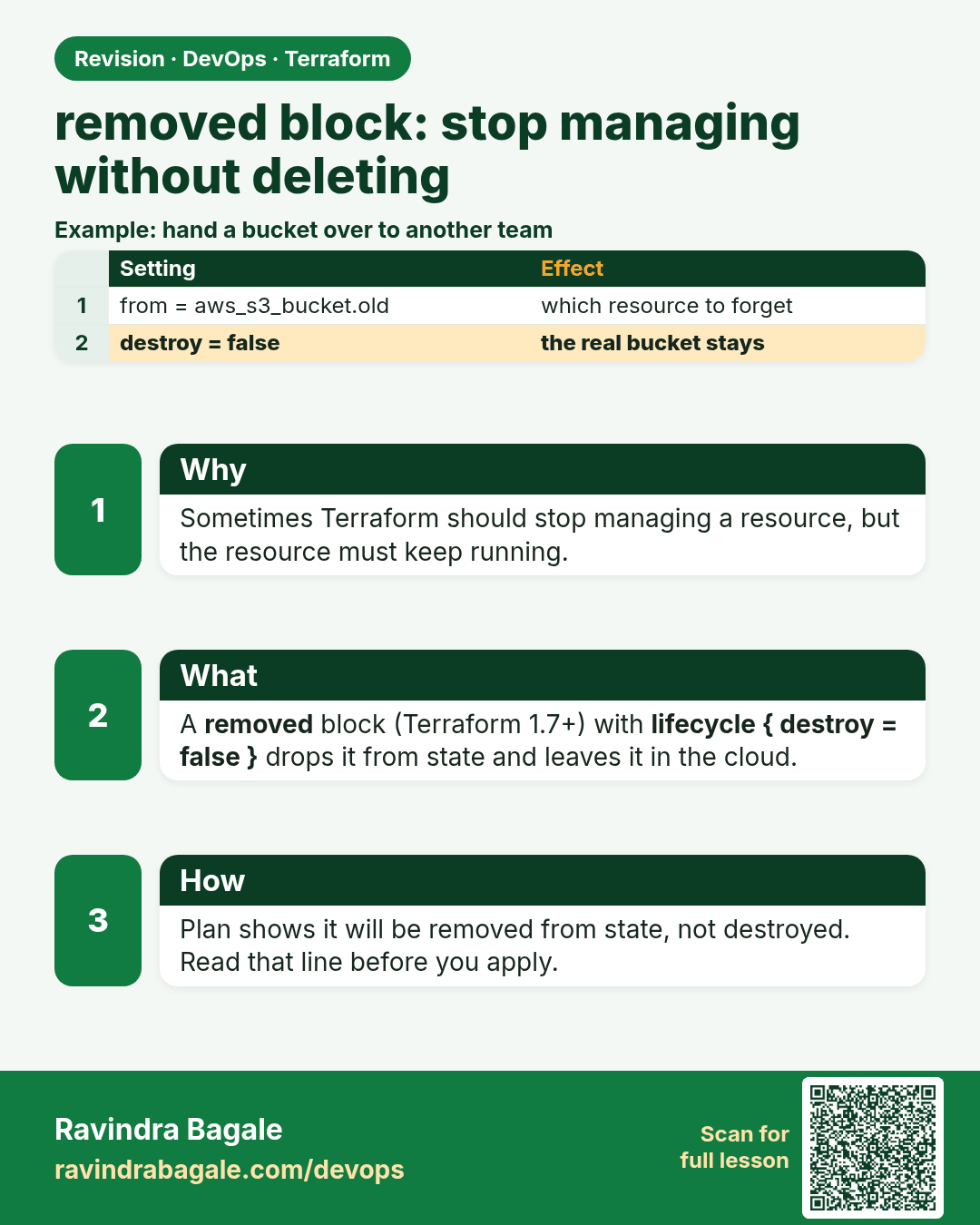
removed block: stop managing without deleting. Sometimes Terraform should stop managing a resource, but the resource must keep running.
Revision card 3 of 3: removed block: stop managing without deleting · Download PNG · Open card page

Lesson: 37.3 removed block — stop managing without deleting

Interview cards

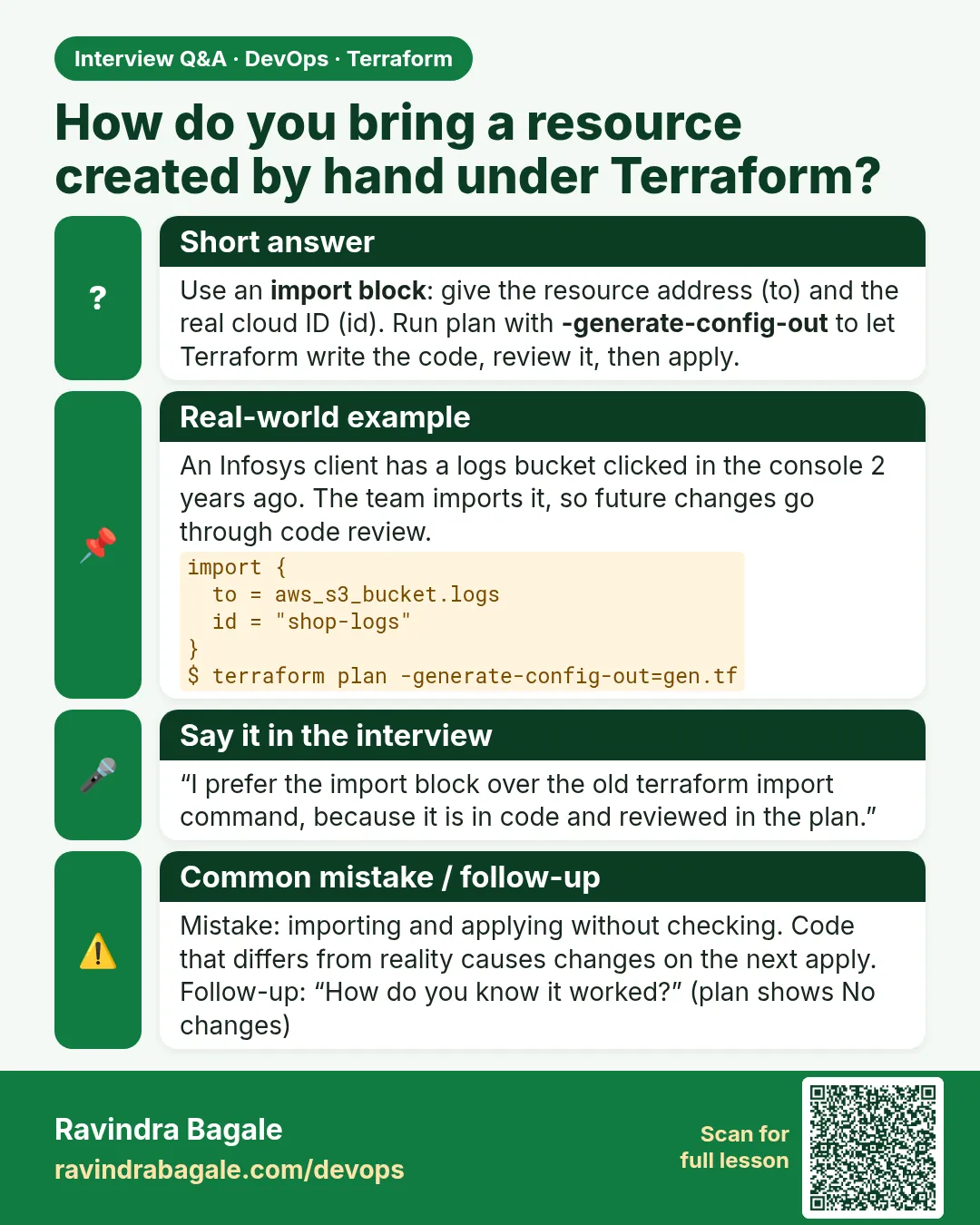
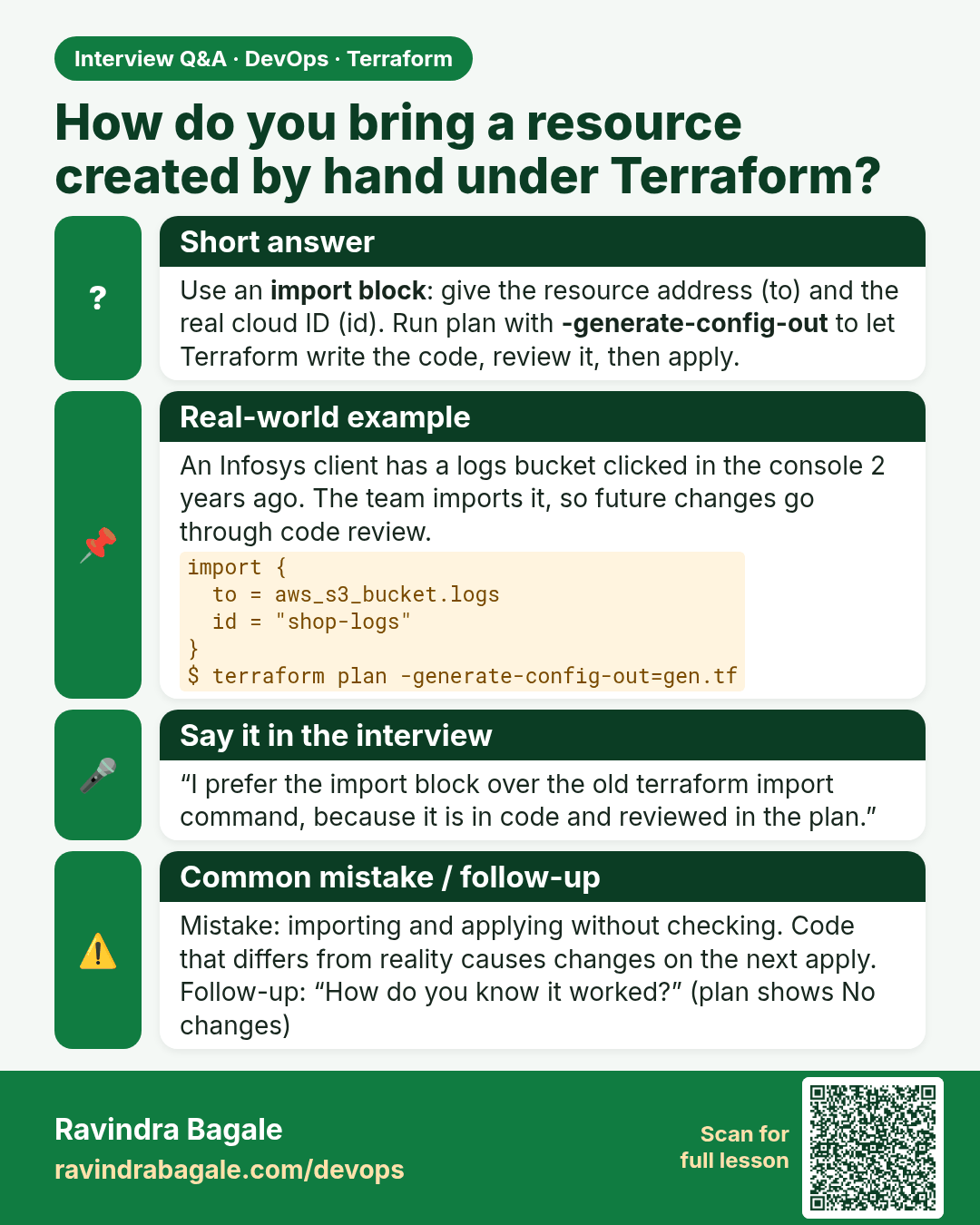
How do you bring a resource created by hand under Terraform? Use an import block: give the resource address (to) and the real cloud ID (id). Run plan with -generate-config-out to let Terraform write the code, review it, then apply.
Interview card 1 of 3: How do you bring a resource created by hand under Terraform? · Download PNG · Open card page

Lesson: 37.1 import block — adopt a resource built by hand
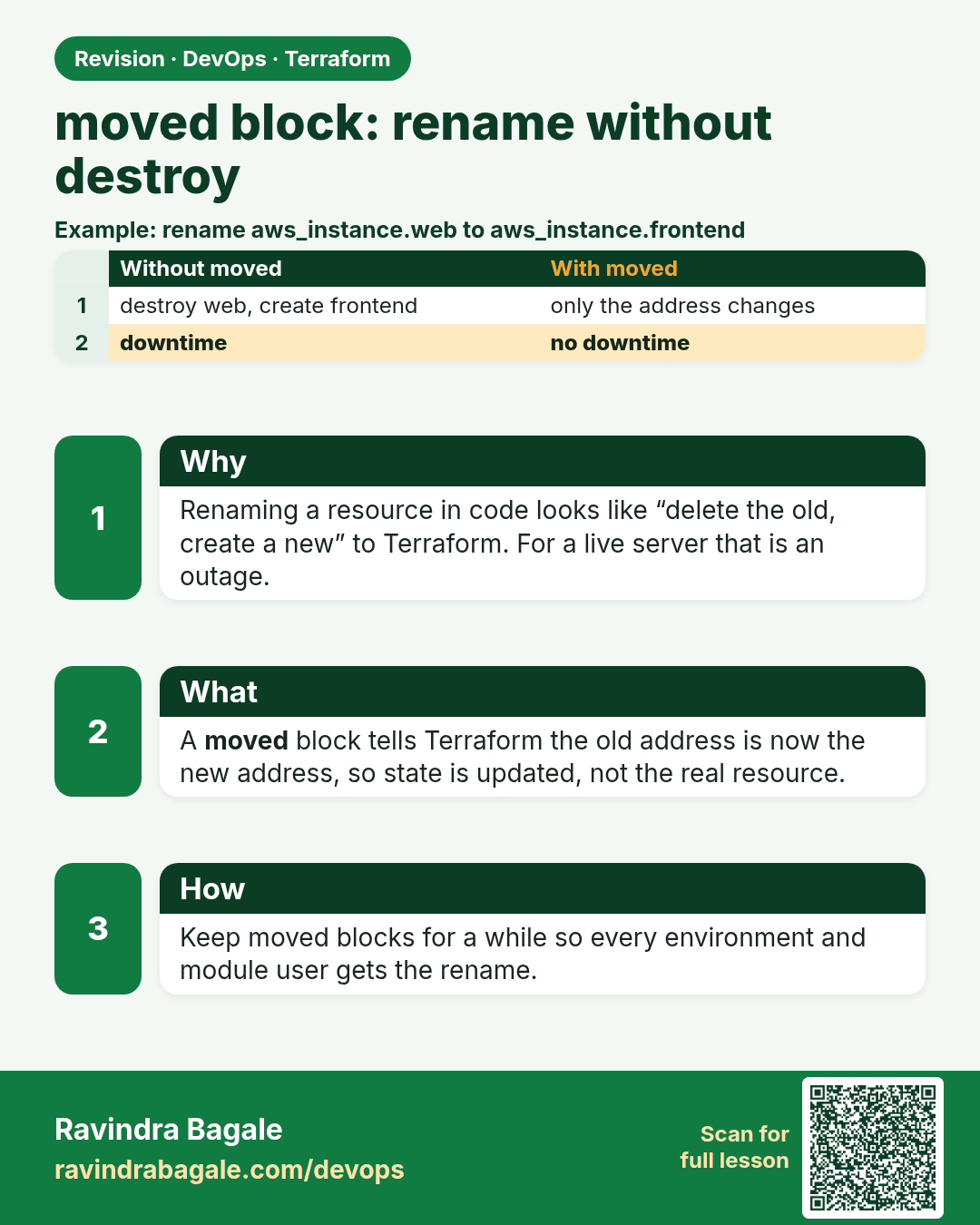
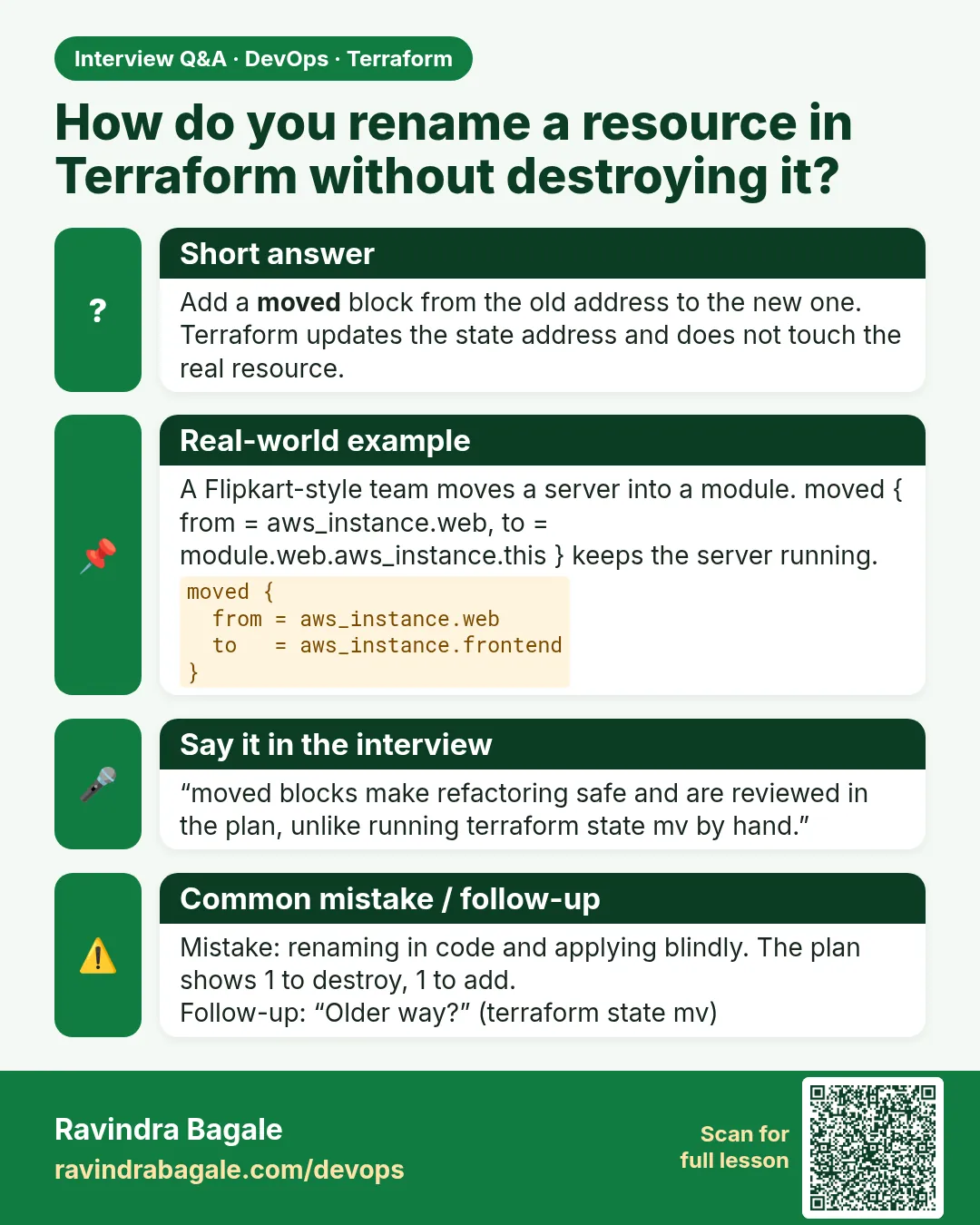
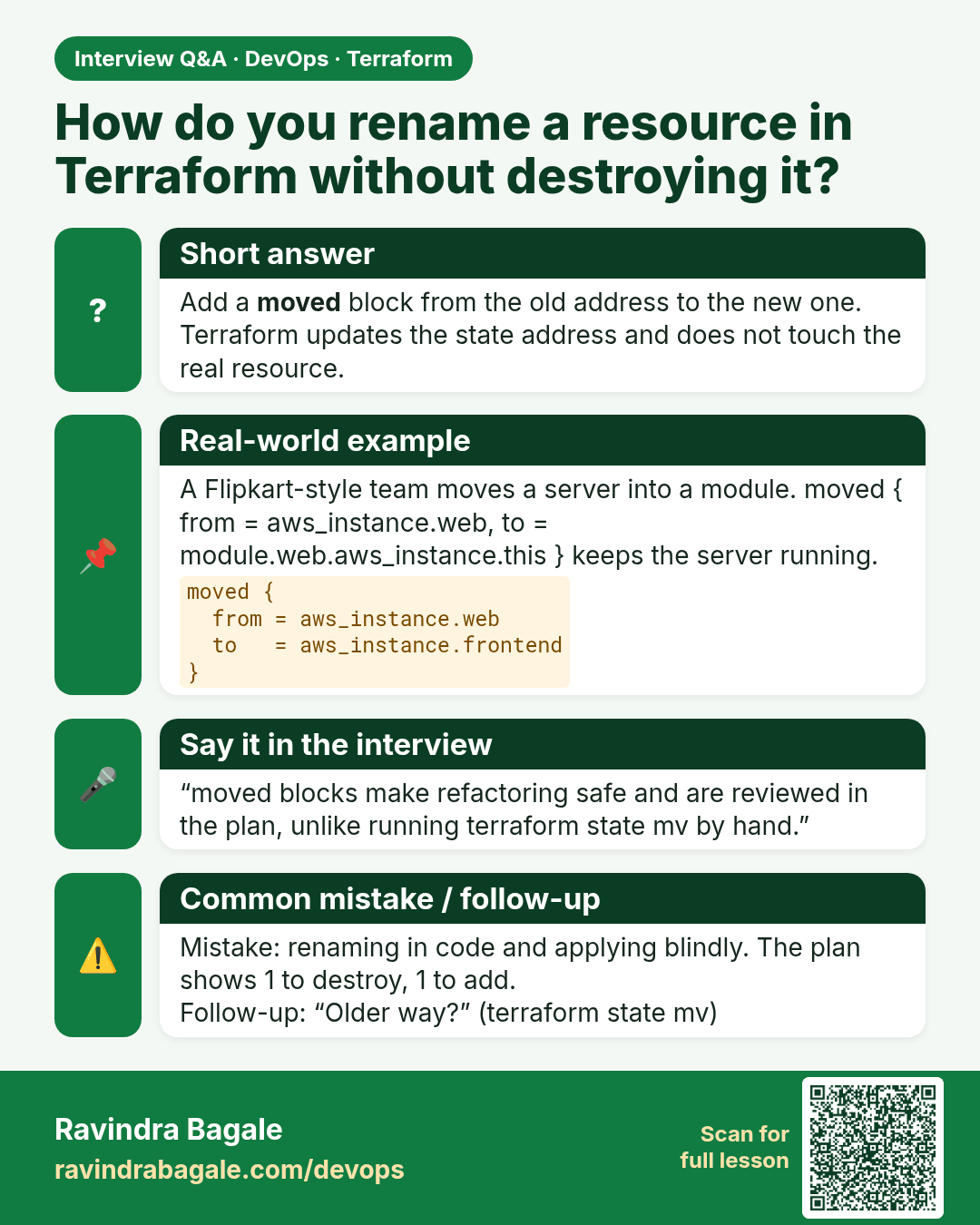
How do you rename a resource in Terraform without destroying it? Add a moved block from the old address to the new one. Terraform updates the state address and does not touch the real resource.
Interview card 2 of 3: How do you rename a resource in Terraform without destroying it? · Download PNG · Open card page

Lesson: 37.2 moved block — rename without destroy
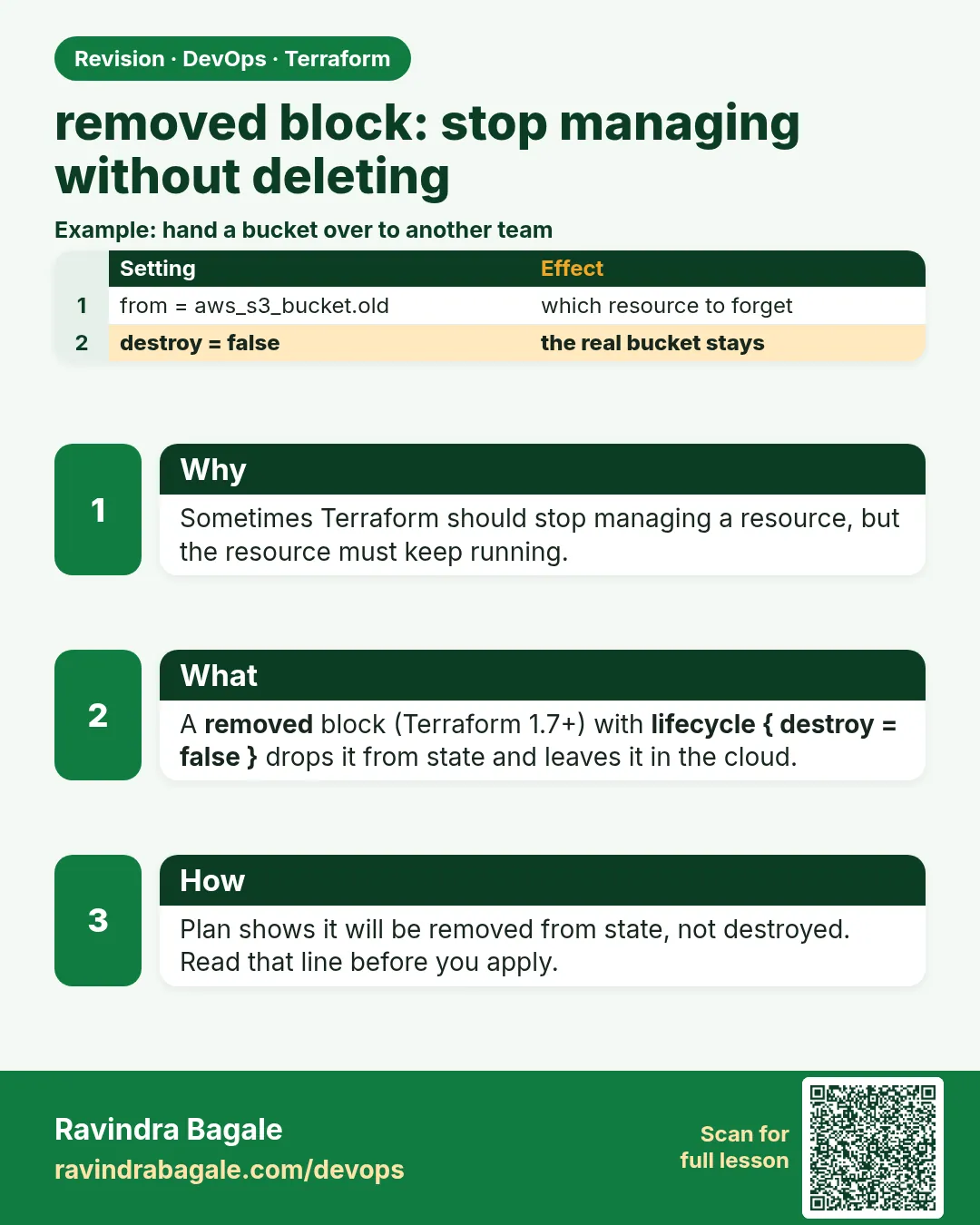
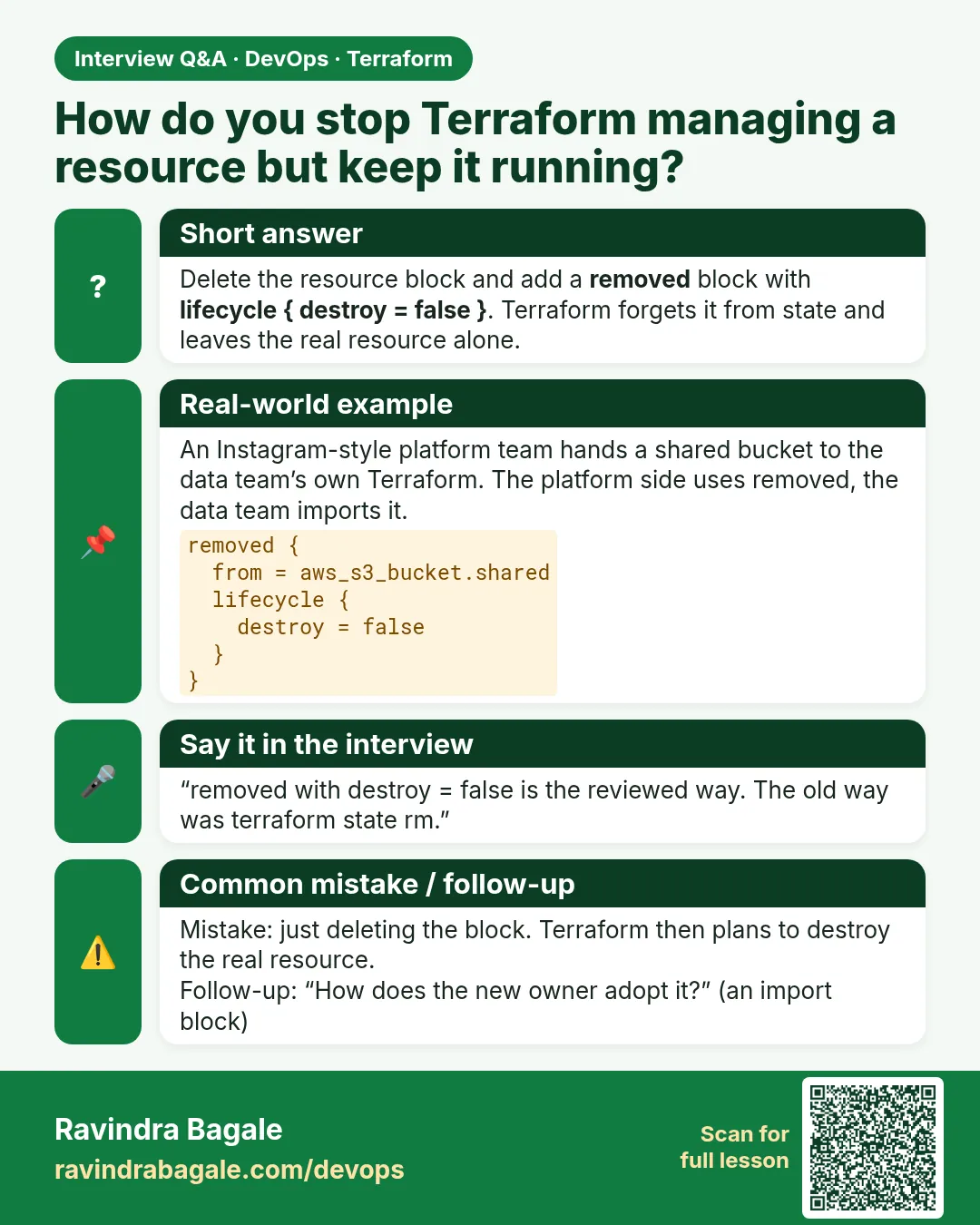
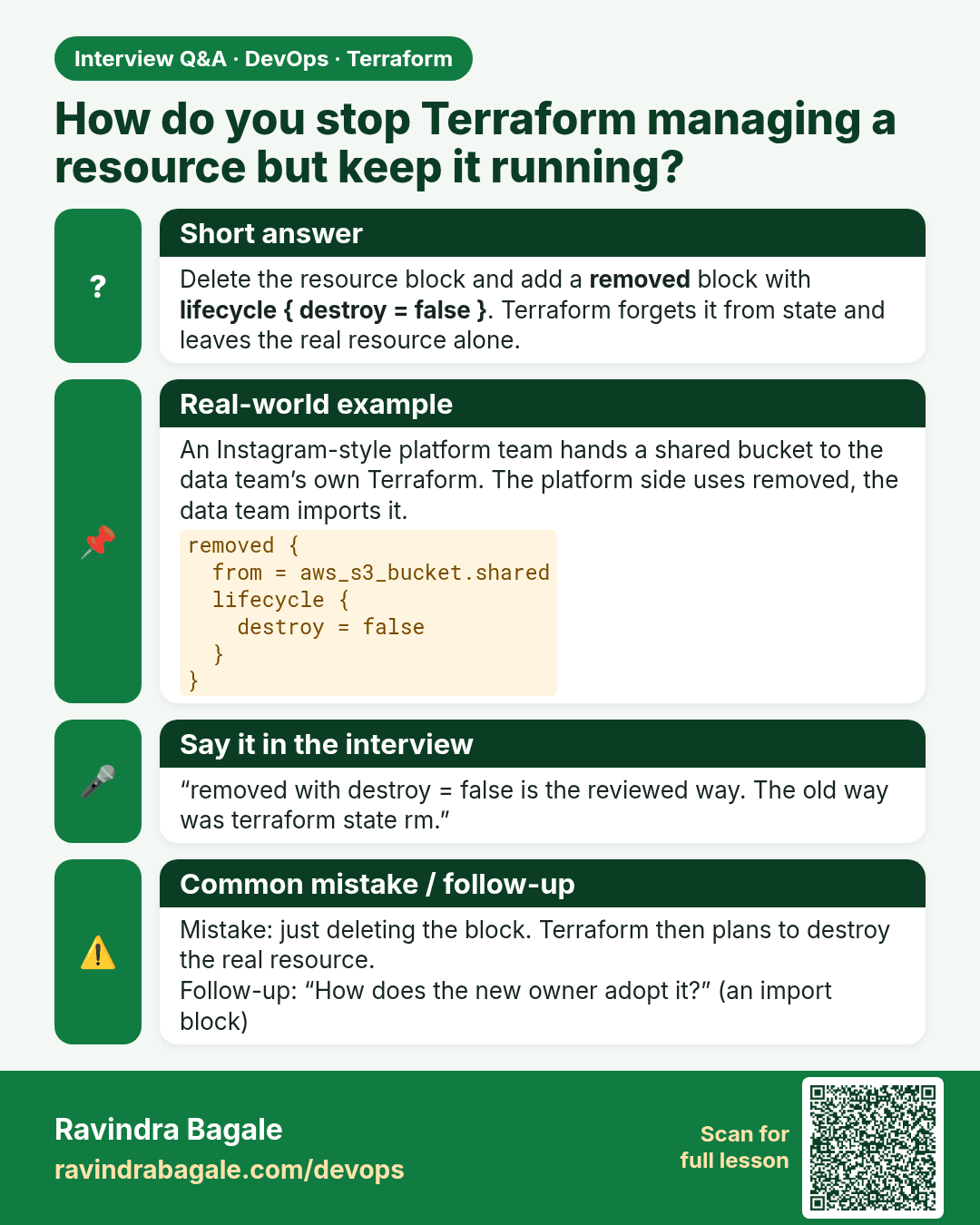
How do you stop Terraform managing a resource but keep it running? Delete the resource block and add a removed block with lifecycle { destroy = false }. Terraform forgets it from state and leaves the real resource alone.
Interview card 3 of 3: How do you stop Terraform managing a resource but keep it running? · Download PNG · Open card page

Lesson: 37.3 removed block — stop managing without deleting

Comparison cards
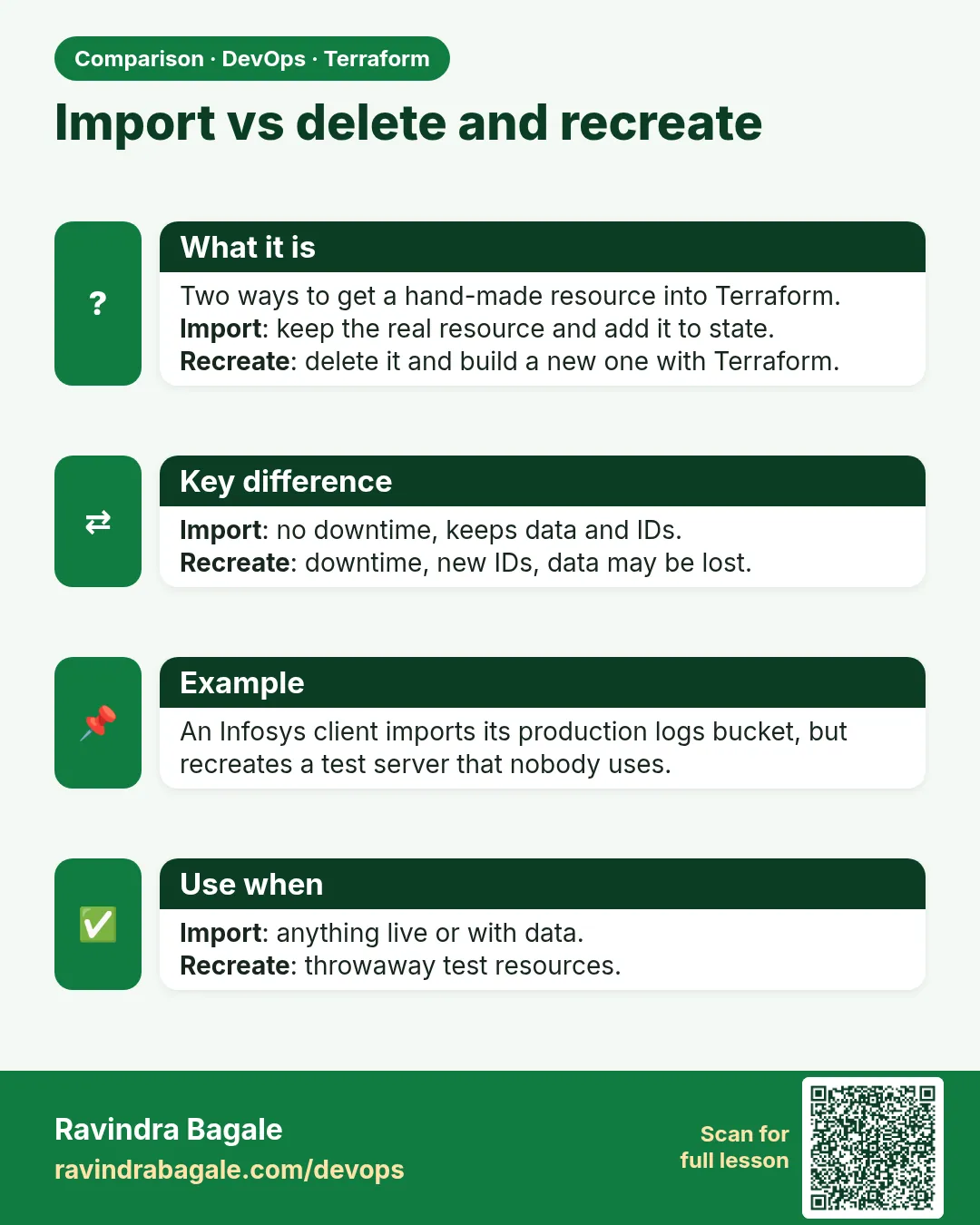
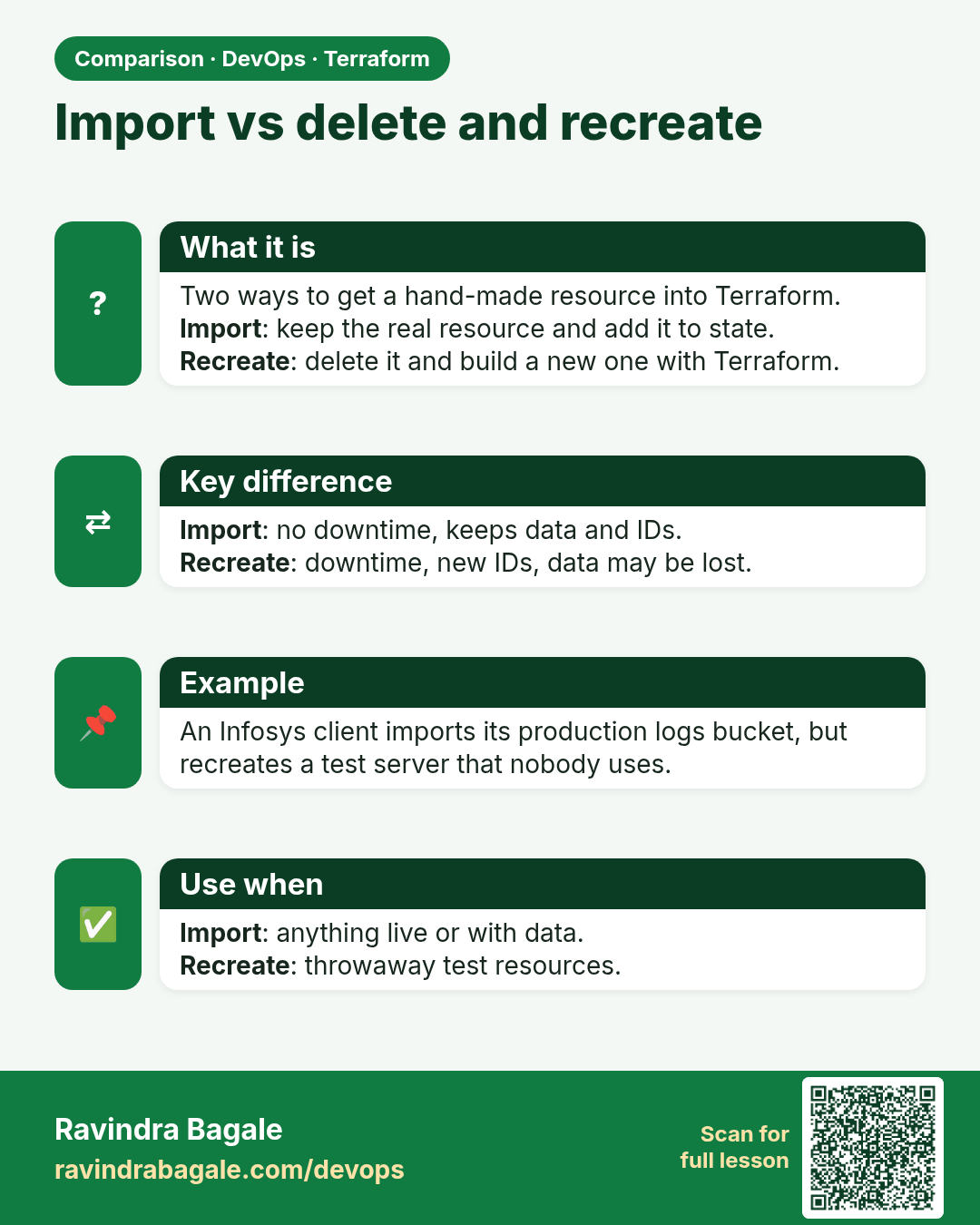
Import vs delete and recreate. Two ways to get a hand-made resource into Terraform.Import: keep the real resource and add it to state.Recreate: delete it and build a new one with Terraform.
Comparison card 1 of 3: Import vs delete and recreate · Download PNG · Open card page

Lesson: Chapter 37: Terraform Import Moved and Removed Blocks
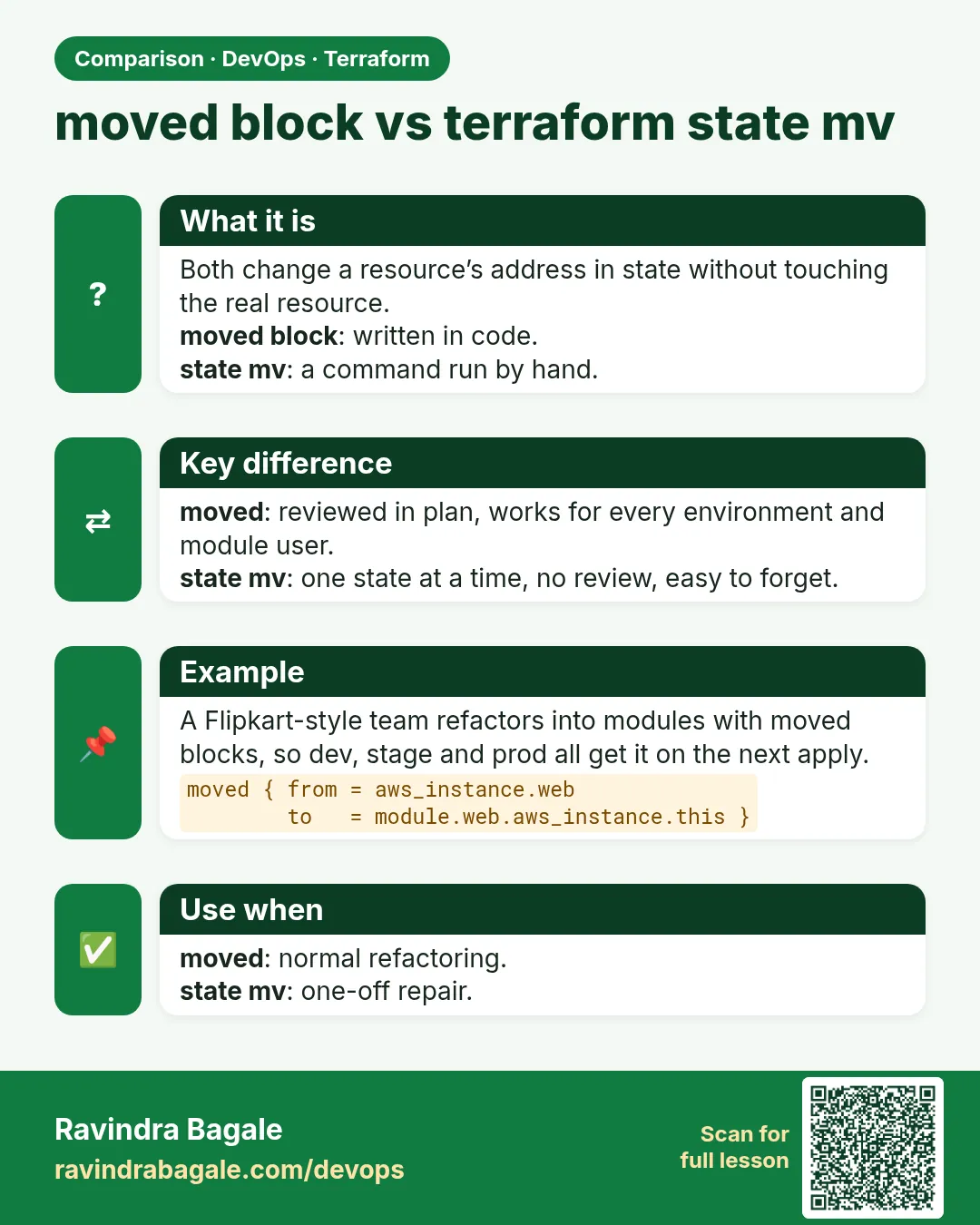
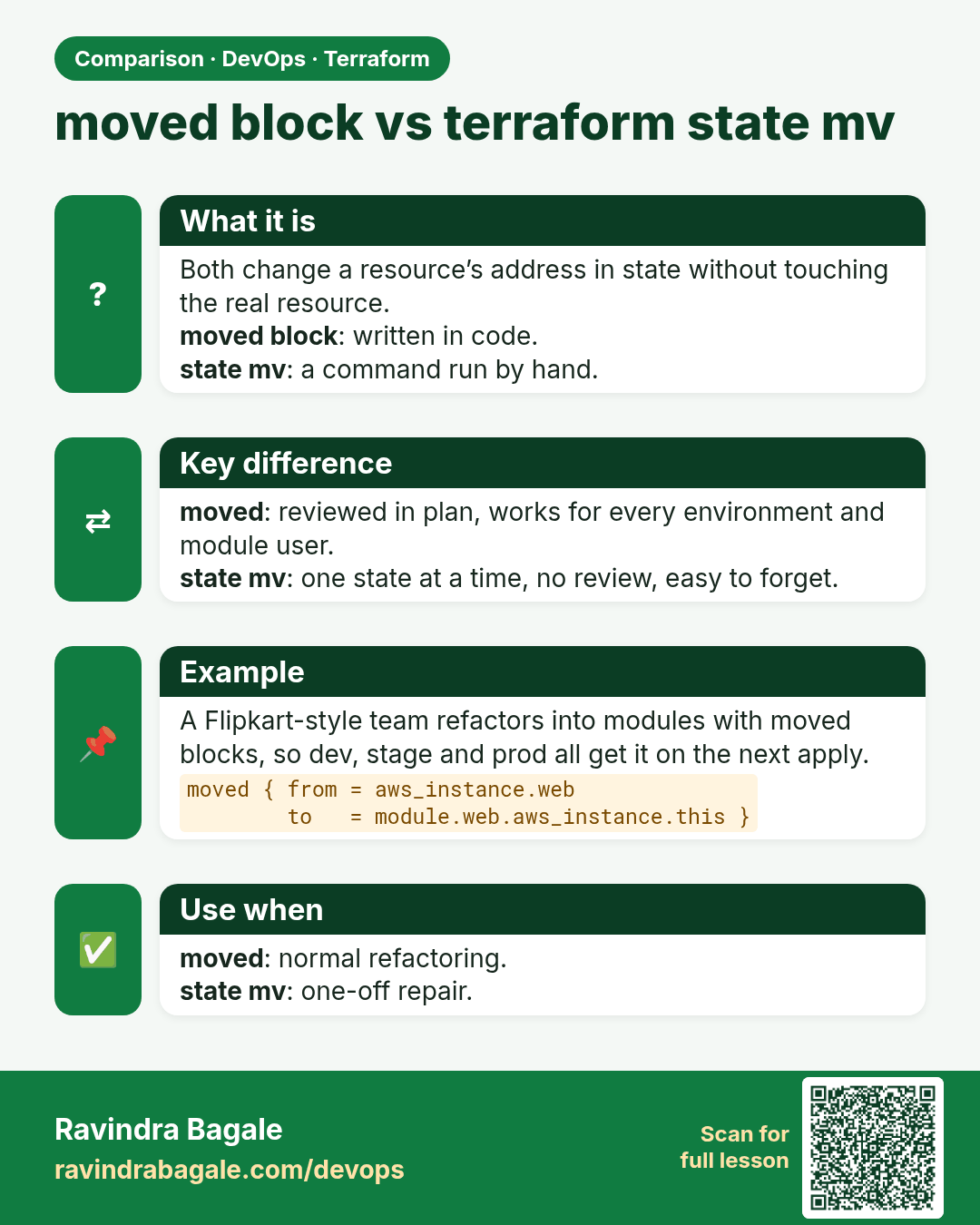
moved block vs terraform state mv. Both change a resource’s address in state without touching the real resource.moved block: written in code.state mv: a command run by hand.
Comparison card 2 of 3: moved block vs terraform state mv · Download PNG · Open card page

Lesson: Chapter 37: Terraform Import Moved and Removed Blocks
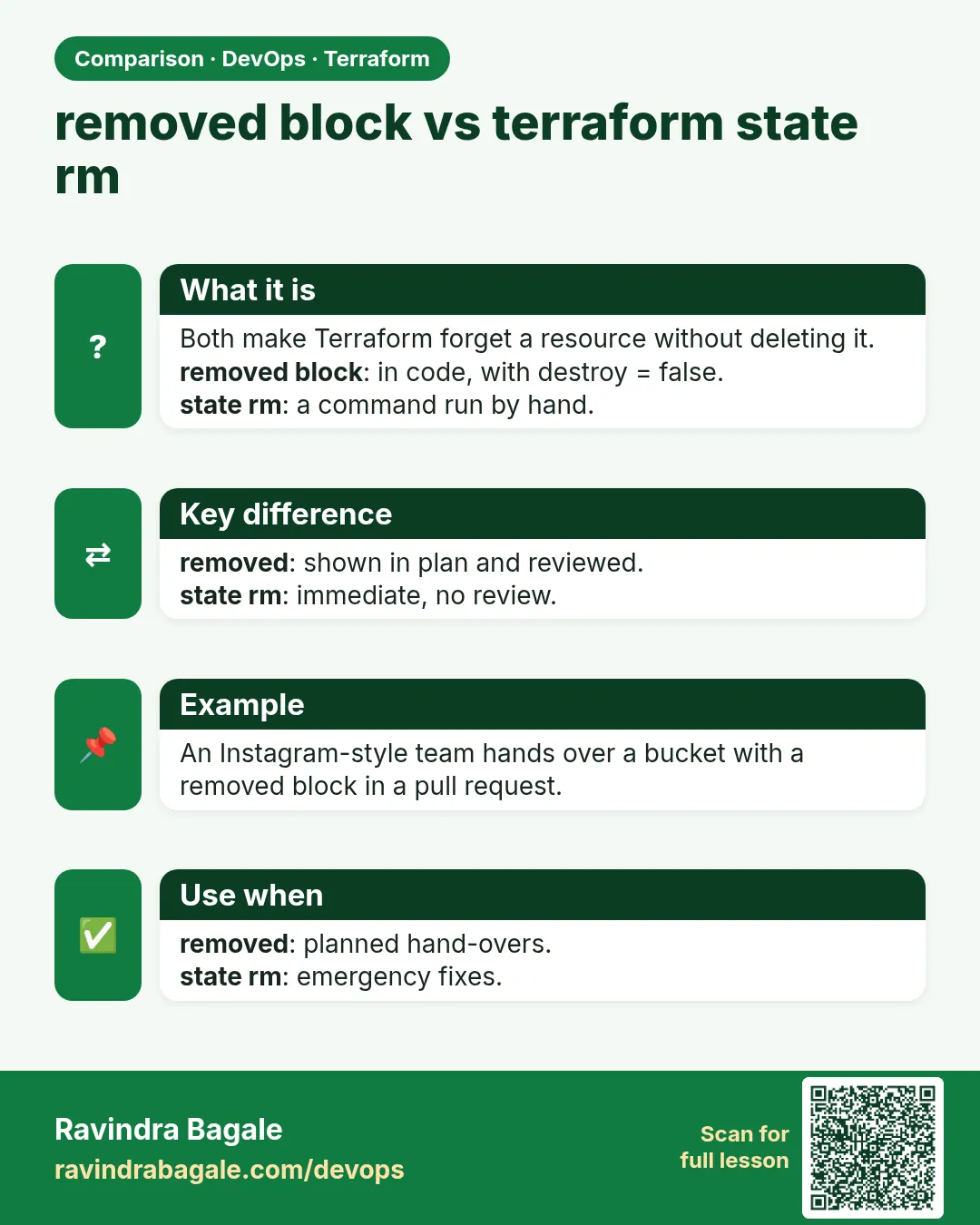
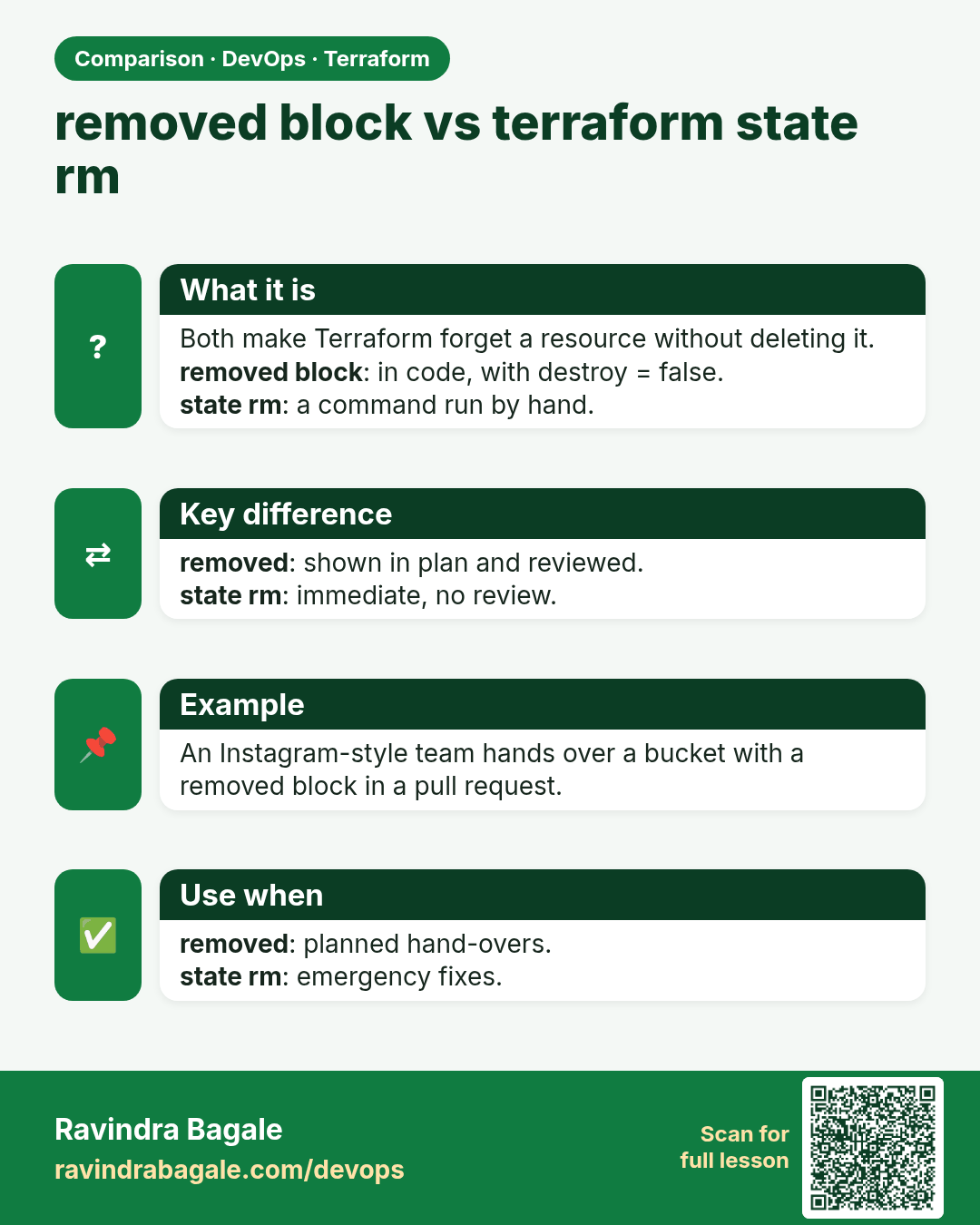
removed block vs terraform state rm. Both make Terraform forget a resource without deleting it.removed block: in code, with destroy = false.state rm: a command run by hand.
Comparison card 3 of 3: removed block vs terraform state rm · Download PNG · Open card page

Lesson: Chapter 37: Terraform Import Moved and Removed Blocks