Chapter 33: Terraform Providers Resources Variables Outputs Locals and Data Sources
33.5 Locals — name a value once, use it everywhere
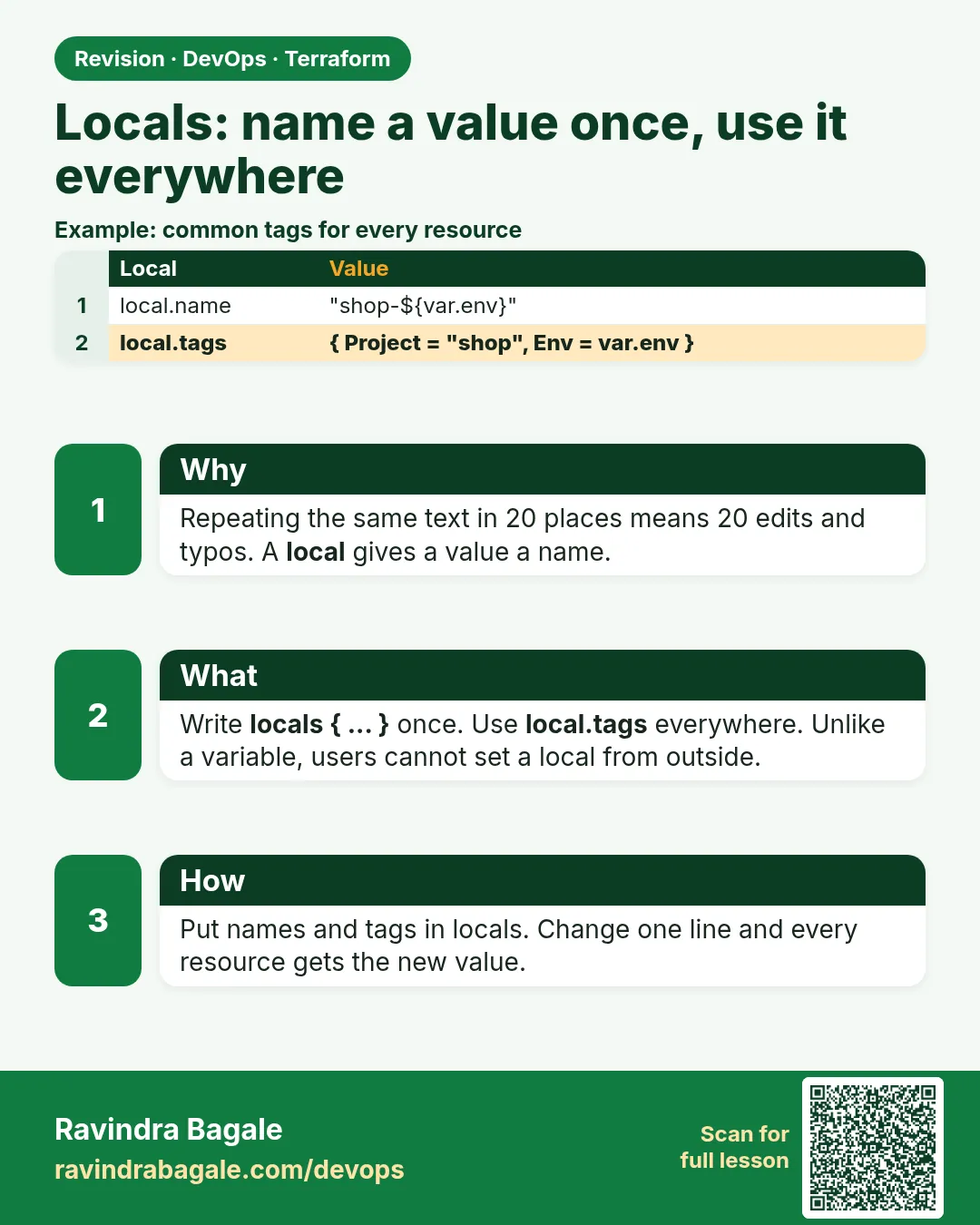
Story. A Netflix-style team tags every resource with the service, environment and cost centre, and someone always misspells one of them. Locals let you compute a value once and reuse it. Unlike variables, locals are not inputs; they are named expressions inside the module. Use them for naming patterns and shared tag maps.
variable "env" {
  type = string
}

locals {
  name_prefix = "badge-${var.env}"
  common_tags = {
    Service     = "badge-api"
    Environment = var.env
  }
}

resource "aws_s3_bucket" "assets" {
  bucket = "${local.name_prefix}-assets-<your-account-id>"
  tags   = merge(local.common_tags, { Purpose = "static-assets" })
}
What each line does
variable "env" {— An input such as dev or prod.locals {— Opens a block of named values for this module.name_prefix = "badge-${var.env}"— Builds a prefix like badge-dev from the input.common_tags = {...}— A map of tags shared by every resource.Environment = var.env— Puts the environment name into the tags.bucket = "${local.name_prefix}-assets-..."— Uses the prefix so the bucket name follows the pattern.tags = merge(local.common_tags, {...})— Combines the shared tags with one tag specific to this bucket.
When it is green.
  + bucket = "badge-dev-assets-..."
  + tags   = { "Environment" = "dev", "Purpose" = "static-assets", "Service" = "badge-api" }
Plan: 1 to add, 0 to change, 0 to destroy.
When it is red.
Error: Reference to undeclared local value
  on main.tf line 14: local.nameprefix
A local value with the name "nameprefix" has not been declared. Did you mean "name_prefix"?
Fix. A typo in the local name. Note the block is locals (plural) but the reference is local.name (singular).
What: every term in plain English
- locals block — locals { name = expression }. Names a value inside the code.
- local.NAME — How you read a local.
- merge() — Joins maps. Later maps win on the same key.
- format() — Builds a string from a pattern.
- lower() — Makes text lower case, useful for names.
- terraform console — A prompt where you can try locals and functions.
Example 1: One name prefix for everything
A Netflix-style team names everything SERVICE-ENV-THING. One local builds the prefix once.
variable "service" {
  type    = string
  default = "Checkout"
}
variable "env" {
  type    = string
  default = "dev"
}

locals {
  prefix = lower("${var.service}-${var.env}")
}

resource "aws_s3_bucket" "assets" {
  bucket = "${local.prefix}-assets-1234"
}

resource "aws_security_group" "web" {
  name = "${local.prefix}-web-sg"
}
terraform plan | grep -E 'bucket |name '
Output
+ bucket = "checkout-dev-assets-1234"
+ name   = "checkout-dev-web-sg"
What it shows: lower() fixes a capital letter that S3 would reject.
Example 2: Common tags with merge
Finance at a Myntra-style company needs four tags everywhere. One misspelling broke a cost report. Locals fix it.
locals {
  common_tags = {
    Service    = var.service
    Env        = var.env
    CostCentre = "CC-104"
    ManagedBy  = "terraform"
  }
}

resource "aws_instance" "web" {
  ami           = data.aws_ami.al2023.id
  instance_type = "t3.micro"
  tags = merge(local.common_tags, {
    Name = "${local.prefix}-web"
  })
}
echo 'merge({a="1",b="2"},{b="9"})' | terraform console
terraform plan | grep -A6 "tags "
Output
{
  "a" = "1"
  "b" = "9"
}
      + tags = {
          + "CostCentre" = "CC-104"
          + "Env"        = "dev"
          + "ManagedBy"  = "terraform"
          + "Name"       = "checkout-dev-web"
          + "Service"    = "Checkout"
        }
What it shows: The later map wins for the same key, so a resource can override one tag.
Example 3: Size by environment with a map lookup
An Ola-style team used if-else everywhere for sizes. One map in locals is easier to read.
locals {
  sizes = {
    dev  = "t3.micro"
    test = "t3.small"
    prod = "t3.medium"
  }
  instance_type = lookup(local.sizes, var.env, "t3.micro")
  is_prod       = var.env == "prod"
}

resource "aws_instance" "web" {
  ami           = data.aws_ami.al2023.id
  instance_type = local.instance_type
  monitoring    = local.is_prod
}
terraform plan -var env=prod | grep -E "instance_type|monitoring"
terraform plan -var env=dev  | grep -E "instance_type|monitoring"
Output
+ instance_type = "t3.medium"
+ monitoring    = true
+ instance_type = "t3.micro"
+ monitoring    = false
What it shows: Detailed monitoring costs money, so it is on only in prod.
Example 4: Build a list of names with a for expression
A Flipkart-style team makes one queue per service. A local with a for expression builds all the names in one place.
variable "services" {
  type    = list(string)
  default = ["Orders", "Payments", "Search"]
}

locals {
  queue_names = [for s in var.services : "${local.prefix}-${lower(s)}-queue"]
  queue_map   = { for s in var.services : lower(s) => "${local.prefix}-${lower(s)}-queue" }
}

resource "aws_sqs_queue" "svc" {
  for_each = local.queue_map
  name     = each.value
  tags     = local.common_tags
}

output "queues" {
  value = local.queue_names
}
terraform apply -auto-approve
terraform output queues
terraform state list | grep sqs
Output
Apply complete! Resources: 3 added, 0 changed, 0 destroyed.
[
  "checkout-dev-orders-queue",
  "checkout-dev-payments-queue",
  "checkout-dev-search-queue",
]
aws_sqs_queue.svc["orders"]
aws_sqs_queue.svc["payments"]
aws_sqs_queue.svc["search"]
What it shows: Adding a service means one new word in the list. The map keys keep each queue stable when the list order changes.
Example 5: Try locals in terraform console
Before you apply a long expression, test it. A TCS reviewer asks for this on every pull request with functions.
terraform console -var env=prod
> local.prefix
> local.instance_type
> format("%s-%02d", local.prefix, 7)
> exit
Output
"checkout-prod"
"t3.medium"
"checkout-prod-07"
What it shows: console reads your code and state but changes nothing.
Command cheat sheet
| Command | What it does | When to use it |
|---|---|---|
locals { x = ... } |
Name a value | Repeated expressions |
local.x |
Read a local | Anywhere in the module |
merge(a, b) |
Join maps | Tags |
lookup(map, key, default) |
Pick from a map | Sizes by env |
terraform console |
Try expressions | Before apply |
format("%s-%02d", a, n) |
Build names | Numbered resources |
Verify: did it work?
-
Local value
echo local.prefix | terraform consoleOutput
"checkout-dev" -
Tags applied
terraform plan | grep CostCentreOutput
+ "CostCentre" = "CC-104" -
No duplicate strings
grep -c "CC-104" *.tfOutput
1
When it is red 1
Error: Reference to undeclared local value
  on main.tf line 9: name = "${local.prefx}-web-sg"
Cause. Typo in a local name.
Fix, step by step
- Fix the spelling.
When it is red 2
Error: Variables not allowed
  on variables.tf line 3: default = "${var.service}-dev"
Cause. A variable default cannot use another variable.
Fix, step by step
- Move the expression into locals.
When it is red 3
Error: Cycle: local.a, local.b
Cause. Two locals use each other.
Fix, step by step
- Make one of them not depend on the other.
Cleanup
terraform destroy -auto-approve
Ravindra Bagale's Tip
If you type the same string twice, make it a local. If someone outside should change it, make it a variable.
Practice tasks
Easy Prefix local
Why: Same names.
What to do: Build a prefix local and use it twice.
- plan.
Check: Names match.
Medium Common tags
Why: No typos.
What to do: merge() common tags with a Name tag.
- plan.
Check: Five tags show.
Medium Size map
Why: Clean code.
What to do: Pick size from a map by env.
- lookup.
Check: prod gets t3.medium.
Medium for expression
Why: Many names at once.
What to do: Build a list of queue names from a list of services.
- Use [for s in var.services : ...].
- Turn it into a map for for_each.
Check: Three queues with matching names.
Hard console practice
Why: Test first.
What to do: Try five functions in console.
- format, lower, merge, lookup, length.
Check: You know each result before apply.
Easy Say it in two lines
Why: If you can say it simply, you understand it.
What to do: Write two short lines about this lesson for a fresher.
- Write the problem it solves.
- Write the one command or file you use.
- Read it aloud.
Check: A fresher understands it without a question.
Easy Start a safe lab folder
Why: Practice needs a throwaway place.
What to do: Make a new folder with versions.tf and a random_pet resource, so no AWS cost.
- mkdir tf-lab and cd into it.
- Add the hashicorp/random provider and one random_pet.
- Run terraform init and terraform apply.
Check: Apply complete! with 1 added.
Medium Break it on purpose
Why: You must know the red output by face.
What to do: Cause one error from the red part of this lesson and fix it.
- Follow one red section.
- Copy the exact message to your notes.
- Write the fix in one line.
Check: You fixed it without searching the web.
Medium Run it twice
Why: A second run must be quiet.
What to do: Run the same plan two times with no edits.
- Run terraform plan.
- Run it again.
- Explain any change it still shows.
Check: The second plan says No changes, or you can explain each line.
Medium Write a runbook page
Why: At 2 a.m. nobody remembers flags.
What to do: Write a one-page runbook for this lesson.
- Title, when to use, exact commands, how to check, how to undo.
Check: A teammate can follow it alone.
Medium Run it from a pipeline
Why: Real teams run Terraform from CI, not from laptops.
What to do: Run the main command of this lesson inside a GitHub Actions or Jenkins job.
- Add a job with hashicorp/setup-terraform or a Terraform Docker image.
- Give it AWS access through an IAM role, never a key in the file.
- Run init, then the command from this lesson.
Check: The job log shows the same output you saw on your laptop.
Medium Check the cost
Why: Labs left running cost real money.
What to do: Find what this lesson would cost per day if you forgot to destroy it.
- Open the AWS Pricing Calculator.
- Add each resource from your plan.
- Write the daily cost in your notes.
Check: You know the daily cost and you ran terraform destroy.
Hard Draw the flow top to bottom
Why: A drawing shows the order of work.
What to do: Draw this lesson as boxes from top to bottom.
- Start at your code, go through plan and state, end at AWS.
- Mark where each command reads or writes.
Check: Each box matches a real step you ran.
Hard Explain it like an interview
Why: Interviewers want real stories.
What to do: Record a 60 second answer about this lesson.
- Say the problem, the command, and one error you hit.
Check: Your answer has a real command and a real error message.
Homework: try at home
Try at home
Find every hard-coded tag in a project. Replace them with one common_tags local and merge.
Recap
- Locals name a value once.
- Read them as local.NAME.
- merge joins maps for tags.
- lookup picks by environment.
- Test expressions in terraform console.
FAQ
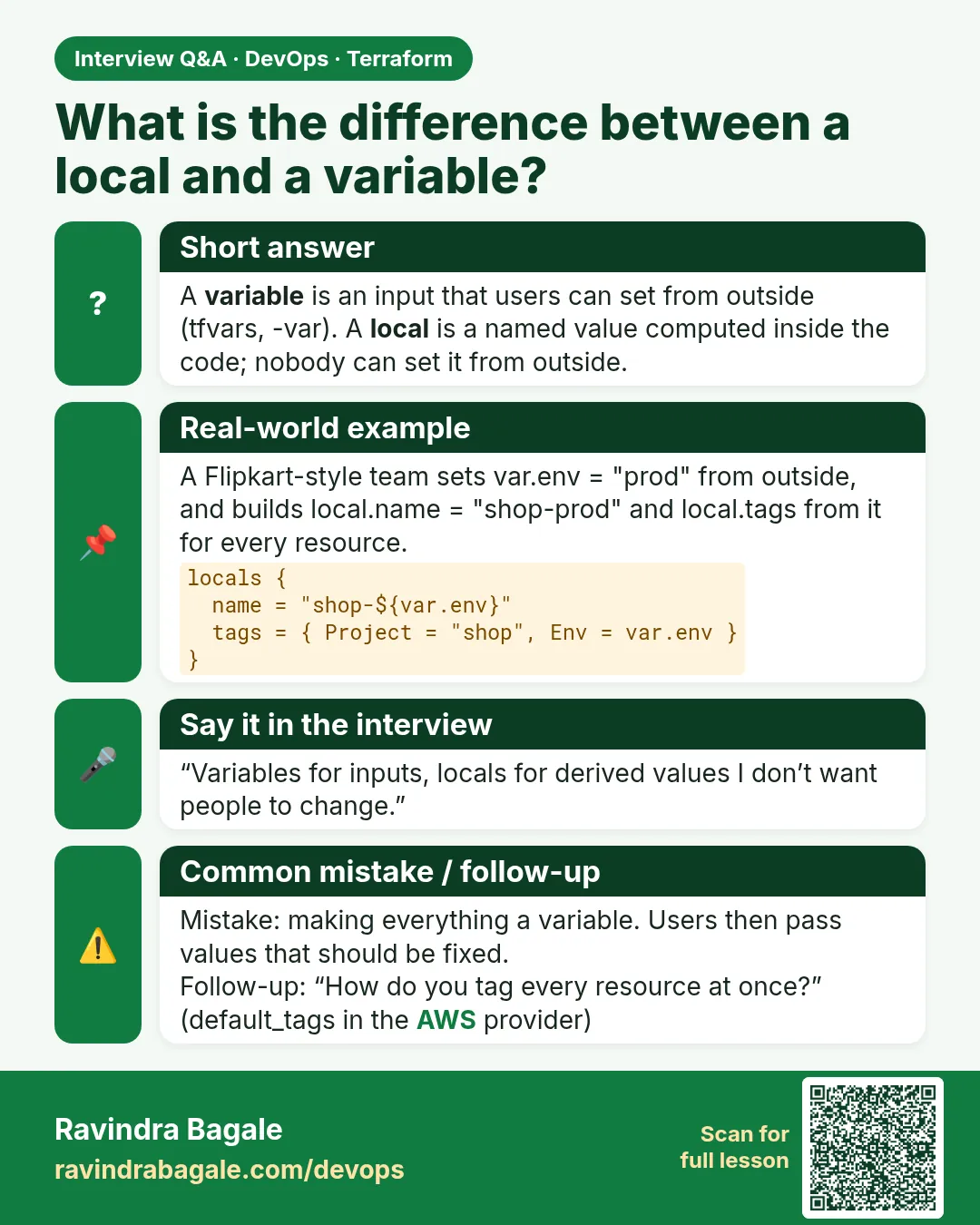
Local vs variable?
Variables are inputs from outside. Locals are computed inside.
Can a local use a variable?
Yes. That is the main use.
Can I have many locals blocks?
Yes. All are merged.
Can a caller set a local?
No.
Do locals cost anything?
No. They are only values.
Can locals use data sources and resources?
Yes. For example local.account = data.aws_caller_identity.me.account_id. The value is known when the data is read.
Should every value be a local?
No. Too many locals make code hard to follow. Use one only when a value repeats or the expression is long.
Interview questions
-
What is a local value?
A named expression inside a module, read as local.NAME.
-
When use a local instead of a variable?
When the value is computed and should not be set from outside.
-
How do you apply common tags?
A common_tags local merged into each resource, or provider default_tags.
-
How do you test an expression?
terraform console.
-
What does merge do on duplicate keys?
The last map wins.
-
How do you build many names from one list?
A for expression in a local, such as [for s in var.services : lower(s)], then a map for for_each so each item keeps a stable key.
Quick quiz
Q1. How to read a local?
local.NAME
Q2. Function to join maps?
merge
Q3. Can a variable default use var.x?
No.
Q4. Tool to test expressions?
terraform console
Q5. Can callers set locals?
No.
Samajla ka?
 Revision card
 Interview card