Chapter 33: Terraform Providers Resources Variables Outputs Locals and Data Sources
33.4 Outputs — values you hand to people and other tools
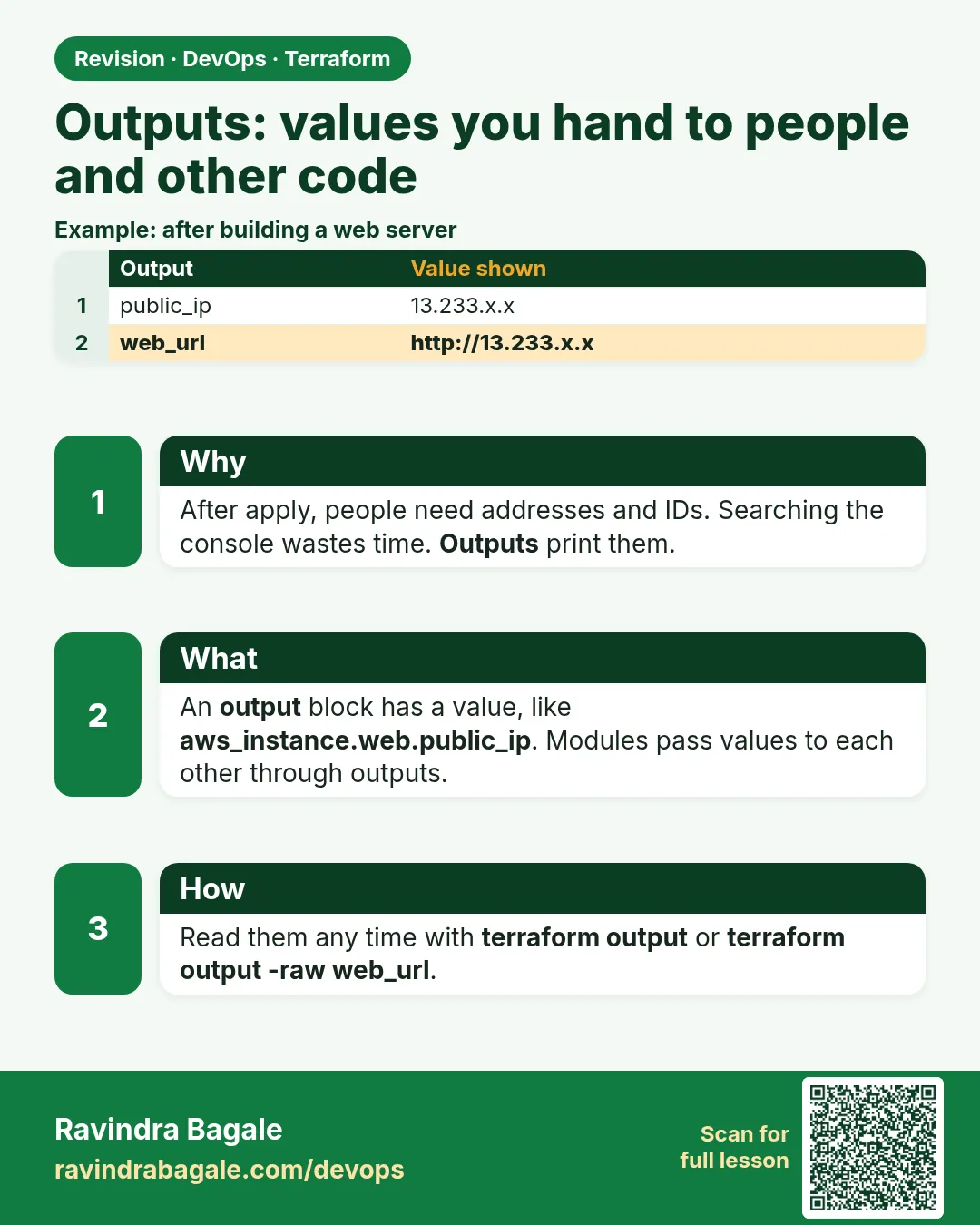
Story. After an Infosys client deployment, the tester always asked the same question: what is the URL? Hunting for it in the console wastes time and invites mistakes. Outputs print chosen values after apply and store them in state. Jenkins, Ansible and other Terraform projects can then read them without anyone copying text by hand.
output "web_url" {
  value       = "http://${aws_instance.web.public_dns}"
  description = "Open this in a browser"
}

output "db_password" {
  value     = random_password.db.result
  sensitive = true
}

terraform output
terraform output -raw web_url
terraform output -json > outputs.json
What each line does
output "web_url" {— Declares an output named web_url.value = "http://${aws_instance.web.public_dns}"— Builds a URL by inserting the instance DNS name into a string.description = "..."— Explains the output to the reader.output "db_password" {— A second output holding a generated password.sensitive = true— Hides the value in plan and apply output; it is still stored in state.terraform output— Lists every output after apply.terraform output -raw web_url— Prints only the value with no quotes, ready for scripts.terraform output -json > outputs.json— Writes all outputs as JSON for another tool.
When it is green.
Apply complete! Resources: 1 added, 0 changed, 0 destroyed.

Outputs:

db_password = <sensitive>
web_url = "http://ec2-203-0-113-25.ap-south-1.compute.amazonaws.com"
When it is red.
Error: Output refers to sensitive values
  on outputs.tf line 6:
To reduce the risk of accidentally exporting sensitive data, set sensitive = true.
Fix. An output reads a sensitive value. Add sensitive = true to the output, and treat the state file as secret because it holds the real value.
What: every term in plain English
- output block — output "NAME" { value = ... }. A value printed after apply and saved in state.
- terraform output — Prints all outputs from state.
- -raw — Prints one string with no quotes. Good for scripts.
- -json — Prints all outputs as JSON. Good for jq and tools.
- sensitive output — Hidden in the summary. Shown only when you ask for it by name.
- terraform_remote_state — A data source that reads outputs of another state.
Example 1: Print the URL after apply
A tester at Infosys always asked: what is the URL? Now apply prints it.
output "web_url" {
  description = "Open this in a browser"
  value       = "http://${aws_instance.web.public_ip}"
}

output "instance_id" {
  value = aws_instance.web.id
}
terraform apply -auto-approve
terraform output
terraform output -raw web_url
Output
Apply complete! Resources: 0 added, 0 changed, 0 destroyed.

Outputs:
instance_id = "i-0123456789abcdef0"
web_url = "http://13.233.10.20"

instance_id = "i-0123456789abcdef0"
web_url = "http://13.233.10.20"
http://13.233.10.20
What it shows: Adding outputs is a no-cost apply. Nothing in AWS changes.
Example 2: Use outputs in a script
A Swiggy-style Jenkins job runs a smoke test right after apply. It reads the URL with -raw.
#!/usr/bin/env bash
set -euo pipefail
URL=$(terraform output -raw web_url)
for i in 1 2 3 4 5 6; do
  if curl -fs "$URL" > /dev/null; then echo "UP: $URL"; exit 0; fi
  echo "waiting... ($i)"; sleep 10
done
echo "DOWN: $URL"; exit 1
Output
waiting... (1)
waiting... (2)
UP: http://13.233.10.20
What it shows: Without -raw the value has quotes and curl would fail.
Example 3: JSON outputs for Ansible inventory
A Flipkart-style team builds servers with Terraform and configures them with Ansible. Outputs become the inventory.
output "web_ips" {
  value = aws_instance.web[*].public_ip
}
terraform output -json web_ips
terraform output -json web_ips | jq -r '.[]' | sed '1i [web]' > inventory.ini
cat inventory.ini
Output
["13.233.10.20","13.233.10.21"]
[web]
13.233.10.20
13.233.10.21
What it shows: The [*] splat gives a list from count resources.
Example 4: Read outputs from another stack
A Zomato-style team has a network stack and an app stack with separate state in S3. The app reads the VPC id from the network outputs.
# network stack: outputs.tf
output "vpc_id" {
  value = aws_vpc.main.id
}
output "public_subnet_ids" {
  value = aws_subnet.public[*].id
}

# app stack: main.tf
data "terraform_remote_state" "network" {
  backend = "s3"
  config = {
    bucket = "company-tf-state"
    key    = "network/dev/terraform.tfstate"
    region = "ap-south-1"
  }
}

resource "aws_instance" "web" {
  ami           = data.aws_ami.al2023.id
  instance_type = "t3.micro"
  subnet_id     = data.terraform_remote_state.network.outputs.public_subnet_ids[0]
}
cd network && terraform apply -auto-approve && cd ..
cd app && terraform init && terraform plan | grep subnet_id
Output
Outputs:
public_subnet_ids = ["subnet-0aaa1111bbbb2222c", "subnet-0ddd3333eeee4444f"]
vpc_id = "vpc-0123abcd4567ef890"

      + subnet_id = "subnet-0aaa1111bbbb2222c"
What it shows: The app role needs read access to the network state file. If that is too much access, share through SSM parameters instead (see 33.6).
Example 5: Sensitive output
A Razorpay-style team outputs the DB endpoint and a generated password for the app team. The password must not print in CI logs.
resource "random_password" "db" {
  length  = 20
  special = false
}

output "db_password" {
  value     = random_password.db.result
  sensitive = true
}
terraform apply -auto-approve
terraform output
terraform output -raw db_password | wc -c
Output
Outputs:
db_password = <sensitive>

20
What it shows: We only count characters here, so the secret never shows on screen. Prefer Secrets Manager for real passwords.
Command cheat sheet
| Command | What it does | When to use it |
|---|---|---|
terraform output |
Show all outputs | After apply |
terraform output -raw NAME |
One value, no quotes | Shell scripts |
terraform output -json |
All as JSON | jq, Ansible, tools |
sensitive = true |
Hide in summary | Secrets |
aws_instance.web[*].public_ip |
List from count | Many servers |
data "terraform_remote_state" |
Read another state | Network to app stacks |
Verify: did it work?
-
Outputs exist
terraform outputOutput
web_url = "http://13.233.10.20" -
Script-friendly
terraform output -raw web_urlOutput
http://13.233.10.20 -
Secret hidden
terraform output db_passwordOutput
<sensitive>
When it is red 1
Error: Output refers to sensitive values
  on outputs.tf line 1: output "db_password"
To reduce the risk of accidentally exporting sensitive data ... the output value must be marked as sensitive.
Cause. The value comes from a sensitive source.
Fix, step by step
- Add sensitive = true to the output.
When it is red 2
Warning: No outputs found
Cause. State has no outputs yet, or you are in the wrong folder or workspace.
Fix, step by step
- Run apply after adding outputs.
- Check terraform workspace show.
When it is red 3
curl: (3) URL using bad/illegal format or missing URL
Cause. You used terraform output without -raw, so the value had quotes.
Fix, step by step
- Use terraform output -raw web_url.
Cleanup
terraform destroy -auto-approve
rm -f inventory.ini
Ravindra Bagale's Tip
Output what humans and tools need next: URLs, ids, endpoints. Not every attribute.
Practice tasks
Easy URL output
Why: No console hunting.
What to do: Output the web URL.
- Apply, terraform output.
Check: URL prints.
Medium Smoke test
Why: Prove it works.
What to do: Write a script that curls the -raw URL.
- Retry 6 times.
Check: Prints UP.
Medium Ansible inventory
Why: Tools talk.
What to do: Turn -json IPs into inventory.ini.
- jq -r.
Check: File lists IPs.
Medium Describe every output
Why: Help the next person.
What to do: Add a description to every output block.
- One short line each.
- Run terraform output -json and read the result.
Check: Each output says what it is for.
Hard Remote state
Why: Stack to stack.
What to do: Read vpc_id from a network state with terraform_remote_state.
- Use the S3 backend config.
Check: App stack uses the VPC.
Easy Say it in two lines
Why: If you can say it simply, you understand it.
What to do: Write two short lines about this lesson for a fresher.
- Write the problem it solves.
- Write the one command or file you use.
- Read it aloud.
Check: A fresher understands it without a question.
Easy Start a safe lab folder
Why: Practice needs a throwaway place.
What to do: Make a new folder with versions.tf and a random_pet resource, so no AWS cost.
- mkdir tf-lab and cd into it.
- Add the hashicorp/random provider and one random_pet.
- Run terraform init and terraform apply.
Check: Apply complete! with 1 added.
Medium Break it on purpose
Why: You must know the red output by face.
What to do: Cause one error from the red part of this lesson and fix it.
- Follow one red section.
- Copy the exact message to your notes.
- Write the fix in one line.
Check: You fixed it without searching the web.
Medium Run it twice
Why: A second run must be quiet.
What to do: Run the same plan two times with no edits.
- Run terraform plan.
- Run it again.
- Explain any change it still shows.
Check: The second plan says No changes, or you can explain each line.
Medium Write a runbook page
Why: At 2 a.m. nobody remembers flags.
What to do: Write a one-page runbook for this lesson.
- Title, when to use, exact commands, how to check, how to undo.
Check: A teammate can follow it alone.
Medium Run it from a pipeline
Why: Real teams run Terraform from CI, not from laptops.
What to do: Run the main command of this lesson inside a GitHub Actions or Jenkins job.
- Add a job with hashicorp/setup-terraform or a Terraform Docker image.
- Give it AWS access through an IAM role, never a key in the file.
- Run init, then the command from this lesson.
Check: The job log shows the same output you saw on your laptop.
Medium Check the cost
Why: Labs left running cost real money.
What to do: Find what this lesson would cost per day if you forgot to destroy it.
- Open the AWS Pricing Calculator.
- Add each resource from your plan.
- Write the daily cost in your notes.
Check: You know the daily cost and you ran terraform destroy.
Hard Draw the flow top to bottom
Why: A drawing shows the order of work.
What to do: Draw this lesson as boxes from top to bottom.
- Start at your code, go through plan and state, end at AWS.
- Mark where each command reads or writes.
Check: Each box matches a real step you ran.
Hard Explain it like an interview
Why: Interviewers want real stories.
What to do: Record a 60 second answer about this lesson.
- Say the problem, the command, and one error you hit.
Check: Your answer has a real command and a real error message.
Homework: try at home
Try at home
List five outputs your team asks for after every deploy. Write an output block for each.
Recap
- Outputs print after apply and live in state.
- -raw for scripts, -json for tools.
- Splat [*] gives lists from count.
- Sensitive outputs are hidden in the summary.
- Outputs are how stacks and tools share values.
FAQ
Do outputs cost money?
No. They are values in state.
Is a sensitive output safe?
Hidden on screen, but stored in state. Protect state.
Can modules have outputs?
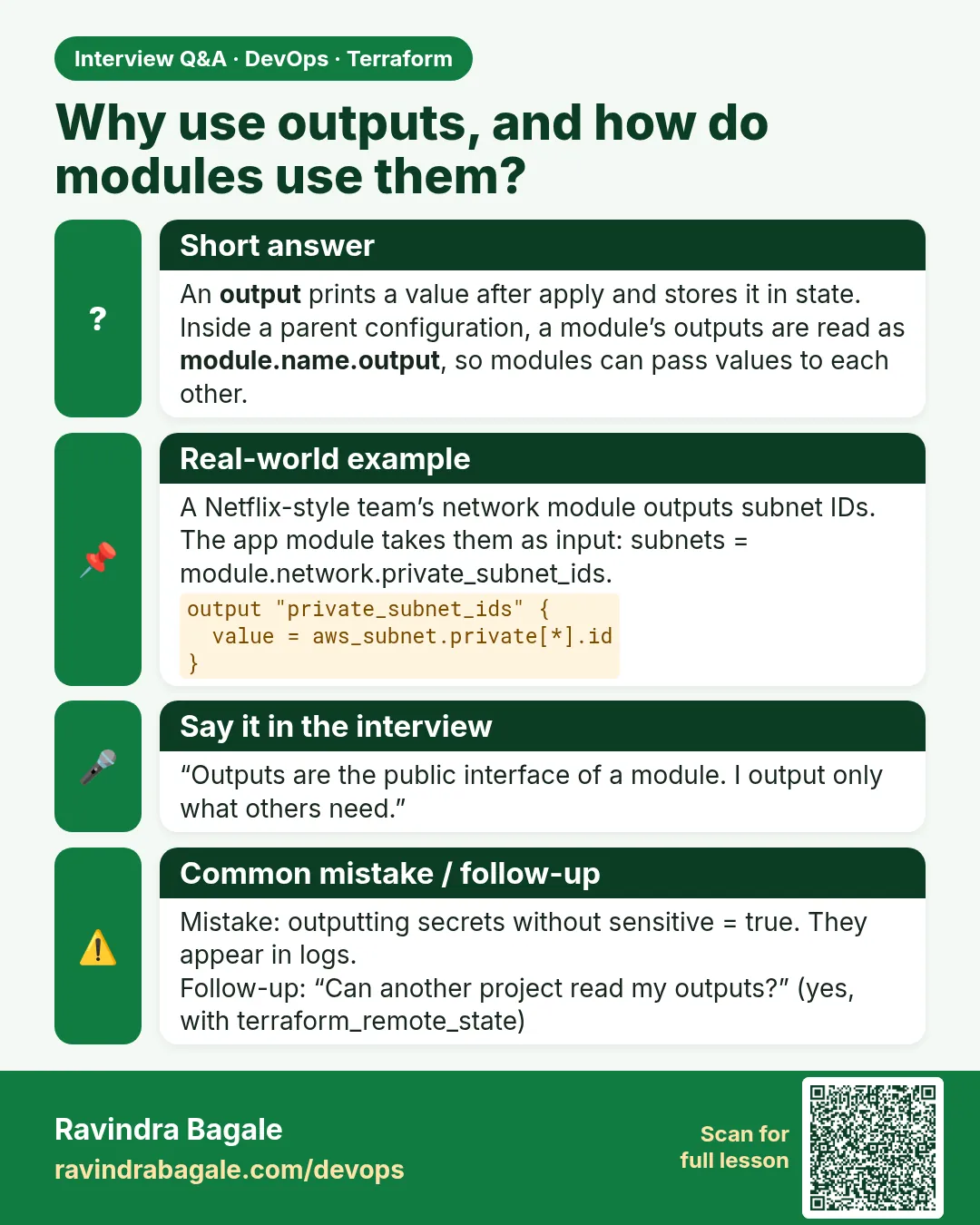
Yes. The caller reads module.NAME.OUTPUT.
Do I need apply to see a new output?
Yes. apply writes it to state, even with no AWS change.
Can I read outputs from another folder?
Yes, with terraform_remote_state or -chdir.
Why does my output show (known after apply)?
The value, such as a new IP, only exists after AWS creates the object. Run apply, then terraform output.
Interview questions
-
What are outputs for?
To show values after apply and to share them with scripts, tools and other stacks.
-
-raw vs -json?
-raw prints one string without quotes; -json prints structured data.
-
How do you hide a secret output?
sensitive = true, and protect the state file.
-
How do two stacks share a VPC id?
The network stack outputs it; the app stack reads it with terraform_remote_state or a data source.
-
How do you get a list of IPs from count?
aws_instance.web[*].public_ip.
Quick quiz
Q1. Flag for scripts?
-raw
Q2. Flag for tools?
-json
Q3. Where are outputs stored?
In state.
Q4. Hide a value?
sensitive = true
Q5. Splat syntax?
[*]
Samajla ka?
 Revision card
 Interview card