Chapter 26: Jenkins Security, RBAC and Hardening
26.5 CSRF, agents, tokens, advisories
Why: the problem
Think of PhonePe. Its Jenkins is now locked with login, roles and the sandbox. But four smaller doors are still open. First, CSRF: a bad web page could make your logged-in browser click Build or Delete on Jenkins without you knowing. Jenkins blocks this with a crumb, a one-time token on every form. Second, agents: if builds run on the controller itself, a build script can read the controller disk, where all secrets live. So builds must run on agents, and the controller must have zero executors. Third, API tokens: scripts and other tools call Jenkins with tokens. A token in a chat message or a Git repo is a password on the street. Fourth, plugins: Jenkins has over a thousand plugins, and the Jenkins security team publishes advisories every few weeks. An old plugin with a known hole is the most common way Jenkins gets broken into. In this lesson you will close all four doors and set up a routine so they stay closed.
What we will build
You will check that CSRF protection is on and see a crumb with curl. You will add an inbound agent in Docker and set the built-in node to 0 executors. You will create, use, rotate and revoke an API token. Finally you will list plugins with known advisories, update them safely with a backup first, and write a monthly routine.
What: every term in plain English
- CSRF — Cross-site request forgery. A bad site tricks your browser into sending a request to Jenkins while you are logged in.
- Crumb — A one-time token Jenkins puts in forms. Requests without it are refused.
- Built-in node — The controller itself as a build machine. Its executors should be 0.
- Inbound agent — An agent that connects out to the controller, using a secret. Good when the agent is behind a firewall.
- API token — A long random key for scripts, used instead of the password. Can be revoked one by one.
- Security advisory — A public note from the Jenkins project about a security bug and the fixed version.
- Plugin manager — Manage Jenkins > Plugins. Shows updates and security warnings.
- Agent to controller security — Rules that stop an agent from reading or writing controller files.
How: step by step
-
Check CSRF is on
Manage Jenkins > Security > CSRF Protection > Default Crumb IssuerWhat it does: It is on by default in new Jenkins. Never turn it off.
Output
Default Crumb Issuer (enabled) -
See a crumb
curl -s -u ravi:$RAVI_PASS -c cj.txt http://localhost:8080/crumbIssuer/api/json | jq .What it does: Shows the crumb a form or script must send.
Output
{ "crumb": "9c1e...", "crumbRequestField": "Jenkins-Crumb" } -
Create an agent node
Manage Jenkins > Nodes > New Node > linux-1 > Permanent > Remote root /home/jenkins/agent > Launch: inbound > label linuxWhat it does: The controller makes a node and shows a secret.
Output
Agent linux-1 created -
Start the agent in Docker
docker run -d --name agent1 --network jnet -e JENKINS_URL=http://j26:8080 -e JENKINS_AGENT_NAME=linux-1 -e JENKINS_SECRET=$AGENT_SECRET -e JENKINS_WEB_SOCKET=true jenkins/inbound-agent:latest-jdk17What it does: The agent connects to the controller over websocket.
Output
Connected -
Set built-in executors to 0
Manage Jenkins > Nodes > Built-In Node > Configure > Number of executors: 0What it does: No build can run on the controller now.
Output
Saved -
Create an API token
User ravi > Security > API Token > Add new Token > name ci-script > GenerateWhat it does: Copy it once into the vault. Jenkins will not show it again.
Output
Token ci-script created -
Check plugin warnings
Manage Jenkins > Plugins > UpdatesWhat it does: Red banners show plugins with known advisories.
Output
Warning: Script Security 1300.v... has a known vulnerability
Example 1: See CSRF protection work with curl
Stack. curl, Jenkins CSRF protection
Goal. See CSRF protection work with curl.
csrf-demo.sh
#!/usr/bin/env bash
set -uo pipefail
J=http://localhost:8080
U=ravi
echo "== 1. POST with password, no crumb"
curl -s -o /dev/null -w "%{http_code}\n" -u "$U:$RAVI_PASS" -X POST "$J/job/payments/job/pay-api-build/build"
echo "== 2. POST with password and crumb"
CRUMB=$(curl -s -c cj.txt -u "$U:$RAVI_PASS" "$J/crumbIssuer/api/xml?xpath=concat(//crumbRequestField,\":\",//crumb)")
curl -s -o /dev/null -w "%{http_code}\n" -b cj.txt -u "$U:$RAVI_PASS" -H "$CRUMB" -X POST "$J/job/payments/job/pay-api-build/build"
echo "== 3. POST with API token, no crumb"
curl -s -o /dev/null -w "%{http_code}\n" -u "$U:$RAVI_TOKEN" -X POST "$J/job/payments/job/pay-api-build/build"
What each line does
POST with password, no crumb— Looks like a browser request. Jenkins wants a crumb and refuses.crumbIssuer/api/xml?xpath=...— Gets the header name and crumb as Jenkins-Crumb:value.-c cj.txt / -b cj.txt— Saves and sends the session cookie. The crumb is tied to the session.-H "$CRUMB"— Sends the crumb as a header.API token, no crumb— Tokens are not used by browsers, so Jenkins does not need a crumb for them.
Green output
== 1. POST with password, no crumb
403
== 2. POST with password and crumb
201
== 3. POST with API token, no crumb
201
Expected result. Scripts should use API tokens. Browsers get crumbs automatically. A bad site cannot get your crumb, so CSRF fails.
Example 2: Run every build on an agent, never on the controller
Stack. Jenkins inbound agent in Docker, JCasC
Goal. Run every build on an agent, never on the controller.
Jenkinsfile
pipeline {
  agent { label 'linux' }
  stages {
    stage('Where am I') {
      steps {
        sh 'hostname; whoami; ls /var/jenkins_home/secrets 2>&1 | head -1'
      }
    }
  }
}
jenkins.yaml (nodes)
jenkins:
  numExecutors: 0
  nodes:
    - permanent:
        name: "linux-1"
        labelString: "linux"
        remoteFS: "/home/jenkins/agent"
        numExecutors: 2
        launcher:
          inbound:
            webSocket: true
What each line does
agent { label 'linux' }— Run only on nodes with label linux.hostname; whoami— Proves the build runs on the agent container as user jenkins.ls /var/jenkins_home/secrets— On the controller this folder exists. On the agent it does not.numExecutors: 0— Built-in node takes no builds.webSocket: true— Agent connects over the normal HTTPS port. No extra port 50000 to open.
Green output
[Pipeline] node
Running on linux-1 in /home/jenkins/agent/workspace/payments/pay-api-build
+ hostname
7d2c9a1b4e0f
+ whoami
jenkins
+ ls /var/jenkins_home/secrets
ls: cannot access '/var/jenkins_home/secrets': No such file or directory
Finished: SUCCESS
Expected result. The build cannot see controller secrets. If a build script is bad, the damage stays on a throwaway agent.
Example 3: Rotate an API token and check old ones are dead
Stack. Jenkins API tokens, AWS Secrets Manager
Goal. Rotate an API token and check old ones are dead.
rotate-token.md
1. User ravi > Security > API Token > Add new Token: ci-script-2026-11
2. Copy the value into the team vault (AWS Secrets Manager: jenkins/ci-script).
3. Update the calling tool to read the new secret.
4. Run one call with the new token. Expect 200.
5. Revoke the old token ci-script.
6. Run one call with the old token. Expect 401.
check-token.sh
#!/usr/bin/env bash
set -uo pipefail
J=http://localhost:8080
for t in OLD NEW; do
  var="TOKEN_$t"
  code=$(curl -s -o /dev/null -w "%{http_code}" -u "ravi:${!var}" "$J/whoAmI/api/json")
  echo "$t token -> $code"
done
What each line does
One token per tool— If one leaks, you revoke only that one.Store in a vault— AWS Secrets Manager, HashiCorp Vault or the CI secret store. Never in Git or chat.${!var}— Bash indirect variable: reads TOKEN_OLD or TOKEN_NEW./whoAmI/api/json— A harmless page to test a token.401— Unauthorized: the token is no longer valid.
Green output
OLD token -> 401
NEW token -> 200
Expected result. The old token is dead and the new one works. Do this every 90 days and at once if a token is seen in a log or chat.
Verify: did it work?
-
Plugins with warnings
curl -s -u ravi:$RAVI_TOKEN "http://localhost:8080/pluginManager/api/json?depth=1&tree=plugins[shortName,version,hasUpdate]" | jq -r ".plugins[] | select(.hasUpdate) | .shortName"What it does: List plugins that need updates.
Output
script-security git-client -
Built-in executors
curl -s -u ravi:$RAVI_TOKEN "http://localhost:8080/computer/(built-in)/api/json" | jq .numExecutorsWhat it does: Must print 0.
Output
0
When it is red 1
403 No valid crumb was included in the request
Cause. A script sends a POST with a password and no crumb, or the crumb belongs to another session.
Fix, step by step
- Use an API token instead of a password.
- If you must use a password, send the crumb with the same cookie jar.
When it is red 2
Agent: Failed to connect to http://j26:8080/tcpSlaveAgentListener/
Cause. Inbound TCP port closed or wrong URL.
Fix, step by step
- Use JENKINS_WEB_SOCKET=true.
- Check JENKINS_URL from inside the agent container.
When it is red 3
Jobs stuck: Waiting for next available executor on built-in
Cause. You set built-in executors to 0 but the job has no agent label.
Fix, step by step
- Add agent { label 'linux' } to the Jenkinsfile.
- Check that an agent with that label is online.
Cleanup
-
Back up before plugin updates
docker exec j26 tar czf /tmp/jh-backup.tgz -C /var/jenkins_home --exclude=workspace . && docker cp j26:/tmp/jh-backup.tgz ./What it does: A restore point if an update breaks something.
Output
(file jh-backup.tgz) -
Revoke lab tokens
User > Security > API Token > RevokeWhat it does: Keep only tokens in use.
Output
Token revoked
Ravindra Bagale's Tip
Controller var build chalvu naka, executor 0 theva. Plugin update aadhi backup ghya. Lakshat theva!
Practice tasks
Easy See a crumb
Why: Seeing it makes CSRF real.
What to do: Fetch a crumb with curl.
- Use crumbIssuer.
Check: You see Jenkins-Crumb and a value.
Medium Move builds off the controller
Why: Builds on the controller can read secrets.
What to do: Add an agent, set built-in to 0.
- Run a job with label linux.
Check: Console shows Running on linux-1.
Hard Make a monthly patch routine
Why: Old plugins cause most break-ins.
What to do: Write a routine: backup, update, test, record.
- Run it once on the lab.
Check: A dated note with versions before and after.
Easy Say CSRF, agents, tokens and advisories in two lines
Why: If you can say it simply, you understand it. Juniors, auditors and interviewers all want the short version first.
What to do: Write two short lines about CSRF, agents, tokens and advisories for a fresher who knows only Linux and basic Jenkins.
- Write the risk it removes.
- Write the one setting or command you use for it.
- Read it aloud to a friend.
Check: A fresher understands it without asking a question.
Easy Start a fresh lab Jenkins
Why: Security practice needs a throwaway Jenkins. If you lock yourself out, you delete it and start again.
What to do: Run Jenkins LTS in Docker with a named volume.
- docker volume create jenkins_home
- docker run -d --name jenkins -p 8080:8080 -v jenkins_home:/var/jenkins_home jenkins/jenkins:lts-jdk17
- docker exec jenkins cat /var/jenkins_home/secrets/initialAdminPassword
Check: The Jenkins login page opens on localhost:8080 and asks for a password.
Medium Test with a second user
Why: Admins see everything, so they never notice a missing permission. Always test as a normal user.
What to do: Log in as a non-admin user in a private browser window and repeat this lesson.
- Create the user dev1.
- Open a private window.
- Do the lesson steps as dev1 and note what you can and cannot see.
Check: You can list exactly which menus dev1 sees.
Medium Break it on purpose
Why: You must know the red message by face. During an audit or an outage there is no time to read slowly.
What to do: Cause one error from the "When it is red" part of this lesson and fix it.
- Follow the error section.
- Copy the exact message into your notes.
- Write the fix in one line.
Check: You fixed it using only the steps, without searching the web.
Medium Write a security runbook page
Why: At 2 a.m. nobody remembers where a setting lives. A short page saves the on-call person.
What to do: Write a one-page runbook for this lesson.
- Title, when to use, exact menu path or command, how to check, how to undo.
Check: A teammate can follow it alone.
Hard Explain it like an interview
Why: Interviewers want real stories, not definitions.
What to do: Record a 60 second answer about this lesson.
- Say the risk, the setting you changed, and one error you hit.
Check: Your answer has a real menu path or command and a real error message.
Hard Draw the flow top to bottom
Why: A drawing shows who is checked, where, and in what order.
What to do: Draw this lesson as boxes from top to bottom.
- Start at the user in the browser, go through login and permission checks, end at the job or agent.
Check: Each box matches a real check you saw.
Homework: try at home
Try at home
At home, run csrf-demo.sh and save the three codes. Then add an agent, set built-in executors to 0, and run a build that prints hostname.
Recap
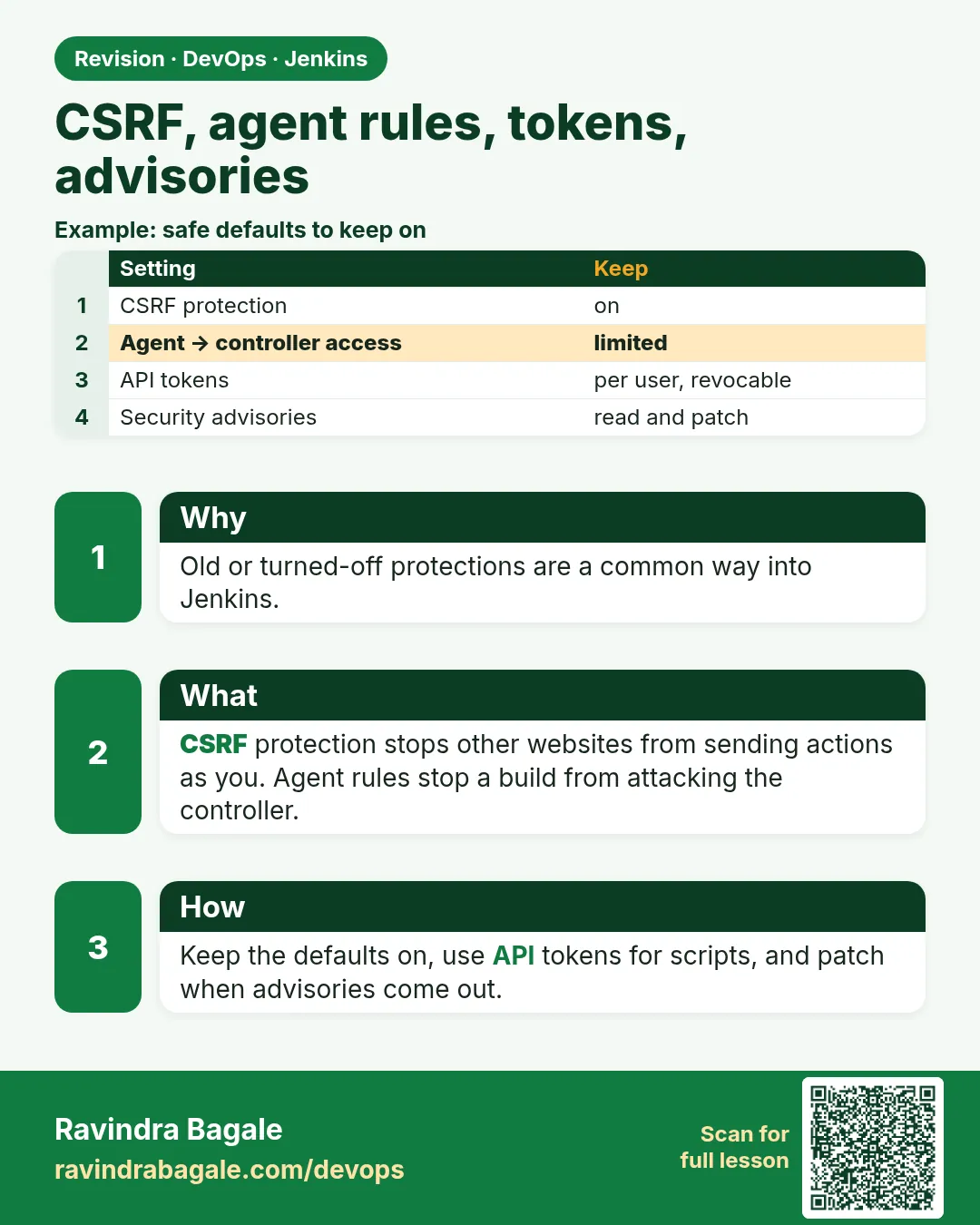
- Keep CSRF protection on; scripts use API tokens.
- Run builds on agents; built-in executors 0.
- One API token per tool, stored in a vault, rotated.
- Read advisories and update plugins monthly after a backup.
- Use websocket agents to avoid extra open ports.
FAQ
Can I turn off CSRF to make a script work?
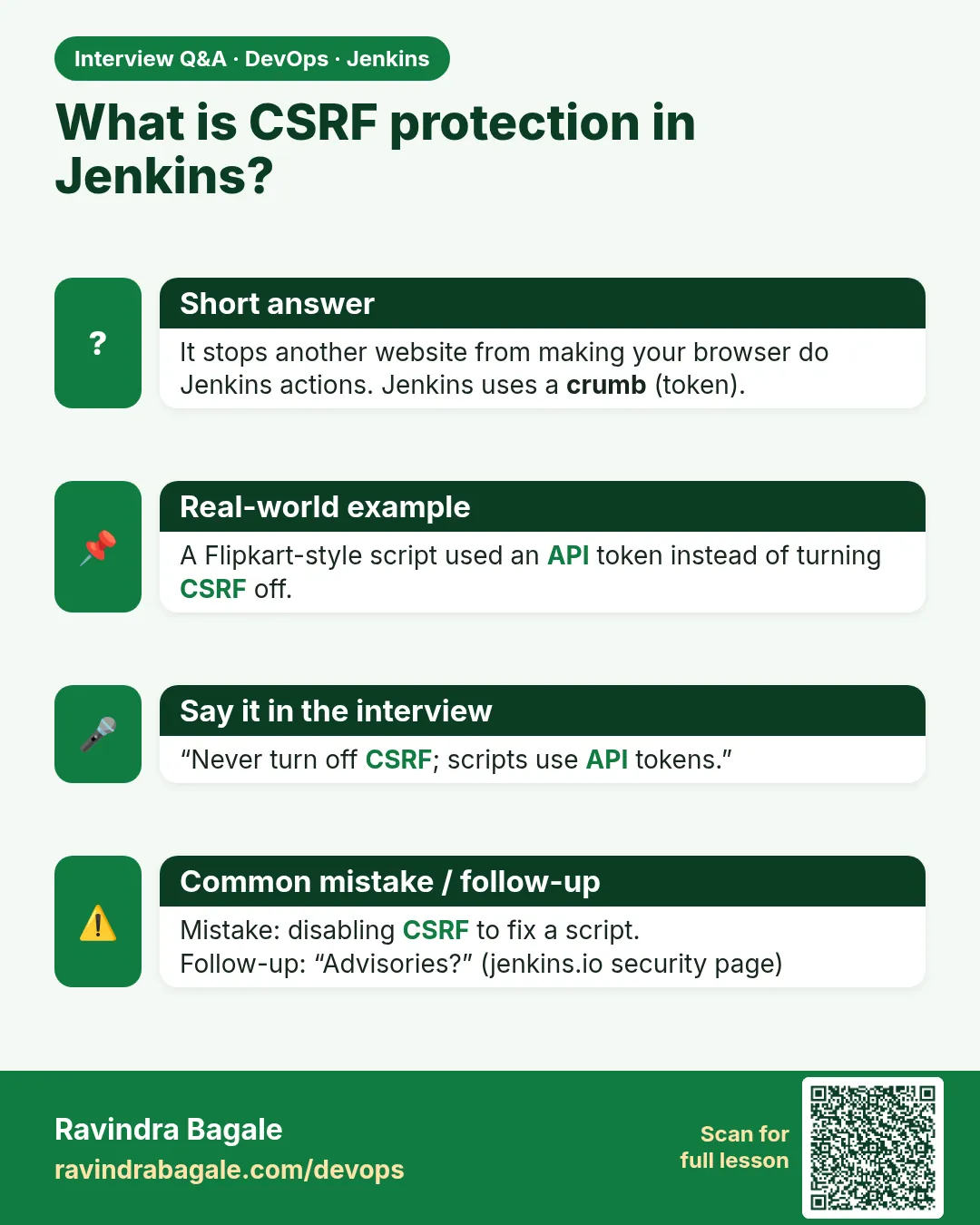
No. Use an API token in the script.
Are cloud agents safer?
Yes. Short-lived agents in Kubernetes or EC2 are thrown away after each build.
How do I hear about advisories?
Subscribe to the jenkinsci-advisories mailing list or watch jenkins.io/security/advisories.
Can an agent harm the controller?
Agent to controller security limits it. Keep it on and keep Jenkins updated.
Should I update Jenkins weekly?
Use LTS and update every few weeks, faster for security releases.
Interview questions
-
Why set built-in executors to 0?
Builds on the controller can read jenkins_home, including encrypted secrets and keys. Agents isolate builds.
-
What is a Jenkins crumb?
A CSRF token tied to the session. POST requests from browsers must include it.
-
How do you handle Jenkins API tokens?
One per tool, in a secret store, rotated, revoked when unused, never in Git.
-
How do you keep plugins safe?
Install only needed plugins, watch advisories, back up, update in a test Jenkins first, then production.
-
Inbound vs SSH agents?
SSH: controller connects to the agent. Inbound: agent connects to the controller, good behind firewalls.
Quick quiz
Q1. What does a crumb protect against?
CSRF: a bad site making your browser act on Jenkins.
Q2. How many executors should the built-in node have?
Zero.
Q3. Why use API tokens for scripts?
They can be revoked one by one and do not expose the password.
Q4. Where do you see plugin security warnings?
Manage Jenkins > Plugins, and the Jenkins security advisories page.
Q5. What should you do before updating plugins?
Take a backup of jenkins_home.
Samajla ka?
 Revision card
 Interview card