Chapter 26: Jenkins Security, RBAC and Hardening
26.4 Script approval and the Groovy sandbox
Why: the problem
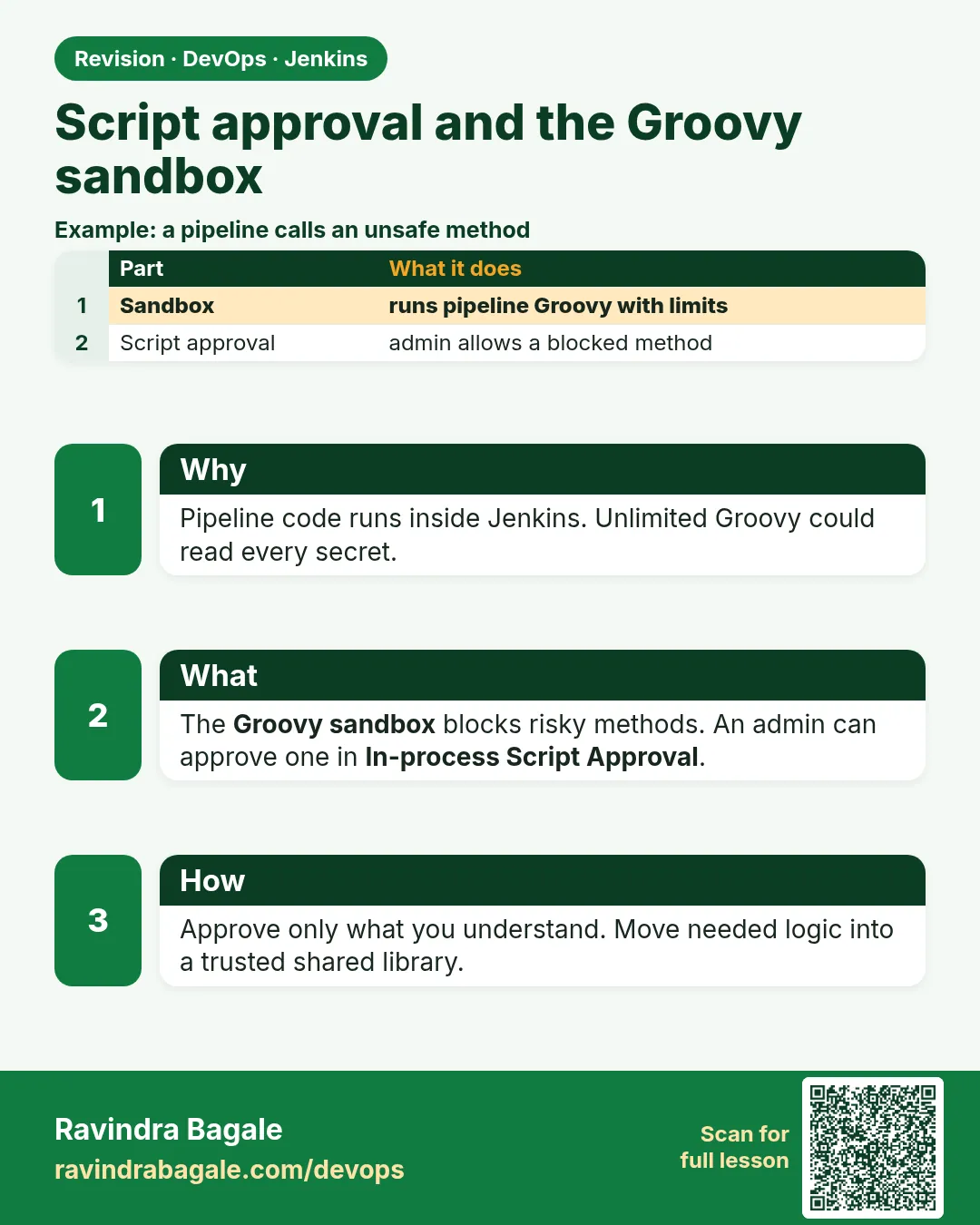
Think of Swiggy. Developers write Jenkinsfiles in Groovy. Groovy is a full programming language. It can read any file, open network connections and call Java code inside the controller. If every Jenkinsfile could run any Groovy freely, any developer who can push a branch could read all credentials stored on the controller. So Jenkins runs pipeline code inside a sandbox. The sandbox is a safety box. It allows normal pipeline steps like sh, echo and git, and a list of safe methods. When a script asks for something outside the list, Jenkins stops it with an error and puts the request in a queue called Script Approval. An admin then decides. Most real teams see this error at least once a month. Freshers often click Approve for everything to make the build green. That opens the very door the sandbox was built to close. In this lesson you will trigger the sandbox, read the error, and fix it the right way, mostly without approving anything.
What we will build
You will write a pipeline that uses a method the sandbox blocks. You will read the RejectedAccessException message and open In-process Script Approval. Then you will fix the script in three safe ways: use a pipeline step instead of raw Groovy, move logic into a shell script, and use a trusted shared library. You will also see which signatures are dangerous and must never be approved.
What: every term in plain English
- Groovy — The language Jenkinsfiles are written in. It runs on the Java virtual machine.
- Groovy sandbox — A safety box that allows only approved methods in pipeline scripts.
- RejectedAccessException — The error you get when a script calls a method outside the sandbox.
- In-process Script Approval — The admin page that lists blocked method signatures waiting for a decision.
- Signature — The exact method name, like method java.io.File exists. Approving it allows it for every job.
- Shared library — Reusable pipeline code kept in its own Git repo.
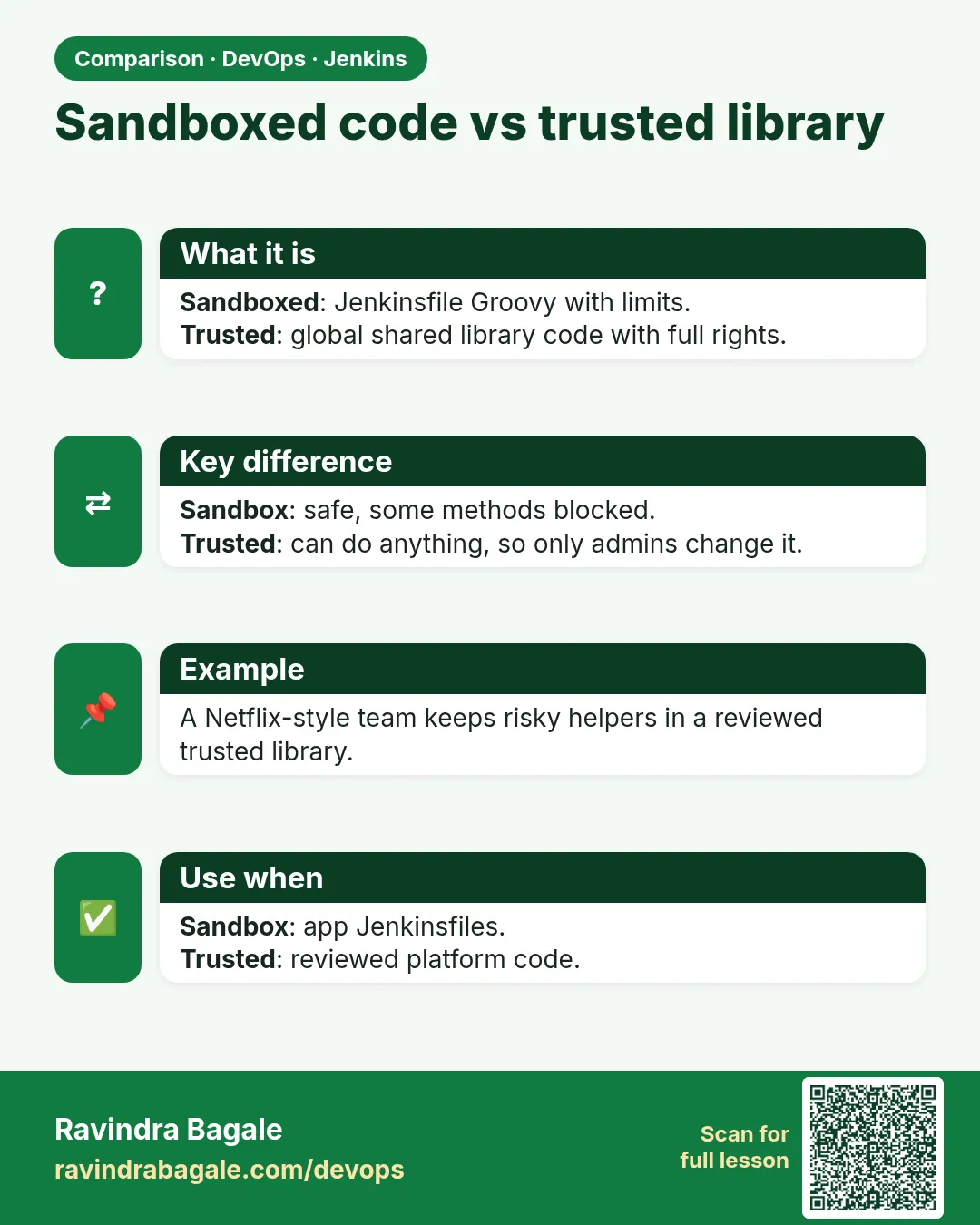
- Trusted library — A global shared library set by an admin. Its code runs outside the sandbox, so only admins may change its repo.
- Pipeline Utility Steps — A plugin with safe steps like readJSON, readYaml and writeFile.
How: step by step
-
Create a pipeline job
New Item > sandbox-demo > Pipeline > keep "Use Groovy Sandbox" tickedWhat it does: Sandbox is on by default for inline scripts.
Output
Saved -
Paste a script that reads a file with Java
See Example 1, bad versionWhat it does: This uses new File(), which the sandbox blocks.
Output
(saved) -
Run it
Build NowWhat it does: The build fails with a clear message.
Output
Scripts not permitted to use new java.io.File java.lang.String -
Open Script Approval
Manage Jenkins > In-process Script ApprovalWhat it does: The blocked signature waits here.
Output
new java.io.File java.lang.String [Approve] [Deny] -
Do not approve; fix the script
Replace new File(...).text with readFileWhat it does: readFile is a normal pipeline step and needs no approval.
Output
(saved) -
Run again
Build NowWhat it does: Now green.
Output
Finished: SUCCESS -
Clear the queue
Script Approval > Deny or Clear Approvals for test entriesWhat it does: Leave no pending risky approvals.
Output
No pending signature approvals
Example 1: Hit the sandbox, then fix it with a pipeline step
Stack. Jenkins Pipeline, Groovy sandbox
Goal. Hit the sandbox, then fix it with a pipeline step.
Jenkinsfile (bad)
pipeline {
  agent any
  stages {
    stage('Read version') {
      steps {
        script {
          def v = new File("${env.WORKSPACE}/VERSION").text.trim()
          echo "Version is ${v}"
        }
      }
    }
  }
}
Jenkinsfile (good)
pipeline {
  agent any
  stages {
    stage('Read version') {
      steps {
        script {
          writeFile file: 'VERSION', text: '2.4.1\n'
          def v = readFile('VERSION').trim()
          echo "Version is ${v}"
        }
      }
    }
  }
}
What each line does
new File(...)— Raw Java file access. Blocked, and it also runs on the controller, not the agent.readFile('VERSION')— Pipeline step. Reads the file on the agent workspace. Allowed.writeFile— Creates the file for this demo. In a real repo, VERSION comes from Git..trim()— Removes the newline at the end. String methods like trim are already allowed.script { }— A small block of Groovy inside declarative pipeline. Keep it small.
Green output
--- bad version ---
org.jenkinsci.plugins.scriptsecurity.sandbox.RejectedAccessException: Scripts not permitted to use new java.io.File java.lang.String
Finished: FAILURE
--- good version ---
[Pipeline] writeFile
[Pipeline] readFile
[Pipeline] echo
Version is 2.4.1
Finished: SUCCESS
Expected result. The fix needed no admin approval. Always look for a pipeline step first.
Example 2: Move logic to a shell script and parse JSON with a safe step
Stack. bash, Pipeline Utility Steps plugin
Goal. Move logic to a shell script and parse JSON with a safe step.
scripts/next-tag.sh
#!/usr/bin/env bash
set -euo pipefail
last=$(git describe --tags --abbrev=0 2>/dev/null || echo "v0.0.0")
v=${last#v}
patch=${v##*.}
base=${v%.*}
echo "v${base}.$((patch+1))"
Jenkinsfile
pipeline {
  agent any
  stages {
    stage('Tag') {
      steps {
        script {
          def tag = sh(script: 'bash scripts/next-tag.sh', returnStdout: true).trim()
          def meta = readJSON text: '{"service":"menu-api","owner":"food"}'
          echo "Next tag ${tag} for ${meta.service} owned by ${meta.owner}"
        }
      }
    }
  }
}
What each line does
git describe --tags --abbrev=0— Finds the latest tag in the repo.${v##*.} and ${v%.*}— Split 2.4.1 into the last number 1 and the base 2.4, then add one.sh(script: ..., returnStdout: true)— Runs the shell script on the agent and returns its output as text.readJSON text:— From Pipeline Utility Steps. Parses JSON safely, no JsonSlurper approval needed.meta.service— Reads a field from the parsed JSON.
Green output
[Pipeline] sh
+ bash scripts/next-tag.sh
[Pipeline] readJSON
[Pipeline] echo
Next tag v2.4.2 for menu-api owned by food
Finished: SUCCESS
Expected result. Heavy logic lives in bash on the agent. The Jenkinsfile stays short and needs no approvals.
Example 3: Use a trusted shared library for code that truly needs more power
Stack. Jenkins shared library, Slack plugin
Goal. Use a trusted shared library for code that truly needs more power.
vars/notifyTeam.groovy (in library repo shared-lib)
def call(String status, String channel = '#builds') {
  def colour = (status == 'SUCCESS') ? 'good' : 'danger'
  slackSend(channel: channel, color: colour,
            message: "${env.JOB_NAME} #${env.BUILD_NUMBER}: ${status}")
}
Manage Jenkins > System > Global Pipeline Libraries
Name: shared-lib
Default version: main
Retrieval method: Modern SCM > Git
Project repository: https://gitlab.com/shop-platform/shared-lib.git
Load implicitly: off
Jenkinsfile
@Library('shared-lib') _
pipeline {
  agent any
  stages { stage('Build') { steps { sh 'echo build' } } }
  post { always { notifyTeam(currentBuild.currentResult) } }
}
What each line does
vars/notifyTeam.groovy— A custom step called notifyTeam. Teams use it like a built-in step.def call(...)— The code that runs when you write notifyTeam(...) in a Jenkinsfile.Global Pipeline Libraries— Set by an admin. Global libraries are trusted and run outside the sandbox.Only admins merge to shared-lib— Because trusted code has full power, protect the main branch with reviews.@Library('shared-lib') _— Loads the library into this pipeline.currentBuild.currentResult— SUCCESS, UNSTABLE or FAILURE at the end.
Green output
Loading library shared-lib@main
Attempting to resolve main from remote references...
[Pipeline] sh
+ echo build
build
[Pipeline] slackSend
Slack Send Pipeline step running, values are - channel: #builds, color: good
Finished: SUCCESS
Expected result. Teams get a powerful step without any script approvals. The power sits in one reviewed repo.
Verify: did it work?
-
Check the queue is empty
Manage Jenkins > In-process Script ApprovalWhat it does: No pending signatures.
Output
No pending signature approvals. -
Search already-approved risky signatures
Script Approval > Signatures already approvedWhat it does: Look for staticMethod jenkins.model.Jenkins getInstance, java.io.File, Runtime exec.
Output
(none found)
When it is red 1
Scripts not permitted to use staticMethod jenkins.model.Jenkins getInstance
Cause. The script tries to reach the controller internals. This gives full admin power.
Fix, step by step
- Never approve this for a Jenkinsfile.
- Ask what the team needs; usually a plugin step or a trusted library function does it.
When it is red 2
Scripts not permitted to use method groovy.json.JsonSlurperClassic parseText
Cause. Raw JSON parsing class is not on the safe list.
Fix, step by step
- Install Pipeline Utility Steps.
- Use readJSON text: or readJSON file:.
When it is red 3
java.io.NotSerializableException: java.util.regex.Matcher
Cause. A non-serializable object is kept across a step. Not a sandbox error but common next to it.
Fix, step by step
- Move the regex into a method marked @NonCPS.
- Or do the text work in sh with grep or sed.
Cleanup
-
Delete demo job
Job sandbox-demo > Delete PipelineWhat it does: Keeps the lab clean.
Output
Deleted -
Clear test approvals
Script Approval > Clear Approvals (lab only)What it does: Removes anything you approved while testing.
Output
Approvals cleared
Ravindra Bagale's Tip
Script Approval madhe sagla Approve karu naka. Aadhi pipeline step shodha. Dhyan rakho!
Practice tasks
Easy Trigger the sandbox
Why: Seeing it once removes fear.
What to do: Run the bad Jenkinsfile.
- Read the full error line.
Check: You can name the blocked signature.
Medium Fix without approval
Why: Approvals pile up and add risk.
What to do: Rewrite with readFile or readJSON.
- Run again.
Check: Green build, empty queue.
Hard Audit approvals
Why: Old approvals hide risk.
What to do: Review the approved list on a team Jenkins.
- Mark each one keep or remove.
Check: Risky ones are listed for removal.
Easy Say the Groovy sandbox and script approval in two lines
Why: If you can say it simply, you understand it. Juniors, auditors and interviewers all want the short version first.
What to do: Write two short lines about the Groovy sandbox and script approval for a fresher who knows only Linux and basic Jenkins.
- Write the risk it removes.
- Write the one setting or command you use for it.
- Read it aloud to a friend.
Check: A fresher understands it without asking a question.
Easy Start a fresh lab Jenkins
Why: Security practice needs a throwaway Jenkins. If you lock yourself out, you delete it and start again.
What to do: Run Jenkins LTS in Docker with a named volume.
- docker volume create jenkins_home
- docker run -d --name jenkins -p 8080:8080 -v jenkins_home:/var/jenkins_home jenkins/jenkins:lts-jdk17
- docker exec jenkins cat /var/jenkins_home/secrets/initialAdminPassword
Check: The Jenkins login page opens on localhost:8080 and asks for a password.
Medium Test with a second user
Why: Admins see everything, so they never notice a missing permission. Always test as a normal user.
What to do: Log in as a non-admin user in a private browser window and repeat this lesson.
- Create the user dev1.
- Open a private window.
- Do the lesson steps as dev1 and note what you can and cannot see.
Check: You can list exactly which menus dev1 sees.
Medium Break it on purpose
Why: You must know the red message by face. During an audit or an outage there is no time to read slowly.
What to do: Cause one error from the "When it is red" part of this lesson and fix it.
- Follow the error section.
- Copy the exact message into your notes.
- Write the fix in one line.
Check: You fixed it using only the steps, without searching the web.
Medium Write a security runbook page
Why: At 2 a.m. nobody remembers where a setting lives. A short page saves the on-call person.
What to do: Write a one-page runbook for this lesson.
- Title, when to use, exact menu path or command, how to check, how to undo.
Check: A teammate can follow it alone.
Hard Explain it like an interview
Why: Interviewers want real stories, not definitions.
What to do: Record a 60 second answer about this lesson.
- Say the risk, the setting you changed, and one error you hit.
Check: Your answer has a real menu path or command and a real error message.
Hard Draw the flow top to bottom
Why: A drawing shows who is checked, where, and in what order.
What to do: Draw this lesson as boxes from top to bottom.
- Start at the user in the browser, go through login and permission checks, end at the job or agent.
Check: Each box matches a real check you saw.
Homework: try at home
Try at home
At home, make three blocked scripts on purpose. For each one, find a fix that needs no approval and write the before and after.
Recap
- Pipeline Groovy runs in a sandbox with a safe list.
- Blocked calls give RejectedAccessException and go to Script Approval.
- Fix with pipeline steps or shell first; approve rarely.
- Never approve controller internals like Jenkins getInstance.
- Put powerful code in a reviewed trusted shared library.
FAQ
Can I turn off the sandbox for one job?
Only admins can, and it means trusting all of that script. Avoid it.
Why does new File read the controller disk?
Groovy in a pipeline runs on the controller. Only steps like sh run on the agent.
Do declarative pipelines also use the sandbox?
Yes. The script blocks inside them do.
Is approving String methods safe?
Common String methods are already allowed. Check each request anyway.
How do I see who approved what?
Approvals are in scriptApproval.xml; manage it with JCasC and Git for history.
Interview questions
-
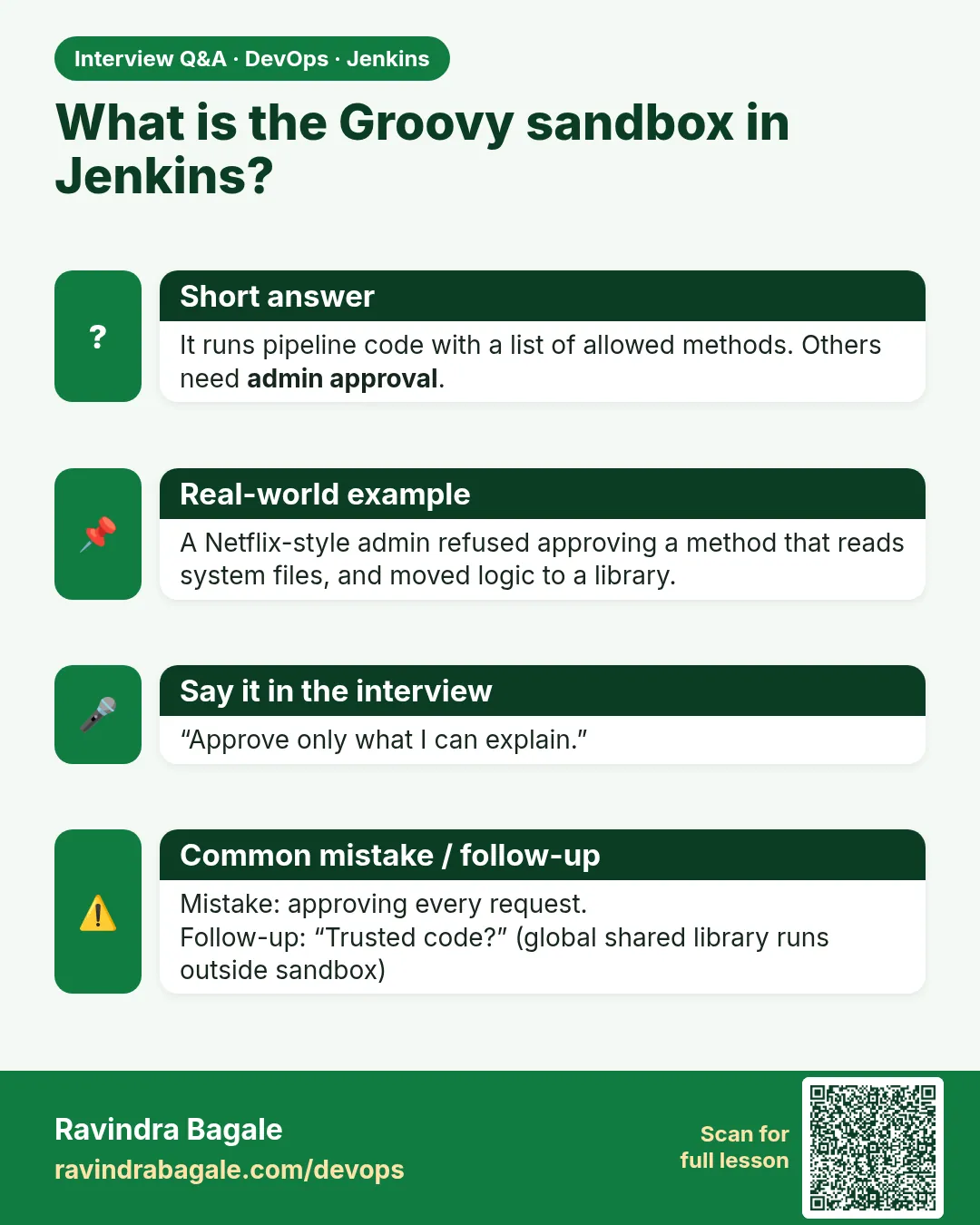
What is the Groovy sandbox?
A safety layer that lets pipeline scripts call only allowed methods, so pipeline authors cannot take over the controller.
-
A build fails with RejectedAccessException. What do you do?
Read the signature, look for a pipeline step or plugin that does the job, or move logic into sh. Approve only if it is clearly safe.
-
Why is Jenkins getInstance dangerous?
It gives the script full access to the controller, including credentials and settings.
-
Trusted vs untrusted shared library?
Global libraries are trusted and skip the sandbox; folder libraries are sandboxed.
-
Where does pipeline Groovy run?
On the controller, inside the CPS engine. Steps like sh run on the agent.
Quick quiz
Q1. What happens when a script calls a blocked method?
It fails with RejectedAccessException and waits in Script Approval.
Q2. What is the first fix to try?
Use a pipeline step such as readFile or readJSON.
Q3. Which signature must never be approved?
Jenkins getInstance, Runtime exec, or java.io.File writes.
Q4. Why is a trusted library powerful?
It runs outside the sandbox.
Q5. Who should merge to a trusted library repo?
Only reviewed admins or platform owners.
Samajla ka?
 Revision card
 Interview card
 Comparison card