Chapter 10: Jenkins Introduction
10.8c Shared libraries (awareness)
Why: the problem
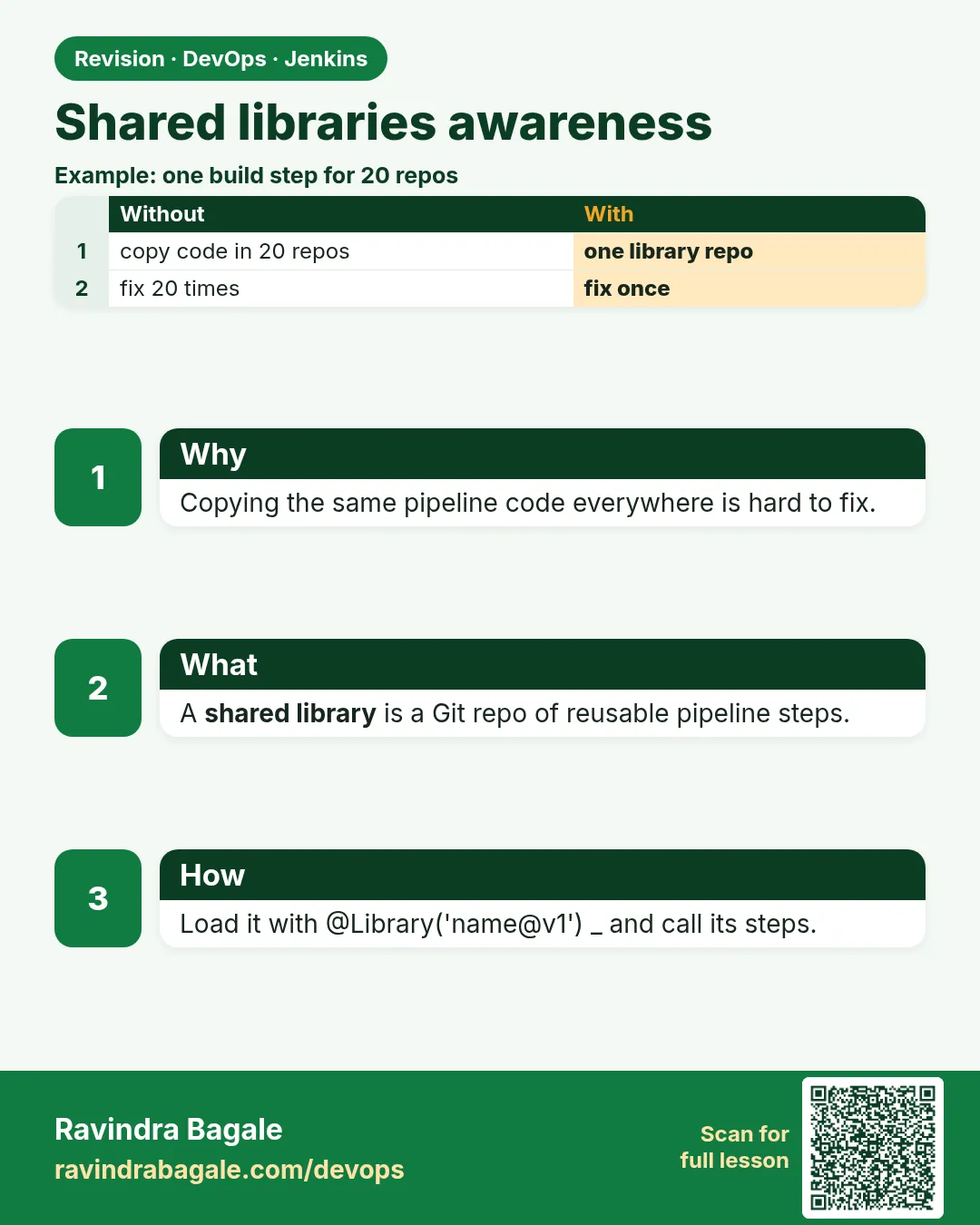
Suppose a TCS client has 80 microservices. Each repo has a Jenkinsfile with the same 120 lines: checkout, test, build image, scan, push, deploy and Slack message. One day the security team asks for a new image scan step. Now someone must edit 80 Jenkinsfiles and open 80 pull requests. This is slow and many repos get missed. A Shared Library fixes this. You write the common steps once, in a separate Git repo. Every Jenkinsfile loads the library and calls one short step, like buildAndPush(). Change the library once, and all 80 pipelines get the new step.
What we will build
You will create a small shared library repo with a vars folder, register it in Jenkins, call a custom step from a Jenkinsfile, write a full standard pipeline as one step, and pin the library version with a tag.
What: every term in plain English
- Shared Library — A Git repo of reusable Groovy code that many Jenkinsfiles can load.
- vars/ — Folder of global steps. vars/sayHello.groovy becomes the step sayHello().
- src/ — Folder of normal Groovy classes, for bigger logic.
- resources/ — Folder of plain files, like a shell script or a template.
- call() — The function Jenkins runs when you use the step name.
- @Library — The line at the top of a Jenkinsfile that loads a library.
- Global Pipeline Libraries — The Jenkins settings page where you register library repos.
- Version — A branch or tag of the library, like main or v1.2.0.
How: step by step
-
Create the library repo
mkdir jenkins-lib && cd jenkins-lib && git init -b main && mkdir vars resourcesWhat it does: Only vars/ is needed to start.
Output
Initialized empty Git repository -
Add a first step
vim vars/sayHello.groovyWhat it does: Paste Example 1.
Output
(saved) -
Push it
git add . && git commit -m "first step" && git tag v1.0.0 && git push -u origin main --tagsWhat it does: Tags let teams pin a version.
Output
* [new tag] v1.0.0 -> v1.0.0 -
Register in Jenkins
Manage Jenkins > System > Global Trusted Pipeline Libraries > Add: Name company-lib, Default version main, Retrieval: Modern SCM > Git > repo URLWhat it does: Now any Jenkinsfile can load company-lib.
Output
(saved) -
Use it
Add @Library('company-lib') _ to the top of a Jenkinsfile and buildWhat it does: Jenkins clones the library first.
Output
Loading library company-lib@main
Example 1: A first custom step
Stack. Jenkins Shared Library
Goal. A first custom step.
vars/sayHello.groovy
def call(String name = 'team') {
    echo "Hello, ${name}! Build ${env.BUILD_NUMBER} on ${env.NODE_NAME}"
}
Jenkinsfile
@Library('company-lib') _
pipeline {
    agent any
    stages {
        stage('Greet') {
            steps { sayHello('badge-api') }
        }
    }
}
What each line does
def call(String name = ...)— The code that runs when you write sayHello(...). name has a default.@Library('company-lib') _— Load the library. The underscore is needed when nothing else follows on the line.sayHello('badge-api')— Call the step like a built-in one.
Green output
Loading library company-lib@main
Attempting to resolve main from remote references...
[Pipeline] { (Greet)
[Pipeline] echo
Hello, badge-api! Build 3 on built-in
Finished: SUCCESS
Expected result. You made your own Jenkins step in four lines.
Example 2: A whole standard pipeline as one step
Stack. Shared Library, Docker
Goal. A whole standard pipeline as one step.
vars/nodeService.groovy
def call(Map cfg = [:]) {
    def image = cfg.image ?: "registry.example.com/ravi/${cfg.name}"
    pipeline {
        agent any
        stages {
            stage('Test') {
                agent { docker { image cfg.nodeImage ?: 'node:20' } }
                steps { sh 'npm ci && npm test' }
            }
            stage('Image') {
                when { branch 'main' }
                steps {
                    sh "docker build -t ${image}:${env.BUILD_NUMBER} ."
                    sh "docker push ${image}:${env.BUILD_NUMBER}"
                }
            }
        }
        post { failure { echo "Tell #team-${cfg.name}: build failed" } }
    }
}
Jenkinsfile (in each of the 80 repos)
@Library('company-lib@v1.1.0') _
nodeService(name: 'badge-api', nodeImage: 'node:20')
What each line does
def call(Map cfg = [:])— Takes named settings, like name and nodeImage.cfg.image ?: ...— Use the given image or build a default name.pipeline { } inside call— The library returns a full Declarative pipeline.@Library('company-lib@v1.1.0')— Pin a tag so a library change cannot break this repo by surprise.nodeService(...)— The whole Jenkinsfile is now two lines.
Green output
Loading library company-lib@v1.1.0
[Pipeline] { (Test)
# pass 4
[Pipeline] { (Image)
+ docker build -t registry.example.com/ravi/badge-api:9 .
+ docker push registry.example.com/ravi/badge-api:9
Finished: SUCCESS
Expected result. To add a scan step for all 80 repos, change nodeService once and release v1.2.0.
Example 3: Use a shell script from resources/
Stack. Shared Library resources
Goal. Use a shell script from resources/.
resources/scripts/health.sh
#!/usr/bin/env bash
set -euo pipefail
URL="$1"
for i in 1 2 3 4 5; do
  if curl -fs "$URL/health" ; then echo " ok"; exit 0; fi
  echo "try $i failed, waiting"; sleep 5
done
exit 1
vars/healthCheck.groovy
def call(String url) {
    writeFile file: 'health.sh', text: libraryResource('scripts/health.sh')
    sh "bash health.sh ${url}"
}
Jenkinsfile
@Library('company-lib') _
pipeline {
    agent any
    stages {
        stage('Smoke') { steps { healthCheck('https://staging.example.com') } }
    }
}
What each line does
libraryResource(...)— Reads a file from the resources folder.writeFile— Writes it into the workspace.bash health.sh— Runs it with bash, so no execute bit is needed.curl -fs— Fail on HTTP errors, stay quiet.
Green output
+ bash health.sh https://staging.example.com
{"status":"UP"} ok
Finished: SUCCESS
Expected result. Every team uses the same tested health check.
Verify: did it work?
-
See the library version used
Build page > top of Console OutputWhat it does: Shows the branch or tag and the commit.
Output
Loading library company-lib@v1.1.0 Obtained from revision 4e1a2c9 -
Test a library change on one job
@Library('company-lib@feature/scan') _What it does: Try a branch of the library before tagging.
Output
Loading library company-lib@feature/scan
When it is red 1
No such DSL method 'sayHello' found among steps
Cause. The library is not loaded, or the file name does not match.
Fix, step by step
- Add @Library('company-lib') _ at the top.
- The file must be vars/sayHello.groovy, same case.
- Check the library name in Jenkins settings.
When it is red 2
Scripts not permitted to use method java.io.File ...
Cause. Script security blocks unsafe code in an untrusted library.
Fix, step by step
- Avoid java.io.File; use readFile and writeFile steps.
- Or register the library as trusted, only after review.
When it is red 3
ERROR: Could not resolve v1.3.0
Cause. The tag does not exist in the library repo.
Fix, step by step
- Run git tag in the library repo.
- Push the tag: git push origin v1.3.0.
- Or use an existing version.
Cleanup
-
Remove a test library branch
git push origin --delete feature/scanWhat it does: Stops jobs from using old branches.
Output
- [deleted] feature/scan
Ravindra Bagale's Tip
Do not copy the same code into 80 repos. Write it once in a library, pin the version, and every repo improves.
८० repos मध्ये तेच code copy करू नका. एकदा library मध्ये लिहा, version pin करा, आणि सगळे repos सुधरतात.
८० repos में वही code copy मत करो. एक बार library में लिखो, version pin करो, और सारे repos सुधर जाते हैं.
Practice tasks
Easy Add a parameter
Why: Steps need inputs.
What to do: Give sayHello a greeting argument.
- def call(String name, String greet)
Check: Output uses your greeting.
Medium Write unit tests
Why: Libraries need tests.
What to do: Read about JenkinsPipelineUnit for library tests.
- Write one test plan.
Check: A note listing what to test.
Hard Release flow
Why: Safe changes.
What to do: Release v1.2.0 with a new scan step and upgrade one repo first.
- Change, tag, pin in one repo, then roll out.
Check: One repo on v1.2.0, others still on v1.1.0.
Easy Say a Shared Library in two lines
Why: If you can say it simply, you understand it. Juniors and interviewers both want the short version first.
What to do: Write two short lines about a Shared Library for a fresher who knows only Linux, Git and Docker basics.
- Write the problem it solves.
- Write the one Jenkins screen, Jenkinsfile line or command you use for it.
- Read it aloud to a friend.
Check: A fresher understands it without asking a question.
Easy Keep a throwaway lab Jenkins
Why: Practice needs a Jenkins you can break. If the lab gets messy, you delete the container and volume and start again.
What to do: Run a lab Jenkins in Docker on your laptop with a named volume jenkins_home.
- docker volume create jenkins_home
- docker run -d --name jenkins -p 8080:8080 -v jenkins_home:/var/jenkins_home jenkins/jenkins:lts-jdk17
- Open http://localhost:8080 and finish the setup wizard.
Check: The Jenkins dashboard opens and shows "Welcome to Jenkins!".
Medium Do it on a second stack
Why: A pipeline idea must work for Node.js, Python and Java. Only the build and test lines should change.
What to do: Repeat this lesson with a different language than the one you used first.
- If you used Python, use Node.js or Maven now.
- Change only the sh lines for build and test.
- Keep the same stage names.
Check: Same green result, and the stage names did not change.
Medium Break it on purpose
Why: You must know the red console log by face. In a real outage there is no time to read slowly.
What to do: Cause one error from the "When it is red" part of this lesson and fix it.
- Follow the error section.
- Copy the exact message from Console Output into your notes.
- Write the fix in one line.
Check: You fixed it using only the steps, without searching the web.
Medium Write a one-page runbook
Why: At 2 a.m. nobody remembers Jenkins menus. A short page saves the on-call person.
What to do: Write a one-page runbook for this lesson.
- Title, when to use, exact clicks or Jenkinsfile lines, how to check, how to undo.
Check: A teammate can follow it alone.
Hard Explain it like an interview
Why: Interviewers want real stories, not definitions.
What to do: Record a 60 second answer about this lesson.
- Say the problem, the Jenkinsfile lines you wrote, and one error you hit.
Check: Your answer has a real Jenkinsfile line and a real error message.
Hard Draw the flow top to bottom
Why: A drawing shows the order of work and which stage waits for which.
What to do: Draw this lesson as boxes from top to bottom.
- Start at git push or Build Now, go through each stage, end at the green build or the deployed app.
Check: Each box matches a real line in your Console Output.
Homework: try at home
Try at home
At home, make jenkins-lib with vars/sayHello.groovy, register it, and call it from a Jenkinsfile. Then make nodeService and pin v1.1.0.
Recap
- Shared Libraries hold common pipeline code once.
- vars/name.groovy becomes the step name().
- Load with @Library and pin a tag.
- resources/ holds scripts and templates.
- Test library changes on a branch first.
FAQ
Trusted or untrusted library?
Global trusted libraries skip the sandbox. Only admins should change them.
Can a library hold a full pipeline?
Yes, a step can return a whole Declarative pipeline.
Where do I learn Groovy?
You need only basics: def, strings, maps and closures.
Can I load two libraries?
Yes: @Library(['lib-a', 'lib-b']) _.
Should every team have its own library?
Usually one company library plus small team ones.
Interview questions
-
What is a Jenkins Shared Library?
A versioned Git repo with reusable pipeline code in vars, src and resources, loaded with @Library.
-
Why use one?
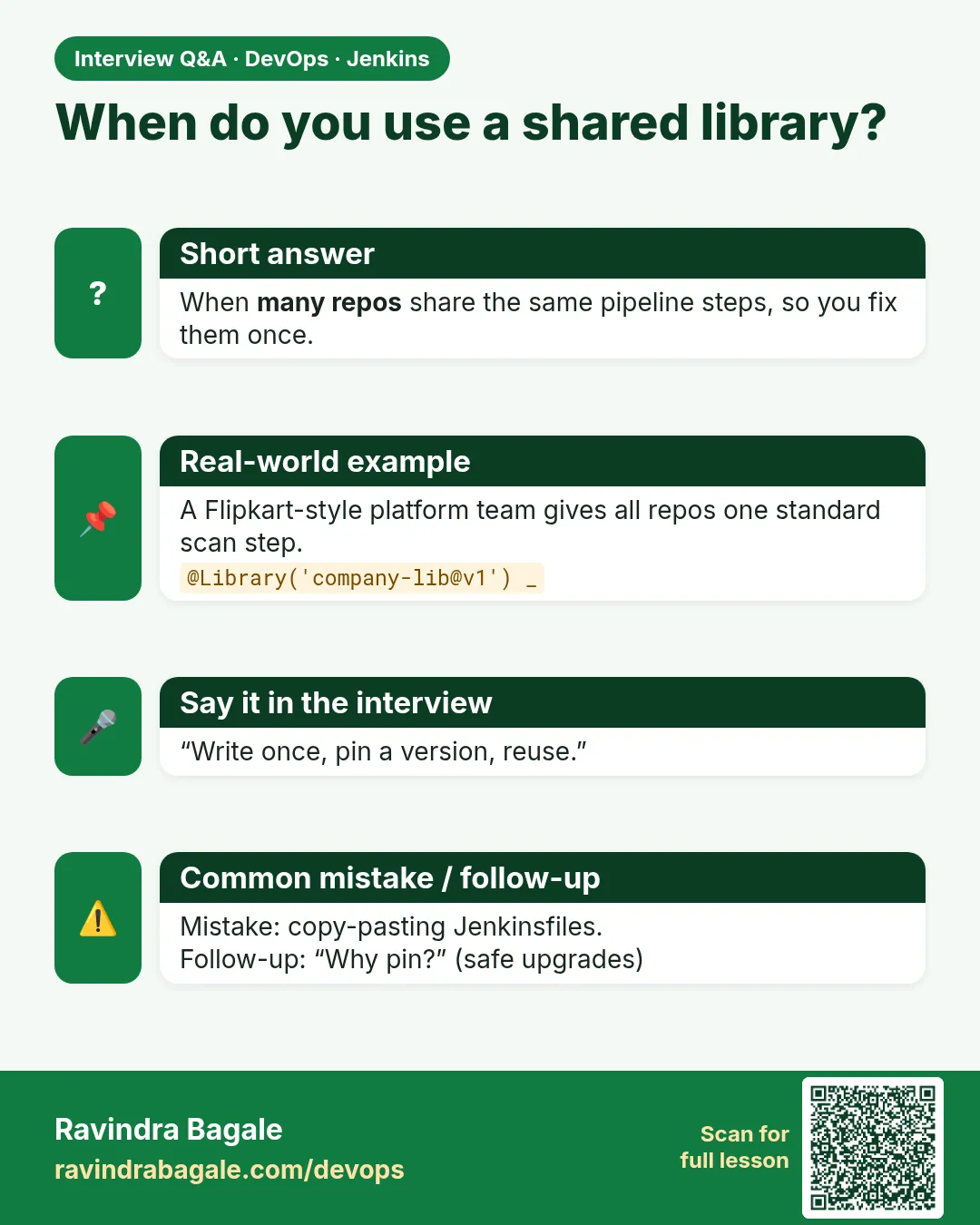
To remove copied pipeline code and roll out changes to many repos at once.
-
How do you version it?
Git tags, pinned in each Jenkinsfile, upgraded repo by repo.
-
vars vs src?
vars holds global steps; src holds Groovy classes for bigger logic.
-
Security concern?
Trusted libraries run outside the sandbox, so changes must be reviewed.
Quick quiz
Q1. Which folder holds global steps?
vars/.
Q2. Which function runs for a step?
call().
Q3. How do you load a library?
@Library('name') _.
Q4. How do you pin a version?
@Library('name@v1.1.0') _.
Q5. Where are plain files kept?
resources/.
Did you understand? Let us try it once more.
 Revision card
 Interview card