Chapter 10: Jenkins Introduction
10.2 Controller, agents and jobs
Why: the problem
Suppose we are at Flipkart before a Big Billion Days sale. Two hundred developers push code all day. If one Jenkins machine builds everything, builds wait in a long queue. A Java build needs 4 GB of RAM. An iOS build needs a Mac. A Docker build needs Docker. One machine cannot do all this. So Jenkins splits the work. One controller plans the work and shows the web page. Many agents do the heavy building. Each agent has executors, which are slots for builds. If you know these words, you can read any Jenkins setup and find why a build is stuck.
What we will build
You will read the Nodes page of your lab Jenkins, see the built-in node and its executors, add a label, and run a pipeline that picks an agent by label. You will also see the queue fill up when executors are busy.
What: every term in plain English
- Controller — The main Jenkins server. It serves the UI, stores config and plans builds. It was called master before.
- Agent (node) — A machine that runs build steps. It can be a VM, a container or a laptop.
- Executor — One slot on an agent. Two executors means two builds can run at the same time.
- Label — A tag on an agent, like linux, docker or java17. Pipelines ask for a label.
- Queue — The waiting list of builds that have no free executor yet.
- Job / item — A configured task. Freestyle or Pipeline.
- Freestyle job — A job set up by clicking forms in the UI. Hard to review in Git.
- Workspace — The folder on the agent where a build checks out code and runs.
How: step by step
-
Open the Nodes page
Dashboard > Manage Jenkins > NodesWhat it does: Lists every agent and its status.
Output
Built-In Node Linux (amd64) In sync 2 executors -
Set executors on the controller to 0 (best practice)
Built-In Node > Configure > Number of executors: 0 > SaveWhat it does: The controller should only plan, not build. In the lab you may keep 2.
Output
Built-In Node 0 executors -
Add a label in the lab
Built-In Node > Configure > Labels: linux docker > Save (keep executors 2 for the lab)What it does: Pipelines can now ask for agent { label "linux" }.
Output
Labels: docker linux -
Check the queue
Run two builds of a slow job at once, then look at Build Queue on the leftWhat it does: With one executor, the second build waits.
Output
Build Queue (1) slow-job #2 Waiting for next available executor -
List nodes from the terminal
curl -s -u ravi:API_TOKEN http://localhost:8080/computer/api/json | python3 -m json.tool | grep displayNameWhat it does: The JSON API shows the same list. Make the API token in your user page.
Output
"displayName": "Built-In Node"
Example 1: Pick an agent by label
Stack. Lab Jenkins
Goal. Pick an agent by label.
Jenkinsfile
pipeline {
    agent { label 'linux' }
    stages {
        stage('Where am I') {
            steps {
                sh 'echo "Node: $NODE_NAME"; echo "Workspace: $WORKSPACE"; nproc'
            }
        }
    }
}
What each line does
agent { label 'linux' }— Run only on an agent that has the label linux.$NODE_NAME— A Jenkins variable: the name of the agent.$WORKSPACE— The folder where this build runs.nproc— How many CPUs this agent has.
Green output
Running on Jenkins in /var/jenkins_home/workspace/where-am-i
+ echo Node: built-in
Node: built-in
+ echo Workspace: /var/jenkins_home/workspace/where-am-i
Workspace: /var/jenkins_home/workspace/where-am-i
+ nproc
4
Finished: SUCCESS
Expected result. The build ran on the built-in node because it has the label linux.
Example 2: See executors and the queue with a slow job
Stack. Lab Jenkins, 2 executors
Goal. See executors and the queue with a slow job.
Jenkinsfile
pipeline {
    agent any
    options { timeout(time: 5, unit: 'MINUTES') }
    stages {
        stage('Slow') {
            steps {
                sh 'echo "Build $BUILD_NUMBER started"; sleep 60; echo done'
            }
        }
    }
}
What each line does
options { timeout(...) }— Kill the build if it runs over 5 minutes. Stops stuck builds.$BUILD_NUMBER— The build number, like 1, 2 or 3.sleep 60— Waits 60 seconds so you can watch the queue.
Green output
Build Queue (1)
  slow-job #3  (pending: Waiting for next available executor on Built-In Node)
...
+ echo Build 3 started
Build 3 started
+ sleep 60
+ echo done
done
Finished: SUCCESS
Expected result. Click Build Now three times. With 2 executors, two builds run and the third waits. This is exactly why companies add agents.
Example 3: Freestyle vs Pipeline: same work, two job types
Stack. Freestyle and Pipeline
Goal. Freestyle vs Pipeline: same work, two job types.
Freestyle job: Build Steps > Execute shell
echo "Building payments-api"
python3 -m pytest -q || exit 1
Pipeline job: Jenkinsfile
pipeline {
    agent any
    stages {
        stage('Test') {
            steps {
                echo 'Building payments-api'
                sh 'python3 -m pytest -q'
            }
        }
    }
}
What each line does
Execute shell box— Freestyle keeps commands inside the Jenkins UI. No Git history.|| exit 1— Make sure a failing test fails the build.Jenkinsfile— Lives in the repo. Every change is reviewed in a pull request.sh 'python3 -m pytest -q'— sh fails the stage by itself on a non-zero exit code.
Green output
Freestyle:  Finished: SUCCESS  (config saved in Jenkins only)
Pipeline:   Finished: SUCCESS  (config saved in Git, with history)
Expected result. Both are green, but only the Pipeline job can be reviewed, rolled back and copied to a new repo. That is why teams use Pipeline.
Verify: did it work?
-
Check executors are free
Dashboard left side > Build Executor StatusWhat it does: Shows Idle or the running build per slot.
Output
Built-In Node 1 Idle 2 Idle -
Check an agent is online
Manage Jenkins > NodesWhat it does: A red cross means offline.
Output
linux-agent-01 In sync 1 executor
When it is red 1
Still waiting to schedule task
There are no nodes with the label 'docker'
Cause. The pipeline asks for a label that no online agent has.
Fix, step by step
- Open Manage Jenkins > Nodes.
- Add the label docker to an agent, or fix the label in the Jenkinsfile.
- Check the agent is online.
When it is red 2
Waiting for next available executor
Cause. All executors are busy.
Fix, step by step
- Wait, or raise executors on an agent.
- Add a new agent for long builds.
- Add a timeout so stuck builds free their slot.
When it is red 3
Agent linux-agent-01 is offline. Disconnected by ravi: java.io.EOFException
Cause. The agent machine lost its connection or ran out of disk.
Fix, step by step
- SSH to the agent and run df -h.
- Free disk space in the workspace folder.
- Click Launch agent on the node page.
Cleanup
-
Remove the slow test job
Dashboard > slow-job > Delete Pipeline > YesWhat it does: Keeps the lab clean.
Output
(job removed)
Ravindra Bagale's Tip
Controller is the head office, agents are the workers. Do not run machines in the head office — set executors 0!
Controller म्हणजे head office, agent म्हणजे काम करणारे कामगार. Head office मध्ये machine चालवू नका, executors 0 ठेवा!
Controller यानी head office, agent यानी काम करने वाले मजदूर. Head office में machine मत चलाओ — executors 0 रखो!
Practice tasks
Easy Count your executors
Why: Know your capacity.
What to do: Read Build Executor Status and write the number.
- Look at the left panel.
Check: You know how many builds can run at once.
Medium Make a stuck label
Why: See a stuck build.
What to do: Ask for label gpu and watch the build wait.
- agent { label 'gpu' }
Check: You can read the waiting message.
Hard Plan agents for a team
Why: Real sizing.
What to do: Plan agents for 50 developers with Java, Node and Docker builds.
- Write labels, RAM and executor counts.
Check: Each build type has a matching label.
Easy Say controller, agents and executors in two lines
Why: If you can say it simply, you understand it. Juniors and interviewers both want the short version first.
What to do: Write two short lines about controller, agents and executors for a fresher who knows only Linux, Git and Docker basics.
- Write the problem it solves.
- Write the one Jenkins screen, Jenkinsfile line or command you use for it.
- Read it aloud to a friend.
Check: A fresher understands it without asking a question.
Easy Keep a throwaway lab Jenkins
Why: Practice needs a Jenkins you can break. If the lab gets messy, you delete the container and volume and start again.
What to do: Run a lab Jenkins in Docker on your laptop with a named volume jenkins_home.
- docker volume create jenkins_home
- docker run -d --name jenkins -p 8080:8080 -v jenkins_home:/var/jenkins_home jenkins/jenkins:lts-jdk17
- Open http://localhost:8080 and finish the setup wizard.
Check: The Jenkins dashboard opens and shows "Welcome to Jenkins!".
Medium Do it on a second stack
Why: A pipeline idea must work for Node.js, Python and Java. Only the build and test lines should change.
What to do: Repeat this lesson with a different language than the one you used first.
- If you used Python, use Node.js or Maven now.
- Change only the sh lines for build and test.
- Keep the same stage names.
Check: Same green result, and the stage names did not change.
Medium Break it on purpose
Why: You must know the red console log by face. In a real outage there is no time to read slowly.
What to do: Cause one error from the "When it is red" part of this lesson and fix it.
- Follow the error section.
- Copy the exact message from Console Output into your notes.
- Write the fix in one line.
Check: You fixed it using only the steps, without searching the web.
Medium Write a one-page runbook
Why: At 2 a.m. nobody remembers Jenkins menus. A short page saves the on-call person.
What to do: Write a one-page runbook for this lesson.
- Title, when to use, exact clicks or Jenkinsfile lines, how to check, how to undo.
Check: A teammate can follow it alone.
Hard Explain it like an interview
Why: Interviewers want real stories, not definitions.
What to do: Record a 60 second answer about this lesson.
- Say the problem, the Jenkinsfile lines you wrote, and one error you hit.
Check: Your answer has a real Jenkinsfile line and a real error message.
Hard Draw the flow top to bottom
Why: A drawing shows the order of work and which stage waits for which.
What to do: Draw this lesson as boxes from top to bottom.
- Start at git push or Build Now, go through each stage, end at the green build or the deployed app.
Check: Each box matches a real line in your Console Output.
Homework: try at home
Try at home
At home, add the label linux to your built-in node, run the where-am-i pipeline, then run the slow job three times and watch the queue.
Recap
- The controller plans; agents build.
- Executors are build slots; the queue holds waiting builds.
- Labels match pipelines to agents.
- Freestyle is clicks; Pipeline is code in Git.
- Give the controller 0 executors in real setups.
FAQ
Is master the same as controller?
Yes. Jenkins renamed master to controller and slave to agent.
How many executors per agent?
Often one per CPU for heavy builds. Start with 1 or 2.
Can an agent be a container?
Yes. Docker and Kubernetes agents start for one build and then go away.
Where is the workspace?
On the agent, under its workspace folder, one folder per job.
Can I convert Freestyle to Pipeline?
Not automatically. You rewrite the steps as a Jenkinsfile.
Interview questions
-
What is the difference between controller and agent?
The controller serves the UI and schedules; agents execute build steps.
-
What is an executor?
A slot on a node that runs one build at a time.
-
Why use labels?
To send builds to agents with the right tools, OS or hardware.
-
Why should the controller not run builds?
Builds can use all CPU or disk, or run unsafe code, and break the main server.
-
Freestyle vs Pipeline?
Freestyle is UI config; Pipeline is a Jenkinsfile in Git that is reviewable and repeatable.
Quick quiz
Q1. What does the controller do?
Serves the UI, stores config and plans builds.
Q2. What is an executor?
One build slot on an agent.
Q3. Why give the controller 0 executors?
So heavy builds do not slow or break the main server.
Q4. What does a label do?
Lets a pipeline pick the right agent.
Q5. Which job type lives in Git?
Pipeline, with a Jenkinsfile.
Did you understand? Let us try it once more.
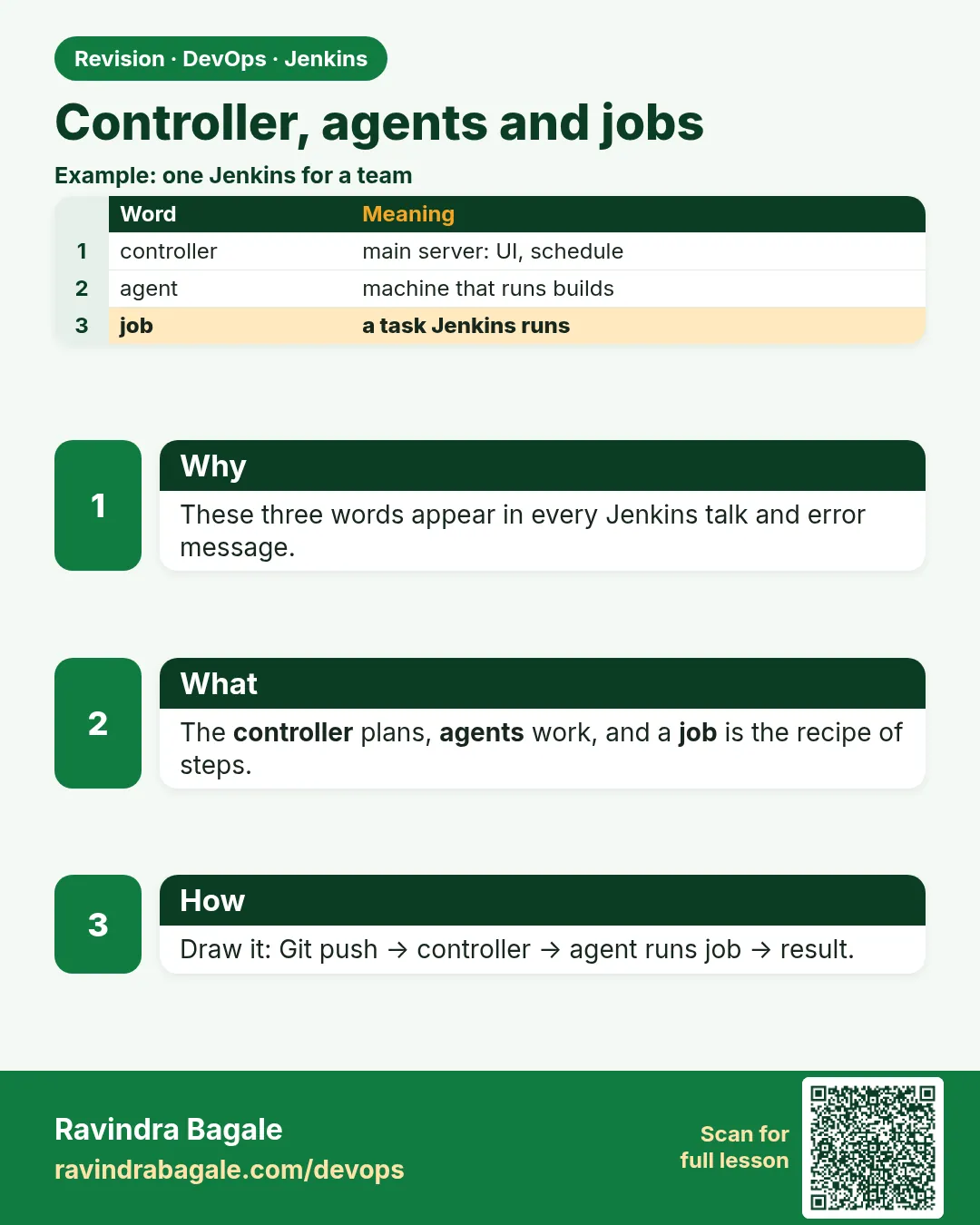 Revision card
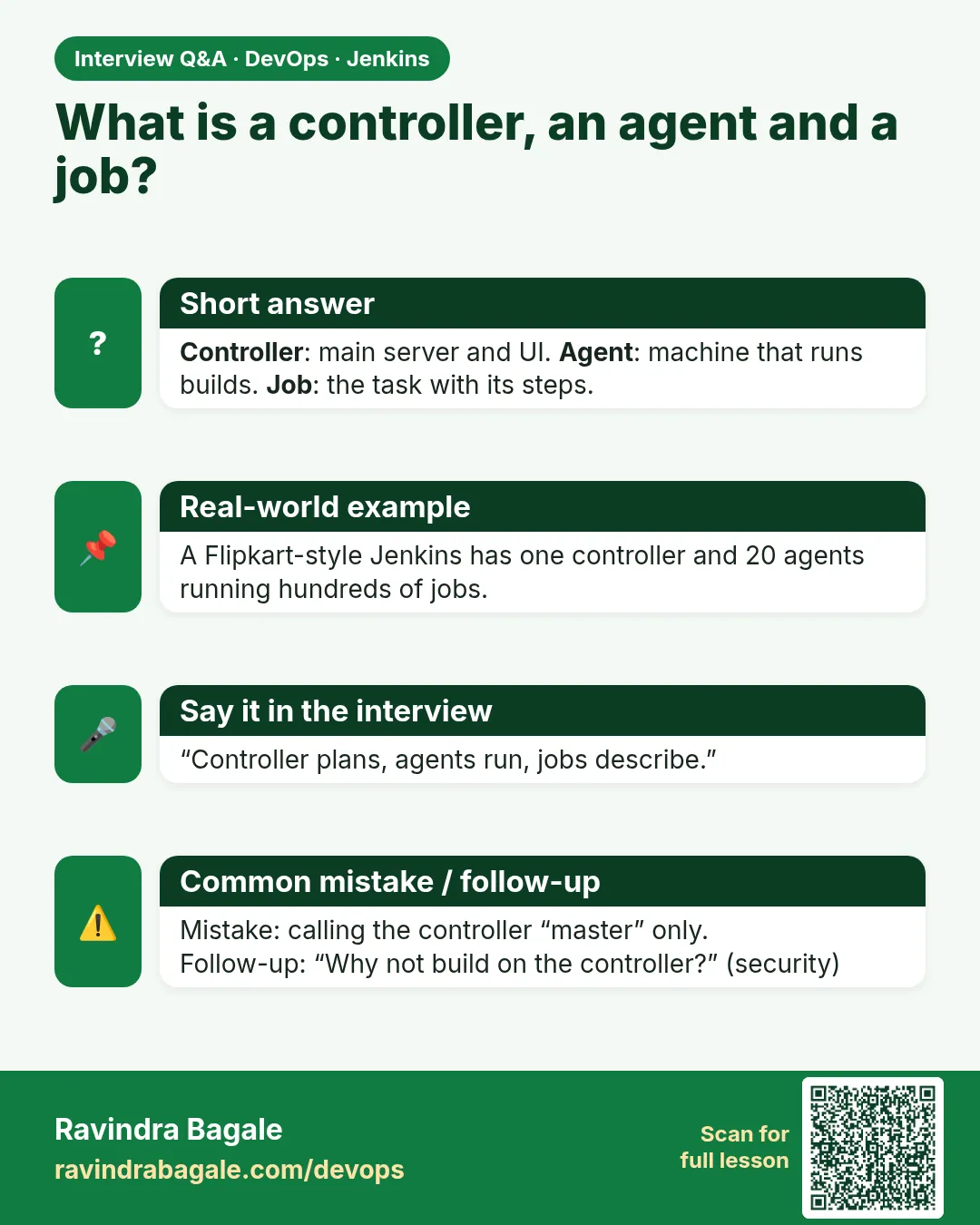 Interview card