Excel XNPV Function
Chala mitrano — today XNPV. Discount on the real calendar — not a fake equal-period grid.
चला मित्रांनो — आज XNPV. खऱ्या कॅलेंडरवर सवलत — खोट्या equal-period ग्रिडवर नाही.
चलो दोस्तों — आज XNPV. असली कैलेंडर पर छूट — नकली equal-period ग्रिड पर नहीं.
Purpose
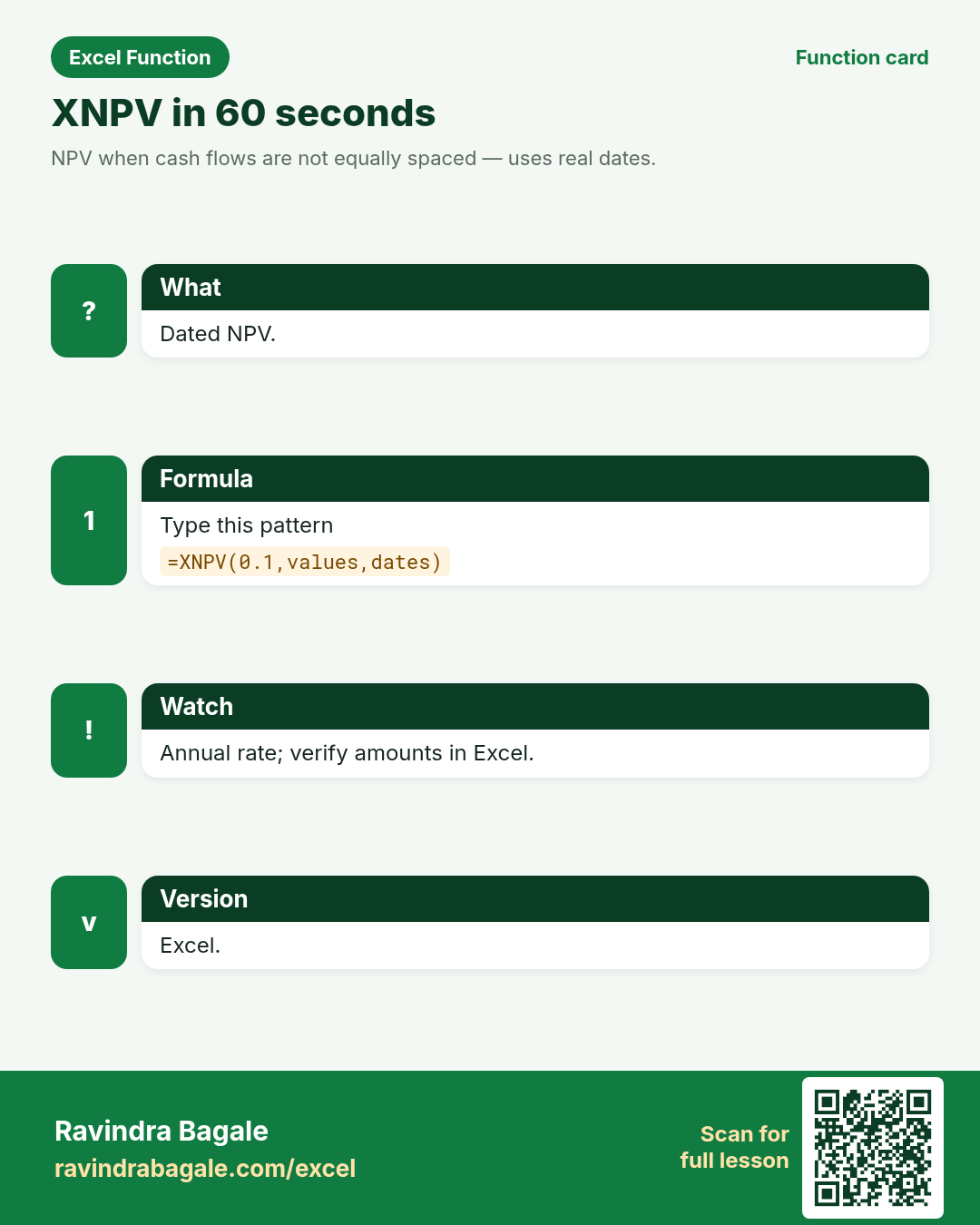
NPV when cash flows are not equally spaced — uses real dates.
Return value
The dated net present value.
Syntax
Arguments
| Argument | Required? | Description |
|---|---|---|
rate | Required | Annual discount rate. |
values | Required | Cash flows. |
dates | Required | Matching dates. |
Version
Excel. LibreOffice/Sheets: XIRR/XNPV available under same or similar names.
How to use — Why → What → How
Why: Milestones land on weird dates. XNPV discounts with actual day counts. Dated NPV for Vizag milestones and Berlin grant schedules.
What: XNPV uses an annual rate and pairs values with dates. First date is the valuation anchor. In practice, keep the rate and nper in the same unit — annual rate with monthly payments means rate/12 and nper×12. Mixing units is the most common silent error: Excel returns a number that looks plausible but is wrong for the loan. Sign convention: money you receive is positive; money you pay out is negative. For a borrower, PV is positive and PMT is negative. Build amortization with PMT for the installment, IPMT/PPMT for each period’s split, and CUMIPMT/CUMPRINC for year totals.
How — numbered steps:
- Type =XNPV(0.1,B2:B5,A2:A5).
- Keep values/dates aligned.
- Compare with NPV on a forced grid.
Ravindra Bagale's Tip
Friends, after XNPV, find one column or range in a real workbook this week where this lesson saves time.
Ravindra Bagale's Tip – मराठी
मित्रांनो, XNPV नंतर या आठवड्यात खरी workbook मधील एक संख्या column सुधारा.
Ravindra Bagale's Tip – हिंदी
दोस्तों, XNPV के बाद इस हफ़्ते असली workbook का एक संख्या column सुधारो.
Ravindra Bagale's Tip
Friends, sleep on XNPV; rebuild example 1 tomorrow without looking.
Ravindra Bagale's Tip – मराठी
मित्रांनो, XNPV वर झोपा; उद्या उदाहरण 1 न पाहता लिहा.
Ravindra Bagale's Tip – हिंदी
दोस्तों, XNPV पर सोकर कल उदाहरण 1 बिना देखे लिखो.
Ravindra Bagale's Tip
Friends, say the business question in plain words before =XNPV.
Ravindra Bagale's Tip – मराठी
मित्रांनो, =XNPV आधी व्यवसाय प्रश्न साध्या शब्दांत सांगा.
Ravindra Bagale's Tip – हिंदी
दोस्तों, =XNPV से पहले व्यवसाय प्रश्न सादे शब्दों में बोलो.
Ravindra Bagale's Tip
Friends, check a known case with a calculator before you trust a long XNPV chain.
Ravindra Bagale's Tip – मराठी
मित्रांनो, लांब XNPV chain वर विश्वास ठेवण्यापूर्वी कॅल्क्युलेटरने एक ज्ञात case तपासा.
Ravindra Bagale's Tip – हिंदी
दोस्तों, लंबी XNPV chain पर भरोसा करने से पहले कैलकुलेटर से एक जाना हुआ case जाँचो.
Ravindra Bagale's Tip
Friends, after you finish XNPV, open yesterday’s real workbook and find one place this function would have saved ten minutes.
Ravindra Bagale's Tip – मराठी
मित्रांनो, XNPV नंतर कालची खरी वर्कबुक उघडा आणि शोधा जिथे हे फंक्शन दहा मिनिटे वाचवू शकले असते.
Ravindra Bagale's Tip – हिंदी
दोस्तों, XNPV के बाद कल की असली वर्कबुक खोलो और ढूँढो जहाँ यह फ़ंक्शन दस मिनट बचा सकता था.
Ravindra Bagale's Tip
Friends, treat XNPV sign carefully — positive PV usually means negative payment outflow.
Ravindra Bagale's Tip – मराठी
मित्रांनो, XNPV चा sign काळजीपूर्वक पाहा — positive PV म्हणजे सहसा negative payment outflow.
Ravindra Bagale's Tip – हिंदी
दोस्तों, XNPV का sign सावधानी से देखो — positive PV का मतलब आमतौर पर negative payment outflow.
Download practice file: practice-xnpv.xlsx (includes sheet About this data, practice sheets, and Answers).
Worked examples
1) Dated NPV
Vizag.
| Date | CF |
|---|---|
| 2024-01-01 | -100000 |
| 2024-07-01 | 40000 |
| 2025-01-01 | 40000 |
| 2025-07-01 | 40000 |
Result: ~₹5–8k (illustrative)
What it means: Verify in Excel — day-count sensitive.
2) Berlin €
Grants.
| Date | CF |
|---|---|
| 2024-03-01 | -20000 |
| 2024-09-01 | 12000 |
| 2025-03-01 | 12000 |
Result: illustrative €
What it means: Spot-check.
3) vs NPV
Equal assumption.
| # |
|---|
Result: timing
What it means: Why XNPV.
4) Align
Same size.
| # |
|---|
Result: required
What it means: Shape.
5) #VALUE!
Bad dates.
| # |
|---|
Result: #VALUE!
What it means: Real dates.
6) Rate annual
Not monthly.
| # |
|---|
Result: annual
What it means: Convention.
Common errors and fixes
Notes and tips
- Revisit the XNPV errors table after the quiz.
- Build example 1 from memory on a blank sheet.
- Check number vs text if a result looks wrong.
- Teach one tip in Marathi or Hindi this week.
- Keep currency symbols consistent inside one report column (practice mixes ₹ $ £ €).
- Drill: XNPV a four-row dated project and confirm in Excel. Uncertain: illustrative results.
- XNPV vs NPV: calendar discounting versus equal-period discounting.
- Fictional sample data only — names and amounts are for learning.
- Print the XNPV revision card for one week of real worksheets.
- Ask juniors to predict before they press Enter.
- Track your top mistake with this function monthly.
- Dated NPV for Vizag milestones and Berlin grant schedules.
- Interview tip: explain the business question before the formula.
- Classroom drill: invent three brand-new formulas from your city without the page open.
- If a result looks wrong, check blanks vs zeros before rewriting.
- When Excel versions differ, note the LibreOffice / Sheets fallback in a cell comment.
- Prefer clear ranges over whole-column refs on huge sheets if speed matters.
- Document units (₹, kg, days) in the header so totals stay honest.
- Print the revision card for XNPV for one week of real worksheets.
- When helping a junior, ask them to predict before Enter.
- Share one tip with a classmate in Marathi or Hindi.
- Keep currency symbols consistent inside a single report column.
- When Excel versions differ, write a LibreOffice / Sheets fallback under a comment.
- Keep rate and nper units matched (monthly with monthly) or the EMI will silently mislead.
- Document whether the sheet is borrower’s view (PV>0 → PMT<0) or lender’s view.
- Round displayed EMI with ROUND(...,2) for client letters; keep full precision in calc columns.
- For RATE/IRR #NUM!, supply a guess near 0.1 when cash-flow signs flip more than once.
- Pair NPV with a separate time-0 outflow cell — do not bury the initial invest inside values[1] by accident.
- Fictional EMI and cash-flow figures only — never paste real customer loan data into class files.
- Compare your EMI to a bank quote: if off by a lot, you forgot /12; if off by paisa, rounding.
- Teach one junior the sign convention in Marathi or Hindi this week — teaching locks it.
In real work
Drill: XNPV a four-row dated project and confirm in Excel. Uncertain: illustrative results. Dated NPV for Vizag milestones and Berlin grant schedules. Classroom drill: write three brand-new XNPV formulas on a blank sheet using names from your own city — if you can invent them without the page open, you own the skill. Then break one formula on purpose and watch the error; recovering from that break is half of interview readiness. Always verify with a known case before trusting a long chain. Keep a personal notebook of the one mistake you make most often with this function; review it monthly. Excel’s financial engine uses the same closed-form annuity formulas taught in CFA Level I. PMT isolates the constant installment; IPMT the interest slice; PPMT the principal residual — and PMT = IPMT + PPMT for each period when FV and type match. NPV discounts values starting at period 1, so keep the time-0 investment outside the values array. XNPV/XIRR need actual dates; RRI inverts growth between two pots; EFFECT/NOMINAL bridge stated APR and true EAR under m compounding periods. Bank EMI sheets often round each installment to two decimals — expect ₹0.01–₹0.05 drift versus raw Excel PMT on long tenures.
How it compares
XNPV vs NPV: calendar discounting versus equal-period discounting.
Interview corner
- Rate?
- Annual.
- vs NPV?
- Uses dates.
- Uncertain?
- Illustrative samples — spot-check.
Related functions
Practice tasks (10)
- Task 1. XNPV dated.Vizag.
- Task 2. Compare NPV.Skew.
- Task 3. Align ranges.Shape.
- Task 4. Bad dates err.Type.
- Task 5. Interview.Talk.
- Task 6. Teach.Teach.
- Task 7. € grants.Berlin.
- Task 8. Fill.Fill.
- Task 9. Verify Excel.Check.
- Task 10. Document annual rate.Note.
Quick quiz
Answers: Q1=Annual, Q2=Yes, Q3=Dated, Q4=Error, Q5=Check in Excel (check after you try).
Revision card
Standalone card (no tip or photo strip). QR opens this lesson. Download the PNG and revise offline.