27.3 One Maven Docker agent
Why: the problem
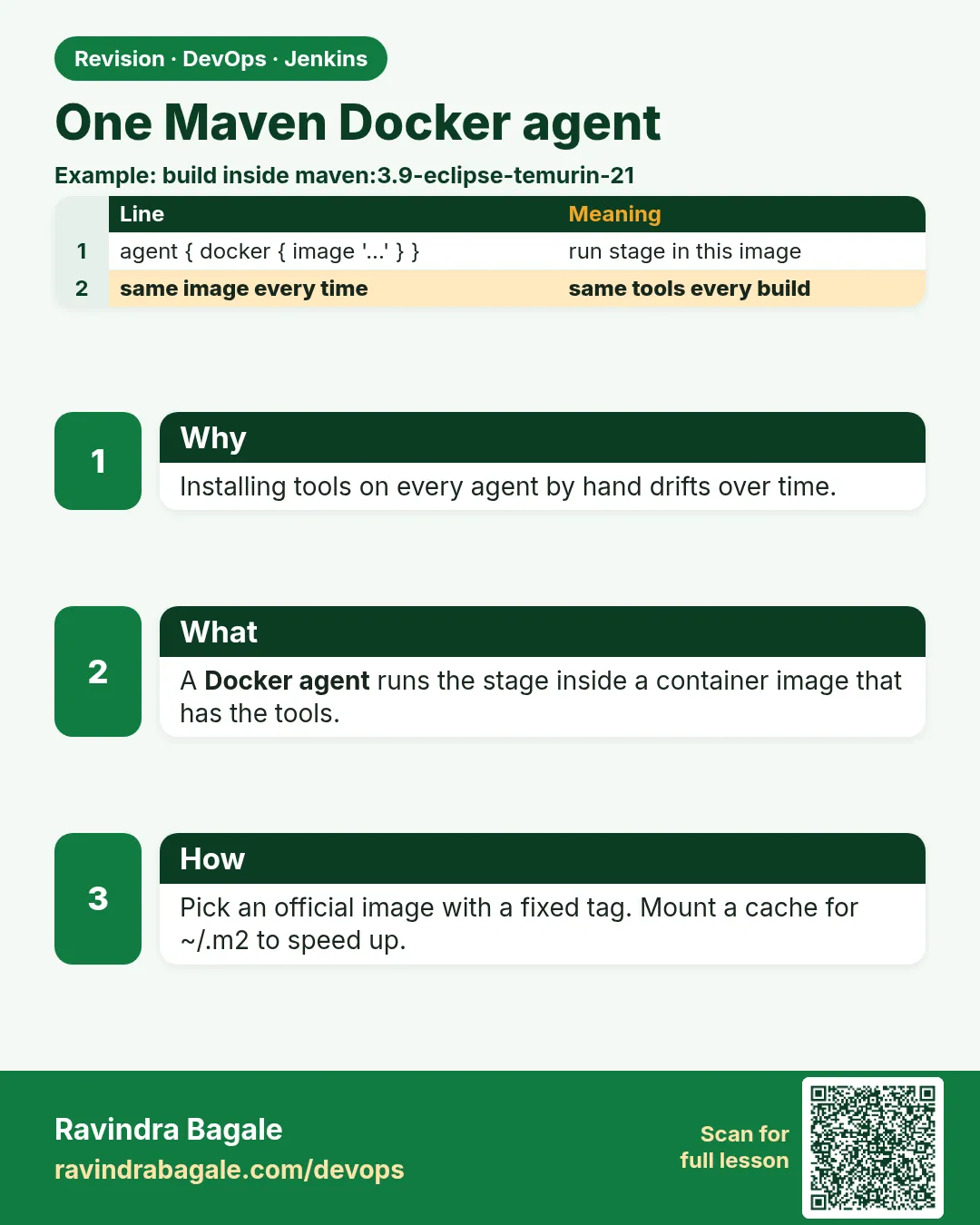
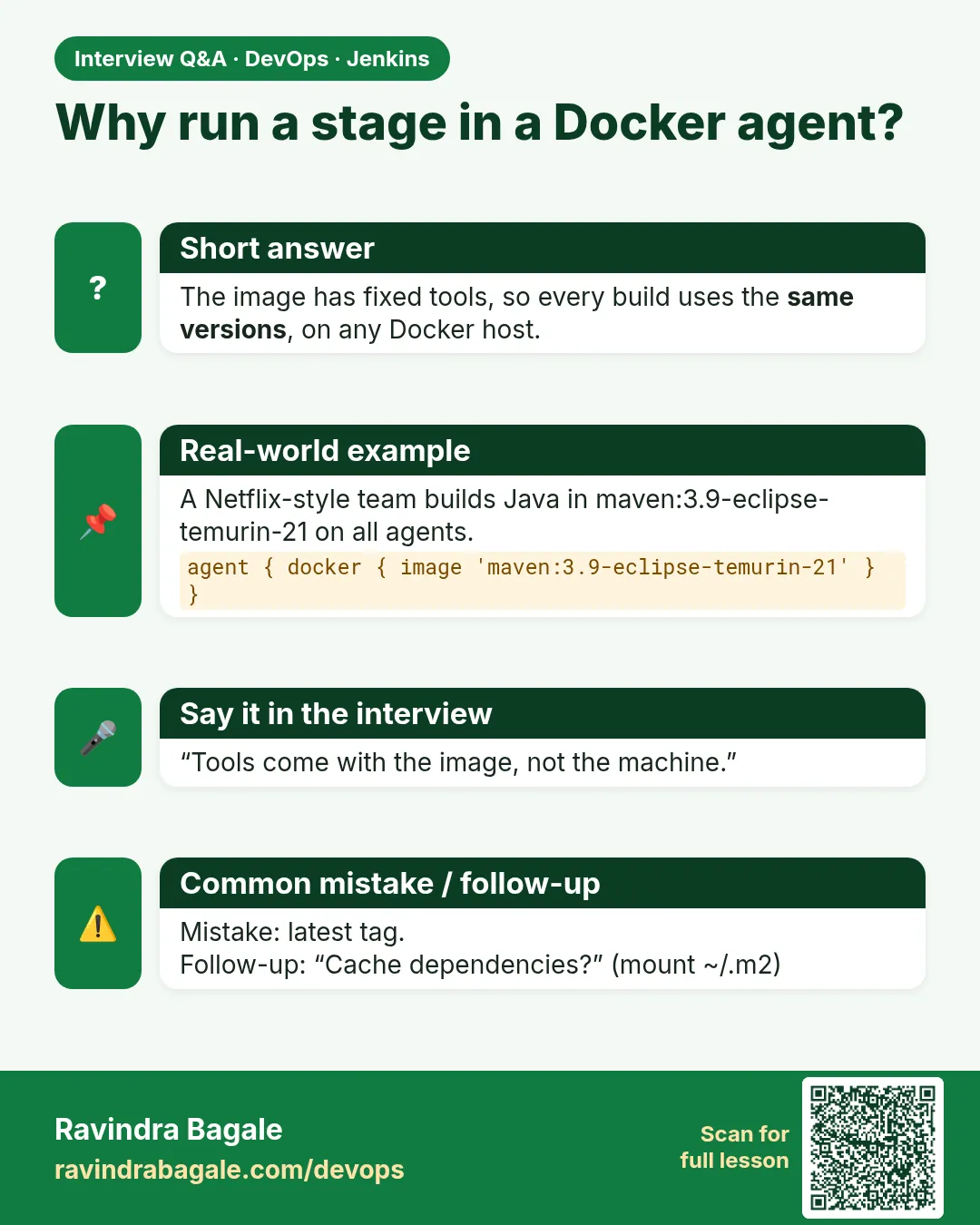
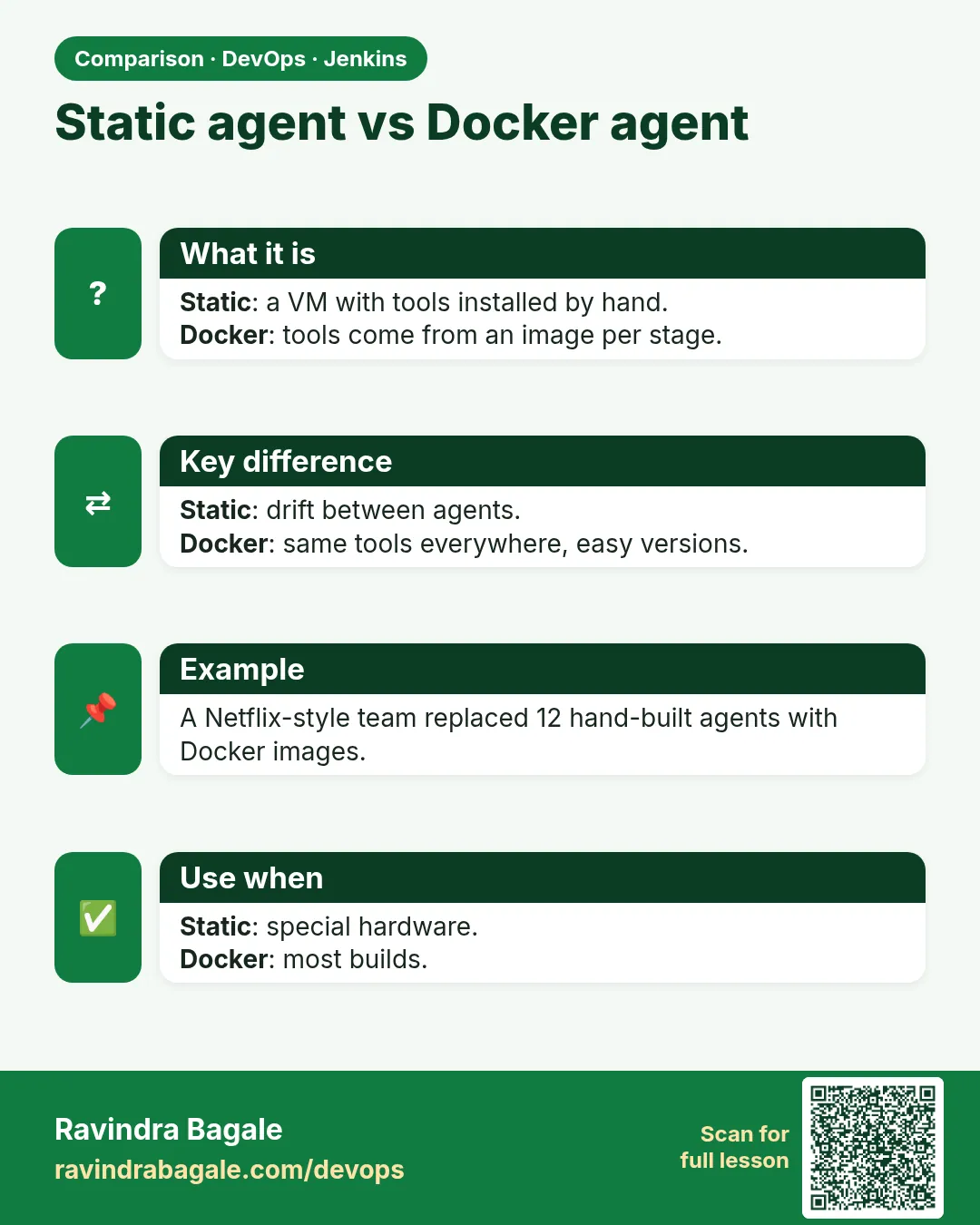
Think of Infosys. One team builds with Java 11 and Maven 3.6. Another team builds with Java 21 and Maven 3.9. If both use the same permanent agent, someone must install both Java versions, set paths, and pray nothing clashes. When a new laptop or agent joins, nobody remembers what was installed. A Docker agent fixes this. The Jenkinsfile says: run this stage inside the maven:3.9-eclipse-temurin-21 image. Jenkins pulls the image on an agent that has Docker, starts a container, mounts the workspace into it, runs the steps inside, and removes the container at the end. The tools come from the image, so every build gets the same Java and Maven. The agent only needs Docker. In this lesson you will run Maven inside a container, cache the Maven downloads so builds stay fast, build with your own Dockerfile agent, and use different images for different stages.
What we will build
You will take a small Spring Boot app and build it in a maven:3.9-eclipse-temurin-21 container on an agent labelled docker. You will add a Maven cache volume so the second build skips downloads. Then you will make a custom agent image from a Dockerfile in the repo, and finally use a Node image and a Maven image in the same pipeline.
What: every term in plain English
- Docker agent — A stage that runs inside a container started from an image, on an agent that has Docker.
- Docker Pipeline plugin — The Jenkins plugin that gives agent { docker {...} } and docker.image(...).inside.
- image — The container image with the tools, like maven:3.9-eclipse-temurin-21.
- args — Extra docker run options, like -v for a cache volume.
- reuseNode true — Run the container on the same agent and workspace as the outer pipeline.
- dockerfile agent — Jenkins builds an image from a Dockerfile in your repo and uses it as the agent.
- Maven cache — The ~/.m2 folder where Maven keeps downloaded jars. Caching it saves minutes.
- Workspace mount — Jenkins mounts the job folder into the container at the same path, so files are shared.
How: step by step
-
Prepare the docker agent
sudo apt-get install -y docker.io && sudo usermod -aG docker jenkins && sudo systemctl restart jenkins-agentWhat it does: The jenkins user can now run docker. Label this agent docker.
Output
(no output) -
Check as the jenkins user
sudo -u jenkins docker run --rm hello-world | head -2What it does: Proves the agent user can start containers.
Output
Hello from Docker! -
Install the plugin
Manage Jenkins > Plugins > Available > Docker Pipeline > InstallWhat it does: Adds the docker agent syntax.
Output
Docker Pipeline: Success -
Pull the image once
sudo -u jenkins docker pull maven:3.9-eclipse-temurin-21What it does: Saves time on the first build.
Output
Status: Downloaded newer image for maven:3.9-eclipse-temurin-21 -
Create a cache volume
sudo -u jenkins docker volume create m2-cacheWhat it does: A named volume that keeps Maven downloads between builds.
Output
m2-cache -
Write the Jenkinsfile
agent { docker { image 'maven:3.9-eclipse-temurin-21'; label 'docker'; args '-v m2-cache:/root/.m2' } }What it does: Runs every step inside Maven 21 on a docker agent.
Output
Running on agent-docker-01 -
Run the build
Build Now > Console OutputWhat it does: See docker run, the mvn steps and docker stop.
Output
$ docker run -t -d -u 1000:1000 ... maven:3.9-eclipse-temurin-21 cat
Example 1: Build a Spring Boot jar inside a Maven container
Stack. Jenkins Docker Pipeline plugin, maven:3.9-eclipse-temurin-21, Spring Boot
Goal. Build a Spring Boot jar inside a Maven container.
Jenkinsfile
pipeline {
  agent {
    docker {
      image 'maven:3.9-eclipse-temurin-21'
      label 'docker'
      args '-v m2-cache:/home/jenkins/.m2 -e MAVEN_CONFIG=/home/jenkins/.m2'
    }
  }
  options { timeout(time: 20, unit: 'MINUTES') }
  stages {
    stage('Tools') { steps { sh 'java -version 2>&1 | head -1 && mvn -v | head -1' } }
    stage('Test') { steps { sh 'mvn -B -Dmaven.repo.local=/home/jenkins/.m2/repository test' } }
    stage('Package') {
      steps {
        sh 'mvn -B -Dmaven.repo.local=/home/jenkins/.m2/repository -DskipTests package'
        archiveArtifacts artifacts: 'target/*.jar', fingerprint: true
      }
    }
  }
  post { always { junit allowEmptyResults: true, testResults: 'target/surefire-reports/*.xml' } }
}
What each line does
image 'maven:3.9-eclipse-temurin-21'— Java 21 and Maven 3.9 come from this image.label 'docker'— Pick an agent that has Docker installed.args -v m2-cache:...— Mount the cache volume so jars stay between builds.-Dmaven.repo.local=...— Tell Maven exactly where the cache is, because the container user is not root.archiveArtifacts 'target/*.jar'— Keep the jar on the controller with a fingerprint.junit ...— Show test results as a graph on the job page.
Green output
Running on agent-docker-01 in /home/jenkins/agent/workspace/shop-java
$ docker run -t -d -u 1000:1000 -v m2-cache:/home/jenkins/.m2 -w /home/jenkins/agent/workspace/shop-java ... maven:3.9-eclipse-temurin-21 cat
+ java -version
openjdk version "21.0.4" 2024-07-16 LTS
Apache Maven 3.9.8
+ mvn -B test
[INFO] Tests run: 9, Failures: 0, Errors: 0, Skipped: 0
[INFO] BUILD SUCCESS
Archiving artifacts
$ docker stop --time=1 5c1e...
$ docker rm -f 5c1e...
Finished: SUCCESS
Expected result. The jar is built with Java 21 even though the agent itself has only Docker. The second run is much faster because of the cache.
Example 2: Use your own agent image from a Dockerfile in the repo
Stack. Jenkins dockerfile agent, custom Maven image
Goal. Use your own agent image from a Dockerfile in the repo.
ci/Dockerfile.agent
FROM maven:3.9-eclipse-temurin-21
RUN apt-get update \
 && apt-get install -y --no-install-recommends git curl jq \
 && rm -rf /var/lib/apt/lists/*
RUN curl -sSL -o /usr/local/bin/hadolint https://downloads.example-mirror.in/hadolint-2.12.0-linux-x86_64 \
 && chmod 0755 /usr/local/bin/hadolint
ENV TZ=Asia/Kolkata
Jenkinsfile
pipeline {
  agent {
    dockerfile {
      filename 'Dockerfile.agent'
      dir 'ci'
      label 'docker'
      additionalBuildArgs '--pull'
    }
  }
  stages {
    stage('Lint') { steps { sh 'hadolint Dockerfile || true' } }
    stage('Build') { steps { sh 'mvn -B -q package -DskipTests && ls -lh target/*.jar' } }
  }
}
What each line does
dockerfile { filename 'Dockerfile.agent'; dir 'ci' }— Jenkins builds ci/Dockerfile.agent and uses it as the agent.additionalBuildArgs --pull— Always fetch the newest base image, for security fixes.apt-get install git curl jq— Extra tools the team needs in every build.chmod 0755— Normal safe mode for a program: everyone can run it, only root can change it.rm -rf /var/lib/apt/lists/*— Keeps the image smaller.Image cache— Jenkins tags the image by a hash of the Dockerfile, so it rebuilds only when the file changes.
Green output
$ docker build -t 7a1f3c9e2b4d... --pull -f "ci/Dockerfile.agent" "ci"
Successfully built 41ad0f2c9b11
+ hadolint Dockerfile
Dockerfile:3 DL3008 warning: Pin versions in apt get install
+ mvn -B -q package -DskipTests
-rw-r--r-- 1 1000 1000 19M Oct 25 10:31 target/shop-0.0.1.jar
Finished: SUCCESS
Expected result. The tools for the build live in Git, next to the code. A new agent needs only Docker.
Example 3: Different images for different stages
Stack. Jenkins, node:20-alpine, maven:3.9-eclipse-temurin-21
Goal. Different images for different stages.
Jenkinsfile
pipeline {
  agent { label 'docker' }
  stages {
    stage('Frontend') {
      agent { docker { image 'node:20-alpine'; reuseNode true } }
      steps {
        dir('web') { sh 'npm ci && npm run build' }
      }
    }
    stage('Backend') {
      agent { docker { image 'maven:3.9-eclipse-temurin-21'; reuseNode true; args '-v m2-cache:/home/jenkins/.m2' } }
      steps {
        dir('api') { sh 'mvn -B -q -Dmaven.repo.local=/home/jenkins/.m2/repository package -DskipTests' }
      }
    }
    stage('Both outputs') {
      steps { sh 'ls web/dist | head -3; ls api/target/*.jar' }
    }
  }
}
What each line does
agent { label 'docker' }— The whole pipeline runs on one docker agent and one workspace.reuseNode true— Each stage container uses that same agent and workspace, so files from Frontend are still there in Backend.image 'node:20-alpine'— Small Node 20 image for the React build.dir('web')— Run the steps inside the web folder.Both outputs stage— Runs on the agent itself and sees files from both containers.
Green output
[Pipeline] stage (Frontend)
$ docker run ... node:20-alpine cat
+ npm ci
added 318 packages in 9s
+ npm run build
vite v5.3.1 building for production... done in 4.2s
[Pipeline] stage (Backend)
$ docker run ... maven:3.9-eclipse-temurin-21 cat
[Pipeline] stage (Both outputs)
assets
index.html
api/target/shop-api-0.0.1.jar
Finished: SUCCESS
Expected result. Two languages, two images, one workspace. No Node or Java is installed on the agent.
Verify: did it work?
-
See the containers during a build
sudo -u jenkins docker ps --format "{{.Image}} {{.Status}}"What it does: While a build runs you see the tool container.
Output
maven:3.9-eclipse-temurin-21 Up 12 seconds -
Cache size
sudo -u jenkins docker system df -v | grep m2-cacheWhat it does: The cache volume grows once and then stays.
Output
m2-cache 1 412MB
When it is red 1
docker: permission denied while trying to connect to the Docker daemon socket
Cause. The jenkins user is not in the docker group, or the agent was not restarted after adding it.
Fix, step by step
- sudo usermod -aG docker jenkins.
- Restart the agent service so the new group applies.
- Test with sudo -u jenkins docker ps.
When it is red 2
[ERROR] Could not create local repository at /root/.m2/repository
Cause. The container runs as uid 1000, not root, so it cannot write /root/.m2.
Fix, step by step
- Mount the cache at /home/jenkins/.m2.
- Pass -Dmaven.repo.local to Maven.
- Do not add -u root to args.
When it is red 3
ERROR: The docker agent type requires the Docker Pipeline plugin. Invalid agent type "docker" specified
Cause. The plugin is missing.
Fix, step by step
- Install Docker Pipeline.
- Restart Jenkins if asked.
- Run the build again.
Cleanup
-
Remove the cache volume
sudo -u jenkins docker volume rm m2-cacheWhat it does: Deletes cached jars. The next build downloads again.
Output
m2-cache -
Clean old images
sudo -u jenkins docker image prune -af --filter until=168hWhat it does: Removes images older than 7 days on the agent.
Output
Total reclaimed space: 1.2GB
Ravindra Bagale's Tip
Agent var fakt Docker theva, Java/Maven image madhun gheu dya. Cache volume lavla ki build fast hoto. Lakshat theva!
Practice tasks
Easy First Docker agent
Why: Tools in images, not on agents.
What to do: Run mvn -v inside maven:3.9.
- agent docker image.
Check: Console shows Maven 3.9.
Medium Add a cache
Why: Speed matters.
What to do: Mount m2-cache and compare times.
- docker volume create.
- args -v.
Check: Second build is faster.
Hard Own agent image
Why: Team tools in Git.
What to do: Use a dockerfile agent with jq and hadolint.
- Write Dockerfile.agent.
- agent dockerfile.
Check: hadolint runs in the build.
Easy Say Docker agents for Maven builds in two lines
Why: If you can say it simply, you understand it. Juniors and interviewers want the short version first.
What to do: Write two short lines about Docker agents for Maven builds for a fresher who knows only Linux basics.
- Write what problem it solves.
- Write the one command or menu you use for it.
- Read it aloud to a friend.
Check: A fresher understands it without asking a question.
Easy Start a fresh lab Jenkins
Why: Practice needs a throwaway Jenkins. If you break it, you delete it and start again.
What to do: Run Jenkins LTS in Docker with a named volume.
- docker volume create jenkins_home
- docker run -d --name jenkins -p 8080:8080 -v jenkins_home:/var/jenkins_home jenkins/jenkins:lts-jdk17
- docker exec jenkins cat /var/jenkins_home/secrets/initialAdminPassword
Check: The Jenkins unlock page opens on localhost:8080.
Medium Break it on purpose
Why: You must know the red message by face. During an outage there is no time to read slowly.
What to do: Cause one error from the "When it is red" part of this lesson and fix it.
- Follow the error section.
- Copy the exact message into your notes.
- Write the fix in one line.
Check: You fixed it using only the steps, without searching the web.
Medium Write a one-page runbook
Why: At 2 a.m. nobody remembers where a file lives. A short page saves the on-call person.
What to do: Write a runbook page for this lesson.
- Title, when to use, exact command, how to check, how to undo.
Check: A teammate can follow it alone.
Medium Repeat it on a cloud VM
Why: A laptop is not a server. Real Jenkins runs on EC2 or a company VM.
What to do: Do the main steps of this lesson again on a small Ubuntu 22.04 EC2 instance.
- Launch t3.small with 20 GB disk.
- Open port 22 only to your IP.
- Repeat the steps and compare the output.
Check: Same green output on the VM as on your laptop.
Hard Explain it like an interview
Why: Interviewers want real stories, not definitions.
What to do: Record a 60 second answer about this lesson.
- Say the problem, the command you ran, and one error you hit.
Check: Your answer has a real command and a real error message.
Hard Draw the flow top to bottom
Why: A drawing shows who talks to whom and in what order.
What to do: Draw this lesson as boxes from top to bottom.
- Start at the developer push, go through the controller and agent, end at the result.
Check: Each box matches a real thing you saw on screen.
Homework: try at home
Try at home
At home, build one Java app and one Node app on the same docker agent using two images. Time the first and second build with and without the Maven cache volume, and write both times in your notes.
Recap
- Docker agents run steps inside a tool image.
- The agent machine only needs Docker.
- Mount a cache volume for Maven or npm.
- Use reuseNode true to share one workspace across stage images.
- Keep custom agent Dockerfiles in Git.
FAQ
Is this Docker-in-Docker?
No. The agent runs containers with its own Docker. Lesson 27.4 explains DinD.
Which image tag should I use?
A fixed version like maven:3.9-eclipse-temurin-21, not latest.
Can I use a private registry image?
Yes, add registryUrl and registryCredentialsId in the docker block.
Why is the first build slow?
It pulls the image and fills the cache. Later builds are fast.
Does the container keep running?
No. Jenkins stops and removes it at the end of the stage.
Interview questions
-
How do you give different builds different tool versions in Jenkins?
Use Docker agents with a pinned tool image per job or stage, so agents only need Docker.
-
What is reuseNode?
An option that runs the stage container on the same agent and workspace as the outer pipeline.
-
How do you keep Docker agent builds fast?
Pre-pull images, mount cache volumes for Maven, npm or Gradle, and use small images.
-
A Maven build fails writing /root/.m2 in a Docker agent. Why?
The container runs as the Jenkins uid, not root. Mount the cache in a writable home and set maven.repo.local.
-
Docker agent or Kubernetes agent?
Docker agents for a few fixed agents; Kubernetes pods when you need to scale up and down on demand.
Quick quiz
Q1. What does the agent need for docker agents?
Docker, and the jenkins user in the docker group.
Q2. Where do Java and Maven come from?
From the container image.
Q3. What does reuseNode true do?
Uses the same agent and workspace for the stage container.
Q4. Why mount a cache volume?
So Maven or npm do not download everything each build.
Q5. Which agent type builds an image from your repo?
dockerfile.
Samajla ka?
 Revision card
 Interview card
 Comparison card