Chapter 25: Shared Libraries, Credentials and Environments
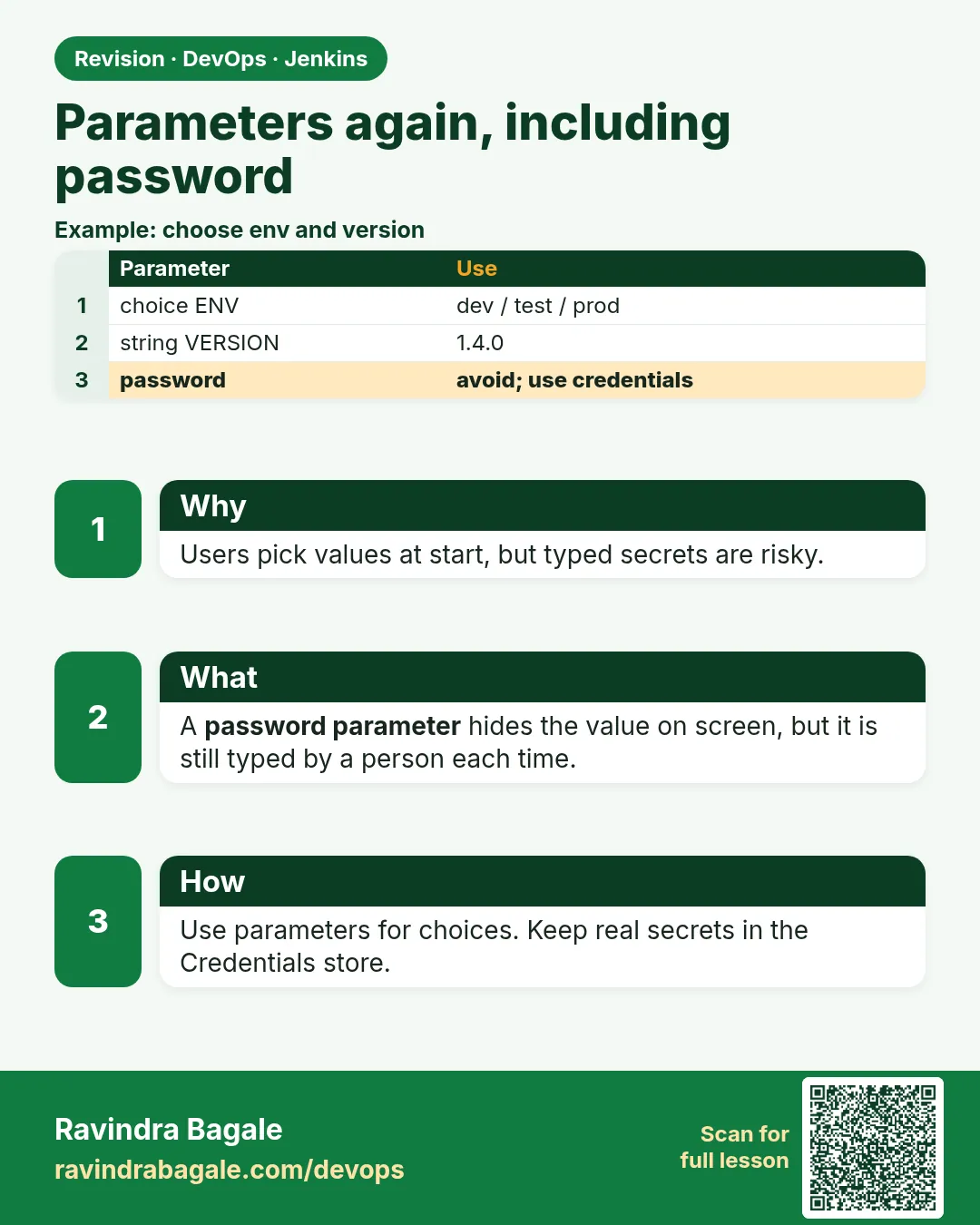
25.5 Parameters again, including password
Why: the problem
A Swiggy release manager wants one job that can deploy any version to any environment. Today the team edits the Jenkinsfile for every release: change the tag, change the server, commit, run. That is slow and risky. Parameters fix this. A parameter is a field you fill on the Build with Parameters page. The pipeline reads it as params.NAME. You can have text, choice lists, true or false boxes and passwords. But parameters have traps. The first build after adding them does not show the page. Password parameters are weak: the value can show in build history and in the API. So for real secrets we still use credentials, and we let a parameter choose which credential id to use. In this lesson you will build a deploy job with every common parameter type and handle each trap.
What we will build
You will write a deploy-badge job with parameters: ENV as a choice, VERSION as text, RUN_SMOKE as a boolean, NOTES as multi-line text, and a credentials parameter to pick a registry login. You will validate input, see the first-run trap, and see why a password parameter is the wrong tool for real secrets.
What: every term in plain English
- Parameter — A field the user fills before a build starts.
- params.NAME — How the Jenkinsfile reads a parameter value.
- choice — A drop-down list. The first item is the default.
- string — A one-line text box.
- booleanParam — A tick box, true or false.
- text — A multi-line text box.
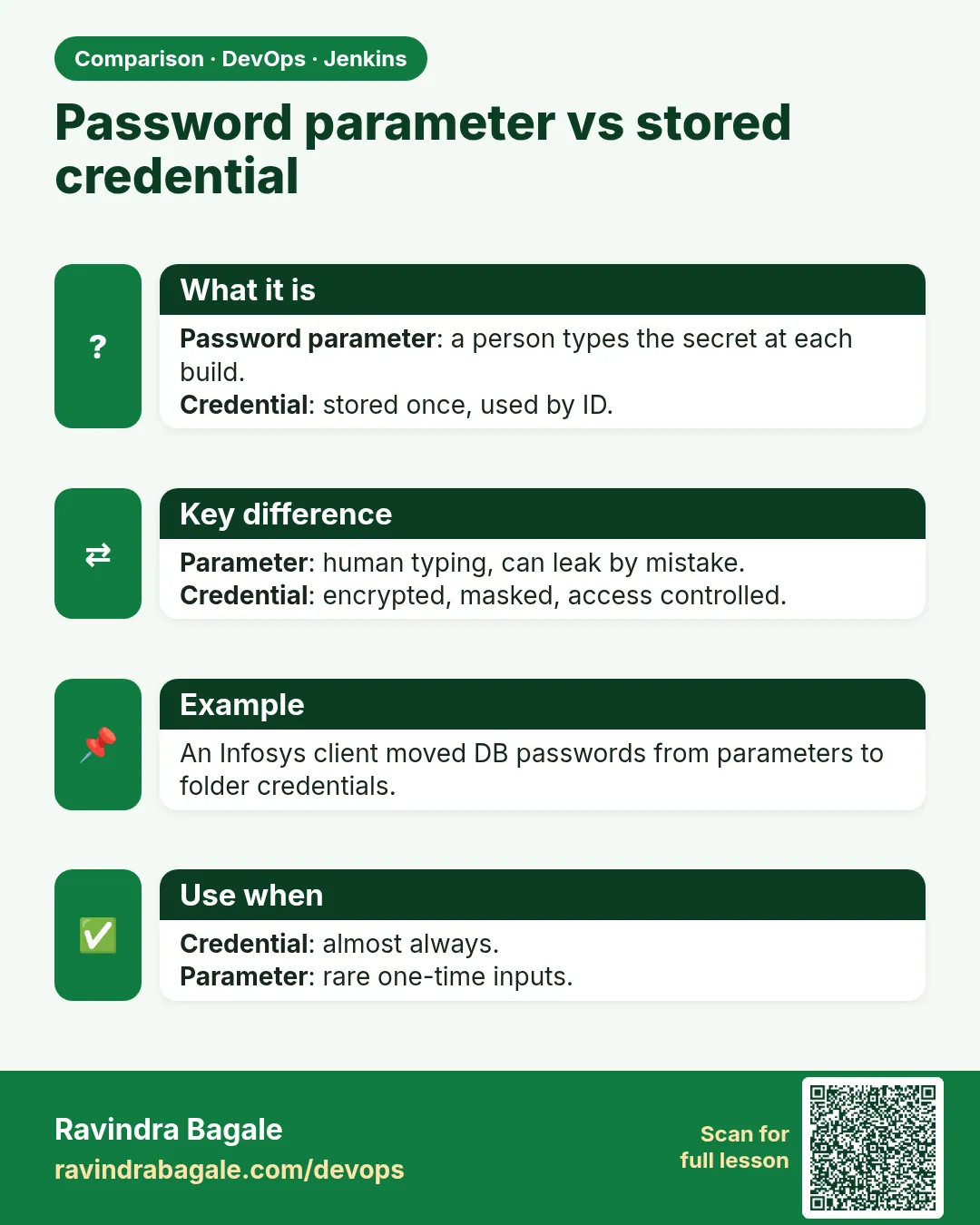
- password parameter — A masked text box. Still weak for real secrets.
- credentials parameter — Lets the user pick a credential id from the store. Secret stays in the store.
How: step by step
-
Add parameters to the Jenkinsfile
parameters { choice(name: 'ENV', choices: ['dev','test','staging','prod']) }What it does: Declares the fields.
Output
(file saved) -
Run once to register
Build NowWhat it does: The first run only teaches Jenkins the parameters.
Output
Finished: SUCCESS (with defaults) -
Now see the form
Build with ParametersWhat it does: The form shows all fields.
Output
ENV [dev v] VERSION [ ] RUN_SMOKE [x] -
Pick values and build
ENV=staging VERSION=v1.4.3What it does: Starts a build with your choices.
Output
Started by user ravi -
Read in console
echo "Deploying ${params.VERSION} to ${params.ENV}"What it does: Prints the chosen values.
Output
Deploying v1.4.3 to staging -
Trigger from the CLI
curl -X POST -u ravi:$JENKINS_API_TOKEN "http://localhost:8080/job/deploy-badge/buildWithParameters?ENV=test&VERSION=v1.4.3"What it does: Starts the job from a script with values.
Output
HTTP/1.1 201 Created -
See values of an old build
Build #9 > ParametersWhat it does: Every build records the values used.
Output
ENV: test VERSION: v1.4.3
Example 1: Build the deploy job with common parameters
Stack. Jenkins declarative parameters
Goal. Build the deploy job with common parameters.
Jenkinsfile
pipeline {
  agent { label 'docker' }
  parameters {
    choice(name: 'ENV', choices: ['dev', 'test', 'staging', 'prod'], description: 'Where to deploy')
    string(name: 'VERSION', defaultValue: '', description: 'Image tag like v1.4.3')
    booleanParam(name: 'RUN_SMOKE', defaultValue: true, description: 'Run smoke test after deploy')
    text(name: 'NOTES', defaultValue: '', description: 'Release notes')
  }
  stages {
    stage('Show') {
      steps {
        echo "ENV=${params.ENV} VERSION=${params.VERSION} SMOKE=${params.RUN_SMOKE}"
        echo "Notes:\n${params.NOTES}"
      }
    }
    stage('Smoke') {
      when { expression { params.RUN_SMOKE } }
      steps { echo 'Smoke test running' }
    }
  }
}
What each line does
choice(...)— Drop-down. dev is the default because it is first. Safe default.string(name: 'VERSION'...)— Free text for the tag.booleanParam— Tick box for optional steps.text— Multi-line notes.when { expression { params.RUN_SMOKE } }— Skips the stage when the box is not ticked.
Green output
ENV=staging VERSION=v1.4.3 SMOKE=false
Notes:
Fix cart total rounding
[Pipeline] stage (Smoke)
Stage "Smoke" skipped due to when conditional
Finished: SUCCESS
Expected result. One job deploys any version anywhere. Smoke runs only when wanted.
Example 2: Validate input before doing anything
Stack. Jenkins, Groovy regex
Goal. Validate input before doing anything.
Jenkinsfile (Validate stage)
stage('Validate') {
  steps {
    script {
      if (!(params.VERSION ==~ /v\d+\.\d+\.\d+/)) {
        error "VERSION must look like v1.4.3, got '${params.VERSION}'"
      }
      if (params.ENV == 'prod' && params.NOTES.trim().isEmpty()) {
        error 'Release notes are required for prod'
      }
      currentBuild.description = "${params.ENV} ${params.VERSION}"
    }
  }
}
What each line does
==~ /v\d+.../— Groovy regex match. The whole value must look like v1.4.3.error "..."— Stops the build with a red message.params.ENV == 'prod' && NOTES empty— Extra rule for production.currentBuild.description— Shows env and version in the build list. Easy to scan history.
Green output
[Pipeline] stage (Validate)
ERROR: VERSION must look like v1.4.3, got 'latest'
Finished: FAILURE

(after fixing)
[Pipeline] stage (Validate)
Finished: SUCCESS   #14  prod v1.4.3
Expected result. Bad input stops the build in one second, before anything is touched.
Example 3: Pick a credential with a parameter, not a password field
Stack. Jenkins credentials parameter
Goal. Pick a credential with a parameter, not a password field.
Jenkinsfile
pipeline {
  agent { label 'docker' }
  parameters {
    credentials(name: 'REG_CRED', credentialType: 'com.cloudbees.plugins.credentials.impl.UsernamePasswordCredentialsImpl',
                defaultValue: 'registry-login', description: 'Registry login to use', required: true)
  }
  stages {
    stage('Login') {
      steps {
        withCredentials([usernamePassword(credentialsId: params.REG_CRED, usernameVariable: 'U', passwordVariable: 'P')]) {
          sh 'echo "$P" | docker login -u "$U" --password-stdin registry.example.com'
        }
      }
    }
  }
}
What each line does
credentials(...) parameter— The form shows a drop-down of credential ids, not secrets.credentialType— Only username and password credentials appear.credentialsId: params.REG_CRED— The chosen id is used by withCredentials.Why not password parameter— Its value is stored with the build and can be read through the API by people with read access.
Green output
Started by user ravi
REG_CRED = registry-login
Masking supported pattern matches of $P
+ docker login -u **** --password-stdin registry.example.com
Login Succeeded
Finished: SUCCESS
Expected result. The user chooses which login. Nobody types or sees a secret.
Verify: did it work?
-
Read values via API
curl -s -u ravi:$JENKINS_API_TOKEN http://localhost:8080/job/deploy-badge/14/api/json?tree=actions[parameters[name,value]]What it does: Shows parameter values of a build.
Output
{"name":"ENV","value":"prod"},{"name":"VERSION","value":"v1.4.3"} -
Check the form
Job page > Build with ParametersWhat it does: All fields with defaults.
Output
ENV [dev]
When it is red 1
No Build with Parameters button, only Build Now
Cause. The job has not run once since parameters were added.
Fix, step by step
- Click Build Now once.
- Refresh. The button appears.
When it is red 2
groovy.lang.MissingPropertyException: No such property: ENV
Cause. You wrote ENV instead of params.ENV, and no env variable of that name exists.
Fix, step by step
- Use params.ENV in Groovy.
- In sh, use $ENV, since parameters are also env variables.
When it is red 3
The parameter value shows in build history
Cause. A password parameter or string was used for a secret.
Fix, step by step
- Rotate the secret.
- Switch to a credentials parameter.
- Delete old builds that hold the value.
Cleanup
-
Remove unused parameters
Delete them from the parameters block and commitWhat it does: The form updates after the next run.
Output
Parameters updated
Ravindra Bagale's Tip
Choice list madhe dev pahila theva, prod nahi. Secret parameter madhe nako, credential id vapra. Lakshat theva!
Practice tasks
Easy Choice default
Why: Defaults decide accidents.
What to do: Put dev first in the list.
- Run with defaults.
Check: Build goes to dev.
Medium Regex check
Why: Bad tags break deploys.
What to do: Add the VERSION regex check.
- Try latest, then v1.0.0.
Check: First fails, second passes.
Hard CLI trigger
Why: Other tools start Jenkins jobs.
What to do: Trigger with curl and an API token.
- Create a token in your user settings.
Check: Build starts with your values.
Easy Say Jenkins parameters in two lines
Why: If you can say it simply, you understand it. Juniors and interviewers want the short version first.
What to do: Write two short lines about Jenkins parameters for a fresher who knows only Linux basics.
- Write what problem it solves.
- Write the one command or menu you use for it.
- Read it aloud to a friend.
Check: A fresher understands it without asking a question.
Easy Start a fresh lab Jenkins
Why: Practice needs a throwaway Jenkins. If you break it, you delete it and start again.
What to do: Run Jenkins LTS in Docker with a named volume.
- docker volume create jenkins_home
- docker run -d --name jenkins -p 8080:8080 -v jenkins_home:/var/jenkins_home jenkins/jenkins:lts-jdk17
- docker exec jenkins cat /var/jenkins_home/secrets/initialAdminPassword
Check: The Jenkins unlock page opens on localhost:8080.
Medium Break it on purpose
Why: You must know the red message by face. During an outage there is no time to read slowly.
What to do: Cause one error from the "When it is red" part of this lesson and fix it.
- Follow the error section.
- Copy the exact message into your notes.
- Write the fix in one line.
Check: You fixed it using only the steps, without searching the web.
Medium Write a one-page runbook
Why: At 2 a.m. nobody remembers where a file lives. A short page saves the on-call person.
What to do: Write a runbook page for this lesson.
- Title, when to use, exact command, how to check, how to undo.
Check: A teammate can follow it alone.
Medium Repeat it on a cloud VM
Why: A laptop is not a server. Real Jenkins runs on EC2 or a company VM.
What to do: Do the main steps of this lesson again on a small Ubuntu 22.04 EC2 instance.
- Launch t3.small with 20 GB disk.
- Open port 22 only to your IP.
- Repeat the steps and compare the output.
Check: Same green output on the VM as on your laptop.
Hard Explain it like an interview
Why: Interviewers want real stories, not definitions.
What to do: Record a 60 second answer about this lesson.
- Say the problem, the command you ran, and one error you hit.
Check: Your answer has a real command and a real error message.
Hard Draw the flow top to bottom
Why: A drawing shows who talks to whom and in what order.
What to do: Draw this lesson as boxes from top to bottom.
- Start at the developer push, go through the controller and agent, end at the result.
Check: Each box matches a real thing you saw on screen.
Homework: try at home
Try at home
At home, build deploy-badge with four parameter types and a Validate stage. Trigger it once from the UI and once with curl. Compare the two builds in history.
Recap
- Parameters make one job do many releases.
- Read them with params.NAME.
- First run registers the form.
- Validate input early.
- Never use parameters for real secrets.
FAQ
Can parameters change per branch?
Yes, each branch Jenkinsfile can declare its own.
Can I hide prod from some users?
Use separate jobs or folders with different permissions, or an input approval.
What is Active Choices?
A plugin for dynamic drop-downs. Use sparingly; it needs script approval.
Are parameters env variables too?
Yes, inside sh you can use $NAME.
Can a timer pass parameters?
Yes, with parameterizedCron from a plugin.
Interview questions
-
How do you add parameters in a declarative pipeline?
In a parameters block with choice, string, booleanParam, text or credentials, read as params.NAME.
-
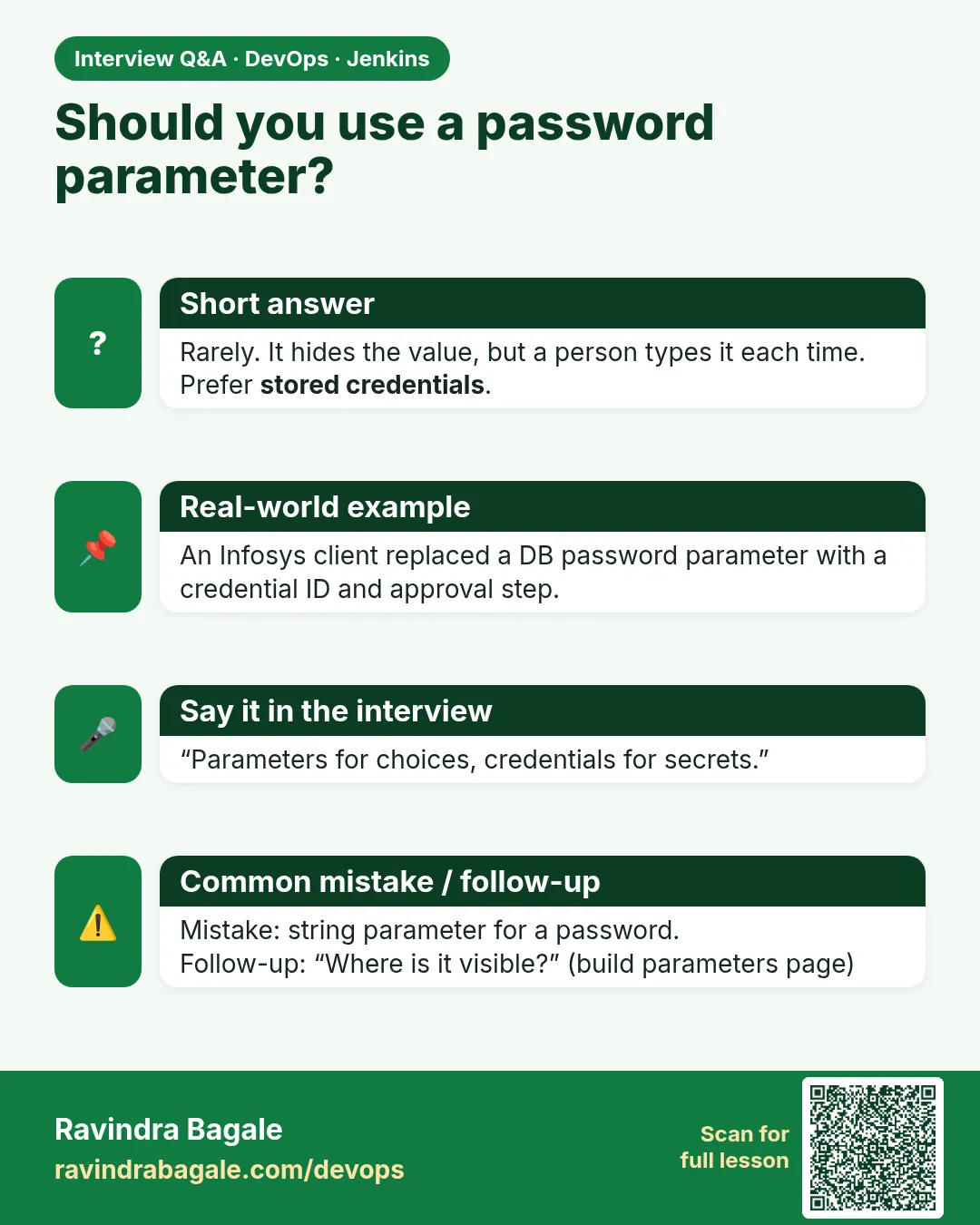
Why should you not pass secrets as parameters?
Values are stored with the build and visible via UI or API. Use credentials ids.
-
How do you validate parameters?
A first stage with regex and rule checks that calls error on bad input.
-
Why is the parameter form missing after a change?
Declarative parameters register on the first run.
-
How do you trigger a parameterized job remotely?
POST to buildWithParameters with an API token.
Quick quiz
Q1. How do you read a parameter in Groovy?
params.NAME
Q2. Which item is the default in a choice?
The first.
Q3. Why is the form missing after adding parameters?
The job must run once first.
Q4. What is better than a password parameter?
A credentials parameter.
Q5. How do you skip a stage based on a tick box?
when { expression { params.X } }
Samajla ka?
 Revision card
 Interview card
 Comparison card