Chapter 25: Shared Libraries, Credentials and Environments
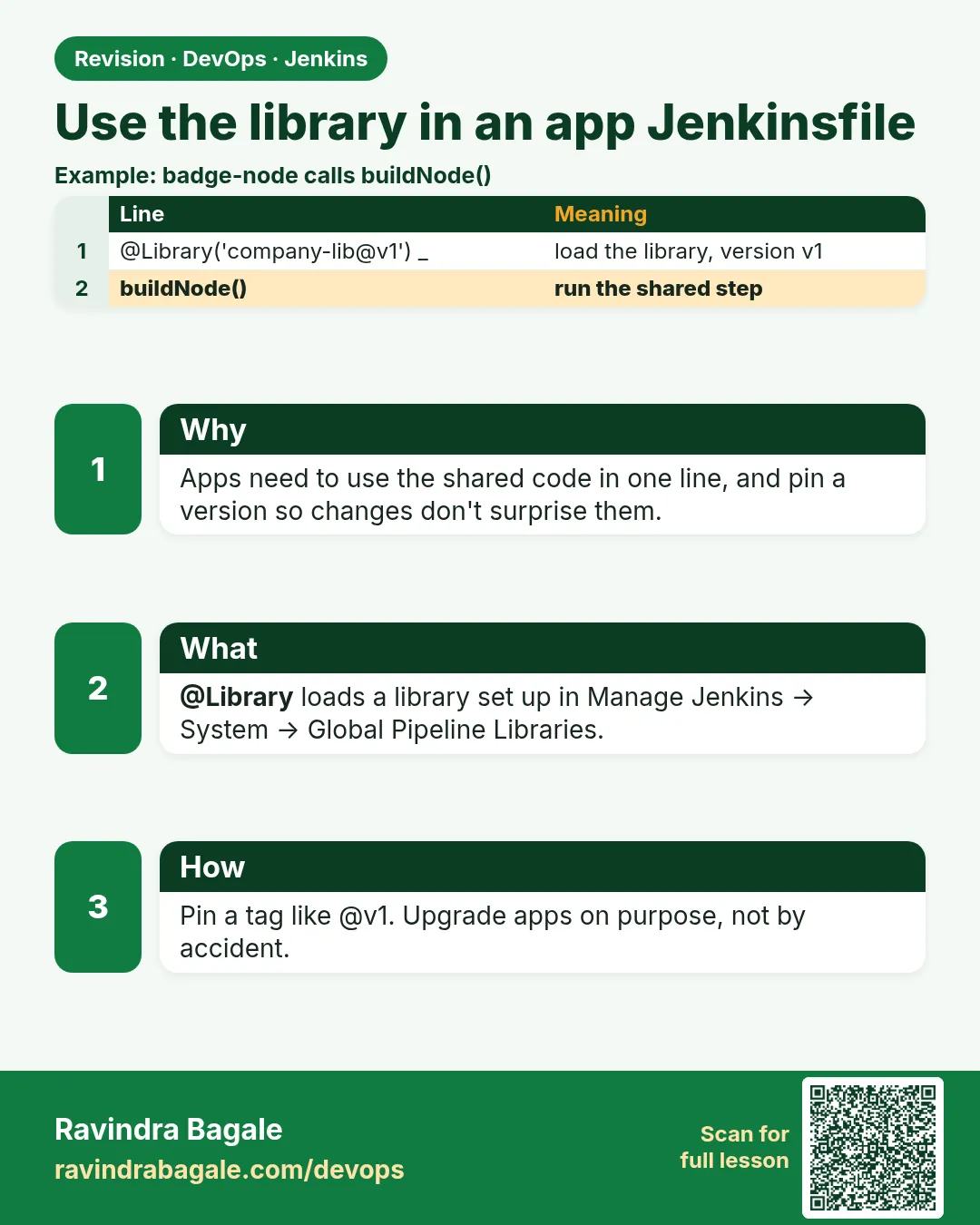
25.3 @Library in the app Jenkinsfile
Why: the problem
A Flipkart team gets a new microservice, cart-api. The platform team says: use badge-lib. But how exactly should the new Jenkinsfile load it? Some people write @Library at the top. Some use the library step inside script. Some forget the underscore and get a strange error. Some load main in production and break checkout on a Friday. This lesson is about the app side. You will learn every way to write @Library, how to load a branch for testing, how to load two libraries, how to load a library dynamically, and how to make a folder-level library that only one team can see.
What we will build
You will write the cart-api Jenkinsfile in four ways. First, the simple @Library with the default version. Second, a pinned tag. Third, a feature branch of the library for testing a change before merge. Fourth, the library step that loads at run time. You will also set up a folder-level library for the payments team.
What: every term in plain English
- @Library annotation — Loads a library before the pipeline starts. Must be the first line.
- library step — Loads a library during the run, like library('badge-lib@dev'). Good for dynamic versions.
- Implicit load — Library setting that loads it in every job without @Library. Use with care.
- Folder library — A library set on a folder. Only jobs in that folder can use it, and it runs in the sandbox.
- Sandbox — A Groovy safety mode. Unsafe methods need admin approval.
- Version string — After @, a branch, tag or commit id.
- Multiple libraries — @Library(['badge-lib', 'pay-lib@v2']) _ loads two at once.
- Replay — Jenkins feature to edit and rerun a build, including library files, for quick tests.
How: step by step
-
Simplest form
@Library('badge-lib') _What it does: Loads the default version set by the admin.
Output
Loading library badge-lib@main -
Pinned form
@Library('badge-lib@v1.4.0') _What it does: Loads a tag. Best for production.
Output
Loading library badge-lib@v1.4.0 -
Test a library branch
@Library('badge-lib@feature/new-scan') _What it does: Try the library change on one app before merging.
Output
Loading library badge-lib@feature/new-scan -
Two libraries
@Library(['badge-lib@v1.4.0', 'pay-lib@v2.1.0']) _What it does: Loads both. Steps from both are available.
Output
Loading library badge-lib@v1.4.0 Loading library pay-lib@v2.1.0 -
Dynamic load
library "badge-lib@${params.LIB_VERSION}"What it does: Loads the version picked in a parameter.
Output
Loading library badge-lib@v1.5.0-rc1 -
Folder library
Payments folder > Configure > Pipeline Libraries > Add > name pay-libWhat it does: Only jobs inside Payments can load pay-lib.
Output
Saved -
Replay a change
Build #12 > Replay > edit vars/badgeCi.groovy > RunWhat it does: Test a library edit without pushing.
Output
Replayed #12
Example 1: Write cart-api with a pinned library
Stack. Spring Boot, Maven, Jenkins
Goal. Write cart-api with a pinned library.
cart-api/Jenkinsfile
@Library('badge-lib@v1.4.0') _

badgeCi(
  app: 'cart-api',
  testCmd: 'mvn -B -q test'
)
What each line does
@Library('badge-lib@v1.4.0') _— First line. Loads the tag.app: 'cart-api'— Image name and labels use this.testCmd: 'mvn -B -q test'— cart-api is Java, so it overrides the default npm test.No pipeline block— badgeCi builds the whole pipeline.
Green output
Loading library badge-lib@v1.4.0
Checking out Revision 9c3d7e1 (v1.4.0)
[Pipeline] stage (Test)
+ mvn -B -q test
Tests run: 58, Failures: 0, Errors: 0, Skipped: 0
[Pipeline] stage (Build)
+ docker build -t cart-api:7 .
[Pipeline] stage (Scan)
Total: 0 (HIGH: 0, CRITICAL: 0)
Finished: SUCCESS
Expected result. A Java service uses the same shared pipeline with one change.
Example 2: Use your own pipeline and call small library steps
Stack. Jenkins, two shared libraries
Goal. Use your own pipeline and call small library steps.
cart-api/Jenkinsfile
@Library(['badge-lib@v1.4.0', 'pay-lib@v2.1.0']) _
import com.badge.Version

pipeline {
  agent { label 'docker' }
  stages {
    stage('Version') { steps { script { env.V = new Version(this).next() } } }
    stage('Build')   { steps { sh "docker build -t cart-api:${env.V} ." } }
    stage('PCI check') { steps { payPciCheck(image: "cart-api:${env.V}") } }
    stage('Smoke')   { steps { smokeTest('http://10.0.2.15:8080') } }
  }
}
What each line does
Two libraries in a list— badge-lib for common steps, pay-lib for payment rules.import com.badge.Version— Class from badge-lib src.payPciCheck— A step from pay-lib vars.smokeTest— A step from badge-lib vars.Own pipeline— The team keeps control of stage order.
Green output
Loading library badge-lib@v1.4.0
Loading library pay-lib@v2.1.0
[Pipeline] stage (Version)
v1.0.8
[Pipeline] stage (Build)
+ docker build -t cart-api:v1.0.8 .
[Pipeline] stage (PCI check)
PCI: no card data in image layers
[Pipeline] stage (Smoke)
try 1 -> 200
SMOKE OK
Finished: SUCCESS
Expected result. Mixing libraries works. Each team owns its own steps.
Example 3: Pick the library version with a parameter
Stack. Jenkins, parameters, dynamic library
Goal. Pick the library version with a parameter.
cart-api/Jenkinsfile
pipeline {
  agent { label 'docker' }
  parameters {
    string(name: 'LIB_VERSION', defaultValue: 'v1.4.0', description: 'badge-lib tag or branch')
  }
  stages {
    stage('Load') {
      steps {
        script {
          library "badge-lib@${params.LIB_VERSION}"
          sayHello('cart-api')
        }
      }
    }
  }
}
What each line does
parameters { string ... }— Adds a text box on Build with Parameters.library "badge-lib@..."— Loads the library while the build runs.script { }— The library step must run inside script in declarative.Use case— Platform team tests v1.5.0-rc1 on real apps without changing their files.
Green output
Loading library badge-lib@v1.5.0-rc1
Namaste cart-api from badge-lib
Finished: SUCCESS
Expected result. You tested a release candidate safely on a real app.
Verify: did it work?
-
Confirm the loaded commit
Console Output > search Checking out RevisionWhat it does: Shows the exact commit used.
Output
Checking out Revision 9c3d7e1 (v1.4.0) -
List folder libraries
Folder > Configure > Pipeline LibrariesWhat it does: Shows libraries visible only in that folder.
Output
pay-lib default: v2.1.0
When it is red 1
unexpected token: pipeline @ line 2
Cause. The underscore after @Library is missing.
Fix, step by step
- Change the first line to end with ) _
- Save and run again.
When it is red 2
Library pay-lib not found
Cause. The job is outside the folder that owns pay-lib.
Fix, step by step
- Move the job into the Payments folder.
- Or ask an admin to make it global.
When it is red 3
Scripts not permitted to use method java.io.File list
Cause. Folder libraries run in the sandbox.
Fix, step by step
- Avoid java.io.File; use sh or findFiles.
- Or ask an admin to approve in In-process Script Approval if truly needed.
Cleanup
-
Remove the test parameter
Delete the parameters block and commitWhat it does: Production jobs should pin a tag, not take a free text version.
Output
Committed
Ravindra Bagale's Tip
@Library pahili line, shevti underscore visru naka. Production la tag pin. Lakshat theva!
Practice tasks
Easy Default load
Why: Start simple.
What to do: Load badge-lib with no version.
- Run the job.
Check: Console shows @main.
Medium Branch test
Why: Test library changes before merge.
What to do: Load a feature branch in one app.
- Push a branch.
- Change @ in the app.
Check: Console shows the branch.
Hard Folder library
Why: Teams need private helpers.
What to do: Make a folder library and prove another folder cannot load it.
- Create two folders.
Check: Second folder fails with not found.
Easy Say loading a shared library in two lines
Why: If you can say it simply, you understand it. Juniors and interviewers want the short version first.
What to do: Write two short lines about loading a shared library for a fresher who knows only Linux basics.
- Write what problem it solves.
- Write the one command or menu you use for it.
- Read it aloud to a friend.
Check: A fresher understands it without asking a question.
Easy Start a fresh lab Jenkins
Why: Practice needs a throwaway Jenkins. If you break it, you delete it and start again.
What to do: Run Jenkins LTS in Docker with a named volume.
- docker volume create jenkins_home
- docker run -d --name jenkins -p 8080:8080 -v jenkins_home:/var/jenkins_home jenkins/jenkins:lts-jdk17
- docker exec jenkins cat /var/jenkins_home/secrets/initialAdminPassword
Check: The Jenkins unlock page opens on localhost:8080.
Medium Break it on purpose
Why: You must know the red message by face. During an outage there is no time to read slowly.
What to do: Cause one error from the "When it is red" part of this lesson and fix it.
- Follow the error section.
- Copy the exact message into your notes.
- Write the fix in one line.
Check: You fixed it using only the steps, without searching the web.
Medium Write a one-page runbook
Why: At 2 a.m. nobody remembers where a file lives. A short page saves the on-call person.
What to do: Write a runbook page for this lesson.
- Title, when to use, exact command, how to check, how to undo.
Check: A teammate can follow it alone.
Medium Repeat it on a cloud VM
Why: A laptop is not a server. Real Jenkins runs on EC2 or a company VM.
What to do: Do the main steps of this lesson again on a small Ubuntu 22.04 EC2 instance.
- Launch t3.small with 20 GB disk.
- Open port 22 only to your IP.
- Repeat the steps and compare the output.
Check: Same green output on the VM as on your laptop.
Hard Explain it like an interview
Why: Interviewers want real stories, not definitions.
What to do: Record a 60 second answer about this lesson.
- Say the problem, the command you ran, and one error you hit.
Check: Your answer has a real command and a real error message.
Hard Draw the flow top to bottom
Why: A drawing shows who talks to whom and in what order.
What to do: Draw this lesson as boxes from top to bottom.
- Start at the developer push, go through the controller and agent, end at the result.
Check: Each box matches a real thing you saw on screen.
Homework: try at home
Try at home
At home, write one Jenkinsfile three ways: default version, pinned tag, and dynamic library step. Run all three and compare the Loading library lines.
Recap
- @Library goes first, with an underscore.
- Pin tags in production.
- Use branches to test library changes.
- The library step loads at run time.
- Folder libraries are private and sandboxed.
FAQ
Should every app pin a version?
Production apps yes. Sandbox apps can follow main.
Can I load by commit id?
Yes, @ followed by the commit id.
Is implicit loading good?
Only for tiny global helpers. It hides where steps come from.
Does Replay change Git?
No. It is only for that one run.
Can a library load another library?
Yes, with the library step inside it, but keep it simple.
Interview questions
-
How does an app Jenkinsfile load a shared library?
With @Library('name@version') _ at the top, or the library step inside script for dynamic loading.
-
How do you test a library change safely?
Push a branch, load it with @branch on one app or use Replay, then merge and tag.
-
Global vs folder library?
Global is trusted and visible everywhere. Folder is sandboxed and visible only in that folder.
-
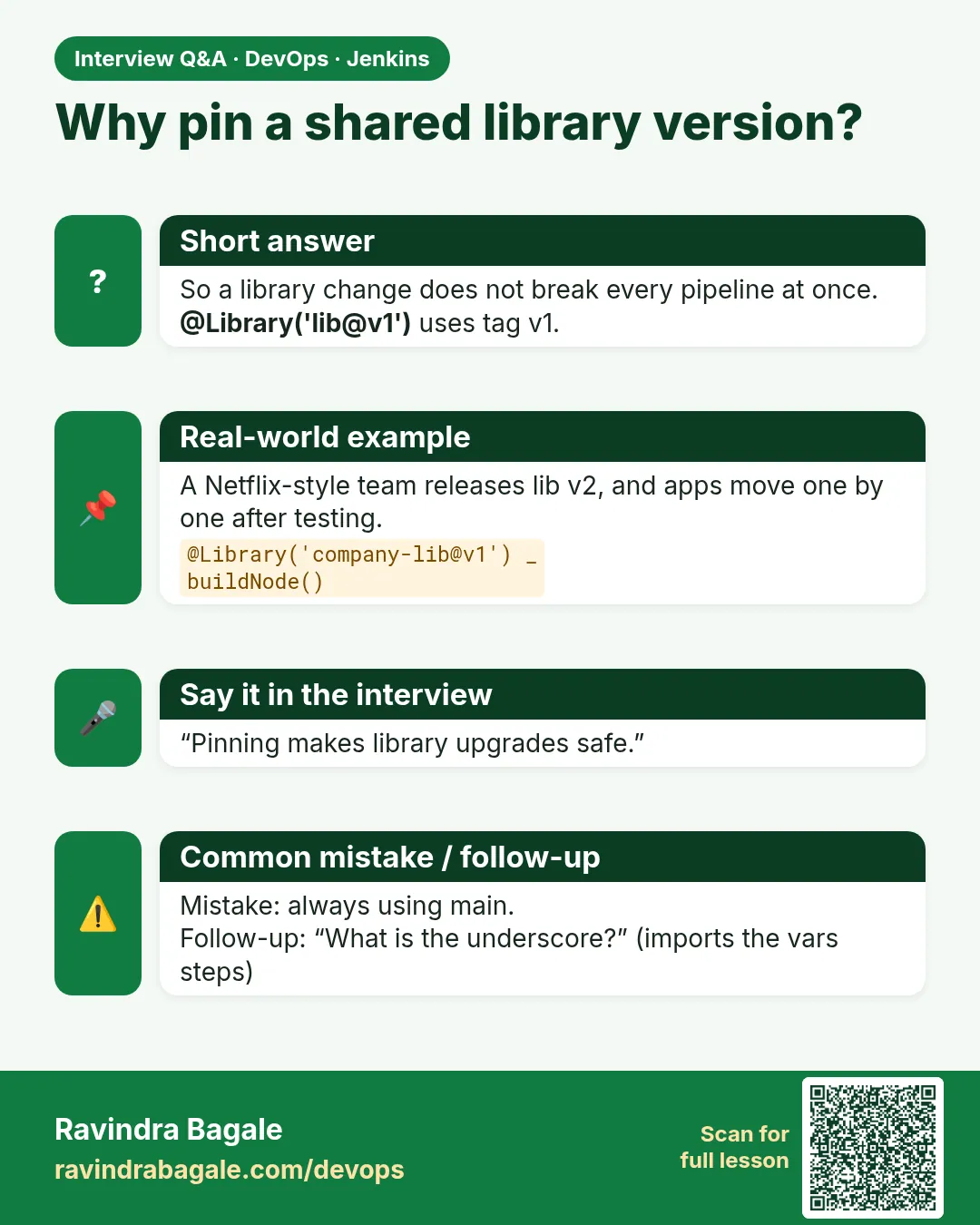
Why pin library versions?
So a library change cannot break production builds without review.
-
What does the underscore do?
It gives the annotation something to attach to when you import nothing else.
Quick quiz
Q1. Where must @Library be?
At the very top of the Jenkinsfile.
Q2. How do you load two libraries?
A list inside @Library.
Q3. Which form loads at run time?
The library step.
Q4. Who can see a folder library?
Only jobs inside that folder.
Q5. What does Replay let you do?
Edit and rerun a build without pushing.
Samajla ka?
 Revision card
 Interview card