Chapter 24: Jenkins with GitHub, GitLab and Bitbucket
24.5 Pull request builds and tag builds
Why: the problem
Think of Razorpay. A developer opens a pull request to change the refund code. Before anyone reviews it, the team wants to know: do the tests pass? And do they pass after merging with the latest main? Jenkins can build pull requests (GitLab calls them merge requests) and put a green tick or red cross on them. The merge button can even be blocked until Jenkins is green. Releases are different. When the team is ready, someone pushes a tag like v2.4.0. That tag should make a release build: a versioned image, release notes and a deploy to staging. In a Multibranch job, Jenkins can discover PRs and tags too. In this lesson you will turn on PR and tag discovery and write one Jenkinsfile that knows which kind of build it is.
What we will build
You will turn on Discover pull requests and Discover tags in menu-api-mb. You will open a merge request from feature/badge-color and see a child job named MR-1 with a status on GitLab. You will make the merge request block merging until Jenkins is green. Then you will push tag v1.2.0, build it by hand (tags do not build by themselves by default) and add a rule so tags build automatically. The Jenkinsfile will use CHANGE_ID and TAG_NAME to decide what to do.
What: every term in plain English
- Pull request (PR) — A request to merge one branch into another, with review and checks. GitLab calls it a merge request (MR).
- PR build — A build of the PR code, often merged with the target branch first.
- CHANGE_ID — A variable Jenkins sets in PR builds. It is the PR number, like 1.
- CHANGE_TARGET — The branch the PR wants to merge into, like main.
- Tag build — A build of a Git tag, like v1.2.0. Used for releases.
- TAG_NAME — A variable Jenkins sets in tag builds.
- buildingTag() — A when rule that is true only in a tag build.
- Required status check — A host rule that blocks the merge button until a named check is green.
How: step by step
-
Turn on PR discovery
menu-api-mb > Configure > Behaviours > Add > Discover merge requests from origin > Strategy: Merging the MR with the current target branchWhat it does: PR builds test the code as it will be after merge.
Output
(saved) -
Turn on tag discovery
Behaviours > Add > Discover tagsWhat it does: Tags show up in a Tags tab.
Output
(saved) -
Open a merge request
GitLab > Merge requests > New > source feature/badge-color > target main > CreateWhat it does: GitLab sends a hook. Jenkins scans and builds MR-1.
Output
!1 Badge colour change opened -
Watch the MR child job
http://localhost:8080/job/menu-api-mb/view/change-requests/job/MR-1/What it does: A child job just for this merge request.
Output
MR-1 #1 SUCCESS -
Block merge until green
GitLab > Settings > Merge requests > Pipelines must succeedWhat it does: Merge button stays grey until the jenkins status is green.
Output
(saved) -
Push a release tag
git tag -a v1.2.0 -m "release 1.2.0" && git push gl v1.2.0What it does: A tag for the release build.
Output
* [new tag] v1.2.0 -> v1.2.0 -
Build the tag
Tags tab > v1.2.0 > Build NowWhat it does: Jenkins does not auto build old tags by default. Lesson Example 3 adds a rule.
Output
v1.2.0 #1 SUCCESS
Example 1: One Jenkinsfile that knows: branch, PR or tag
Stack. GitLab MR, Multibranch
Goal. One Jenkinsfile that knows: branch, PR or tag.
Jenkinsfile
pipeline {
  agent any
  stages {
    stage('Who am I') {
      steps {
        script {
          if (env.CHANGE_ID)     { echo "PR ${env.CHANGE_ID} into ${env.CHANGE_TARGET}" }
          else if (env.TAG_NAME) { echo "Tag ${env.TAG_NAME}" }
          else                   { echo "Branch ${env.BRANCH_NAME}" }
        }
      }
    }
    stage('Test') { steps { sh 'npm ci || npm install'; sh 'npm test' } }
    stage('Release') {
      when { buildingTag() }
      steps { sh 'docker build -t shopfood/menu-api:${TAG_NAME} .' }
    }
  }
}
What each line does
env.CHANGE_ID— Set only in PR or MR builds.env.CHANGE_TARGET— The branch the PR goes into.env.TAG_NAME— Set only in tag builds.stage('Test')— Runs for every kind of build.when { buildingTag() }— The release stage runs only for tags.shopfood/menu-api:${TAG_NAME}— The image tag is the Git tag, like v1.2.0. Clear and easy to roll back.
Green output
menu-api-mb/MR-1 #1
PR 1 into main
menu ok
Stage "Release" skipped due to when conditional
Finished: SUCCESS

menu-api-mb/v1.2.0 #1
Tag v1.2.0
menu ok
Successfully tagged shopfood/menu-api:v1.2.0
Finished: SUCCESS
Expected result. The MR shows a green jenkins check. The tag build makes image v1.2.0.
Example 2: Only release tags that look like v1
Stack. Basic Branch Build Strategies plugin, Docker Hub
Goal. Only release tags that look like v1.2.3, and auto build new tags.
Jenkinsfile (part)
stage('Release') {
  when {
    allOf {
      buildingTag()
      tag pattern: 'v\\d+\\.\\d+\\.\\d+', comparator: 'REGEXP'
    }
  }
  steps {
    sh 'docker build -t shopfood/menu-api:${TAG_NAME} .'
    sh 'docker push shopfood/menu-api:${TAG_NAME}'
  }
}
Job setting
Configure > Property strategy > Build strategies (Basic Branch Build Strategies plugin)
  Add: Tags  > Ignore tags older than: 7 days
  Add: Regular branches
  Add: Change requests
What each line does
allOf { buildingTag(); tag pattern ... }— Both must be true: it is a tag and it matches the pattern.'v\\d+\\.\\d+\\.\\d+'— Matches v1.2.0 but not test-tag or v1.2-rc.docker push— Sends the release image to the registry.Build strategies: Tags— Lets new tags build by themselves after a scan.Ignore tags older than 7 days— Stops Jenkins from building every old tag on the first scan.Regular branches and Change requests— When you add any strategy, you must also add these or branches stop building.
Green output
Checking tag v1.3.0
  Jenkinsfile found
  Met criteria
Scheduled build for tag: v1.3.0
...
+ docker push shopfood/menu-api:v1.3.0
v1.3.0: digest: sha256:4a1b...e9f0 size: 1572
Finished: SUCCESS
Expected result. A push of v1.3.0 builds and pushes the image without a click. A tag like test-1 builds but skips Release.
Example 3: Python FastAPI on Bitbucket: PR build runs lint and tests and reports to the PR
Stack. Python 3.12, Bitbucket Cloud
Goal. Python FastAPI on Bitbucket: PR build runs lint and tests and reports to the PR.
Jenkinsfile
pipeline {
  agent { docker { image 'python:3.12-slim' } }
  stages {
    stage('Setup') { steps { sh 'pip install -q -r requirements.txt ruff pytest' } }
    stage('Lint')  { steps { sh 'ruff check .' } }
    stage('Test')  { steps { sh 'pytest -q --junitxml=report.xml' } }
  }
  post {
    always { junit 'report.xml' }
  }
}
Bitbucket settings
Repository settings > Branch restrictions > main
  Merge checks: Minimum 1 successful build
Jenkins job: Branch source Bitbucket, Discover pull requests from origin
What each line does
image 'python:3.12-slim'— Python 3.12 in a small container.ruff check .— A fast Python linter. Fails on style and simple bugs.pytest -q --junitxml=report.xml— Runs tests and writes a report file.junit 'report.xml'— Jenkins shows test results and trends on the build page.Minimum 1 successful build— Bitbucket blocks merge until Jenkins reports green.
Green output
orders-api-mb/PR-7 #2
+ ruff check .
All checks passed!
+ pytest -q --junitxml=report.xml
.........                                    [100%]
9 passed in 1.84s
Recording test results
Notified Bitbucket: SUCCESSFUL
Finished: SUCCESS
Expected result. PR-7 on Bitbucket shows 1 successful build and the Merge button turns on.
Verify: did it work?
-
See which builds came from PRs
curl -s -u ravi:$JENKINS_TOKEN "http://localhost:8080/job/menu-api-mb/view/change-requests/api/json?tree=jobs[name,color]" | jq -r ".jobs[].name"What it does: Lists PR or MR child jobs.
Output
MR-1 -
Check the commit status on GitLab
curl -s --header "PRIVATE-TOKEN: $GL_TOKEN" "https://gitlab.com/api/v4/projects/shop-food%2Fmenu-api/repository/commits/9b77d10/statuses" | jq -r ".[] | .name + \" \" + .status"What it does: Proves Jenkins sent the status back.
Output
jenkins success
When it is red 1
No MR-1 job appears after opening the merge request
Cause. PR discovery is off, or the webhook is not reaching Jenkins.
Fix, step by step
- Add the Discover merge requests behaviour.
- Click Scan Multibranch Pipeline Now.
- Check the webhook delivery log.
When it is red 2
Tag v1.2.0 shows in the Tags tab but never builds
Cause. By default Jenkins does not auto build tags.
Fix, step by step
- Build it by hand once.
- Or add the Tags build strategy with an age limit.
When it is red 3
ERROR: Could not update commit status: 403 Forbidden
Cause. The credential can read the repo but cannot write statuses.
Fix, step by step
- Give the token api scope on GitLab, or repo:status on GitHub.
- Use a bot account token for status updates.
Cleanup
-
Close the lab merge request
GitLab > MR !1 > Close merge requestWhat it does: The MR-1 child job becomes orphaned.
Output
Closed -
Delete the test tag
git push gl --delete v1.2.0 && git tag -d v1.2.0What it does: Removes the lab release tag.
Output
Deleted tag 'v1.2.0'
Ravindra Bagale's Tip
PR la test, tag la release. Main var green aslyashivay merge nahi. Lakshat theva!
Practice tasks
Easy Open a red PR
Why: You must see a blocked merge once.
What to do: Open a PR with a failing test.
- Change the test to fail.
- Open the PR.
Check: The merge button is blocked.
Medium Release from a tag
Why: Tags are the cleanest release trigger.
What to do: Push v1.0.1 and get an image with that tag.
- Add the Release stage.
- Push the tag.
Check: docker images shows menu-api v1.0.1.
Hard Ignore junk tags
Why: Random tags must not release.
What to do: Add a tag pattern rule and push test-1.
- Use comparator REGEXP.
Check: test-1 builds but Release is skipped.
Easy Say PR and tag builds in two lines
Why: If you can say it simply, you understand it. Juniors and interviewers both want the short version first.
What to do: Write two short lines about PR and tag builds for a fresher who knows only Linux and Git basics.
- Write the problem it solves.
- Write the one Jenkinsfile step or command you use for it.
- Read it aloud to a friend.
Check: A fresher understands it without asking a question.
Easy Start a fresh lab Jenkins
Why: Practice needs a throwaway Jenkins. If you break it, you delete it and start again.
What to do: Run Jenkins LTS in Docker with a named volume.
- docker volume create jenkins_home
- docker run -d --name jenkins -p 8080:8080 -v jenkins_home:/var/jenkins_home jenkins/jenkins:lts-jdk17
- docker logs jenkins 2>&1 | grep -A2 "initialAdminPassword"
Check: The Jenkins login page opens on localhost:8080.
Medium Do it on the second setup
Why: A release idea must work on a VM, on Docker and on Kubernetes. Only the deploy step should change.
What to do: Repeat this lesson on a different target than the one you used first.
- If you used Docker, use kind or minikube now.
- Change only the deploy commands.
- Keep the same Jenkinsfile stages.
Check: Same result, and the stage names did not change.
Medium Break it on purpose
Why: You must know the red output by face. In a real outage there is no time to read slowly.
What to do: Cause one error from the "When it is red" part of this lesson and fix it.
- Follow the error section.
- Copy the exact message into your notes.
- Write the fix in one line.
Check: You fixed it using only the steps, without searching the web.
Medium Write a release runbook page
Why: At 2 a.m. nobody remembers flags. A short page saves the on-call person.
What to do: Write a one-page runbook for this lesson.
- Title, when to use, exact commands, how to check, how to undo.
Check: A teammate can follow it alone.
Hard Explain it like an interview
Why: Interviewers want real stories, not definitions.
What to do: Record a 60 second answer about this lesson.
- Say the problem, the Jenkinsfile step, and one error you hit.
Check: Your answer has a real command and a real error message.
Hard Draw the flow top to bottom
Why: A drawing shows the order of work and who is waiting on whom.
What to do: Draw this lesson as boxes from top to bottom.
- Start at git push, go through the stages, end at the check in production.
Check: Each box matches a real step you ran.
Homework: try at home
Try at home
At home, open one pull request on GitLab or Bitbucket and watch Jenkins put a status on it. Turn on the rule that blocks merging until it is green. Then push a v1.0.0 tag and build it.
Recap
- Turn on Discover pull requests and Discover tags in the Multibranch job.
- CHANGE_ID means PR, TAG_NAME means tag.
- Report status to the host and block merge until green.
- Release only from tags that match a version pattern.
- Tags need a build strategy to auto build.
FAQ
Should PR builds deploy?
No. They test only. Deploy from main or tags.
Why merge with target before testing?
The PR may pass alone but break after merge with new main code.
Can PRs from forks build?
Yes, but they are risky. Lesson 24.7 shows how to keep them safe.
Why does the job name show MR-1 or PR-1?
Jenkins names PR child jobs by number.
Can I rebuild an old tag?
Yes, from the Tags tab. Use it for a rollback image.
Interview questions
-
How do you build pull requests in Jenkins?
Use a Multibranch job with the host Branch Source plugin and Discover pull requests. Report status back and make it a required check.
-
How do you trigger a release?
Push a semantic version tag. A tag build with buildingTag() and a pattern rule builds and pushes the release.
-
What is CHANGE_TARGET used for?
To know which branch the PR goes into, for example to run extra checks for PRs into main.
-
Why do tags not build automatically?
To avoid building every old tag. Add a Tags build strategy with an age limit.
-
How do you stop a red PR being merged?
Required status check on GitHub, Pipelines must succeed on GitLab, or merge checks on Bitbucket.
Quick quiz
Q1. Which variable is set only in PR builds?
CHANGE_ID.
Q2. Which when rule is true only in tag builds?
buildingTag().
Q3. Do new tags auto build by default?
No. You need a build strategy or a manual build.
Q4. What does "Merging the MR with the current target" test?
The code as it will look after merge.
Q5. How do you block merging until green?
A required status check or "Pipelines must succeed" rule on the host.
Samajla ka?
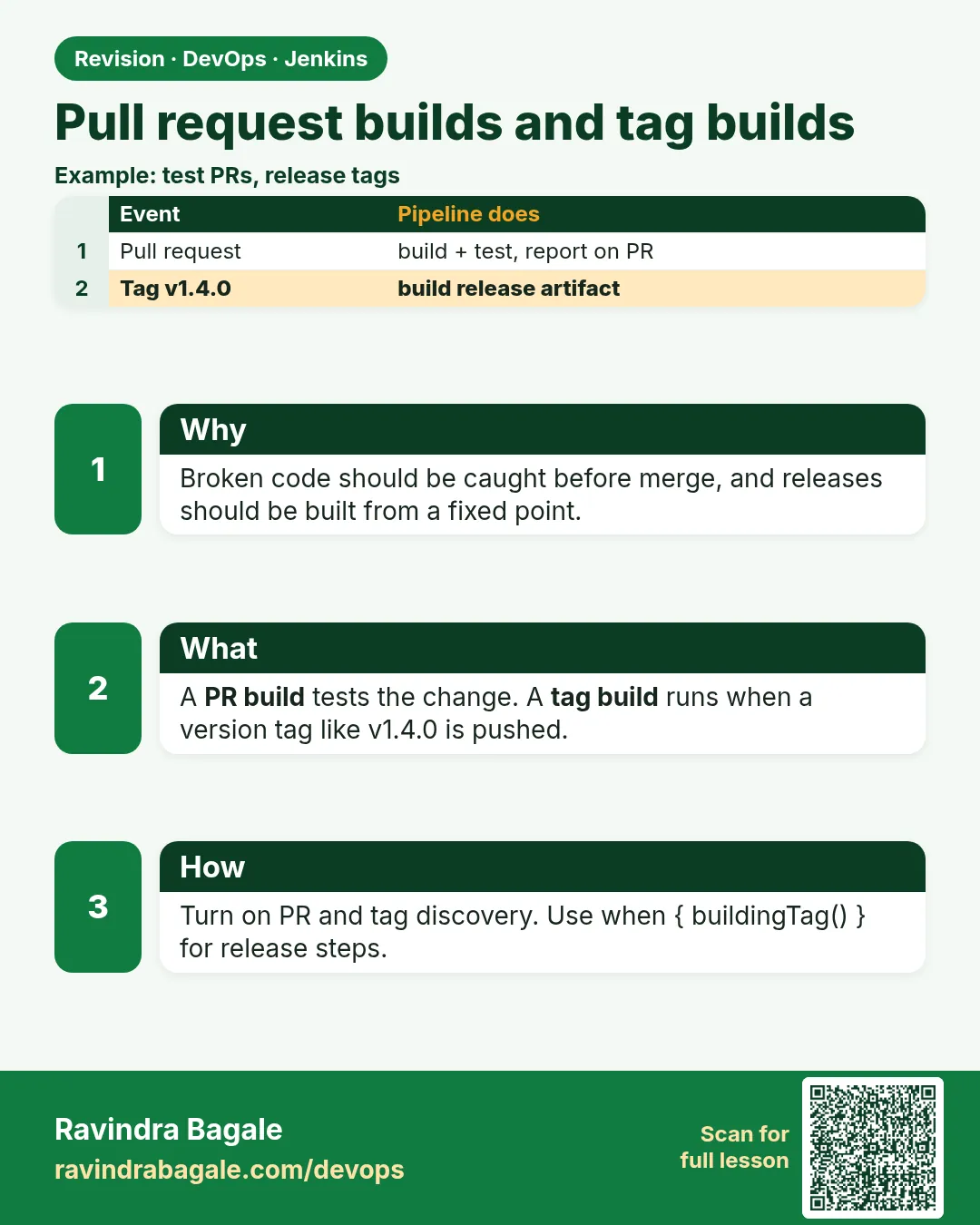 Revision card
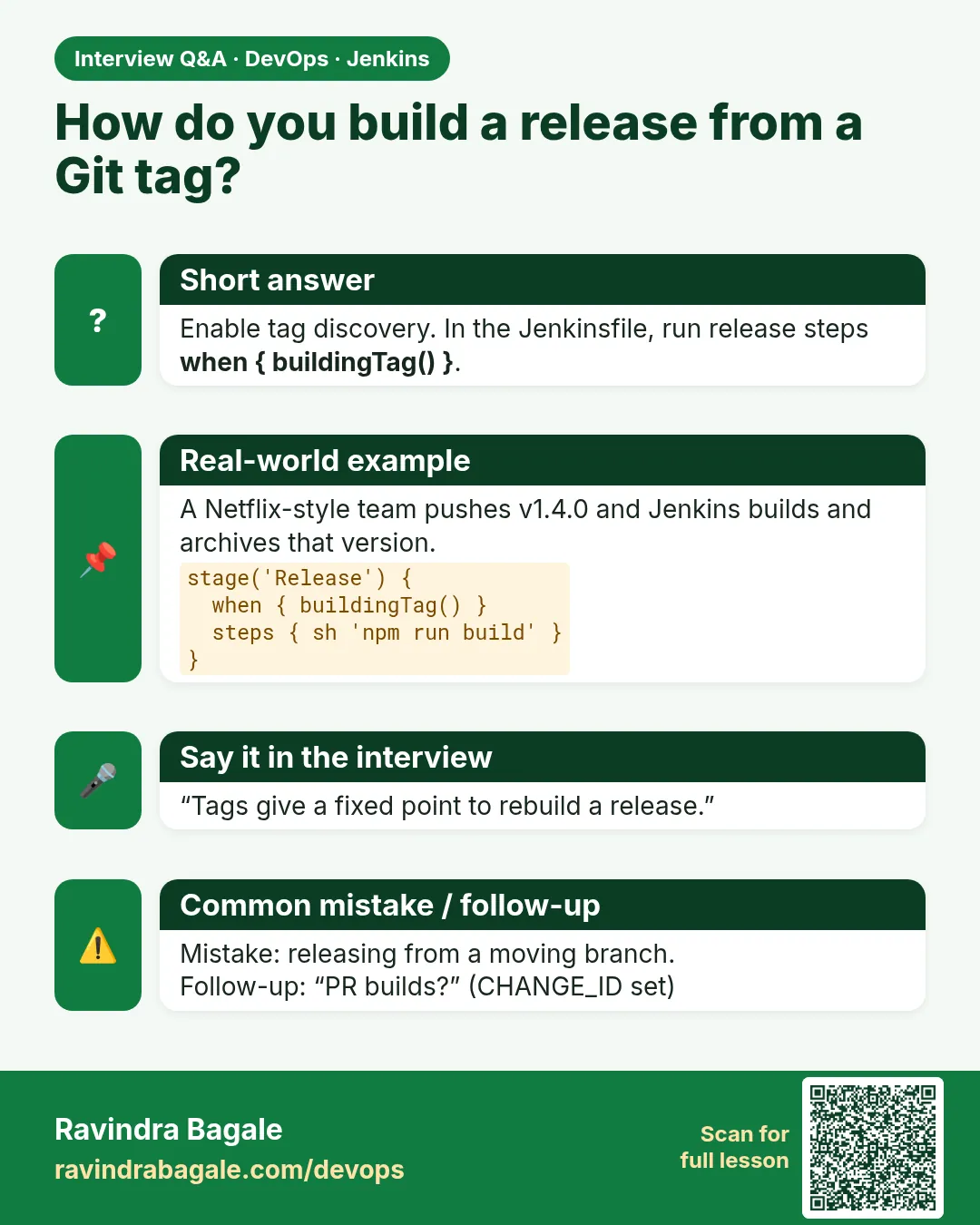 Interview card
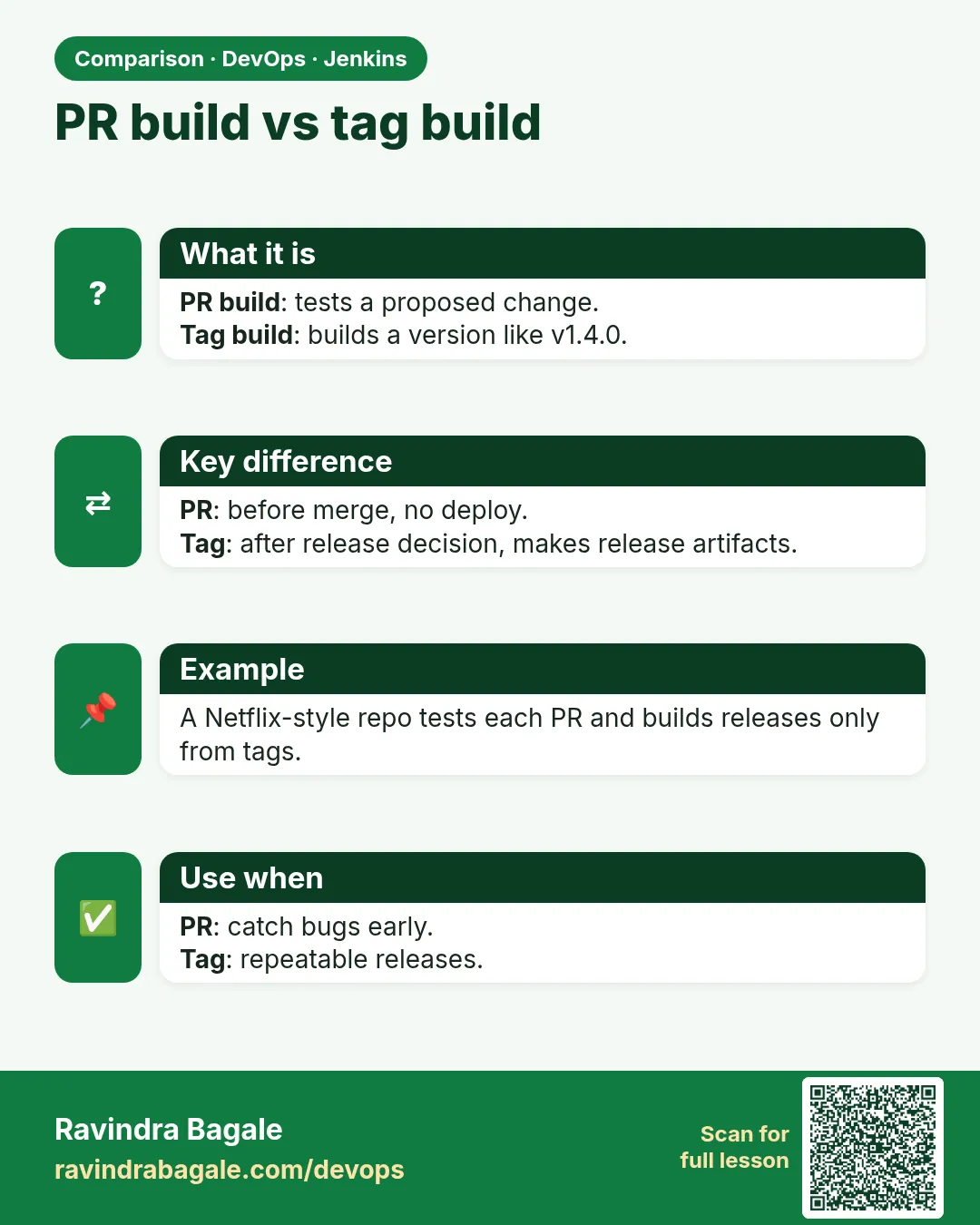 Comparison card