Revision cards
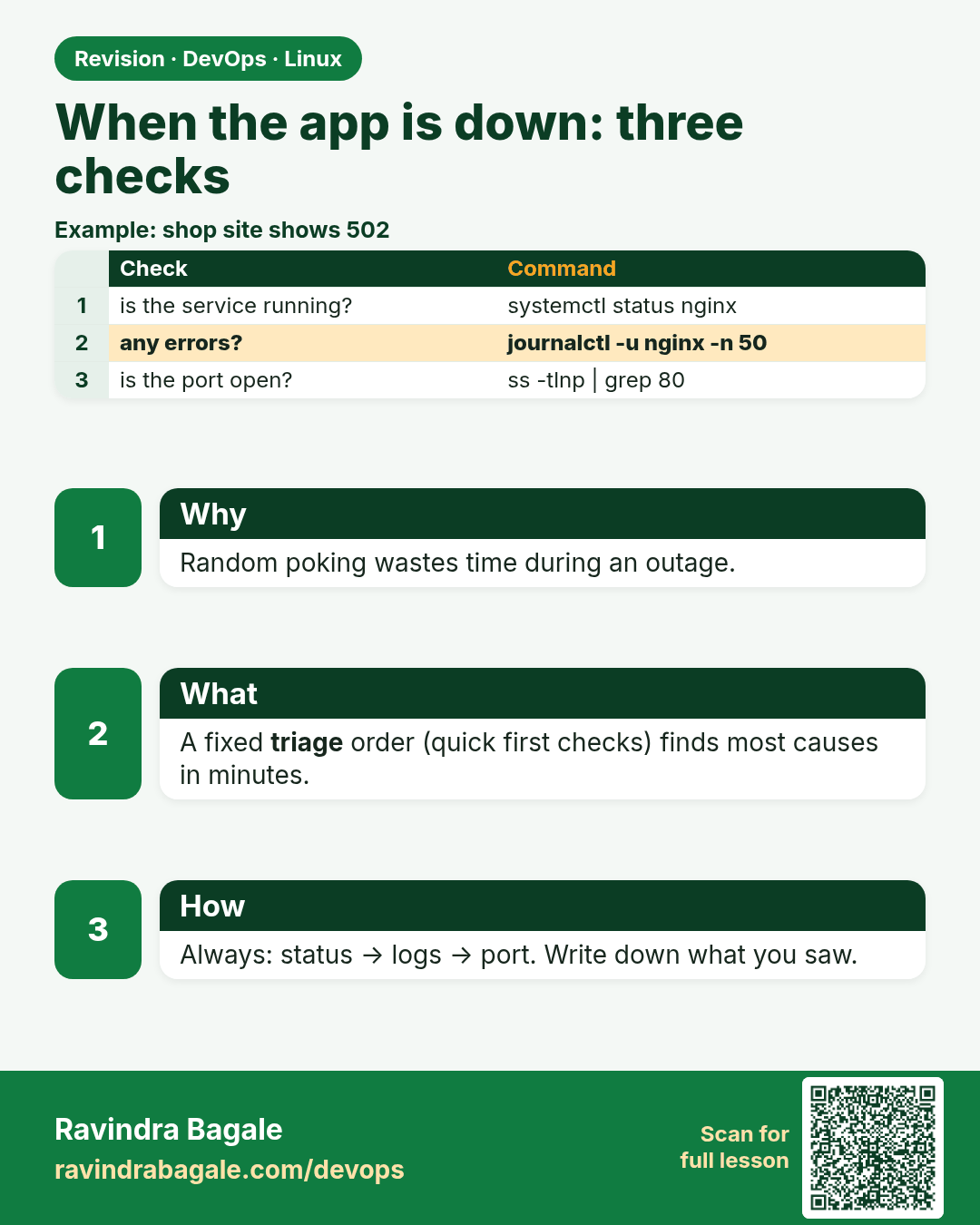
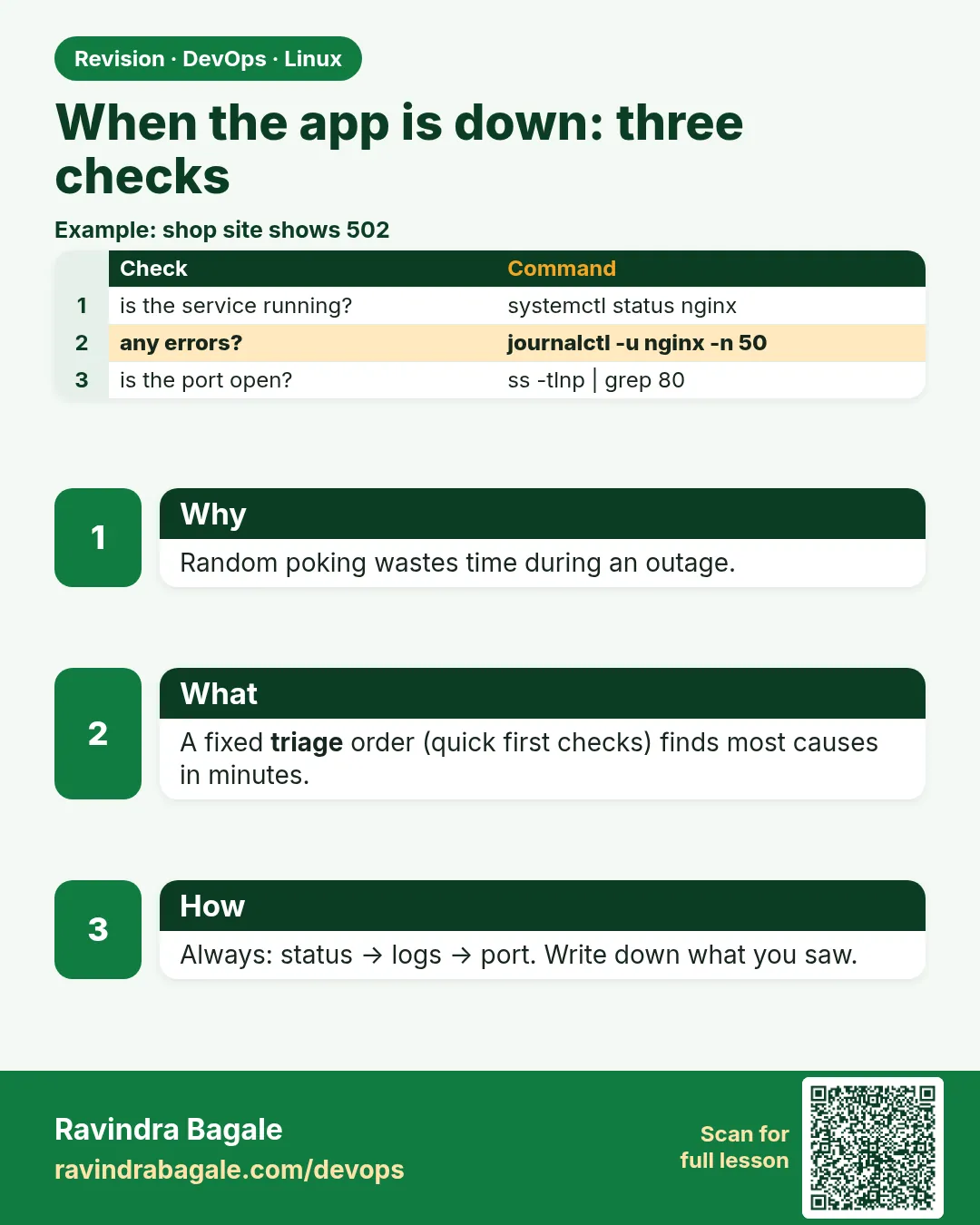 Revision card 1 of 9: When the app is down: three checks · Download PNG · Open card page
Lesson: 4.1 When the app is "down" — three checks
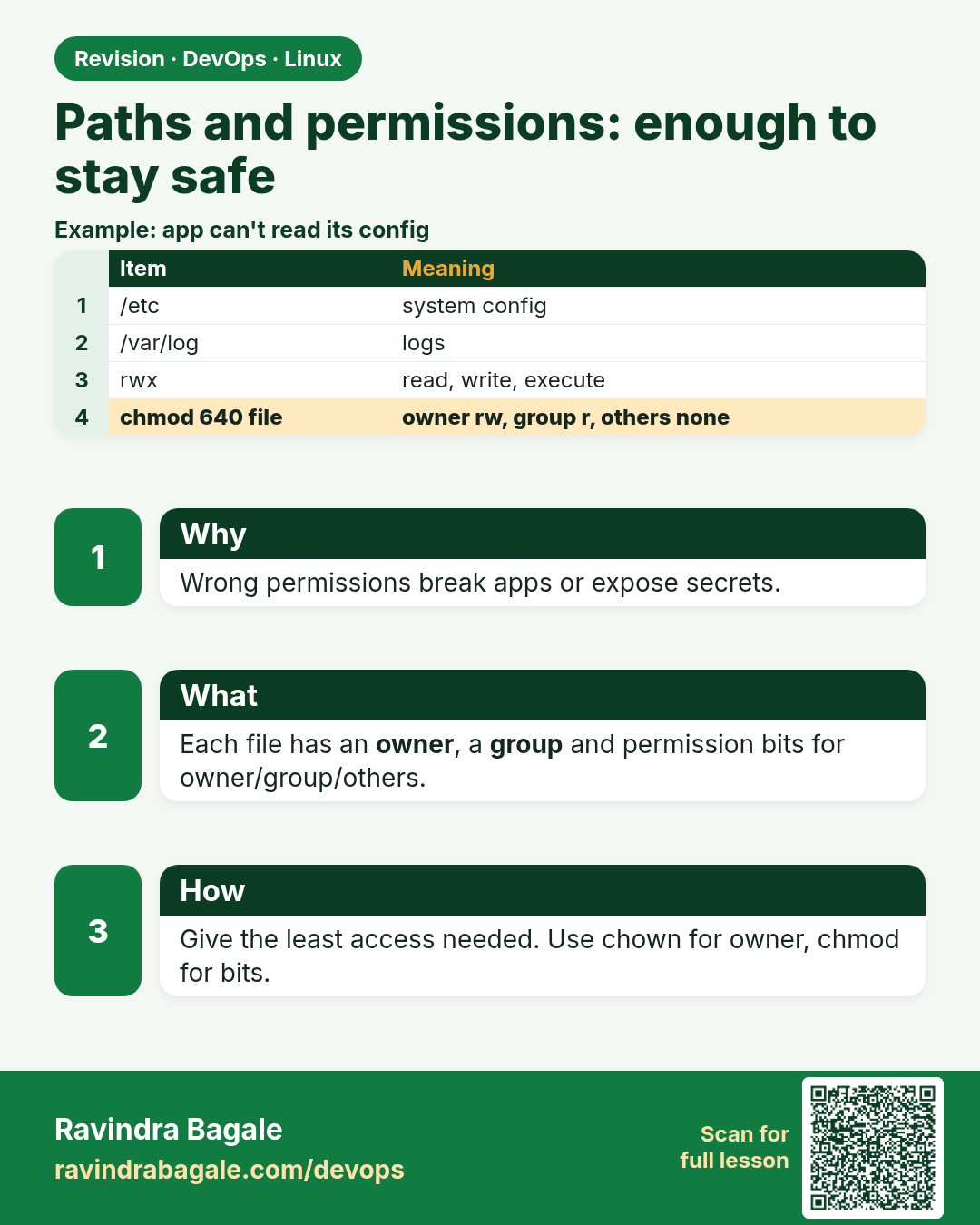
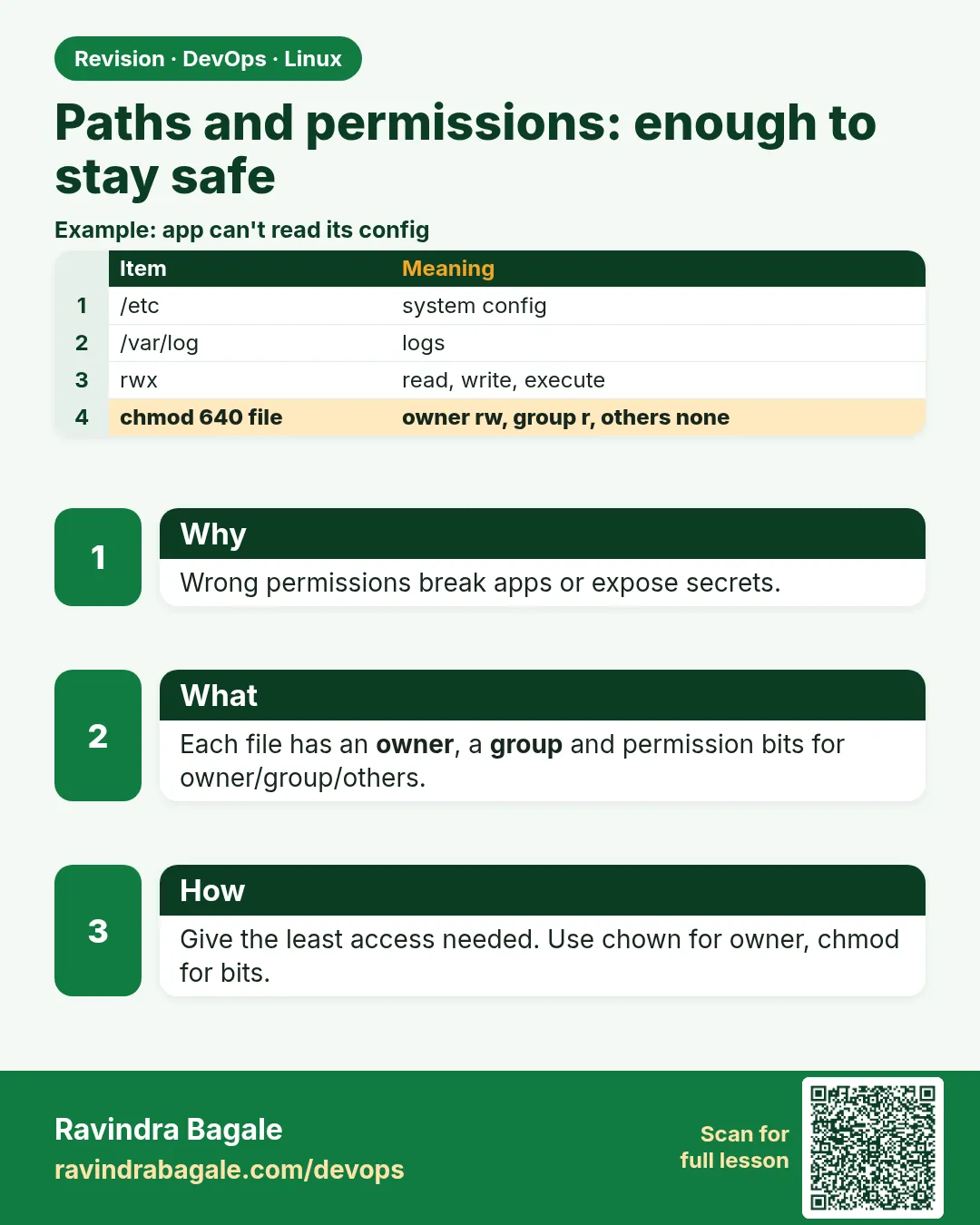 Revision card 2 of 9: Paths and permissions: enough to stay safe · Download PNG · Open card page
Lesson: 4.2 Paths and permissions — enough to stay safe
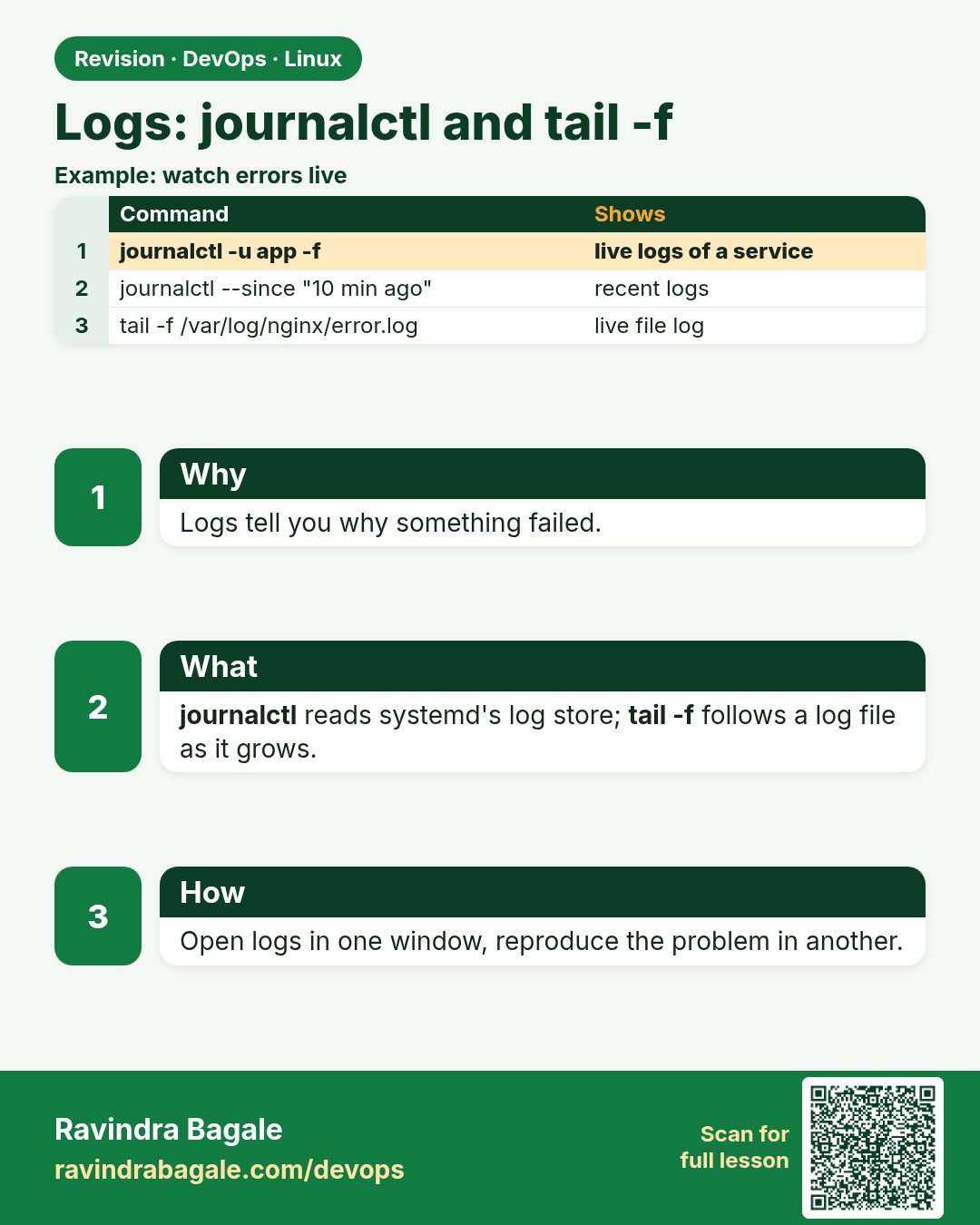
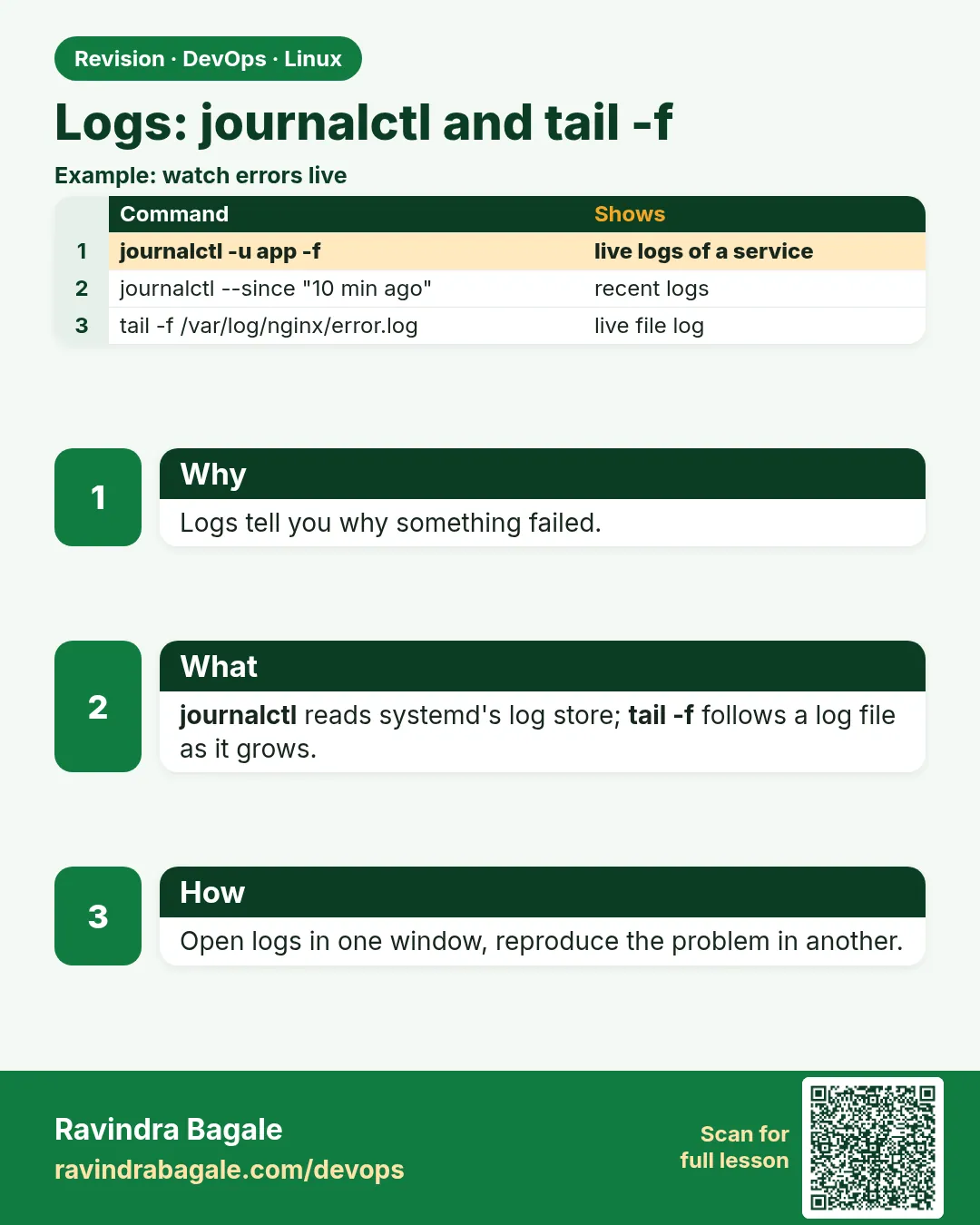 Revision card 3 of 9: Logs: journalctl and tail -f · Download PNG · Open card page
Lesson: 4.3 Logs — journalctl and tail -f
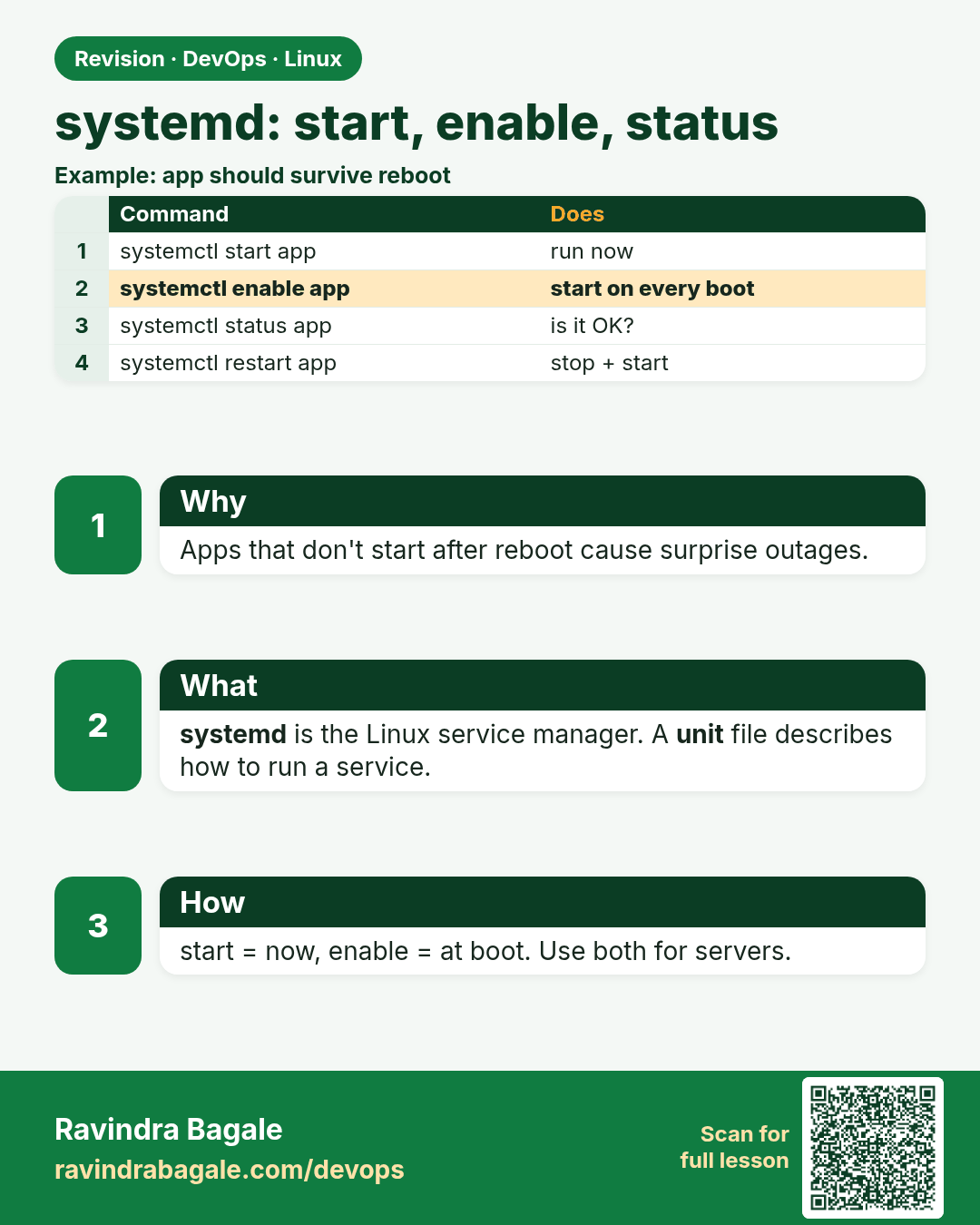
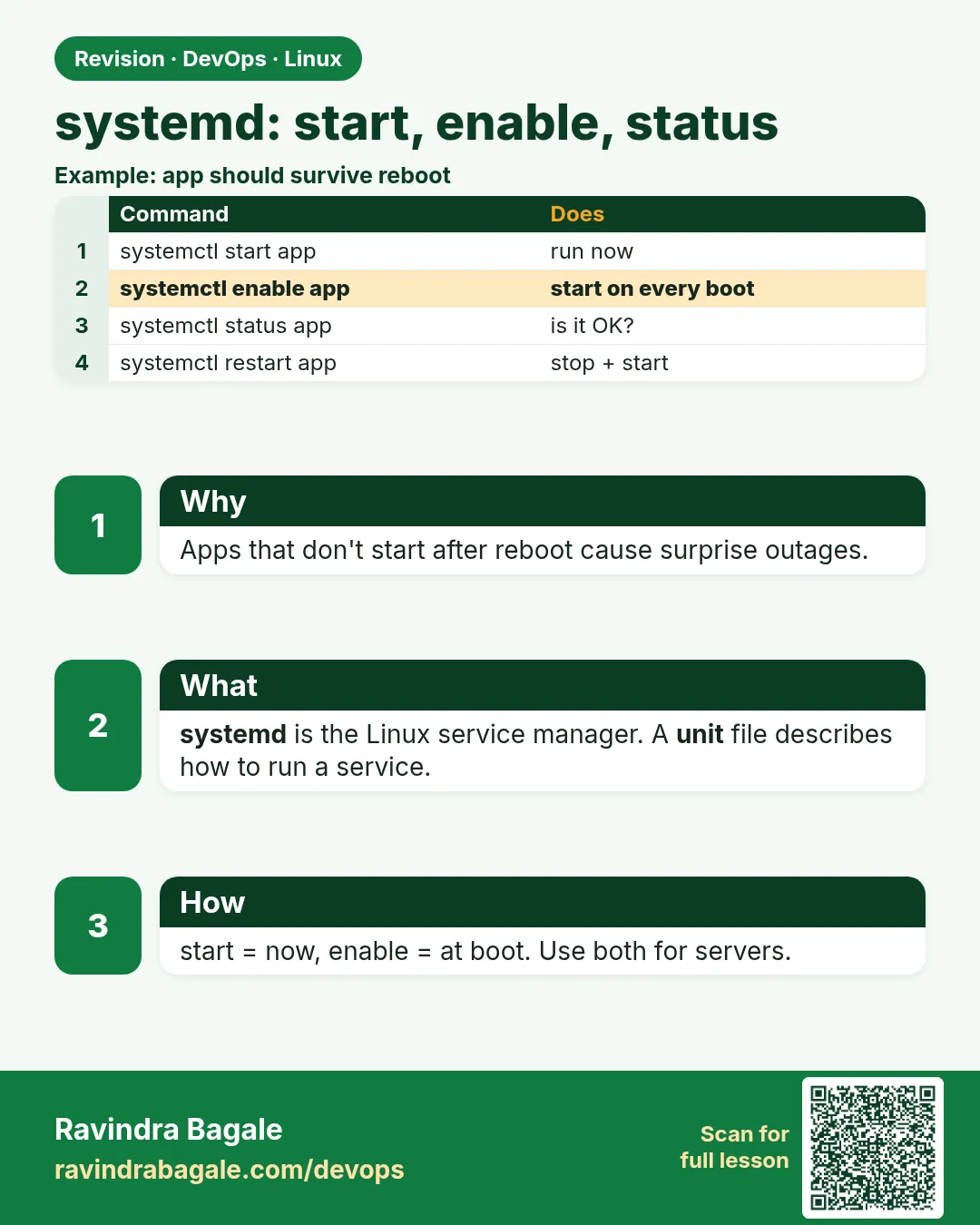 Revision card 4 of 9: systemd: start, enable, status · Download PNG · Open card page
Lesson: 4.4 systemd — start, enable, status
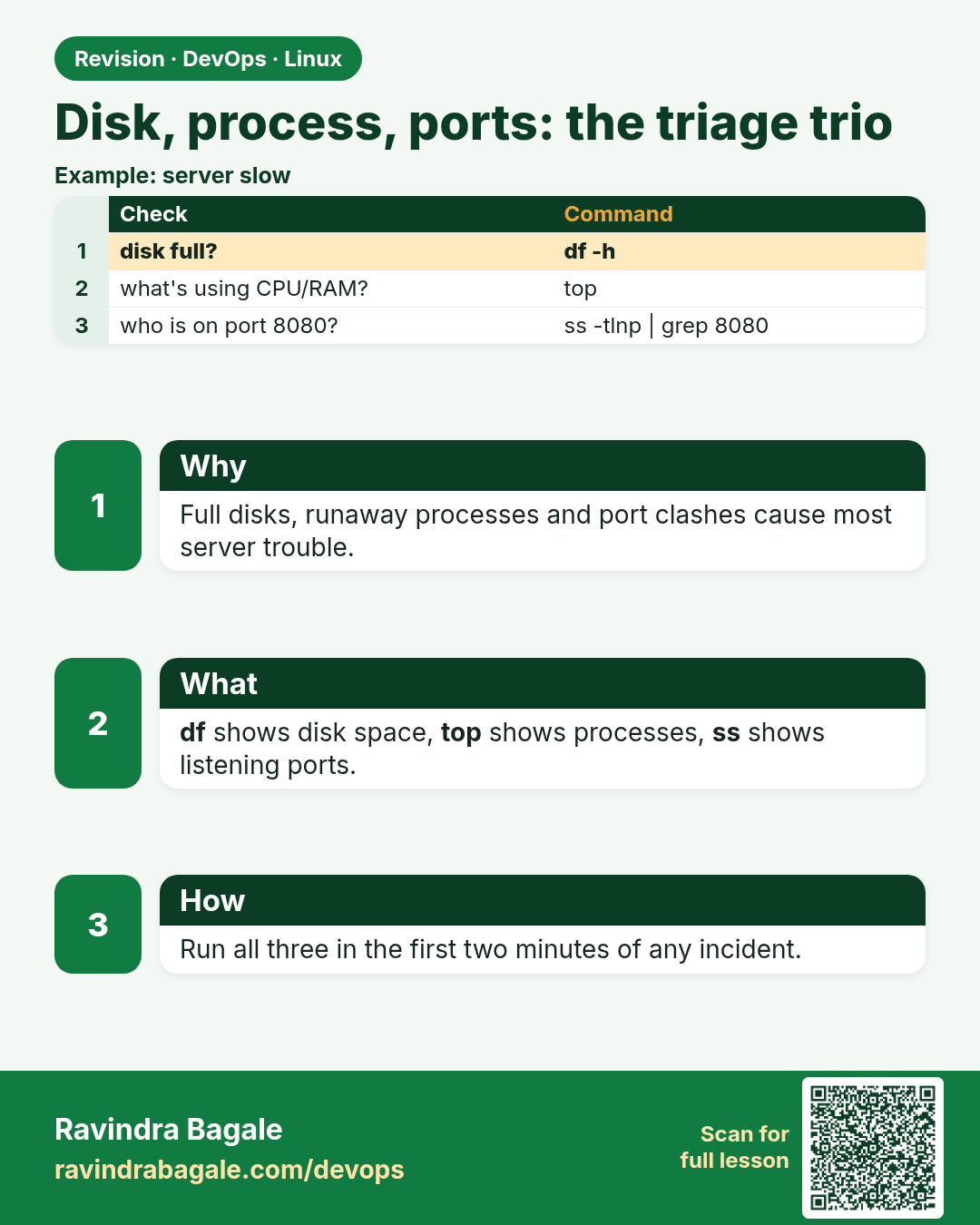
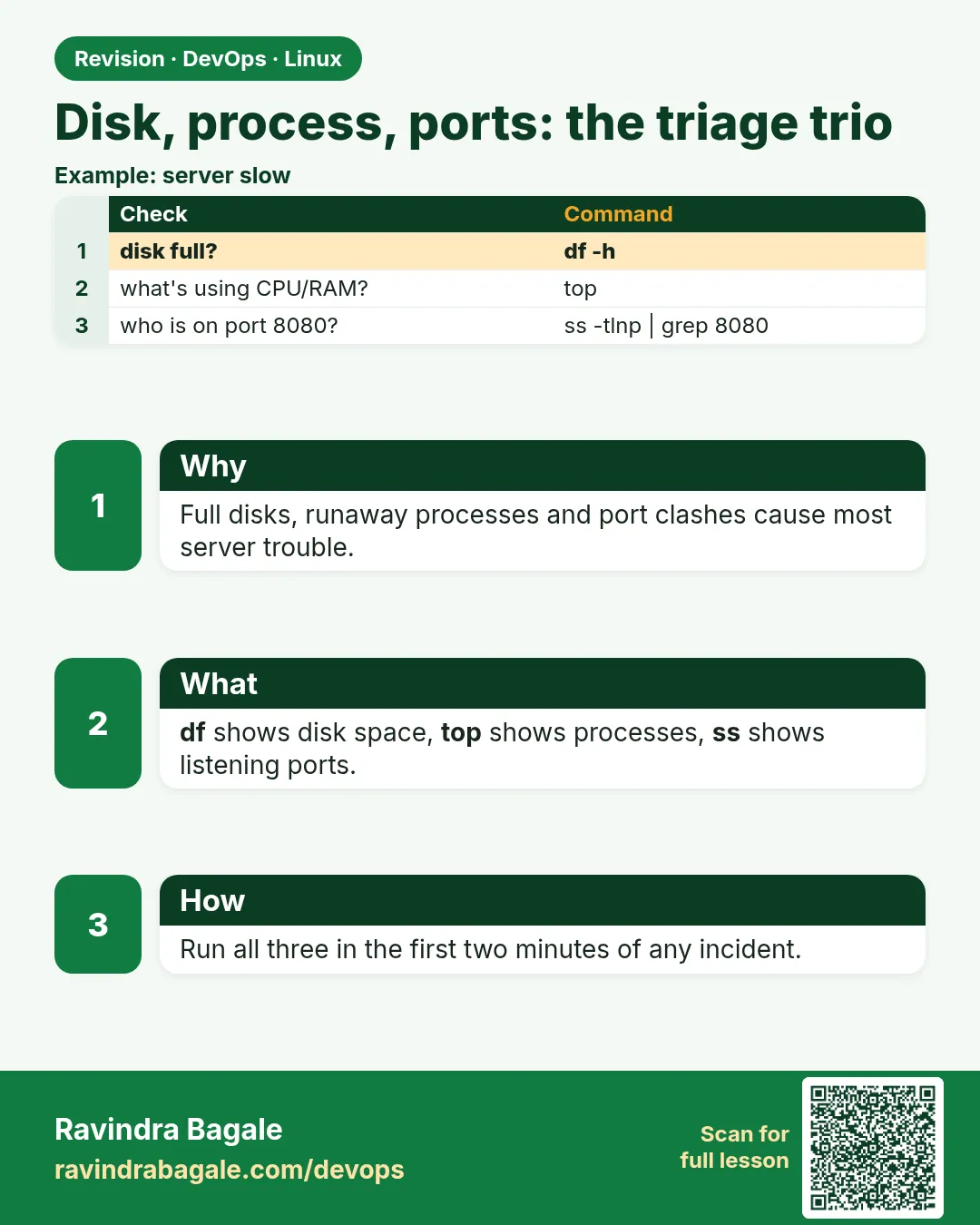 Revision card 5 of 9: Disk, process, ports: the triage trio · Download PNG · Open card page
Lesson: 4.5 Disk, process, ports — the triage trio
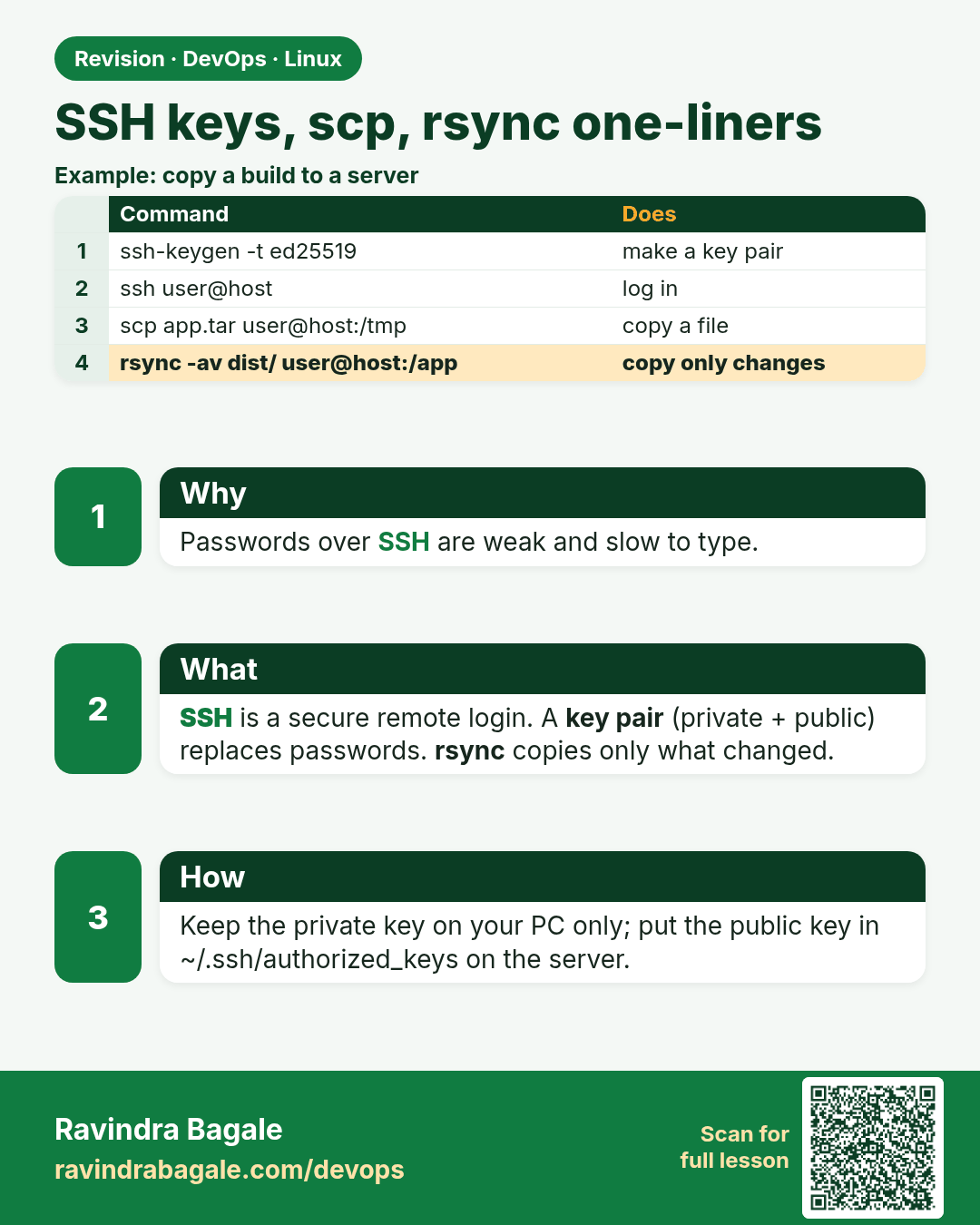
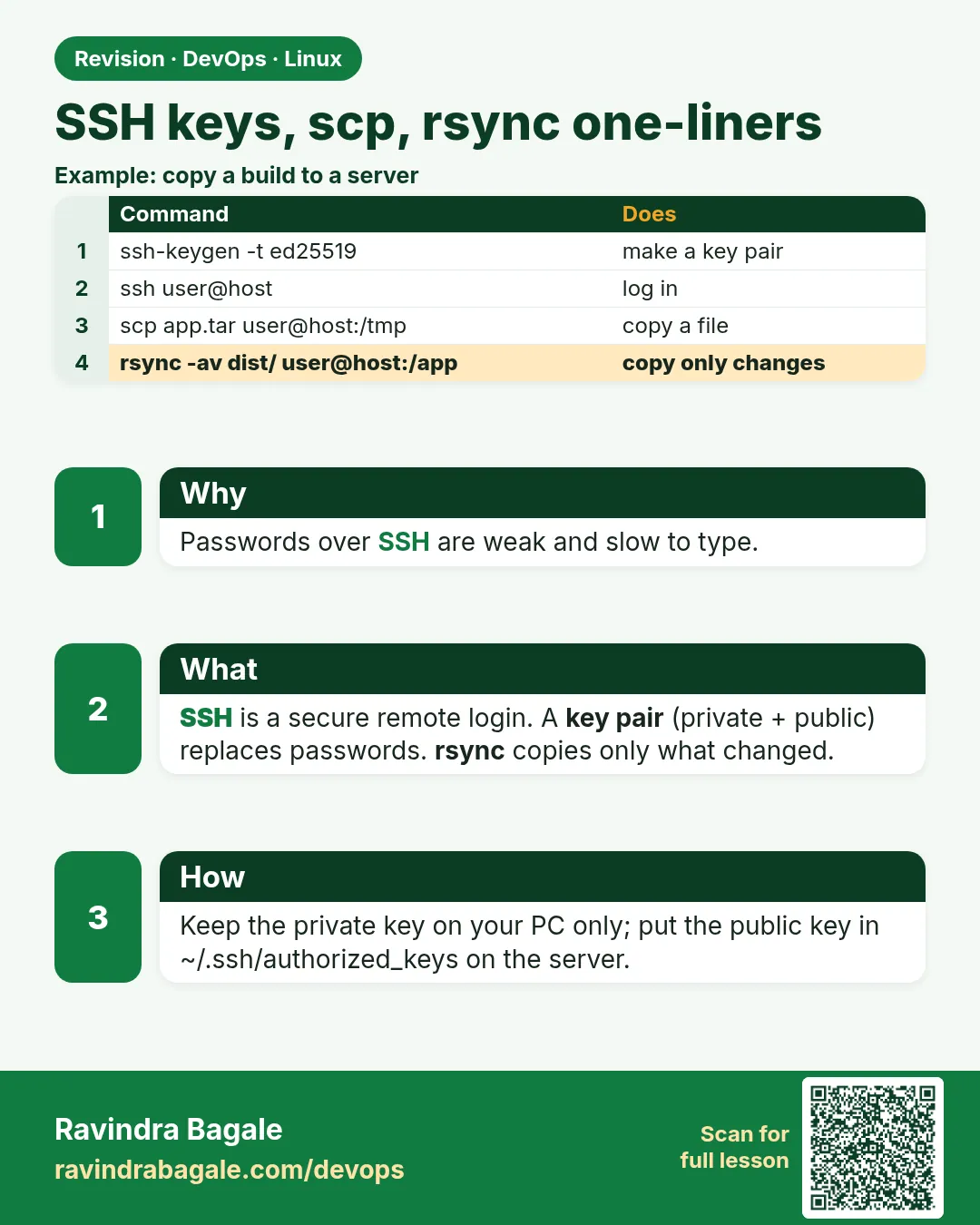 Revision card 6 of 9: SSH keys, scp, rsync one-liners · Download PNG · Open card page
Lesson: 4.6 SSH keys, scp, rsync — one-liners
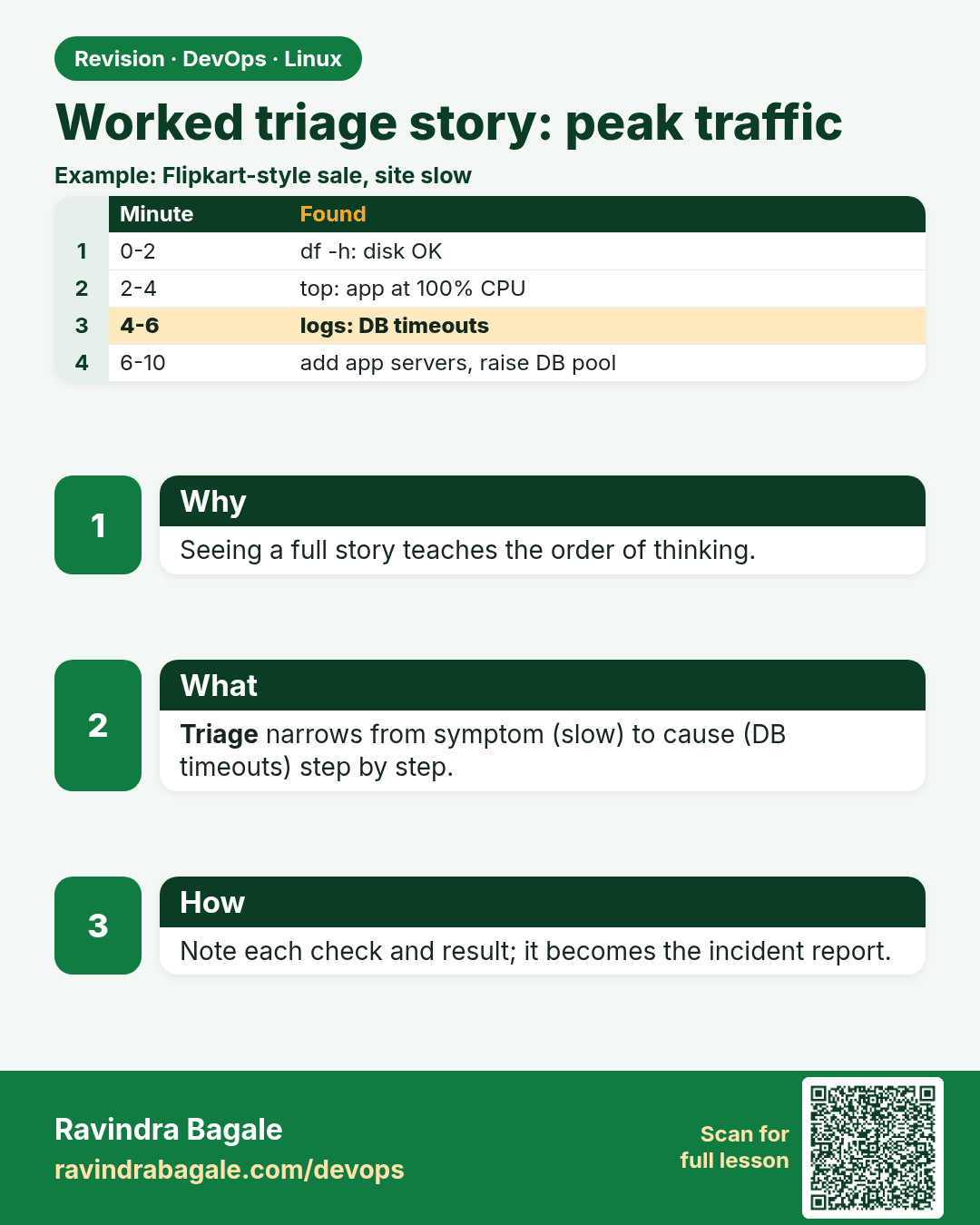
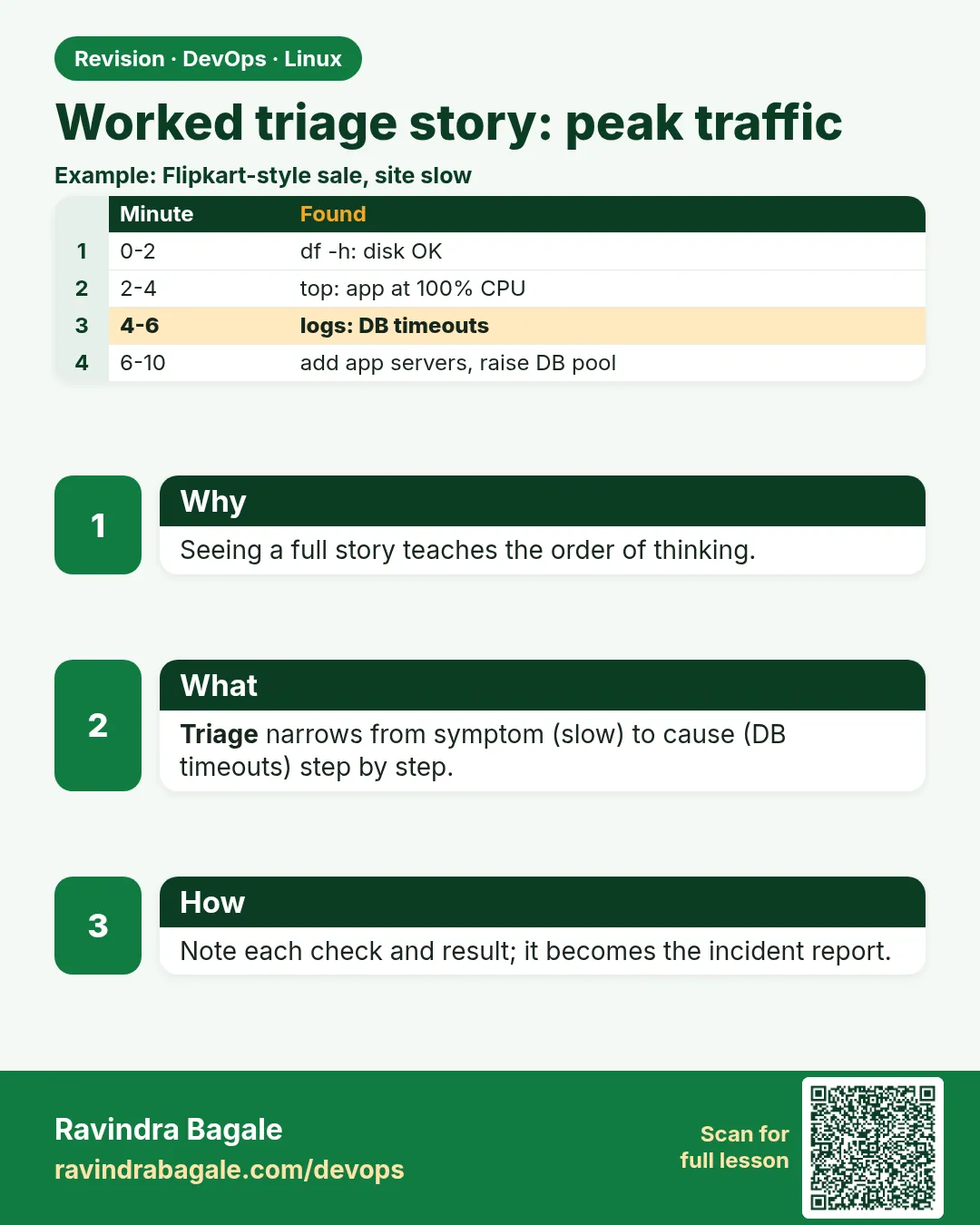 Revision card 7 of 9: Worked triage story: peak traffic · Download PNG · Open card page
Lesson: 4.7 Worked triage story — peak traffic
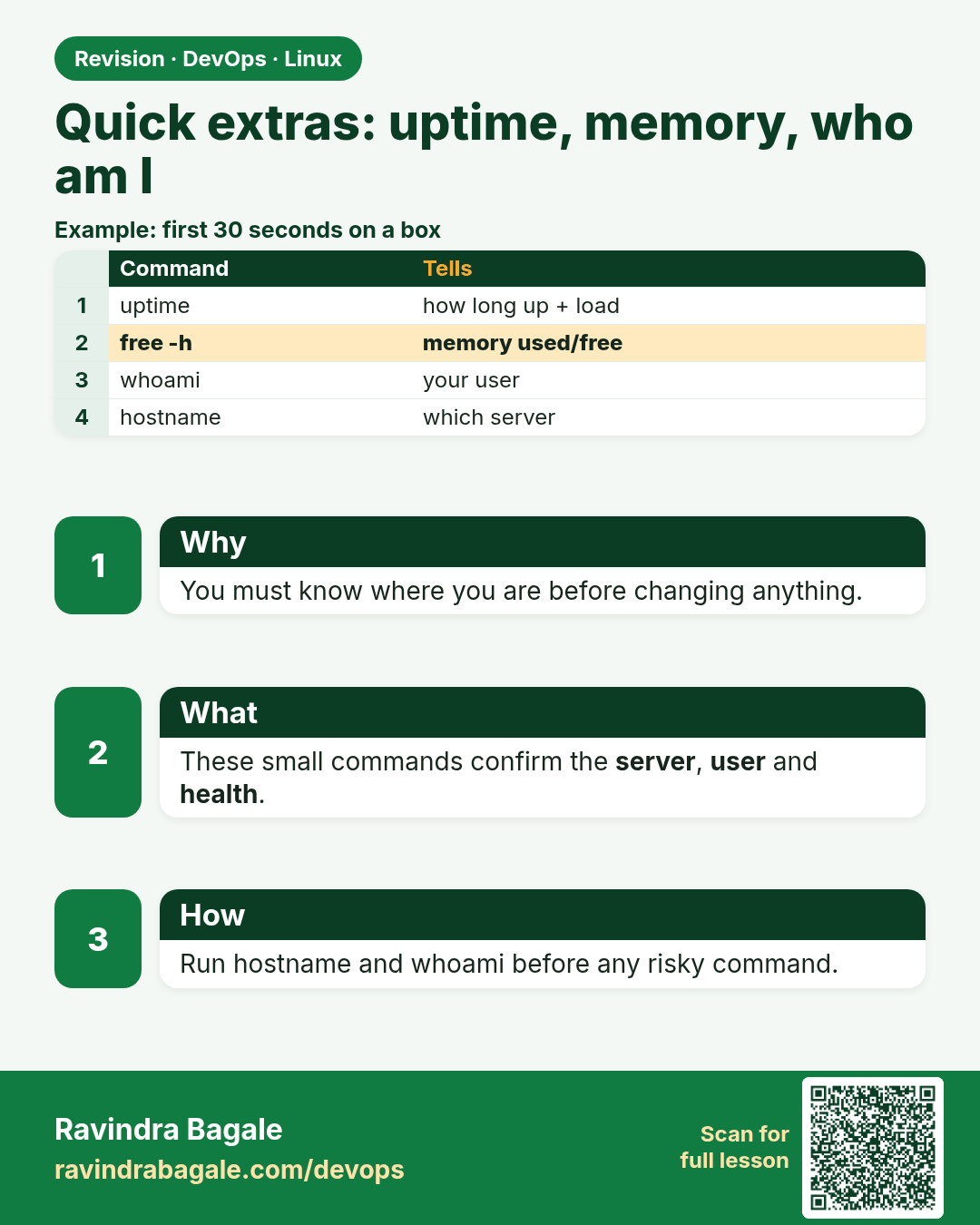
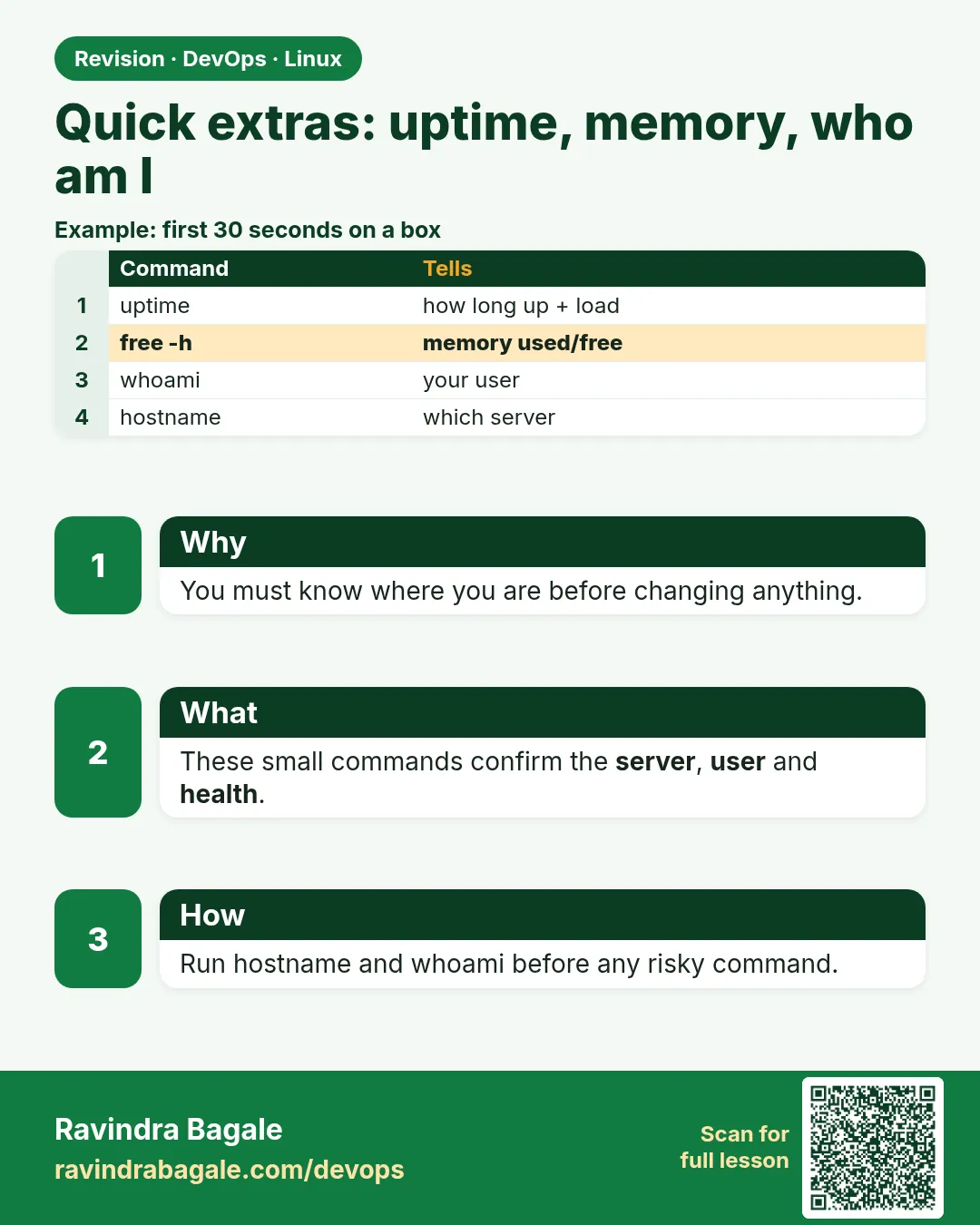 Revision card 8 of 9: Quick extras: uptime, memory, who am I · Download PNG · Open card page
Lesson: 4.8 Quick extras — uptime, memory, who am I
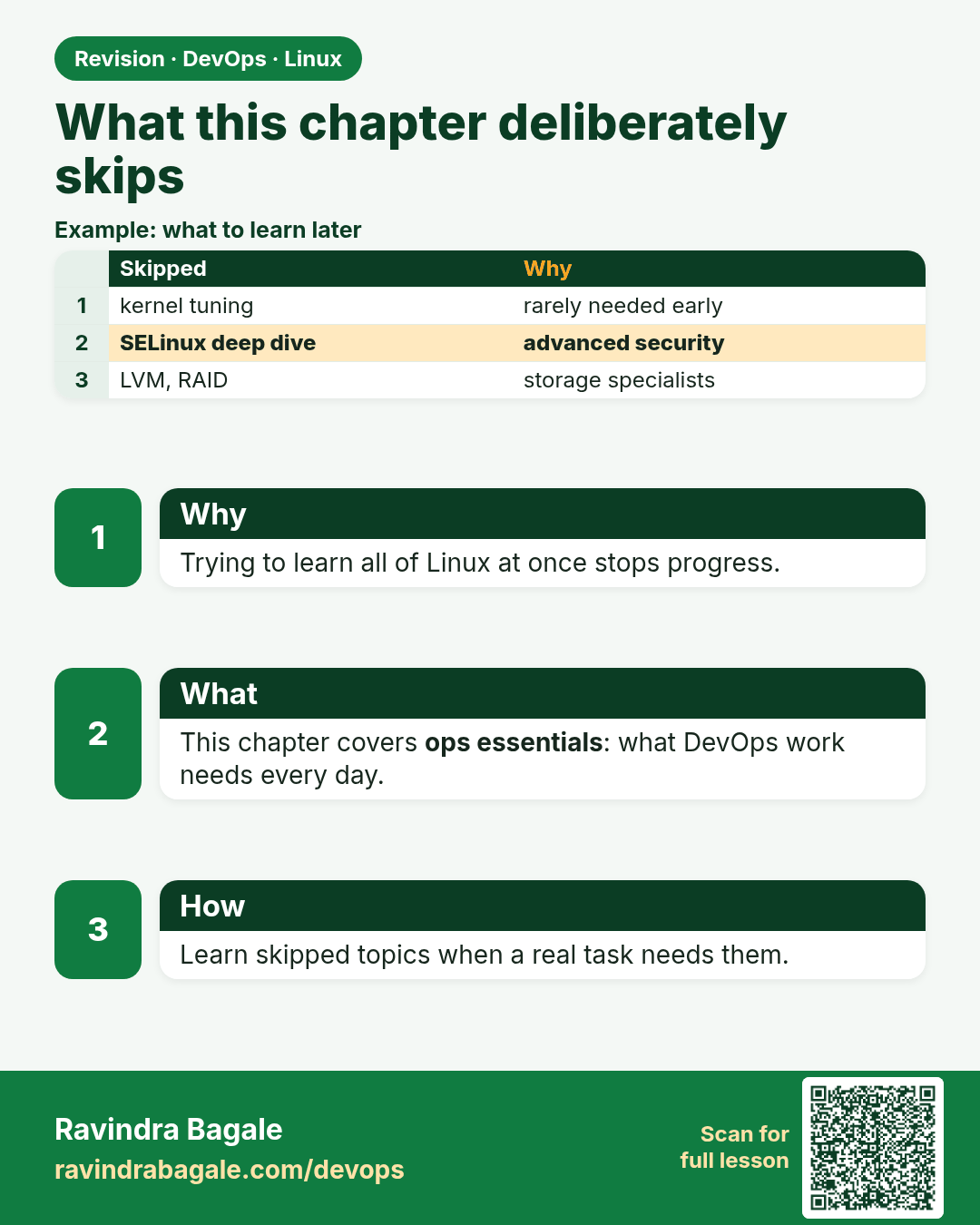
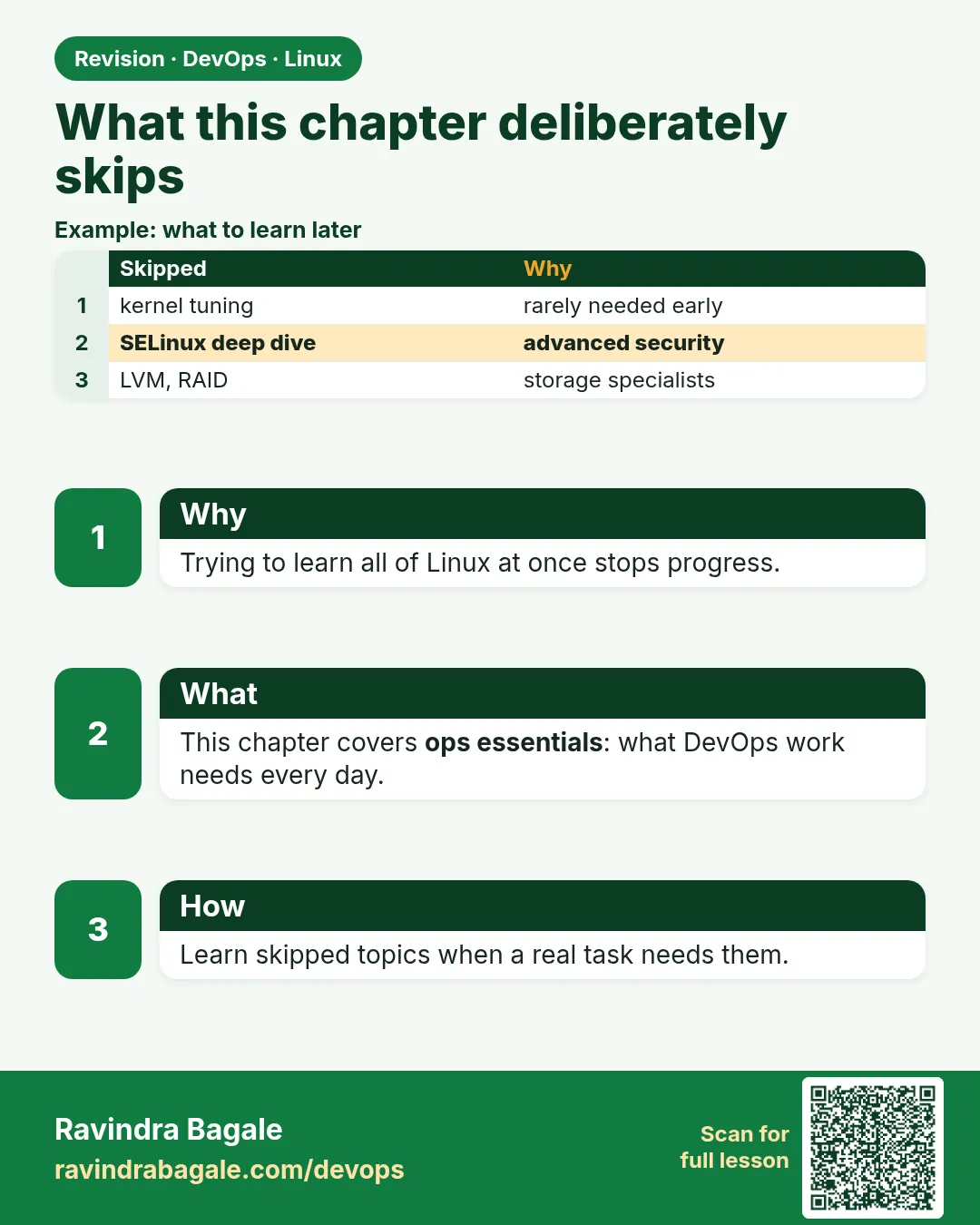 Revision card 9 of 9: What this chapter deliberately skips · Download PNG · Open card page
Lesson: 4.9 What this chapter deliberately skips
Interview cards
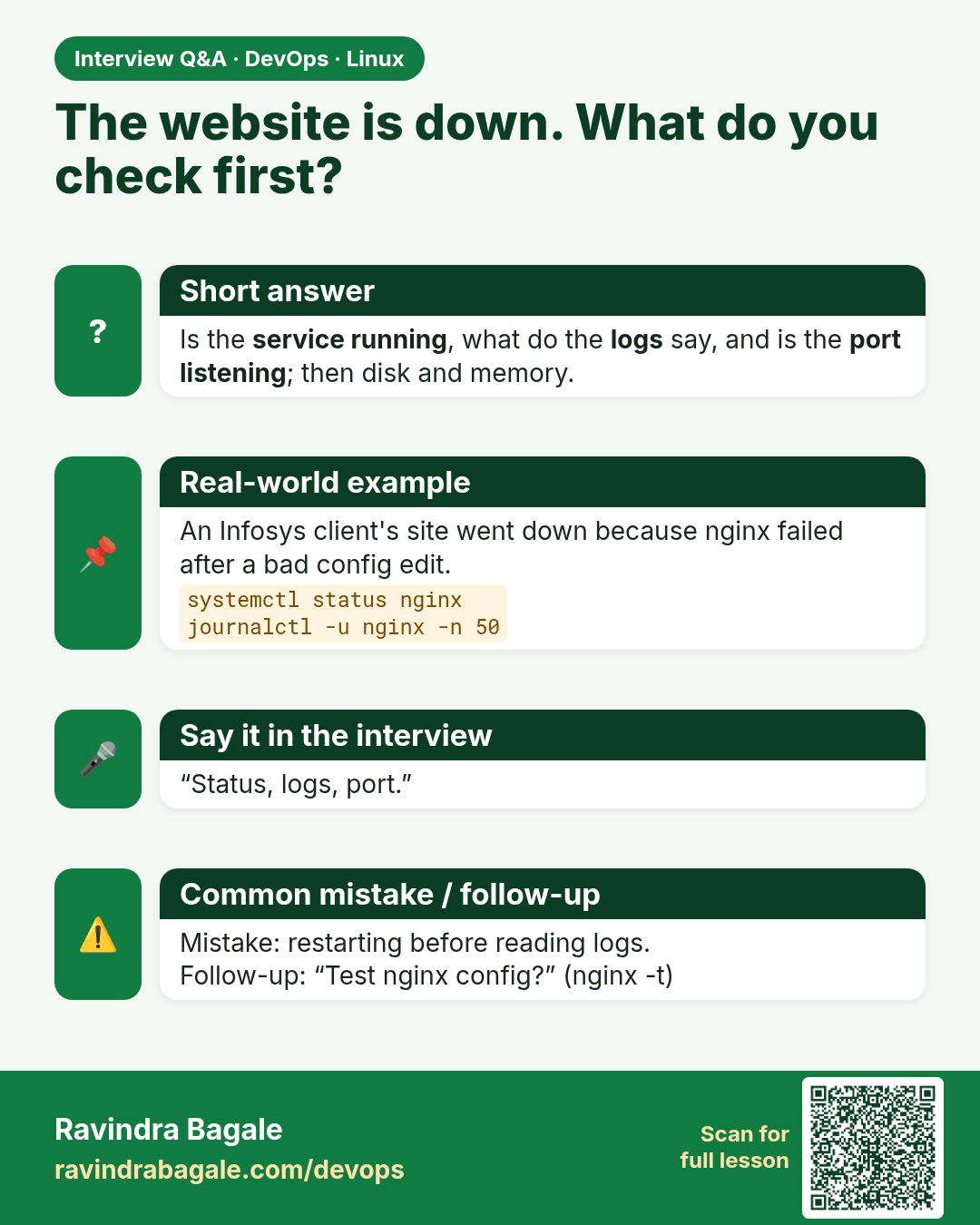
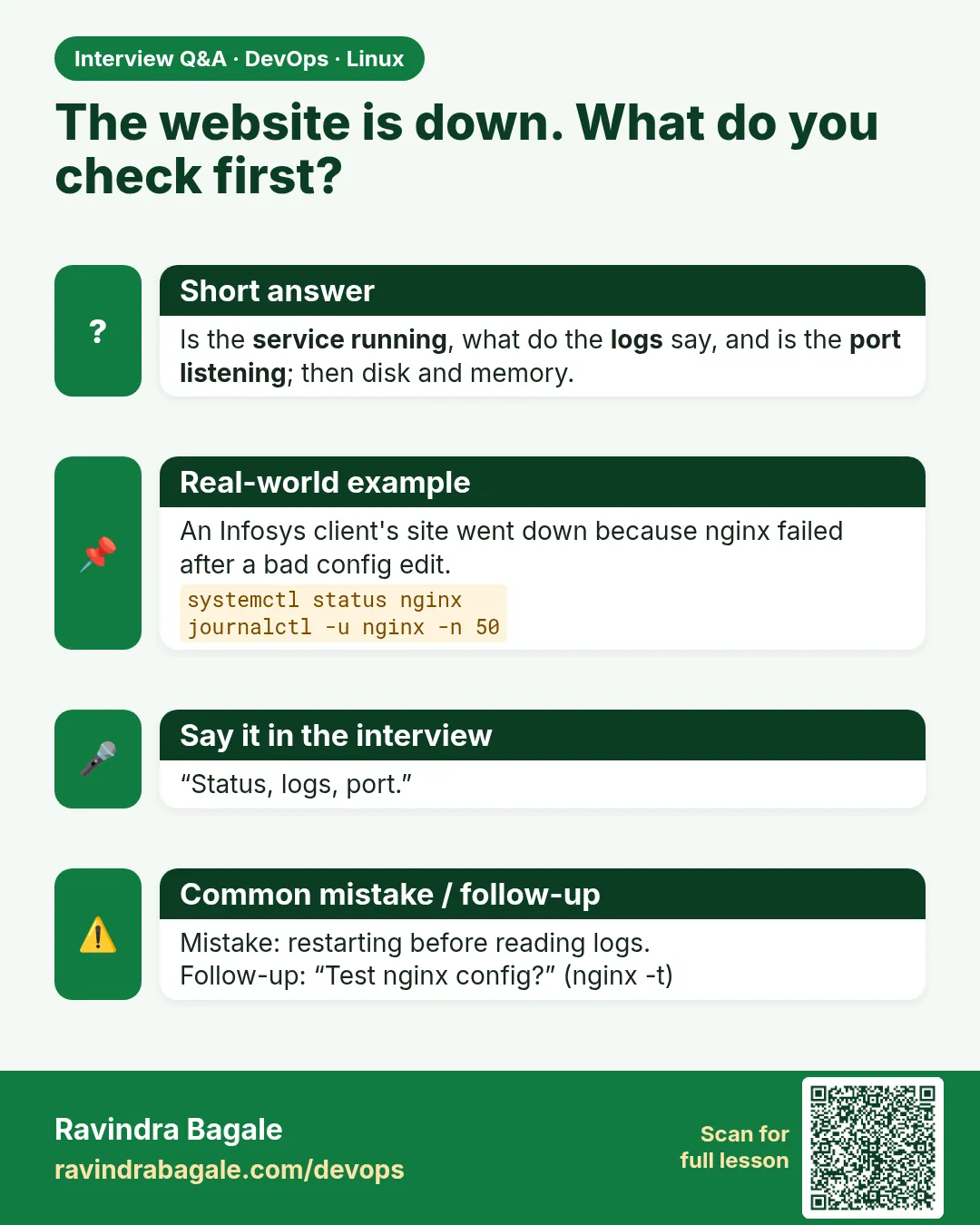 Interview card 1 of 9: The website is down. What do you check first? · Download PNG · Open card page
Lesson: 4.1 When the app is "down" — three checks
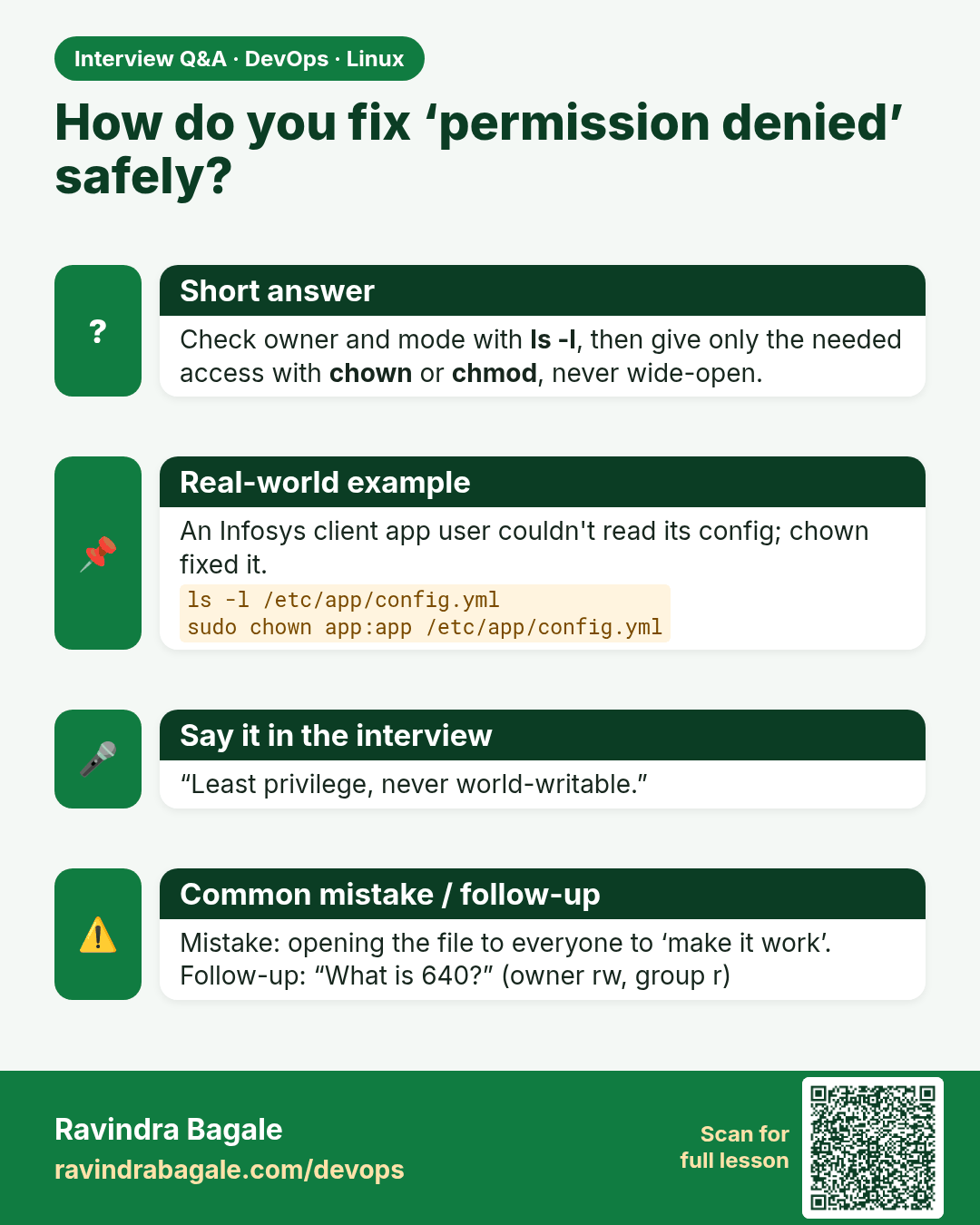
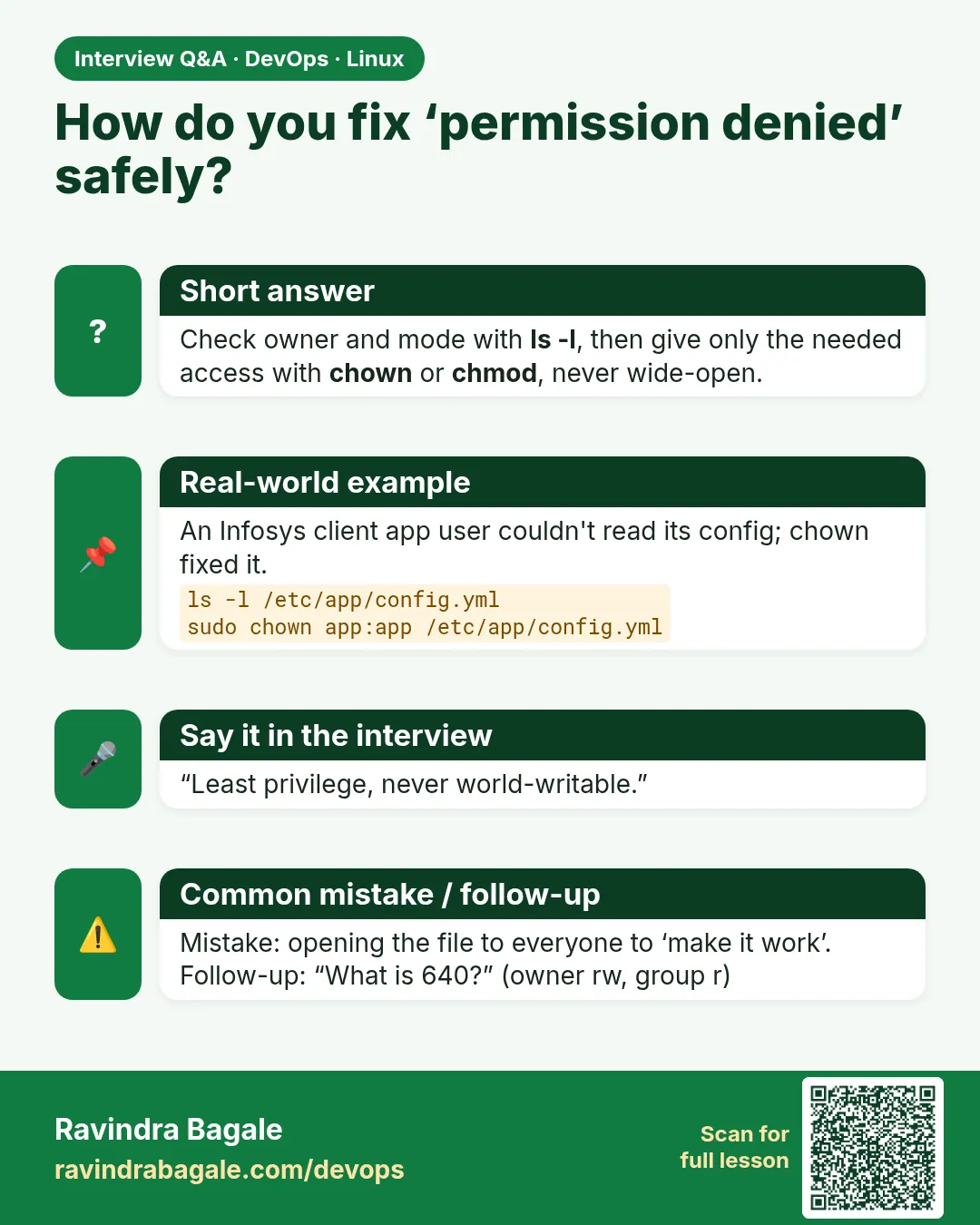 Interview card 2 of 9: How do you fix ‘permission denied’ safely? · Download PNG · Open card page
Lesson: 4.2 Paths and permissions — enough to stay safe
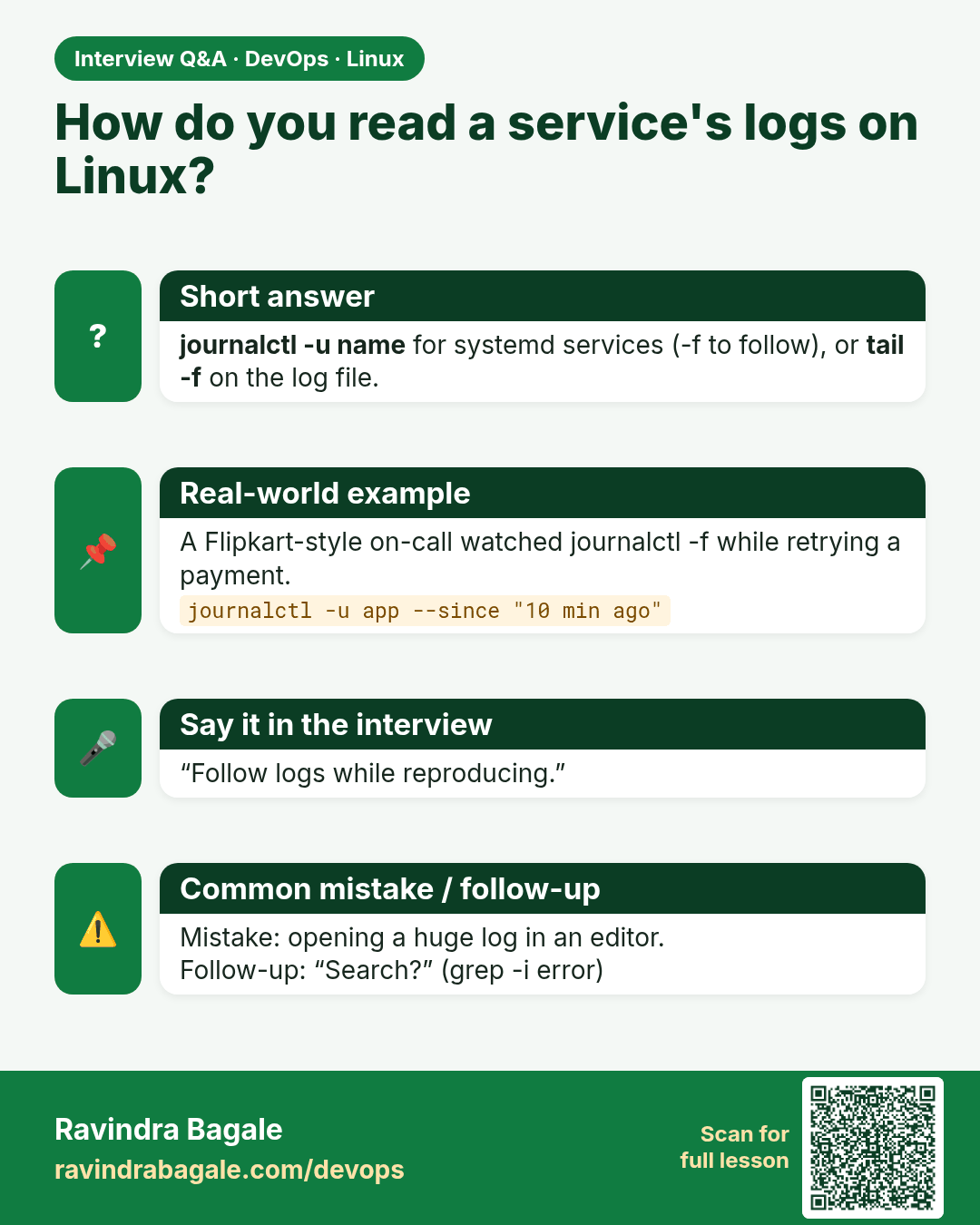
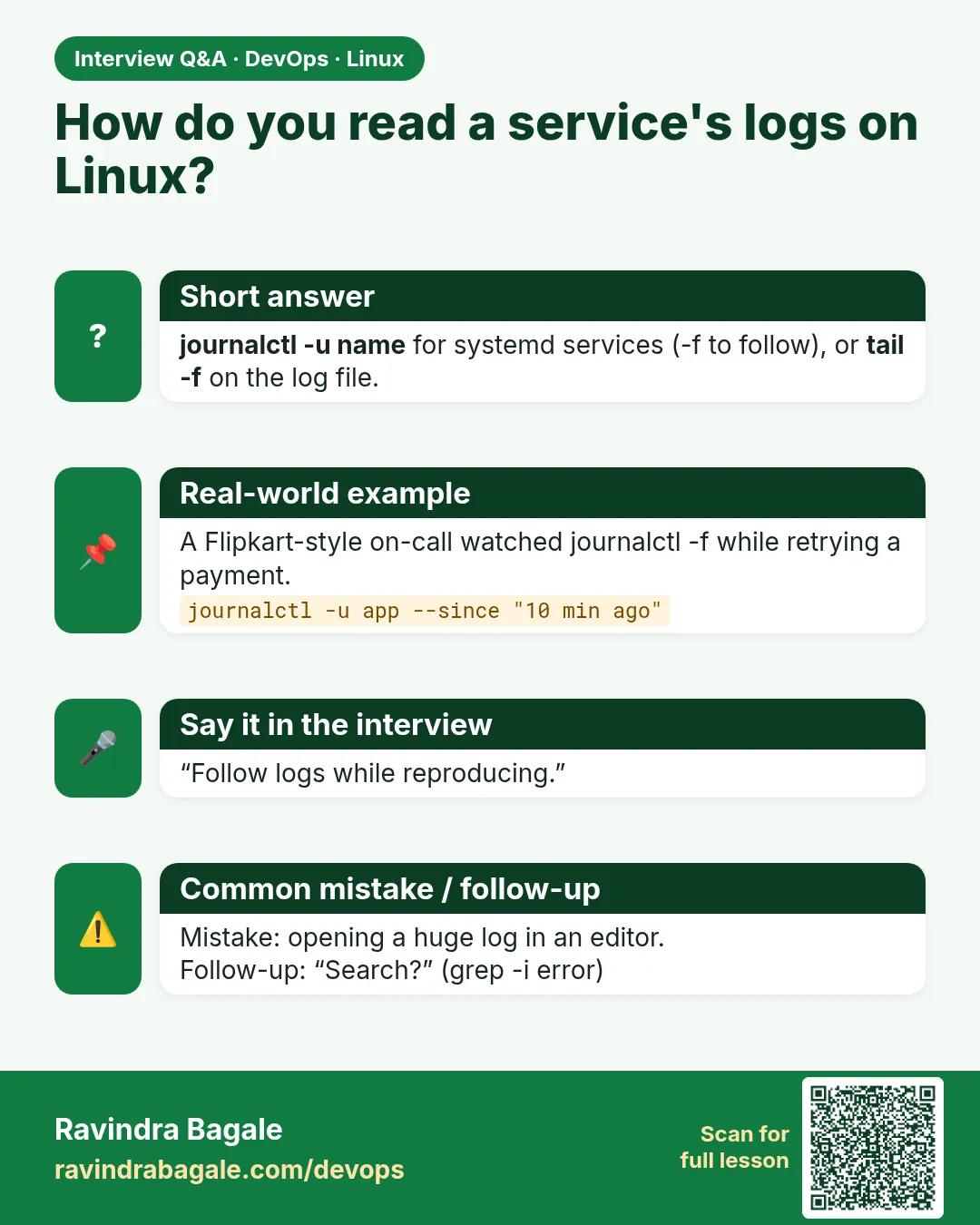 Interview card 3 of 9: How do you read a service's logs on Linux? · Download PNG · Open card page
Lesson: 4.3 Logs — journalctl and tail -f
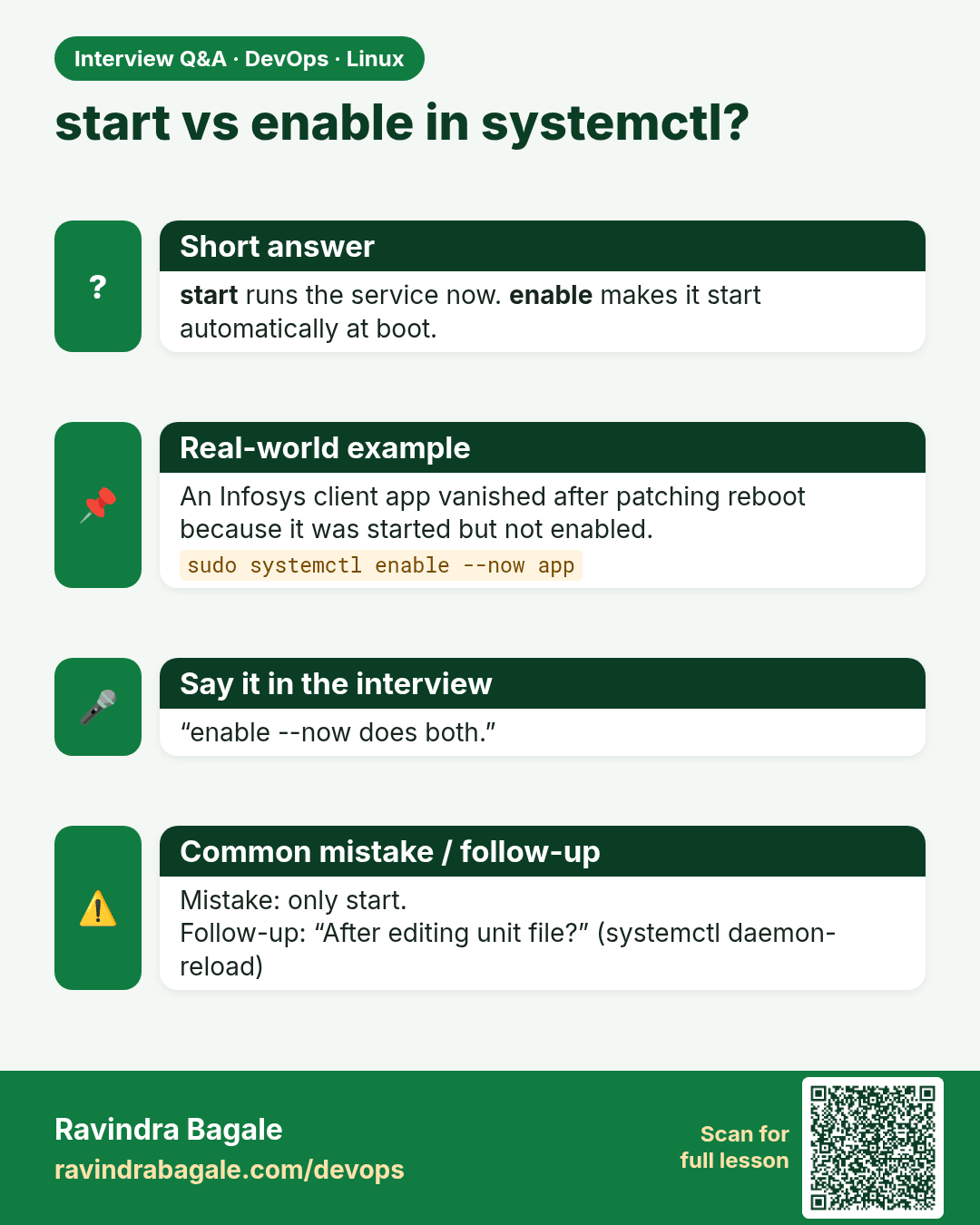
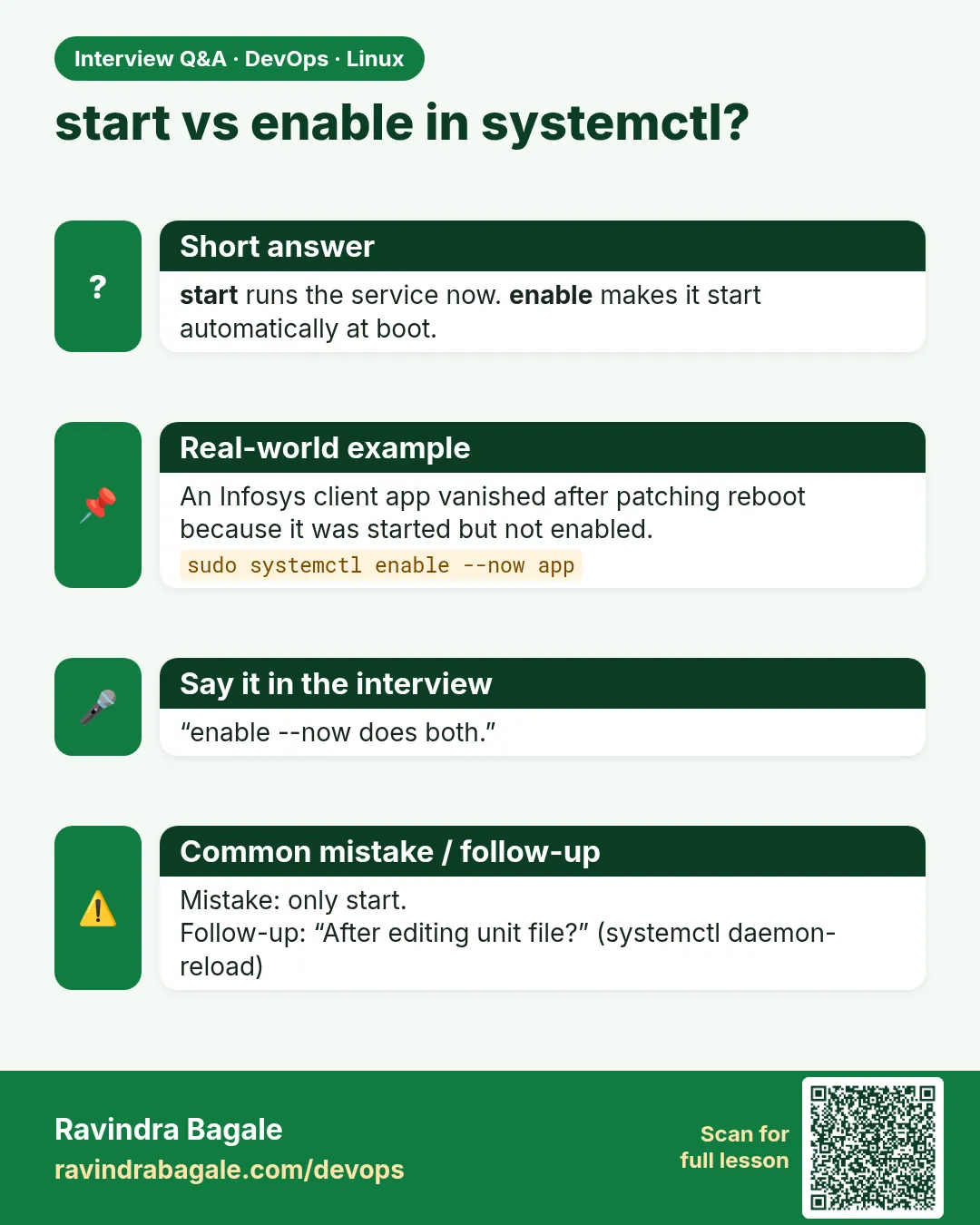 Interview card 4 of 9: start vs enable in systemctl? · Download PNG · Open card page
Lesson: 4.4 systemd — start, enable, status
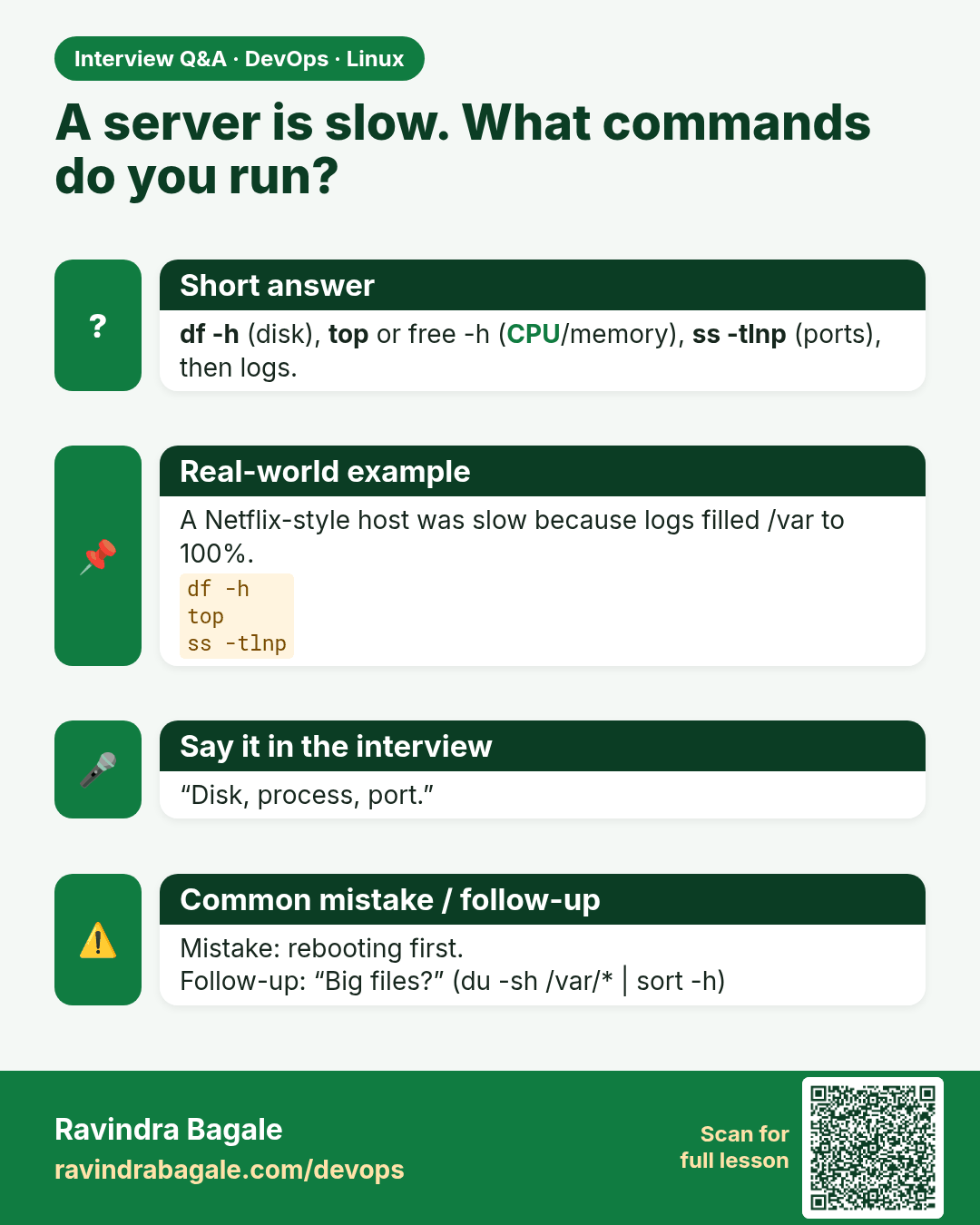
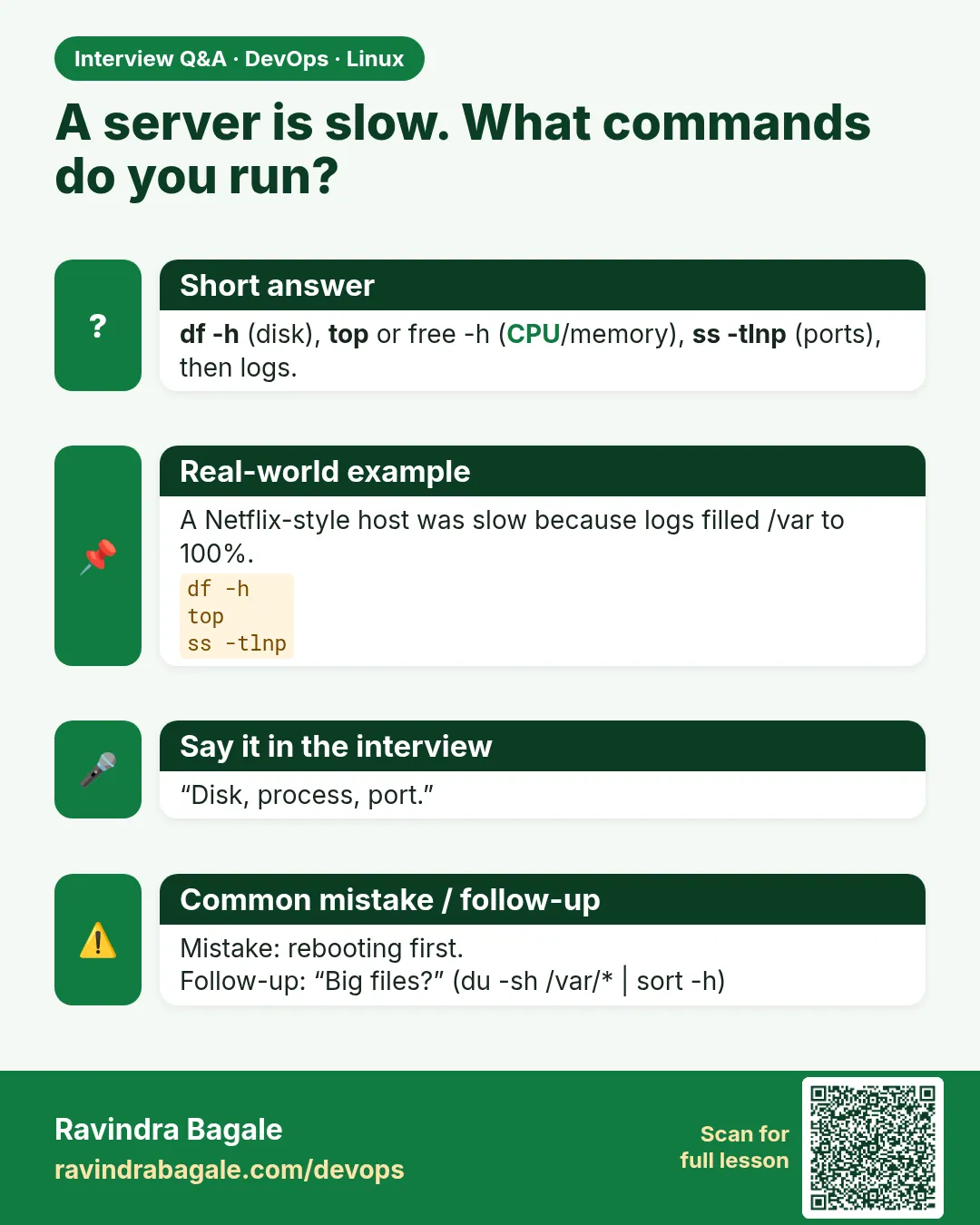 Interview card 5 of 9: A server is slow. What commands do you run? · Download PNG · Open card page
Lesson: 4.5 Disk, process, ports — the triage trio
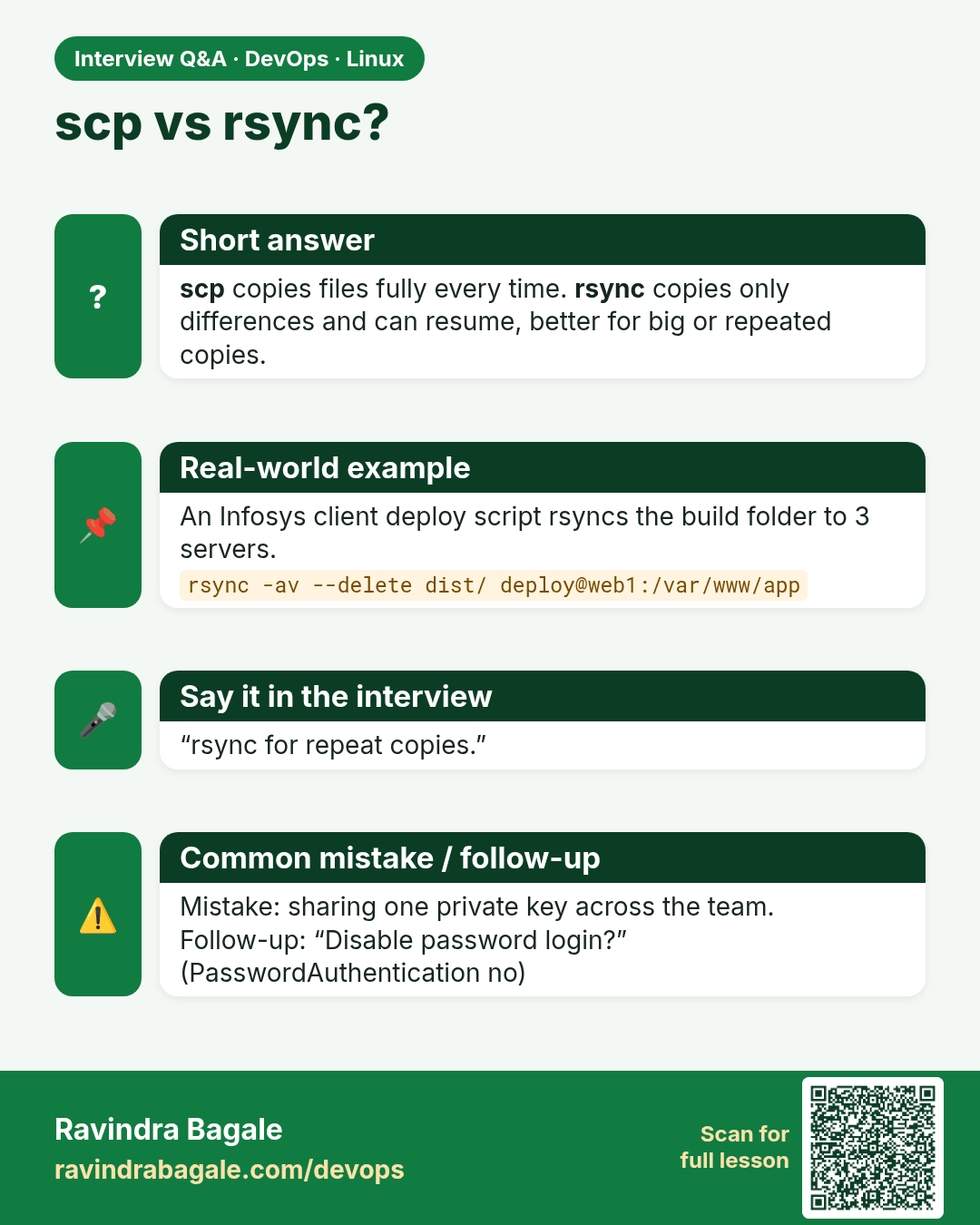
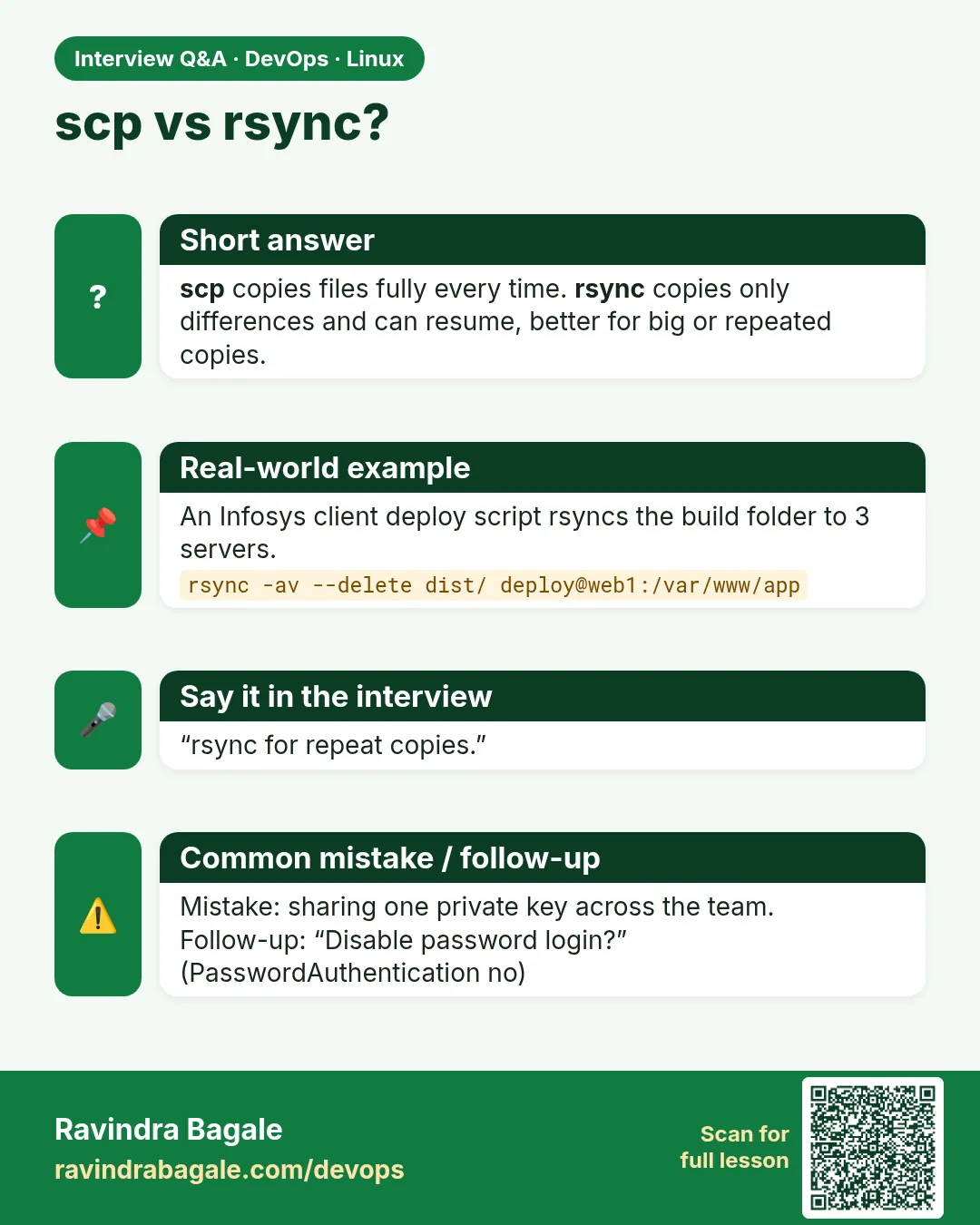 Interview card 6 of 9: scp vs rsync? · Download PNG · Open card page
Lesson: 4.6 SSH keys, scp, rsync — one-liners
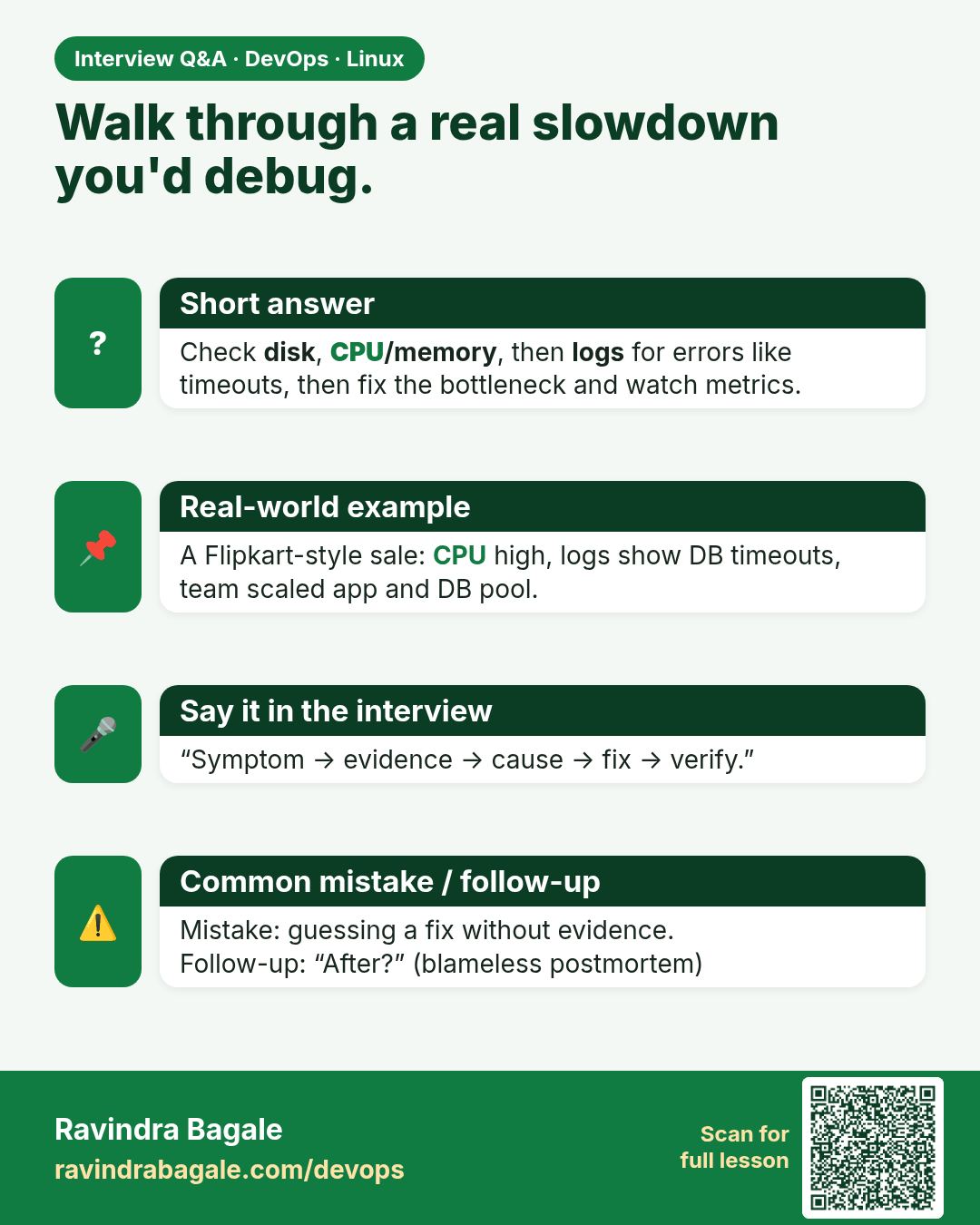
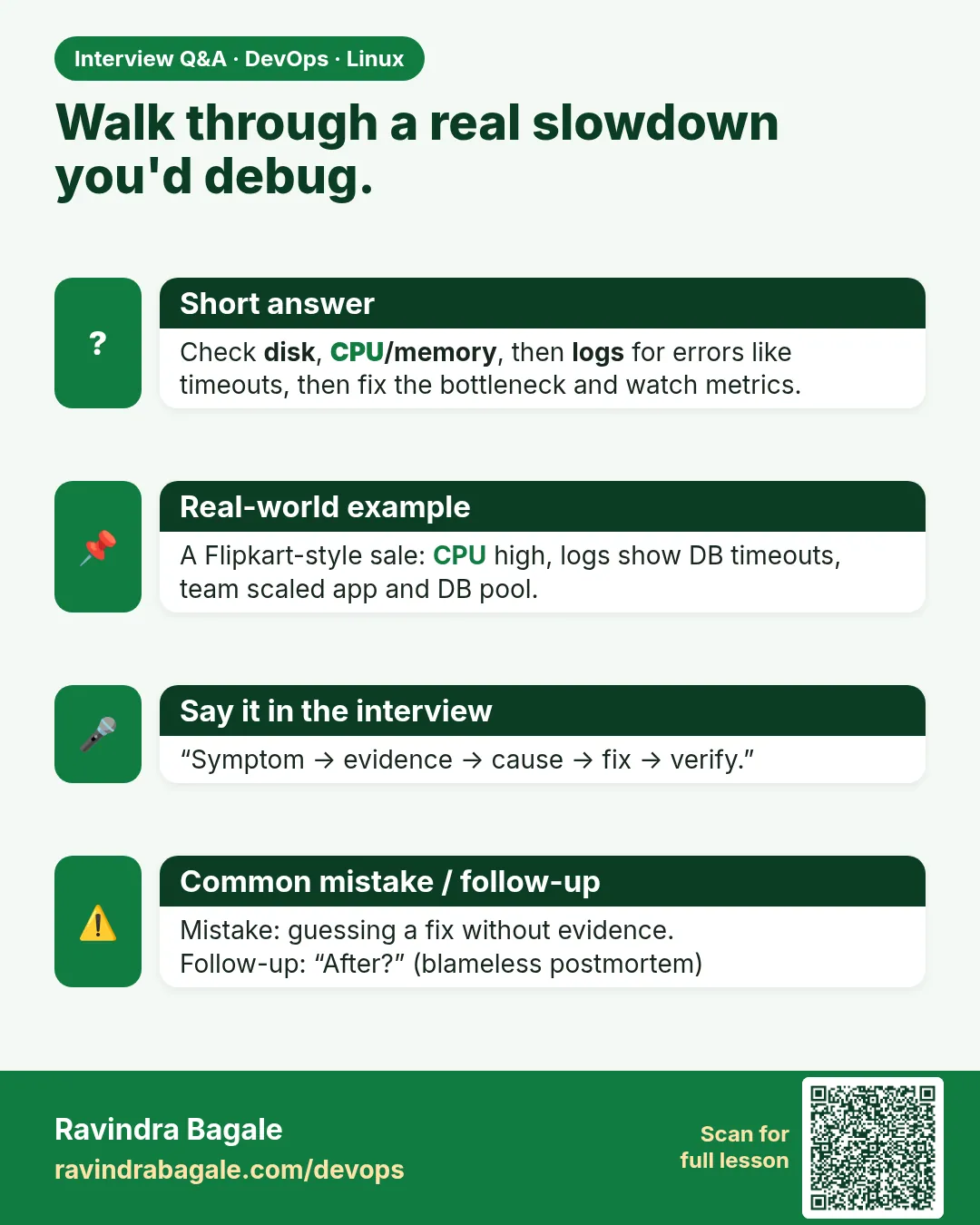 Interview card 7 of 9: Walk through a real slowdown you'd debug. · Download PNG · Open card page
Lesson: 4.7 Worked triage story — peak traffic
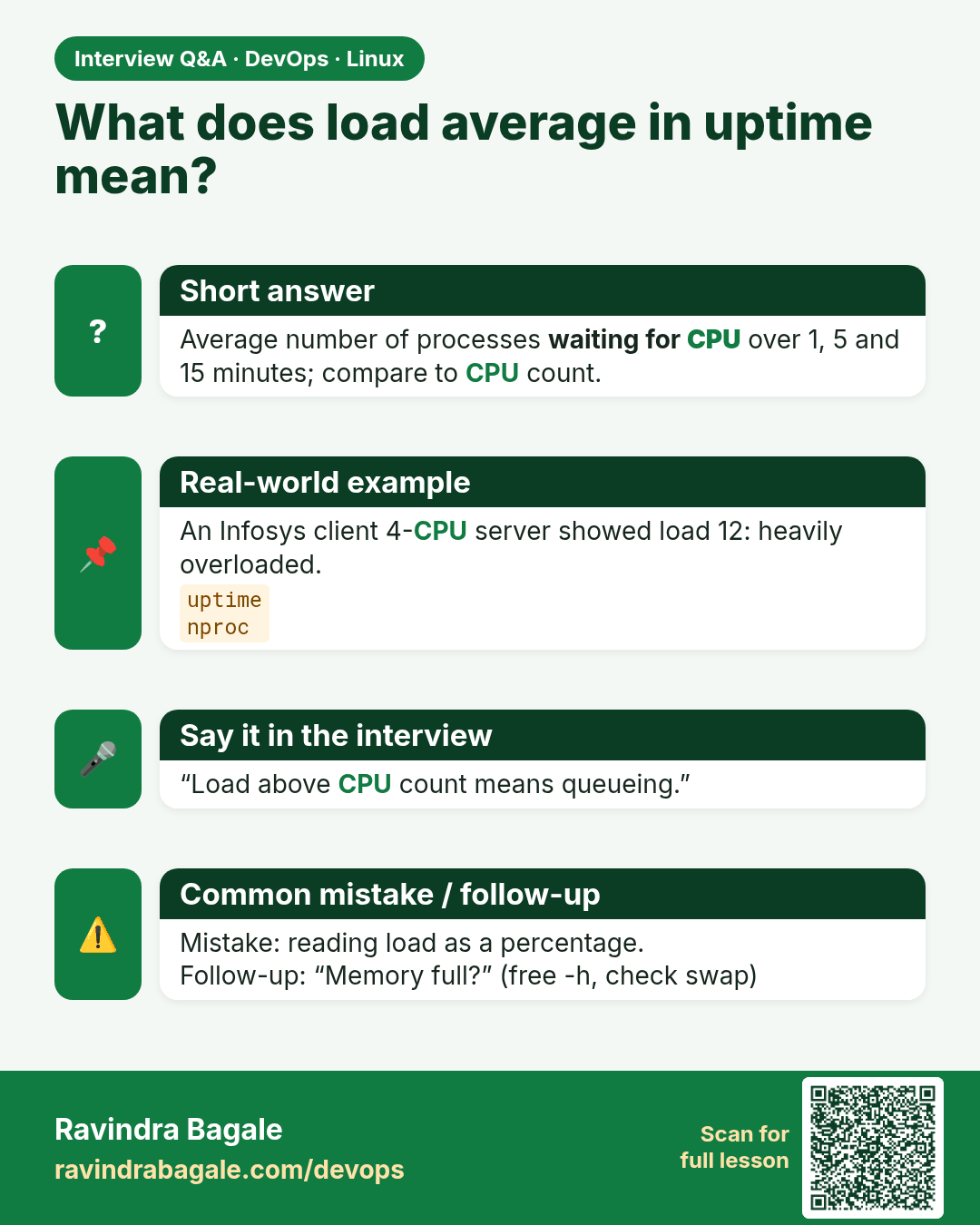
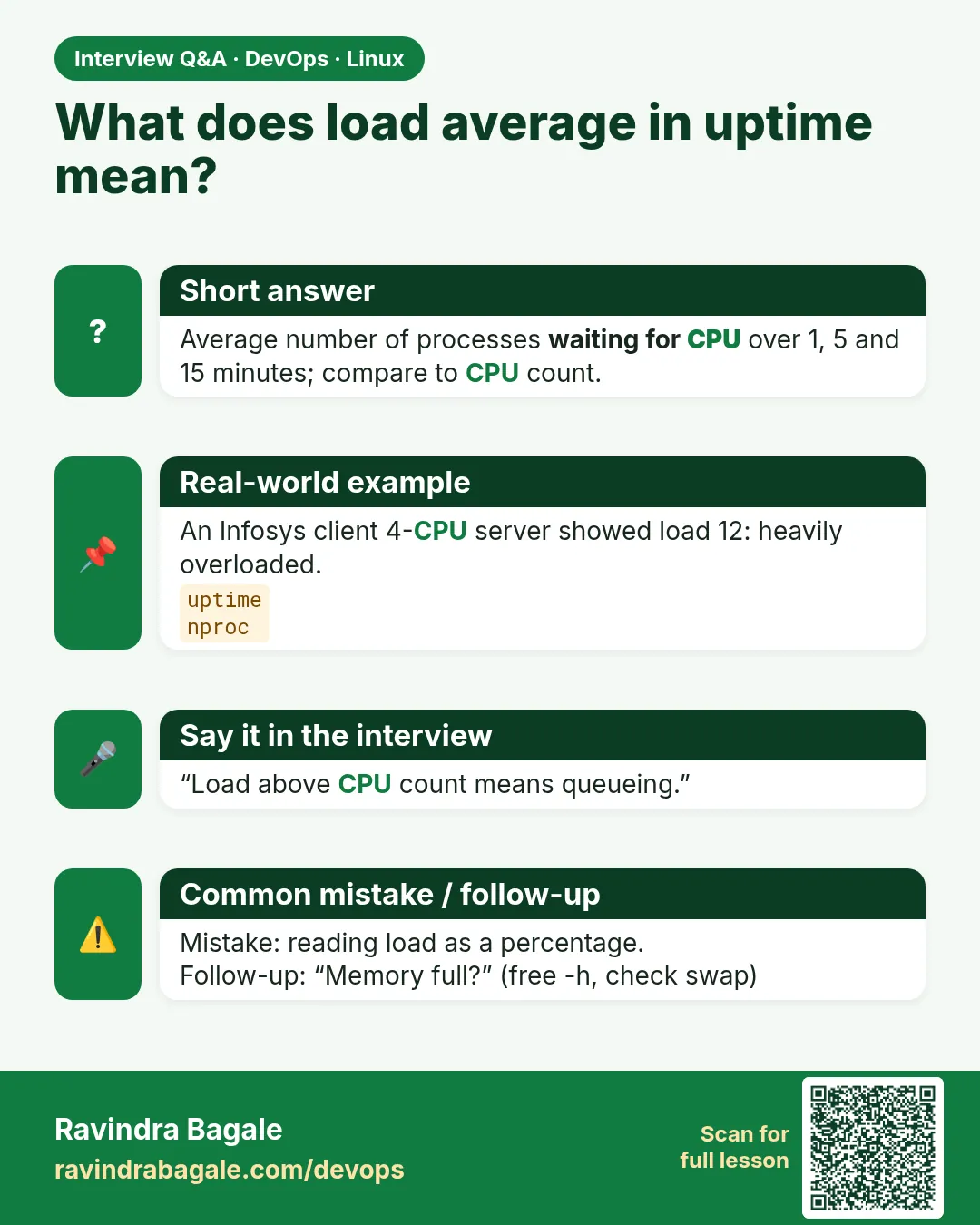 Interview card 8 of 9: What does load average in uptime mean? · Download PNG · Open card page
Lesson: 4.8 Quick extras — uptime, memory, who am I
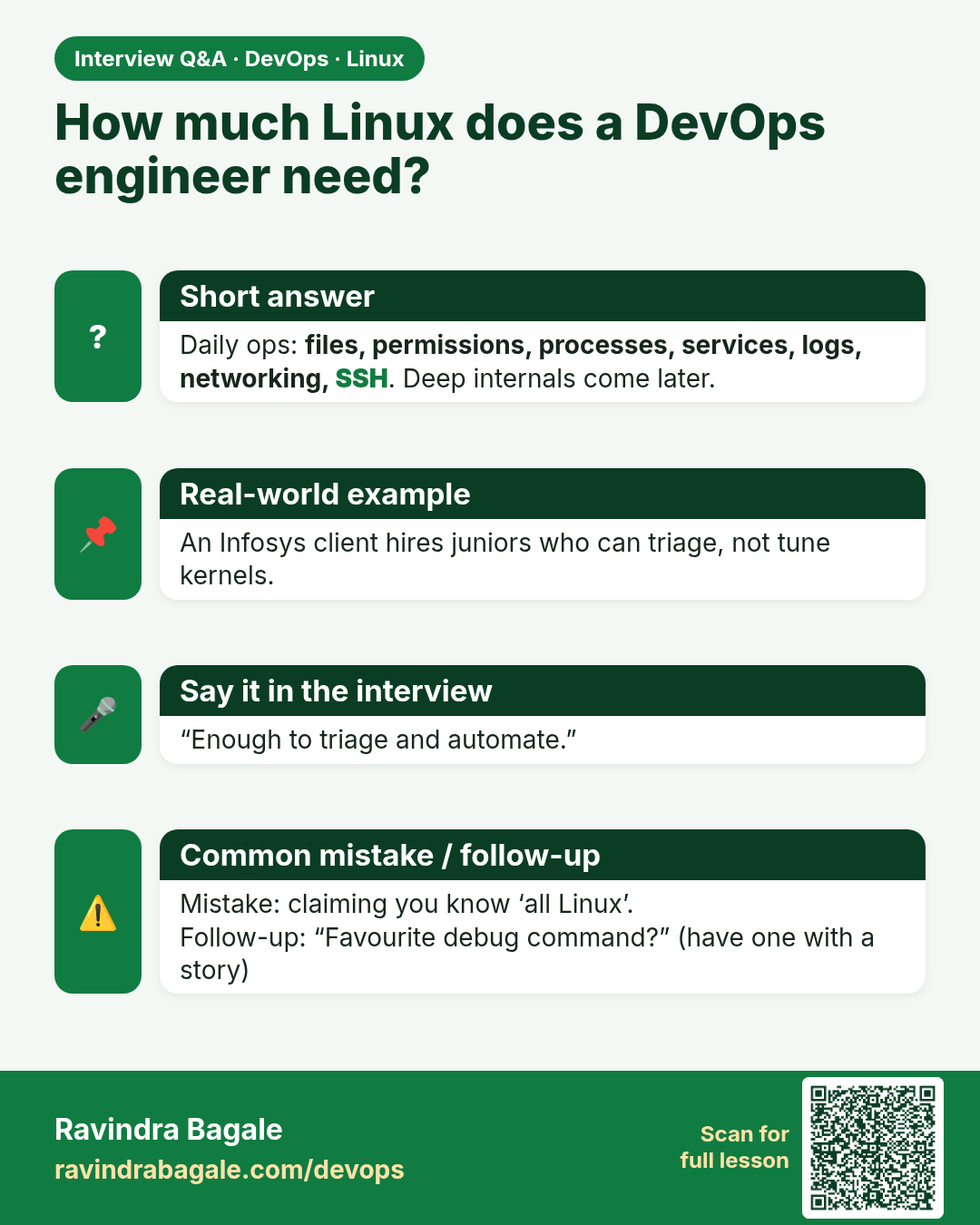
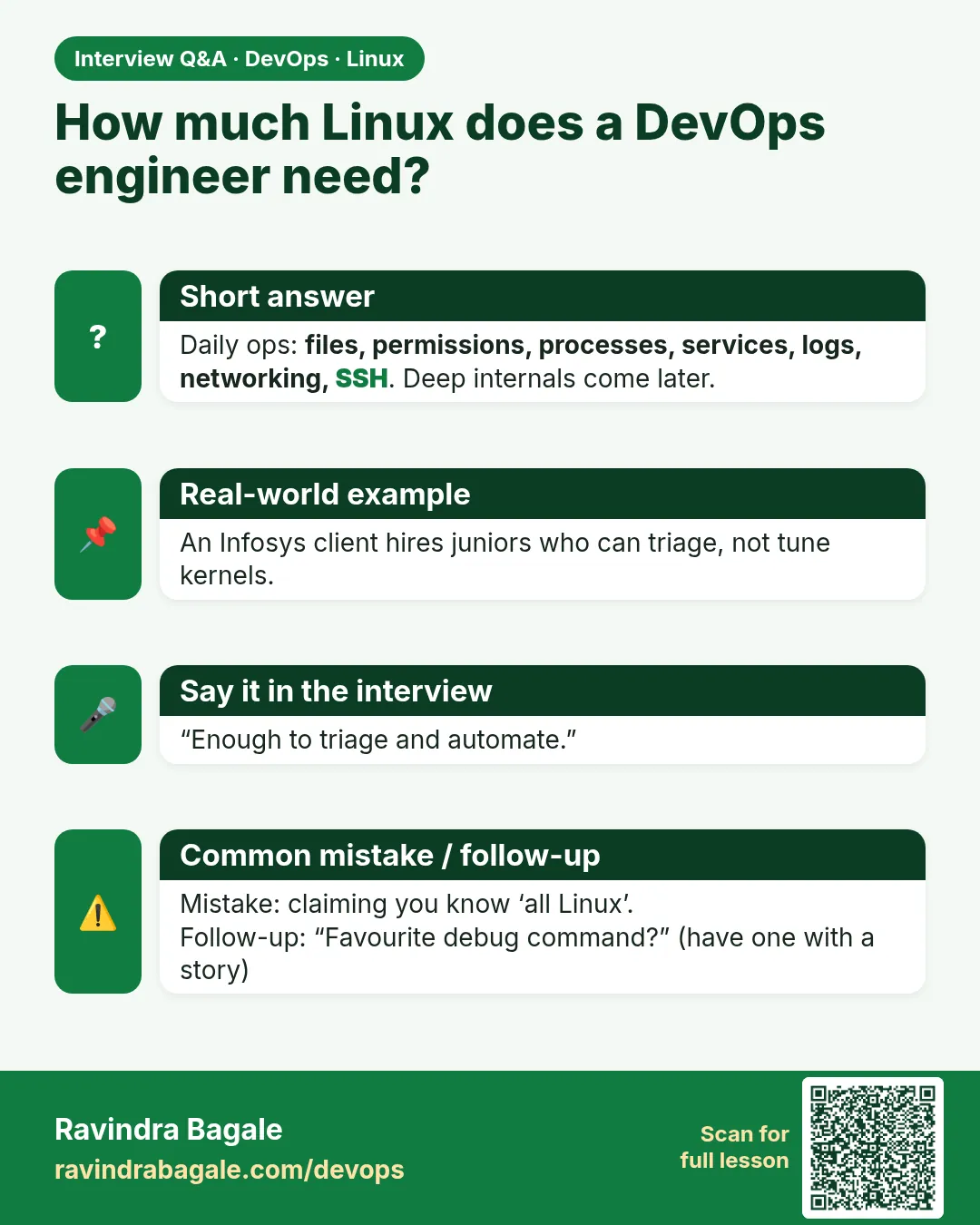 Interview card 9 of 9: How much Linux does a DevOps engineer need? · Download PNG · Open card page
Lesson: 4.9 What this chapter deliberately skips
Comparison cards
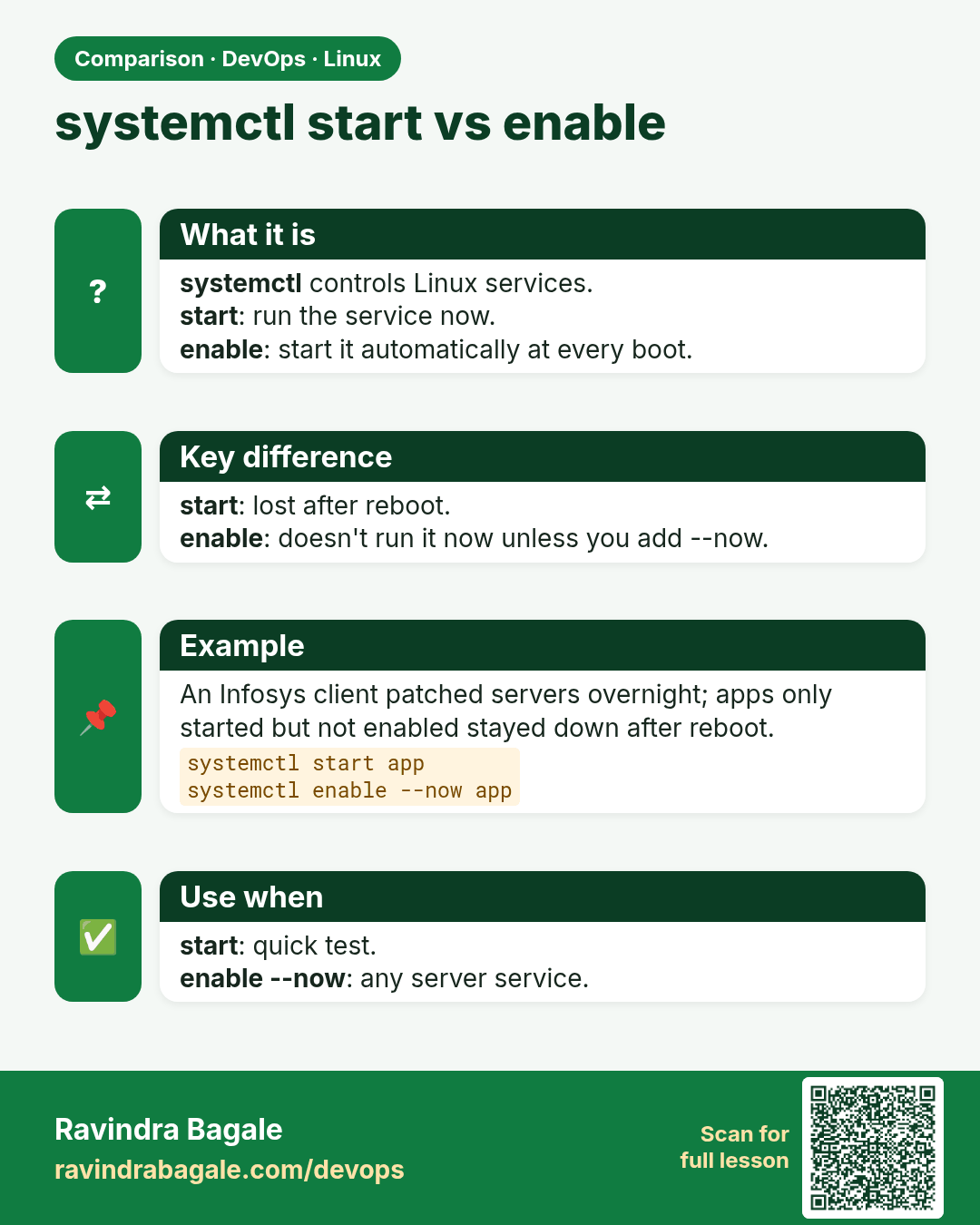
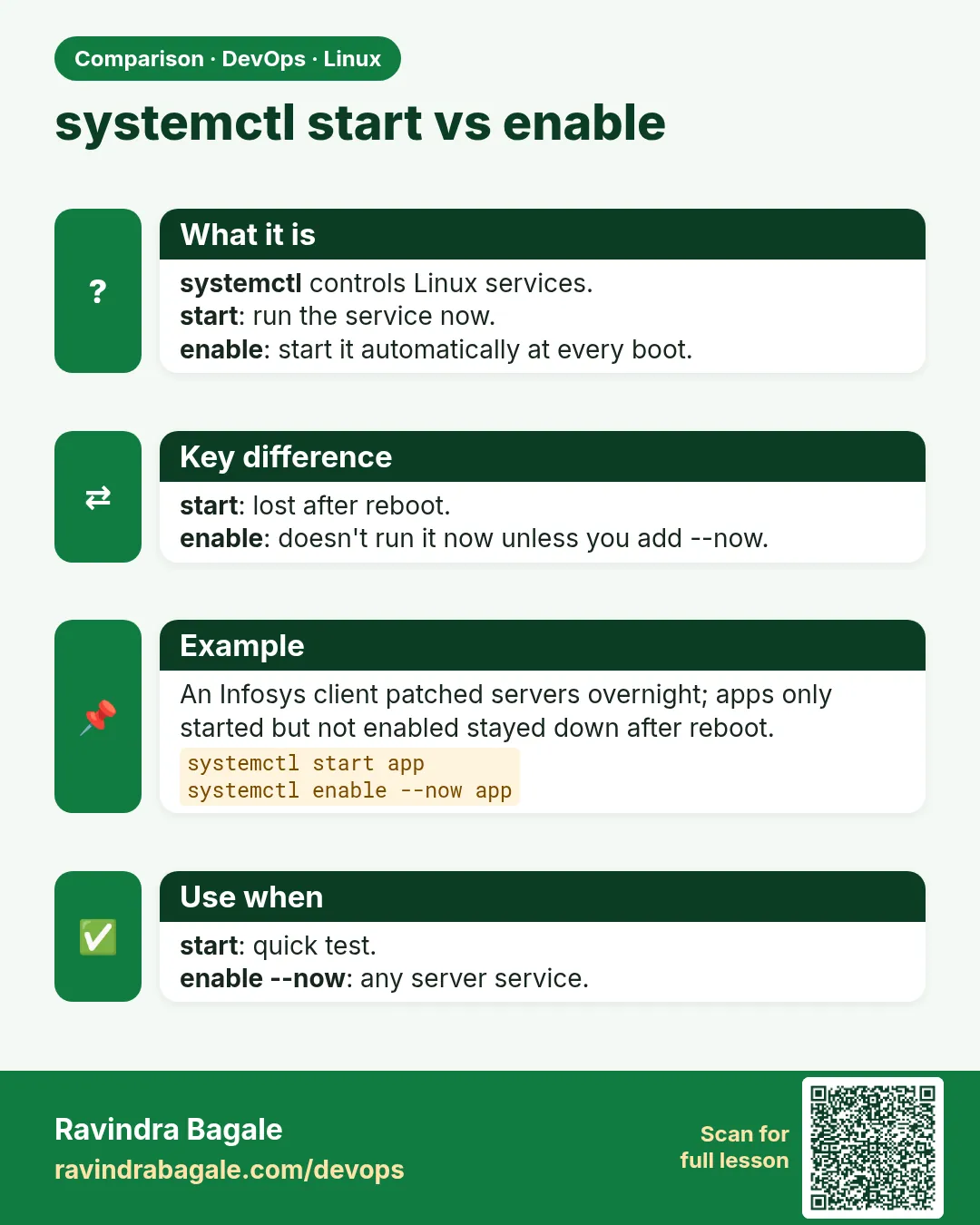 Comparison card 1 of 3: systemctl start vs enable · Download PNG · Open card page
Lesson: 4.4 systemd — start, enable, status
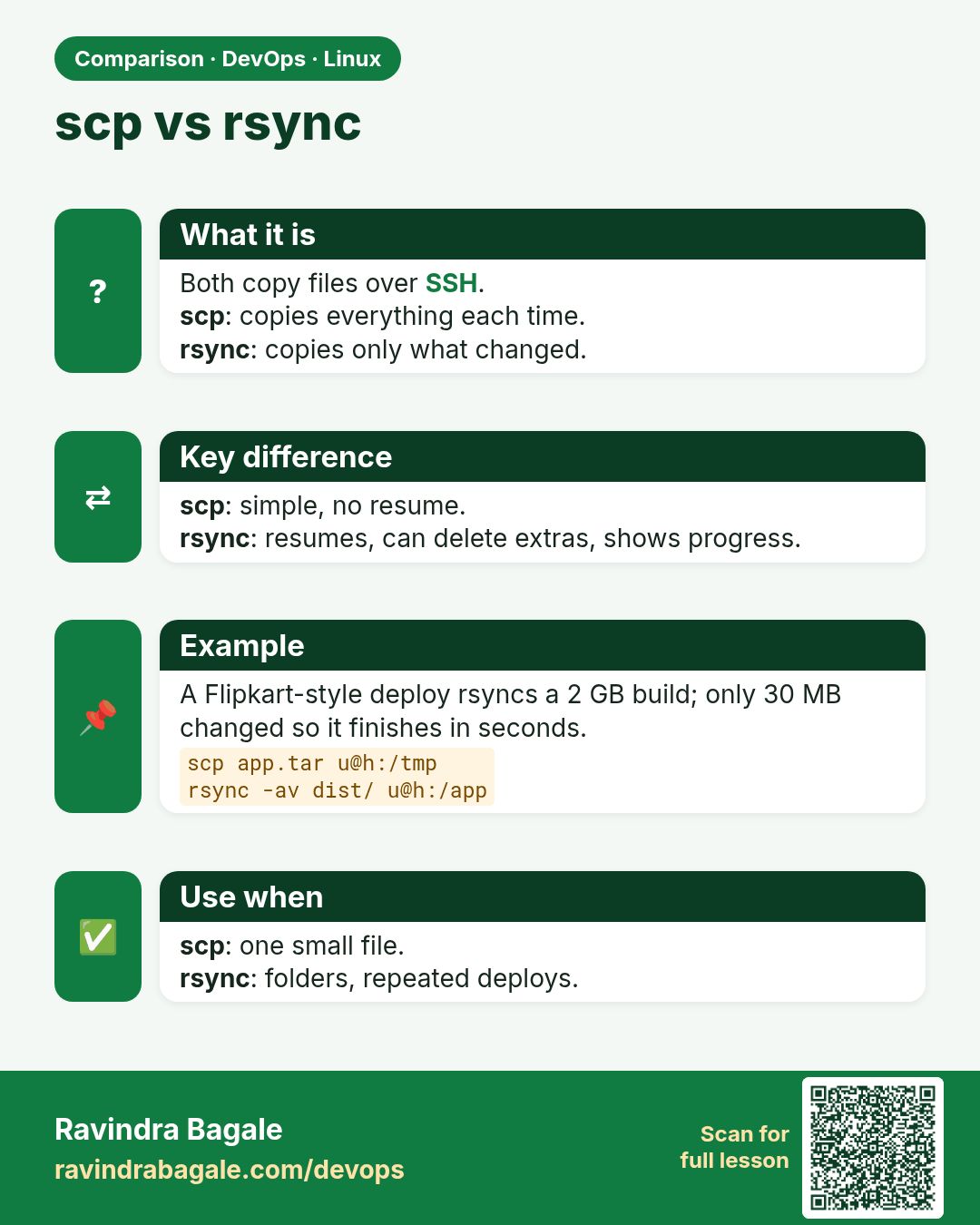
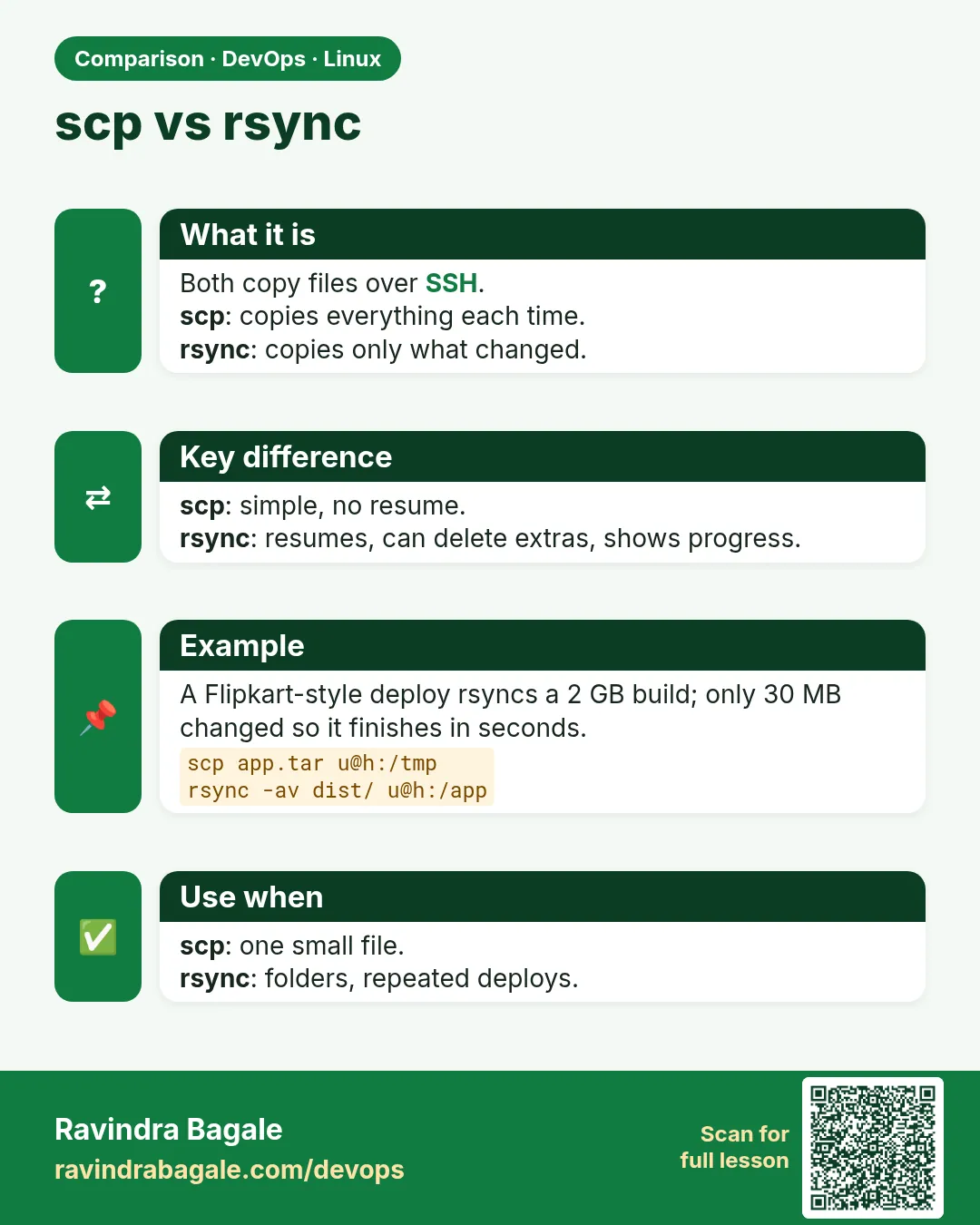 Comparison card 2 of 3: scp vs rsync · Download PNG · Open card page
Lesson: 4.6 SSH keys, scp, rsync — one-liners
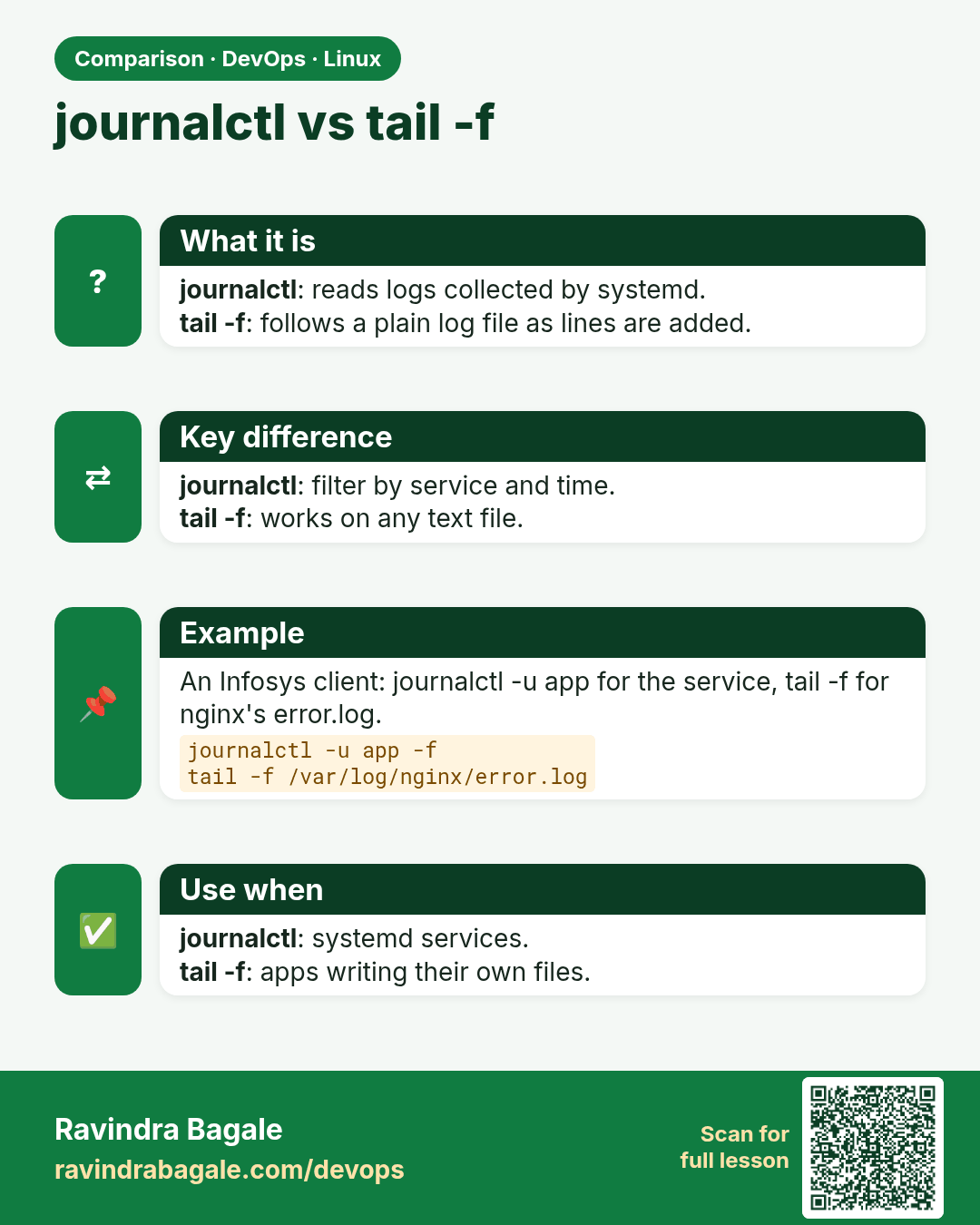
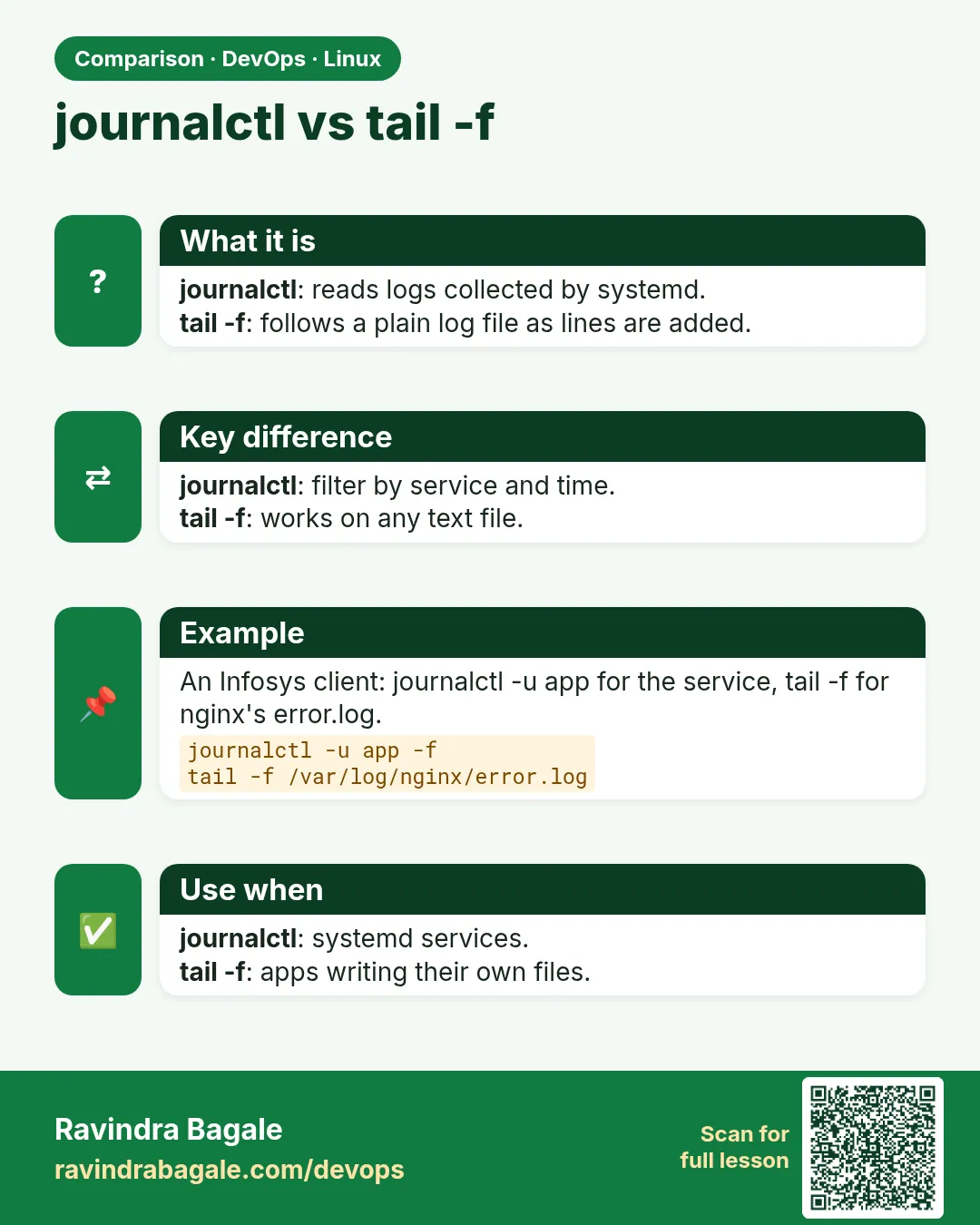 Comparison card 3 of 3: journalctl vs tail -f · Download PNG · Open card page
Lesson: 4.3 Logs — journalctl and tail -f