Chapter 45: Terraform 3-Tier Architecture in a Single Availability Zone
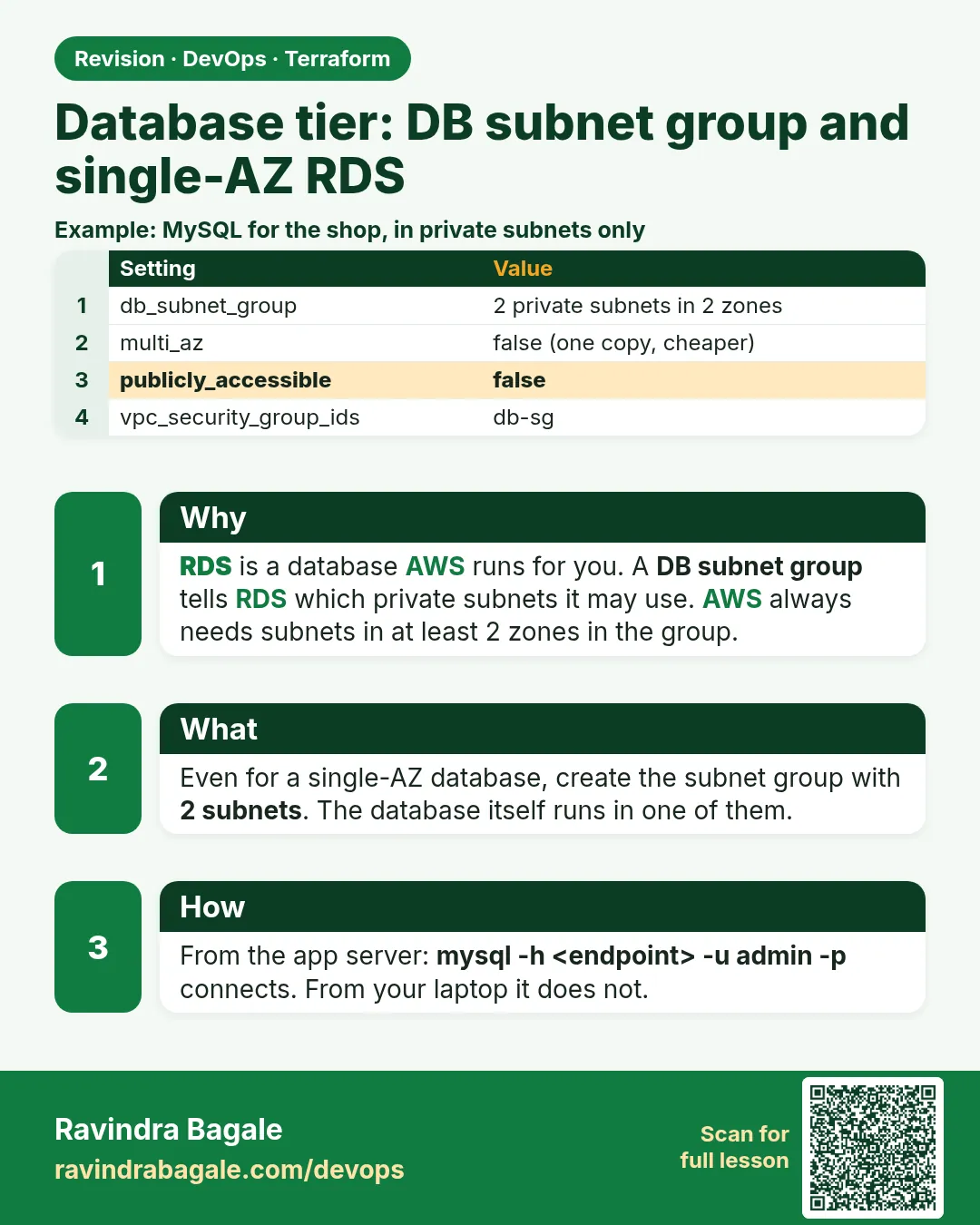
45.4 Database tier: DB subnet group and single-AZ RDS
Story. Suppose we are adding the HR portal's employee database. It must sit in the DB subnet, accept only the app servers, and never show a password in code. For a pilot a single-AZ database is acceptable: if AZ-a has a problem, we restore from backup. AWS still asks for a DB subnet group across two zones, so we give it AZ-b as well and pin the database to AZ-a.
Steps
- Add db.tf and outputs.tf.
- Run terraform validate.
- Run terraform plan and confirm the total.
# ---- db.tf ----
resource "aws_db_subnet_group" "db" {
  name       = "${var.project}-db"
  subnet_ids = [aws_subnet.db_a.id, aws_subnet.db_b.id]
}

resource "aws_db_instance" "main" {
  identifier                  = "${var.project}-mysql"
  engine                      = "mysql"
  engine_version              = "8.0"
  instance_class              = "db.t3.micro"
  allocated_storage           = 20
  storage_type                = "gp3"
  storage_encrypted           = true
  db_name                     = "appdb"
  username                    = var.db_username
  manage_master_user_password = true
  db_subnet_group_name        = aws_db_subnet_group.db.name
  vpc_security_group_ids      = [aws_security_group.db.id]
  availability_zone           = local.az_a
  multi_az                    = false
  publicly_accessible         = false
  backup_retention_period     = 7
  skip_final_snapshot         = true
}

# ---- outputs.tf ----
output "web_url" {
  value = "http://${aws_instance.web.public_ip}"
}

output "app_private_ip" {
  value = aws_instance.app.private_ip
}

output "db_endpoint" {
  value = aws_db_instance.main.endpoint
}
What each line does
subnet_ids = [db_a, db_b]— Two zones, which the DB subnet group requires.availability_zone = local.az_a— Keeps the database in the same zone as web and app.multi_az = false— No standby. Chapter 46 turns this on.manage_master_user_password = true— Password lives in Secrets Manager, not in code.publicly_accessible = false— No public endpoint.vpc_security_group_ids = [db]— Only the app tier can connect.output "web_url"— The address to test after apply.
When it is green.
aws_db_instance.main: Creation complete after 6m40s
Apply complete! Resources: 24 added, 0 changed, 0 destroyed.
When it is red.
Error: creating RDS DB Instance: InvalidVPCNetworkStateFault:
Cannot create a db.t3.micro instance because ... subnet group does not cover enough AZs
Fix. Make sure db_b uses local.az_b, a different zone from db_a.
What: every term in plain English
- RDS — Amazon Relational Database Service. AWS runs MySQL or PostgreSQL for you, including backups and patching.
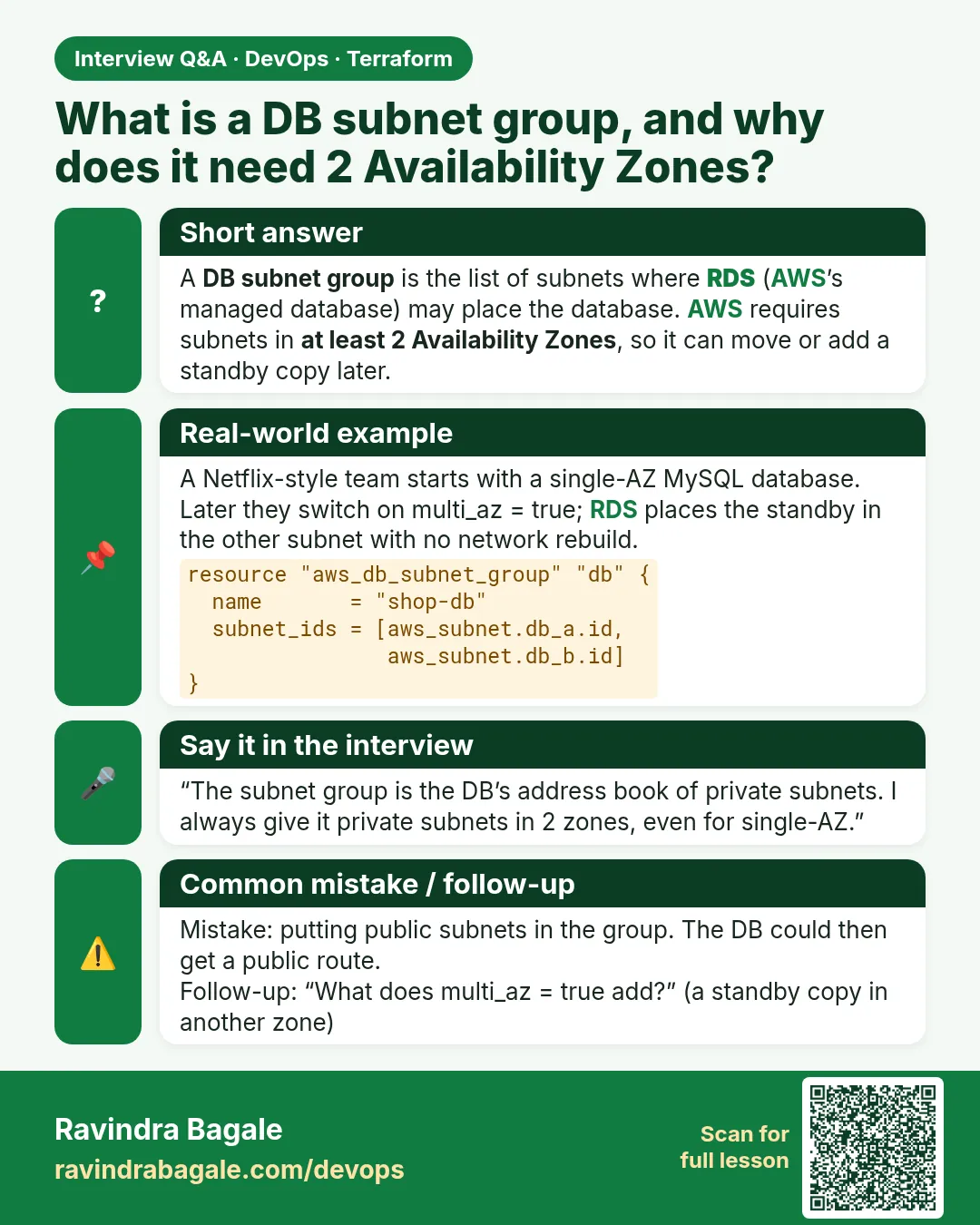
- DB subnet group — A list of subnets RDS may use. AWS requires subnets in at least two zones, even for a single-AZ database.
- single-AZ RDS — One database instance in one zone, with no standby. multi_az = false.
- manage_master_user_password — Lets RDS create the admin password and store it in AWS Secrets Manager, so it never appears in your code or state.
- endpoint — The DNS name and port the app uses to connect, for example hrportal-mysql.abc123.ap-south-1.rds.amazonaws.com:3306.
- backup_retention_period — How many days of automatic backups RDS keeps. 0 turns backups off.
- skip_final_snapshot — If true, destroy deletes the database without a last backup. Fine for labs, never for production.
- storage_encrypted — Encrypts the disk with KMS. Required by almost every company security policy.
Example 1: Why two DB subnets for a one-zone database
Learners at a Cognizant lab often delete db_b to "keep it single-AZ" and the apply fails. AWS needs two zones in the group so it can move the database later.
- Create db_a in local.az_a.
- Create db_b in local.az_b.
- Put both in the subnet group.
resource "aws_db_subnet_group" "db" {
  name       = "${var.project}-db"
  subnet_ids = [aws_subnet.db_a.id, aws_subnet.db_b.id]
  tags = {
    Name = "${var.project}-db"
  }
}
Output
aws_db_subnet_group.db: Creation complete after 1s [id=hrportal-db]
What it shows: The database still runs only in az_a because availability_zone = local.az_a. db_b is just allowed, not used.
Example 2: Let RDS own the password
Real passwords in tfvars end up in Git and in the state file. Banks such as Axis Bank ban that in audits. manage_master_user_password puts the password in Secrets Manager instead.
- Set manage_master_user_password = true.
- Do not set password.
- Read the secret ARN from the resource.
resource "aws_db_instance" "main" {
  identifier                  = "${var.project}-mysql"
  engine                      = "mysql"
  engine_version              = "8.0"
  instance_class              = "db.t3.micro"
  allocated_storage           = 20
  username                    = var.db_username
  manage_master_user_password = true
  db_subnet_group_name        = aws_db_subnet_group.db.name
  vpc_security_group_ids      = [aws_security_group.db.id]
  publicly_accessible         = false
  skip_final_snapshot         = true
}

output "db_secret_arn" {
  value = aws_db_instance.main.master_user_secret[0].secret_arn
}
Output
db_secret_arn = "arn:aws:secretsmanager:ap-south-1:123456789012:secret:rds!db-1a2b3c4d-AbCdEf"
What it shows: Only the ARN is an output. The password itself is never in Terraform code, plan or state.
Example 3: Fetch the password at run time from the app server
The app reads the secret when it starts, using its instance role. Nobody copies passwords into chat.
- Give the app role secretsmanager:GetSecretValue on that ARN.
- Read the secret with the CLI.
- Parse the password field.
aws secretsmanager get-secret-value --secret-id "$SECRET_ARN" \
  --query SecretString --output text | python3 -c "import sys,json; print(json.load(sys.stdin)['username'])"
Output
admin
What it shows: We print only the username in the lab. In the app, read the password the same way and never log it.
Example 4: Confirm the database is single-AZ and private
Before go-live at a Mahindra pilot, the reviewer asks three things: which zone, is it public, is it encrypted. One CLI call answers all.
- Describe the DB instance.
- Check MultiAZ, PubliclyAccessible and StorageEncrypted.
- Check the zone.
aws rds describe-db-instances --db-instance-identifier hrportal-mysql \
  --query "DBInstances[0].[AvailabilityZone,MultiAZ,PubliclyAccessible,StorageEncrypted,BackupRetentionPeriod]" --output table
Output
--------------------------
|   DescribeDBInstances  |
+------------------------+
|  ap-south-1a           |
|  False                 |
|  False                 |
|  True                  |
|  7                     |
+------------------------+
What it shows: Zone a, no standby, not public, encrypted, 7 days of backups. Exactly what the code asked for.
Example 5: Connect from the app server only
The DB group allows 3306 only from the app group. Testing from the app server proves the chain; testing from your laptop should fail.
- Install the MySQL client on the app server.
- Connect to the endpoint.
- Try the same from your laptop and see it time out.
sudo dnf install -y mariadb105
mysql -h "$(echo $DB_ENDPOINT | cut -d: -f1)" -u admin -p -e "SELECT VERSION();"
Output
+-----------+
| VERSION() |
+-----------+
| 8.0.39    |
+-----------+
What it shows: The -p flag asks for the password interactively, so it never lands in shell history.
Command cheat sheet
| Command | What it does | When to use it |
|---|---|---|
aws rds describe-db-instances |
Shows DB settings | Audit |
manage_master_user_password = true |
Password in Secrets Manager | Always |
multi_az = false |
Single-AZ | Labs and pilots |
publicly_accessible = false |
No public endpoint | Always |
aws secretsmanager get-secret-value |
Reads the secret | App start-up |
skip_final_snapshot = true |
No last backup | Labs only |
Verify: did it work?
-
DB is private
aws rds describe-db-instances --db-instance-identifier hrportal-mysql --query "DBInstances[0].PubliclyAccessible"Output
false -
DB is encrypted
aws rds describe-db-instances --db-instance-identifier hrportal-mysql --query "DBInstances[0].StorageEncrypted"Output
true -
No password in code
grep -c "password *=" *.tfOutput
0
When it is red 1
Error: creating RDS DB Subnet Group: DBSubnetGroupDoesNotCoverEnoughAZs: The DB subnet group doesn't meet Availability Zone (AZ) coverage requirement.
Cause. Both DB subnets are in the same zone.
Fix, step by step
- Put db_b in local.az_b.
- Apply again.
When it is red 2
Error: creating RDS DB Instance: InvalidParameterCombination: RDS does not support creating a DB instance with the following combination: DBInstanceClass=db.t2.micro, Engine=mysql, EngineVersion=8.0
Cause. An old instance class does not support this engine version.
Fix, step by step
- Use db.t3.micro or db.t4g.micro.
- Check supported combinations with aws rds describe-orderable-db-instance-options.
When it is red 3
Error: deleting RDS DB Instance: InvalidParameterCombination: FinalSnapshotIdentifier is required when a final snapshot is required
Cause. skip_final_snapshot is false and no snapshot name was given.
Fix, step by step
- For labs set skip_final_snapshot = true and apply.
- For production set final_snapshot_identifier.
Cleanup
terraform destroy -auto-approve
Ravindra Bagale's Tip
RDS takes 5 to 10 minutes to create and 5 minutes to delete. Start the apply, then read the plan output for other tiers while you wait.
Practice tasks
Easy Read the settings
Why: Audit a DB.
What to do: Run describe-db-instances and list zone, MultiAZ and encryption.
- Use --query.
Check: ap-south-1a, False, True.
Easy Find the secret
Why: No passwords in code.
What to do: Output the secret ARN and open it in Secrets Manager.
- master_user_secret.
Check: An rds! secret.
Medium Connect from app
Why: Prove the chain.
What to do: Run SELECT VERSION() from the app server.
- mariadb105 client.
Check: 8.0.x.
Medium Break the group
Why: Learn the error.
What to do: Put db_b in az_a and plan/apply.
- Coverage error.
Check: DBSubnetGroupDoesNotCoverEnoughAZs.
Easy Say it in two lines
Why: If you can say it simply, you understand it.
What to do: Write two short lines about this lesson for a fresher.
- Write the problem it solves.
- Write the one command or file you use.
- Read it aloud.
Check: A fresher understands it without a question.
Easy Start a safe lab folder
Why: Practice needs a throwaway place.
What to do: Make a new folder with versions.tf and a random_pet resource, so no AWS cost.
- mkdir tf-lab and cd into it.
- Add the hashicorp/random provider and one random_pet.
- Run terraform init and terraform apply.
Check: Apply complete! with 1 added.
Medium Break it on purpose
Why: You must know the red output by face.
What to do: Cause one error from the red part of this lesson and fix it.
- Follow one red section.
- Copy the exact message to your notes.
- Write the fix in one line.
Check: You fixed it without searching the web.
Medium Run it twice
Why: A second run must be quiet.
What to do: Run the same plan two times with no edits.
- Run terraform plan.
- Run it again.
- Explain any change it still shows.
Check: The second plan says No changes, or you can explain each line.
Medium Write a runbook page
Why: At 2 a.m. nobody remembers flags.
What to do: Write a one-page runbook for this lesson.
- Title, when to use, exact commands, how to check, how to undo.
Check: A teammate can follow it alone.
Medium Run it from a pipeline
Why: Real teams run Terraform from CI, not from laptops.
What to do: Run the main command of this lesson inside a GitHub Actions or Jenkins job.
- Add a job with hashicorp/setup-terraform or a Terraform Docker image.
- Give it AWS access through an IAM role, never a key in the file.
- Run init, then the command from this lesson.
Check: The job log shows the same output you saw on your laptop.
Medium Check the cost
Why: Labs left running cost real money.
What to do: Find what this lesson would cost per day if you forgot to destroy it.
- Open the AWS Pricing Calculator.
- Add each resource from your plan.
- Write the daily cost in your notes.
Check: You know the daily cost and you ran terraform destroy.
Hard Draw the flow top to bottom
Why: A drawing shows the order of work.
What to do: Draw this lesson as boxes from top to bottom.
- Start at your code, go through plan and state, end at AWS.
- Mark where each command reads or writes.
Check: Each box matches a real step you ran.
Hard Explain it like an interview
Why: Interviewers want real stories.
What to do: Record a 60 second answer about this lesson.
- Say the problem, the command, and one error you hit.
Check: Your answer has a real command and a real error message.
Homework: try at home
Try at home
Change the engine to PostgreSQL 16 in a copy of db.tf: list every line that must change, including the port in the security group.
Recap
- A DB subnet group needs two zones.
- multi_az = false gives single-AZ.
- Let RDS manage the password in Secrets Manager.
- Keep the database private and encrypted.
- skip_final_snapshot is for labs only.
FAQ
Why is the second subnet needed if it is unused?
AWS requires it so the database can move or become multi-AZ later.
Can I see the password in state?
Not with manage_master_user_password. That is why we use it.
How long are backups kept?
backup_retention_period days, 7 in this lab.
Can I connect from my laptop?
No, by design. Use the app server or a bastion via Session Manager port forwarding.
Interview questions
-
Why does a single-AZ RDS still need two subnets?
The DB subnet group must cover at least two zones.
-
How do you keep the RDS password out of Terraform state?
manage_master_user_password = true so RDS stores it in Secrets Manager.
-
Single-AZ versus Multi-AZ RDS?
Single-AZ has one instance; Multi-AZ adds a synchronous standby in another zone with automatic failover.
-
What does skip_final_snapshot do?
Deletes the DB on destroy without taking a last snapshot.
Quick quiz
Q1. Minimum zones in a DB subnet group?
2
Q2. Setting for single-AZ?
multi_az = false
Q3. Where does RDS store the managed password?
Secrets Manager
Q4. MySQL port?
3306
Q5. Backup days in this lab?
7
Samajla ka?
 Revision card
 Interview card