Chapter 40: Terraform Real AWS Labs VPC EC2 nginx S3 and IAM Role
40.2 Lab part 2 — security group for the web server
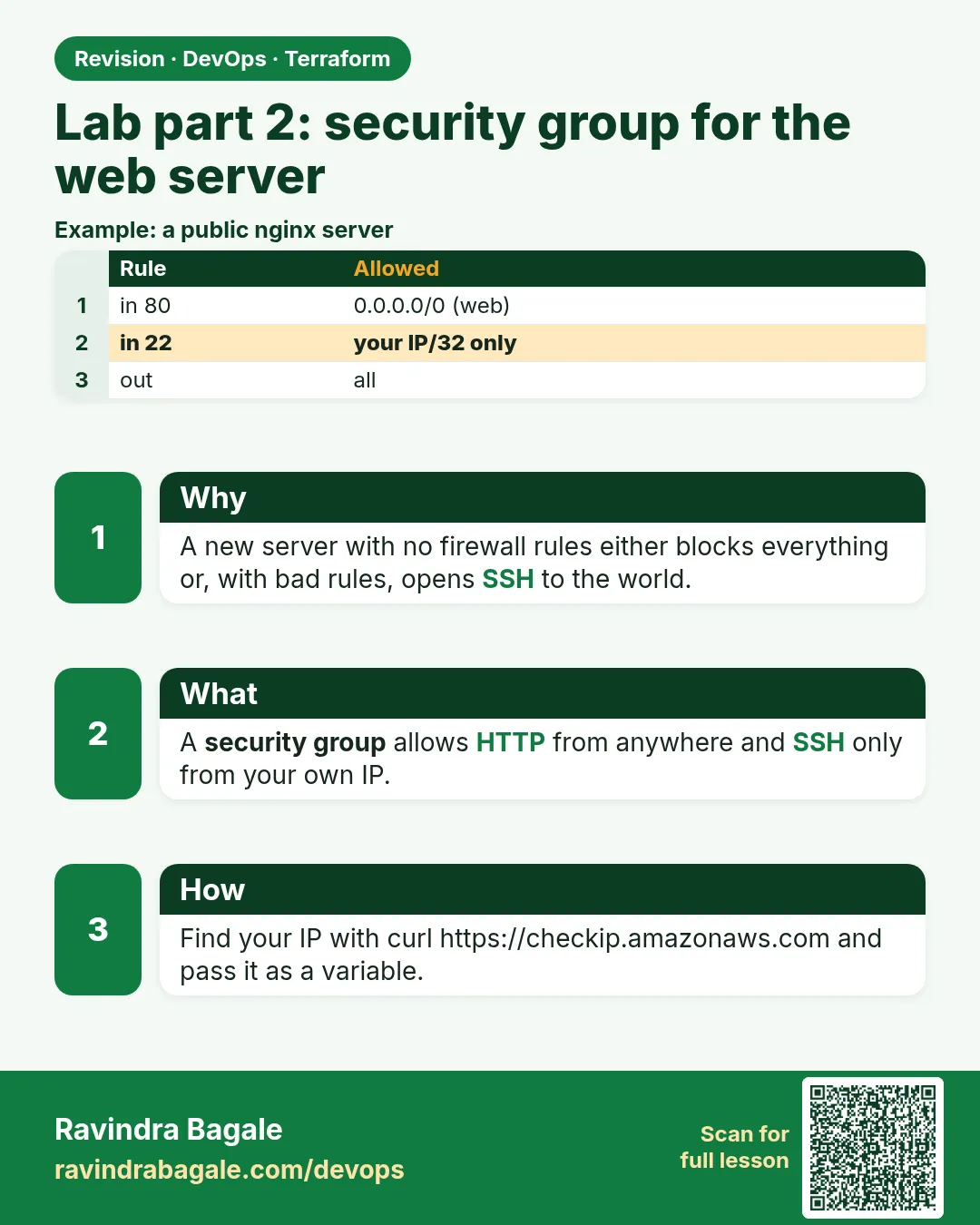
In short: Security groups are the instance firewall, and the safest SSH rule is none at all: use Session Manager through the IAM role in part 4.
Story. An Infosys client penetration test flagged a lab server with SSH open to the whole internet. Security groups are the instance firewall, and the safest SSH rule is none at all: use Session Manager through the IAM role in part 4. This group allows HTTP from anywhere and all outbound traffic, and nothing else.
resource "aws_security_group" "web" {
  name        = "badge-lab-web"
  description = "HTTP in, all out"
  vpc_id      = aws_vpc.lab.id
}

resource "aws_vpc_security_group_ingress_rule" "http" {
  security_group_id = aws_security_group.web.id
  cidr_ipv4         = "0.0.0.0/0"
  ip_protocol       = "tcp"
  from_port         = 80
  to_port           = 80
}

resource "aws_vpc_security_group_egress_rule" "all" {
  security_group_id = aws_security_group.web.id
  cidr_ipv4         = "0.0.0.0/0"
  ip_protocol       = "-1"
}
What each line does
resource "aws_security_group" "web" {— The group itself, in the lab VPC.vpc_id = aws_vpc.lab.id— Ties it to part 1's VPC.resource "aws_vpc_security_group_ingress_rule" "http" {— One inbound rule as its own resource, the current recommended style.cidr_ipv4 = "0.0.0.0/0"— From any IPv4 address.ip_protocol = "tcp"— TCP traffic.from_port = 80 / to_port = 80— Only port 80.resource "aws_vpc_security_group_egress_rule" "all" {— One outbound rule.ip_protocol = "-1"— All protocols and ports outbound, so dnf can download nginx.
When it is green.
Plan: 3 to add, 0 to change, 0 to destroy.
When it is red.
Error: creating Security Group (badge-lab-web): InvalidVpcID.NotFound
Fix. The VPC id is wrong or in another region. Reference aws_vpc.lab.id rather than pasting an id.
What: every term in plain English
- security group — A firewall attached to a network interface. It allows traffic; anything not allowed is dropped.
- ingress — Traffic coming into the server.
- egress — Traffic leaving the server.
- stateful — A reply to allowed traffic is allowed back out automatically.
- aws_vpc_security_group_ingress_rule — The current resource for one inbound rule. One rule per resource is easier to change safely.
- cidr_ipv4 — The source address range of a rule, such as 0.0.0.0/0 for everyone.
- referenced security group — A rule that allows traffic from another group instead of an address range.
Example 1: Read the open ports with the CLI
During an audit at a Kotak vendor, the auditor asked "which ports are open to the world?". Answer with one command, not by clicking around.
- Apply part 2.
- Describe the group rules.
- Check that only port 80 is open.
terraform apply -auto-approve
SG=$(terraform output -raw web_sg_id 2>/dev/null || terraform state show aws_security_group.web | awk '/^ *id /{print $3}' | tr -d '"')
aws ec2 describe-security-group-rules --filters Name=group-id,Values=$SG \
  --query "SecurityGroupRules[].[IsEgress,IpProtocol,FromPort,ToPort,CidrIpv4]" --output table
Output
----------------------------------------------
|         DescribeSecurityGroupRules         |
+--------+-------+------+------+-------------+
|  False |  tcp  |  80  |  80  |  0.0.0.0/0  |
|  True  |  -1   |  -1  |  -1  |  0.0.0.0/0  |
+--------+-------+------+------+-------------+
What it shows: One inbound rule for HTTP and one outbound rule for everything. No port 22, so nobody can try SSH.
Example 2: Add HTTPS as a separate rule
When a Zomato team added TLS, they added a new rule resource. The old HTTP rule was not touched, so there was no gap in traffic.
- Add a new ingress rule resource for 443.
- Plan and read that only one resource is added.
- Apply.
resource "aws_vpc_security_group_ingress_rule" "https" {
  security_group_id = aws_security_group.web.id
  description       = "HTTPS from anywhere"
  cidr_ipv4         = "0.0.0.0/0"
  ip_protocol       = "tcp"
  from_port         = 443
  to_port           = 443
}
terraform plan | tail -1
Output
Plan: 1 to add, 0 to change, 0 to destroy.
What it shows: Inline rule blocks would rewrite the whole group. Separate rule resources change one rule at a time.
Example 3: Allow a database only from the web group
At Ola, the database security group never lists IP addresses. It trusts the web servers' group, so new servers work without a change.
- Create a db group.
- Add an ingress rule that references the web group.
- Plan.
resource "aws_security_group" "db" {
  name   = "badge-lab-db"
  vpc_id = aws_vpc.lab.id
}

resource "aws_vpc_security_group_ingress_rule" "db_from_web" {
  security_group_id            = aws_security_group.db.id
  referenced_security_group_id = aws_security_group.web.id
  ip_protocol                  = "tcp"
  from_port                    = 5432
  to_port                      = 5432
}
terraform plan | grep -E "referenced|from_port|Plan"
Output
      + from_port                    = 5432
      + referenced_security_group_id = (known after apply)
Plan: 2 to add, 0 to change, 0 to destroy.
What it shows: Any server with the web group can reach port 5432. Nothing else can, not even other servers in the VPC.
Example 4: Test the firewall from outside
Do not just trust the console. Test from your laptop: port 80 should connect once nginx runs, port 22 should time out.
- After part 3, take the public IP.
- Test port 80 and port 22 with nc.
IP=$(terraform state show aws_instance.web | awk '/^ *public_ip /{print $3}' | tr -d '"')
nc -vz -w 5 $IP 80
nc -vz -w 5 $IP 22
Output
Connection to 203.0.113.25 port 80 [tcp/http] succeeded!
nc: connect to 203.0.113.25 port 22 (tcp) timed out: Operation now in progress
What it shows: A timeout means the security group dropped the packet. A refused message would mean the port was open but nothing listened.
Command cheat sheet
| Command | What it does | When to use it |
|---|---|---|
aws ec2 describe-security-group-rules |
Lists rules of a group | Audit open ports |
nc -vz -w 5 IP PORT |
Tests one TCP port | Check firewall from outside |
terraform state show aws_security_group.web |
Shows the group | Find the id |
terraform plan | tail -1 |
Summary only | Rule changes |
aws ec2 describe-network-interfaces |
Shows which groups an ENI has | Debug attachment |
terraform fmt |
Aligns the = signs | Before every commit |
Verify: did it work?
-
No SSH rule
aws ec2 describe-security-group-rules --filters Name=group-id,Values=$SG --query "SecurityGroupRules[?FromPort==`22`]" --output textOutput
-
HTTP rule present
aws ec2 describe-security-group-rules --filters Name=group-id,Values=$SG --query "SecurityGroupRules[?FromPort==`80`].CidrIpv4" --output textOutput
0.0.0.0/0
When it is red 1
Error: InvalidPermission.Duplicate: the specified rule already exists
Cause. The same rule is defined inline and as a separate resource, or twice.
Fix, step by step
- Search the code for port 80.
- Keep only one definition.
- Plan again.
When it is red 2
curl: (28) Connection timed out after 5000 milliseconds
Cause. Port 80 is not allowed, or the subnet has no internet route.
Fix, step by step
- Check the ingress rule.
- Check the route table from part 1.
- Check the instance has a public IP.
When it is red 3
Error: DependencyViolation: resource sg-0abc has a dependent object (on destroy)
Cause. An ENI or another group still uses this group.
Fix, step by step
- Run destroy for the whole lab, not one group.
- If a hand-made ENI exists, remove it in the console.
- Run destroy again.
Cleanup
terraform destroy -auto-approve
Ravindra Bagale's Tip
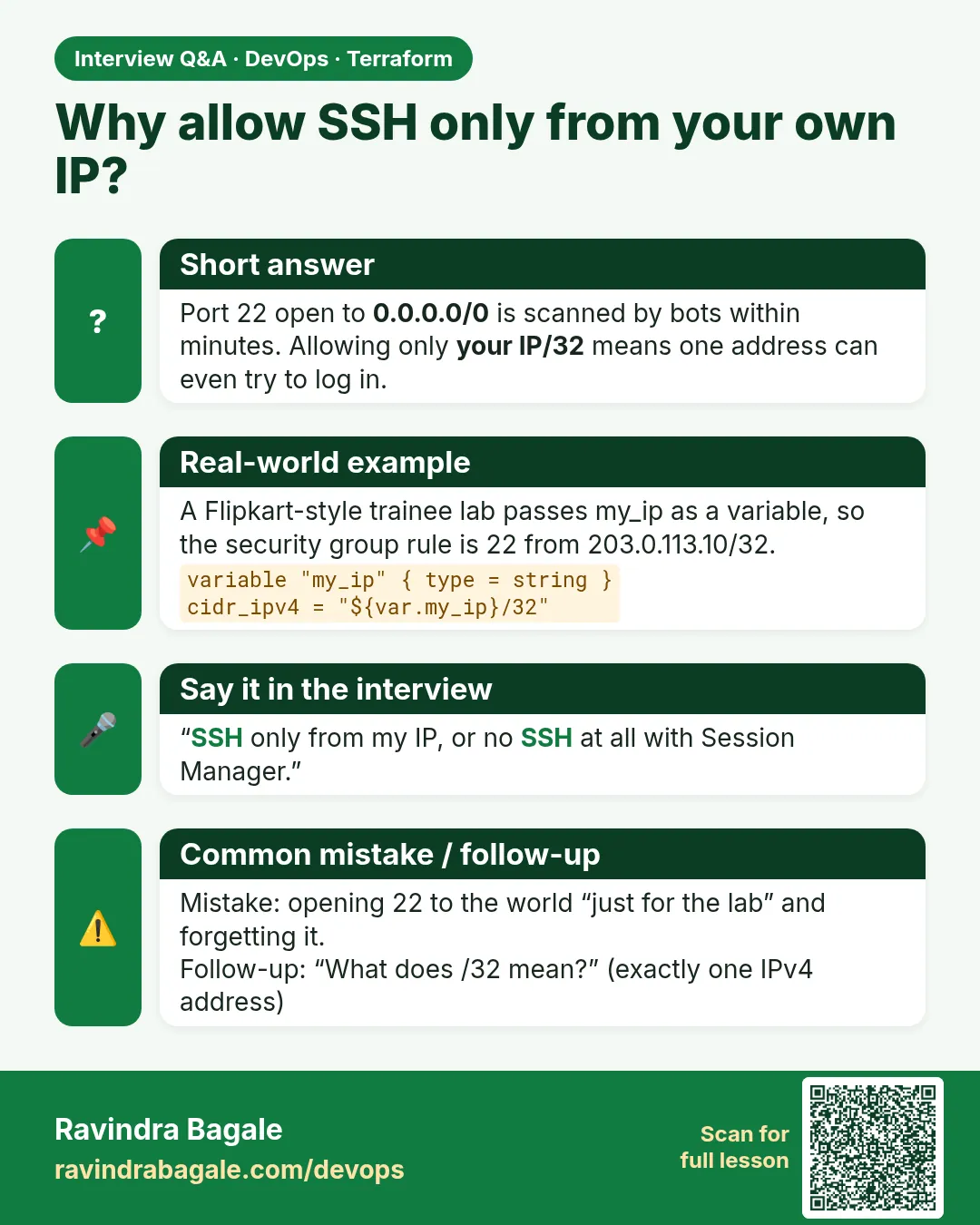
Never open port 22 to 0.0.0.0/0. Use Session Manager through the IAM role in part 4.
Practice tasks
Easy Audit
Why: Know your ports.
What to do: List rules of the web group.
- Use describe-security-group-rules.
Check: Only 80 inbound.
Easy Add 443
Why: Change one rule.
What to do: Add an HTTPS rule resource.
- Separate resource.
Check: 1 to add.
Medium Group reference
Why: Database pattern.
What to do: Allow 5432 from the web group.
- Use referenced_security_group_id.
Check: 2 to add.
Medium Outside test
Why: Prove it.
What to do: Test 80 and 22 with nc.
- Use -w 5.
Check: 80 succeeds, 22 times out.
Easy Say it in two lines
Why: If you can say it simply, you understand it.
What to do: Write two short lines about this lesson for a fresher.
- Write the problem it solves.
- Write the one command or file you use.
- Read it aloud.
Check: A fresher understands it without a question.
Easy Start a safe lab folder
Why: Practice needs a throwaway place.
What to do: Make a new folder with versions.tf and a random_pet resource, so no AWS cost.
- mkdir tf-lab and cd into it.
- Add the hashicorp/random provider and one random_pet.
- Run terraform init and terraform apply.
Check: Apply complete! with 1 added.
Medium Break it on purpose
Why: You must know the red output by face.
What to do: Cause one error from the red part of this lesson and fix it.
- Follow one red section.
- Copy the exact message to your notes.
- Write the fix in one line.
Check: You fixed it without searching the web.
Medium Run it twice
Why: A second run must be quiet.
What to do: Run the same plan two times with no edits.
- Run terraform plan.
- Run it again.
- Explain any change it still shows.
Check: The second plan says No changes, or you can explain each line.
Medium Write a runbook page
Why: At 2 a.m. nobody remembers flags.
What to do: Write a one-page runbook for this lesson.
- Title, when to use, exact commands, how to check, how to undo.
Check: A teammate can follow it alone.
Medium Run it from a pipeline
Why: Real teams run Terraform from CI, not from laptops.
What to do: Run the main command of this lesson inside a GitHub Actions or Jenkins job.
- Add a job with hashicorp/setup-terraform or a Terraform Docker image.
- Give it AWS access through an IAM role, never a key in the file.
- Run init, then the command from this lesson.
Check: The job log shows the same output you saw on your laptop.
Medium Check the cost
Why: Labs left running cost real money.
What to do: Find what this lesson would cost per day if you forgot to destroy it.
- Open the AWS Pricing Calculator.
- Add each resource from your plan.
- Write the daily cost in your notes.
Check: You know the daily cost and you ran terraform destroy.
Hard Draw the flow top to bottom
Why: A drawing shows the order of work.
What to do: Draw this lesson as boxes from top to bottom.
- Start at your code, go through plan and state, end at AWS.
- Mark where each command reads or writes.
Check: Each box matches a real step you ran.
Hard Explain it like an interview
Why: Interviewers want real stories.
What to do: Record a 60 second answer about this lesson.
- Say the problem, the command, and one error you hit.
Check: Your answer has a real command and a real error message.
Homework: try at home
Try at home
List three ports your company servers should never open to the world and the safer way to reach each service.
Recap
- Security groups allow traffic; everything else is dropped.
- They are stateful, so replies flow back.
- One rule per resource changes safely.
- Reference groups instead of IPs for internal traffic.
- No SSH: use Session Manager.
FAQ
Do I need an egress rule?
A group made by Terraform has no egress by default, so the lab adds one to allow updates.
Can I block one IP with a security group?
No, groups only allow. Use a network ACL or WAF to deny.
Why description on every rule?
Auditors and teammates see why a port is open.
Does changing a rule restart the server?
No. Rules change live.
How many groups can an instance have?
Up to five per interface by default.
Interview questions
-
Security group versus network ACL?
Groups are stateful and allow only; ACLs are stateless, ordered and can deny.
-
Why separate rule resources?
Each rule changes alone, without rewriting the group.
-
How do you allow app to database traffic?
Ingress on the db group referencing the app group on the db port.
-
How do you give shell access without SSH?
Session Manager with the SSM policy on the instance role.
-
Timeout versus refused?
Timeout means dropped by a firewall; refused means reachable but nothing listening.
Quick quiz
Q1. Are security groups stateful?
Yes
Q2. Can a group deny one IP?
No
Q3. Resource for one inbound rule?
aws_vpc_security_group_ingress_rule
Q4. Port the lab opens?
80
Q5. What replaces SSH here?
Session Manager
Samajla ka?
 Revision card
 Interview card