Chapter 36: Terraform count for_each dynamic lifecycle and depends_on
36.5 depends_on — when Terraform cannot see the link
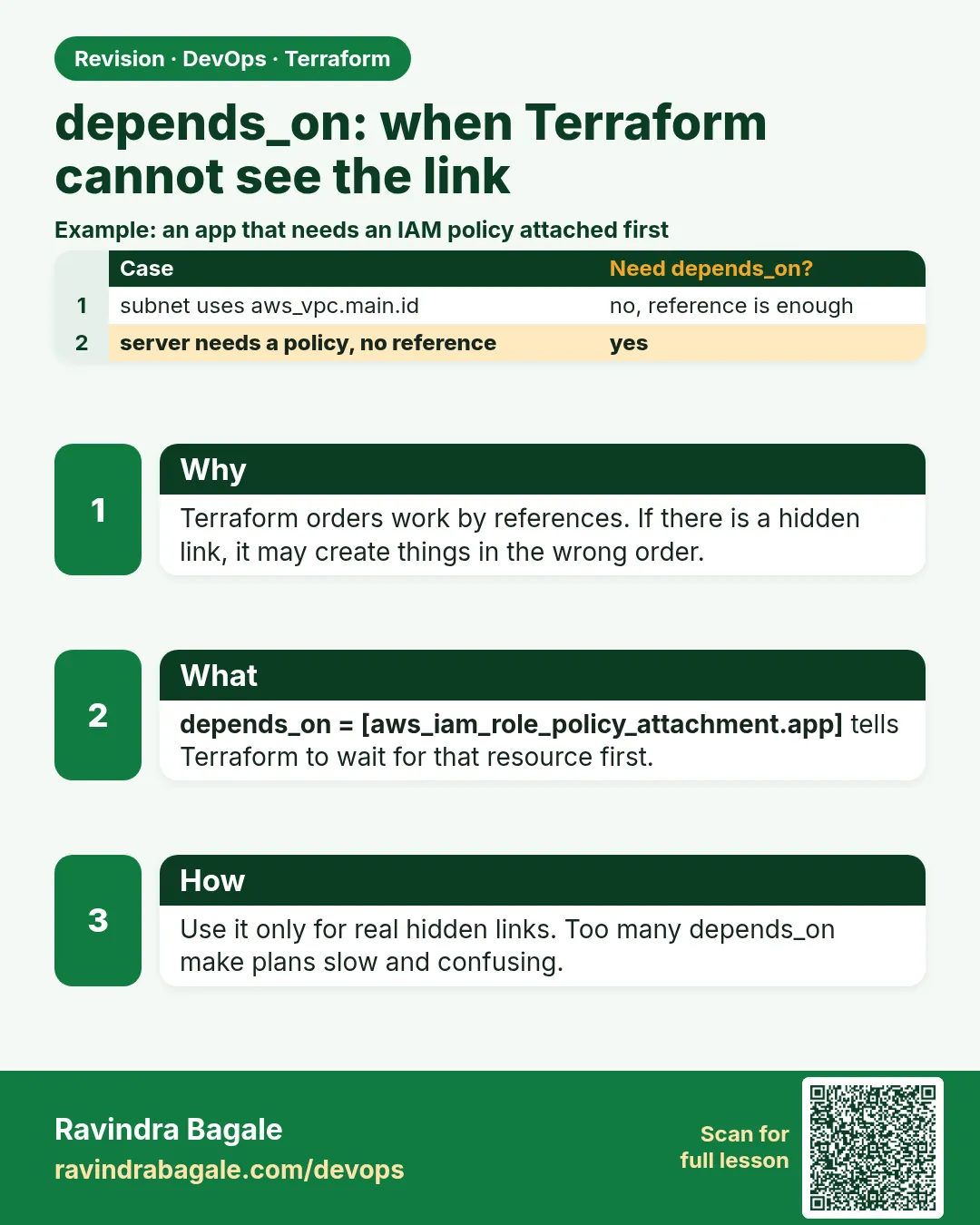
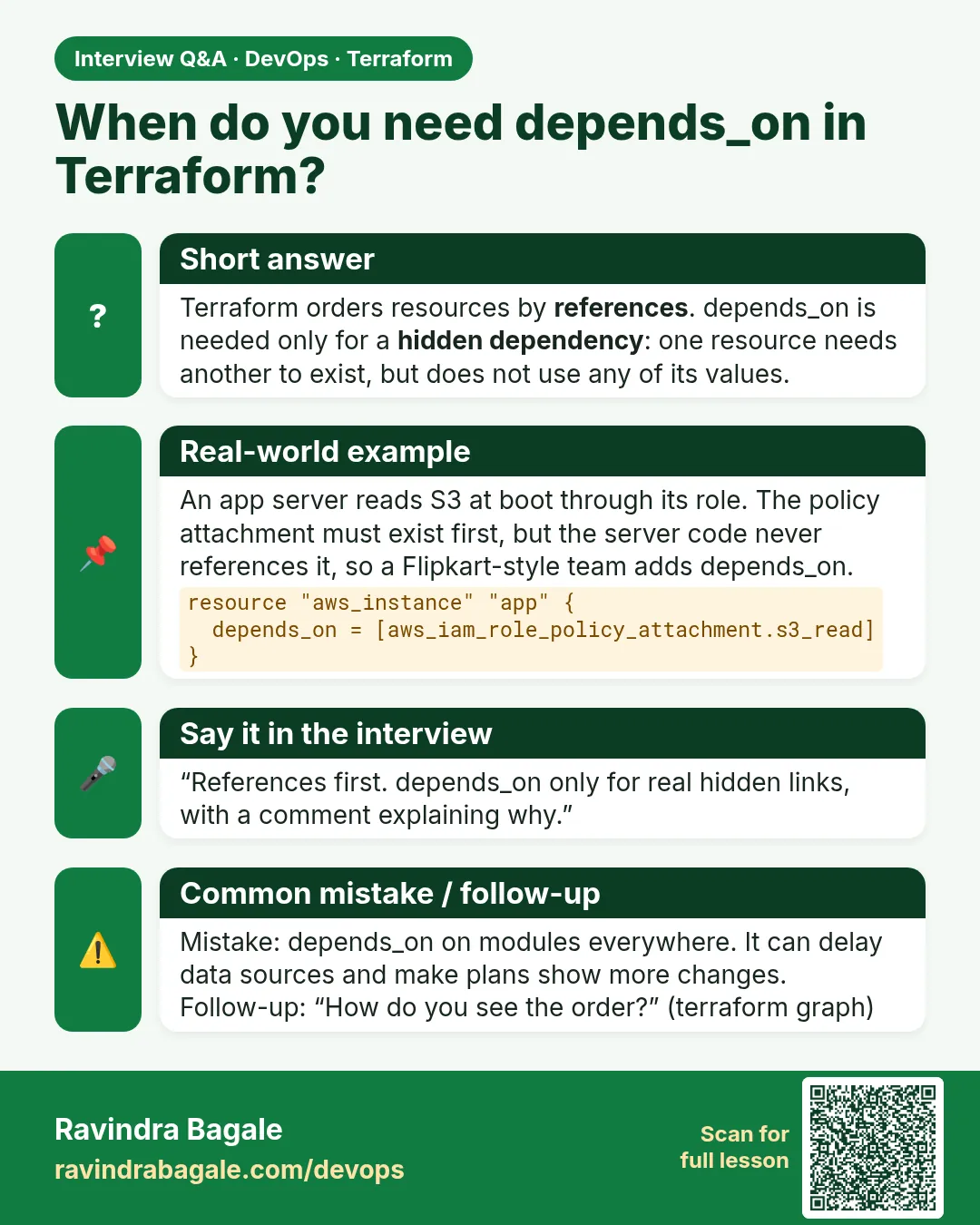
Story. An Infosys client application on EC2 read from S3 at boot through an IAM role, but the instance sometimes started before the role policy was attached and the app crashed. Terraform orders resources by references, and here there was no reference between the policy attachment and the instance. depends_on adds an explicit edge. Use it only for hidden dependencies; normal references are always better.
resource "aws_iam_role_policy_attachment" "s3_read" {
  role       = aws_iam_role.web.name
  policy_arn = "arn:aws:iam::aws:policy/AmazonS3ReadOnlyAccess"
}

resource "aws_instance" "web" {
  ami                  = data.aws_ami.al2023.id
  instance_type        = "t3.micro"
  iam_instance_profile = aws_iam_instance_profile.web.name

  depends_on = [aws_iam_role_policy_attachment.s3_read]
}
What each line does
resource "aws_iam_role_policy_attachment" "s3_read" {— Attaches a managed read-only S3 policy to the role.role = aws_iam_role.web.name— The role that will receive the policy.policy_arn = "arn:aws:iam::aws:policy/AmazonS3ReadOnlyAccess"— The AWS managed policy for read-only S3.iam_instance_profile = aws_iam_instance_profile.web.name— Gives the instance the role through an instance profile; no keys on the server.depends_on = [aws_iam_role_policy_attachment.s3_read]— Waits for the attachment even though nothing references it.
When it is green.
aws_iam_role_policy_attachment.s3_read: Creation complete after 1s
aws_instance.web: Creating...
aws_instance.web: Creation complete after 13s [id=i-0abc...]
Apply complete! Resources: 2 added, 0 changed, 0 destroyed.
When it is red.
Error: Cycle: aws_instance.web, aws_iam_role_policy_attachment.s3_read
Fix. You created a loop, for example the policy also depends on the instance. Run terraform graph to see the edges and remove one depends_on.
What: every term in plain English
- implicit dependency — A link Terraform sees from a reference, such as aws_s3_bucket.b.id.
- explicit dependency — A link you write with depends_on.
- dependency graph — The map of which resource must come first.
- terraform graph — Prints the graph in DOT format.
- cycle — A loop: A waits for B and B waits for A. Terraform refuses it.
- parallelism — How many resources Terraform creates at once. Default 10.
Example 1: Implicit order from a reference
Most of the time you need no depends_on. A reference is enough. Watch the order in apply.
resource "random_pet" "name" {}

resource "local_file" "conf" {
  filename = "${path.module}/out/app.conf"
  content  = "name=${random_pet.name.id}"
}
terraform apply -auto-approve
Output
random_pet.name: Creating...
random_pet.name: Creation complete after 0s [id=bold-lynx]
local_file.conf: Creating...
local_file.conf: Creation complete after 0s [id=4f1a...]
Apply complete! Resources: 2 added, 0 changed, 0 destroyed.
What it shows: The file waits for the name because it uses random_pet.name.id.
Example 2: A hidden link needs depends_on
The app reads a file at boot but nothing references it. Without depends_on they may run in parallel.
resource "local_file" "seed" {
  filename = "${path.module}/out/seed.sql"
  content  = "insert into users values (1, 'ravi');"
}

resource "terraform_data" "start_app" {
  depends_on = [local_file.seed]
  provisioner "local-exec" {
    command = "test -f out/seed.sql && echo app started with seed"
  }
}
terraform apply -auto-approve
Output
local_file.seed: Creation complete after 0s
terraform_data.start_app: Provisioning with 'local-exec'...
terraform_data.start_app (local-exec): app started with seed
Apply complete! Resources: 2 added, 0 changed, 0 destroyed.
What it shows: Remove depends_on and run with a clean folder: sometimes the test fails because the order is not fixed.
Example 3: See the graph
When order is confusing, draw it. terraform graph shows every edge.
terraform graph | grep -- "->" | grep -v provider
terraform graph | dot -Tpng > graph.png
Output
"terraform_data.start_app" -> "local_file.seed"
"local_file.conf" -> "random_pet.name"
What it shows: Arrows point from a resource to what it waits for. Install graphviz for the dot command.
Example 4: Break a cycle
A Wipro team added depends_on both ways and Terraform stopped. Find and remove one edge.
resource "local_file" "a" {
  filename   = "${path.module}/out/a.txt"
  content    = "a"
  depends_on = [local_file.b]
}

resource "local_file" "b" {
  filename   = "${path.module}/out/b.txt"
  content    = "b"
  depends_on = [local_file.a]
}
terraform plan
Output
Error: Cycle: local_file.b, local_file.a
What it shows: Ask which one truly must be first. Keep that one depends_on and delete the other.
Example 5: Real AWS: module waits for a module
The app module needs the network module fully done, including routes and NAT, before it starts. depends_on works on whole modules too.
module "network" {
  source = "./modules/network"
}

module "app" {
  source     = "./modules/app"
  subnet_ids = module.network.private_subnet_ids
  depends_on = [module.network]
}
terraform apply -auto-approve | grep -E "module.(network|app).*Creation complete" | head -4
Output
module.network.aws_vpc.main: Creation complete after 2s
module.network.aws_nat_gateway.nat: Creation complete after 1m45s
module.network.aws_route.private_nat: Creation complete after 1s
module.app.aws_instance.app: Creation complete after 13s
What it shows: Without depends_on, the app could boot before the NAT route exists and fail to download packages. Use module depends_on only when needed, because it slows the plan.
Command cheat sheet
| Command | What it does | When to use it |
|---|---|---|
depends_on = [res] |
Force order | Hidden links |
terraform graph |
Print the graph | Debug order |
dot -Tpng |
Draw the graph | Explain to others |
-parallelism=1 |
One at a time | Debug race problems |
module depends_on |
Order whole modules | Module waits for module |
terraform validate |
Finds cycles early | Before plan |
Verify: did it work?
-
Order in log
terraform apply -auto-approve | grep -n CreatingOutput
1:random_pet.name: Creating... 3:local_file.conf: Creating... -
Edges
terraform graph | grep -c -- "->"Output
4
When it is red 1
Error: Cycle: aws_instance.web, aws_iam_role_policy_attachment.s3_read
Cause. Two resources wait for each other.
Fix, step by step
- Run terraform graph.
- Remove the depends_on that is not truly needed.
When it is red 2
Error: Invalid depends_on reference
References in depends_on must be to a whole object rather than to an attribute.
Cause. You wrote depends_on = [aws_s3_bucket.b.id].
Fix, step by step
- Use the whole resource: aws_s3_bucket.b.
When it is red 3
AccessDenied when calling GetObject at boot
Cause. The app started before the IAM policy attached.
Fix, step by step
- Add depends_on to the policy attachment.
- Retry logic in the app also helps.
Cleanup
terraform destroy -auto-approve
rm -rf out graph.png
Ravindra Bagale's Tip
Before adding depends_on, try to add a real reference. A reference documents why the order exists.
Practice tasks
Easy Watch order
Why: See implicit links.
What to do: Run the random_pet and file demo.
- Read the log.
Check: Name before file.
Medium Hidden link
Why: Need depends_on.
What to do: Add the seed file and start_app.
- Run it.
Check: app started with seed.
Medium Graph
Why: Draw order.
What to do: Make graph.png.
- Install graphviz.
Check: Image shows arrows.
Hard Cycle
Why: Fix a loop.
What to do: Make a cycle on purpose, then fix it.
- Remove one edge.
Check: Plan succeeds.
Easy Say it in two lines
Why: If you can say it simply, you understand it.
What to do: Write two short lines about this lesson for a fresher.
- Write the problem it solves.
- Write the one command or file you use.
- Read it aloud.
Check: A fresher understands it without a question.
Easy Start a safe lab folder
Why: Practice needs a throwaway place.
What to do: Make a new folder with versions.tf and a random_pet resource, so no AWS cost.
- mkdir tf-lab and cd into it.
- Add the hashicorp/random provider and one random_pet.
- Run terraform init and terraform apply.
Check: Apply complete! with 1 added.
Medium Break it on purpose
Why: You must know the red output by face.
What to do: Cause one error from the red part of this lesson and fix it.
- Follow one red section.
- Copy the exact message to your notes.
- Write the fix in one line.
Check: You fixed it without searching the web.
Medium Run it twice
Why: A second run must be quiet.
What to do: Run the same plan two times with no edits.
- Run terraform plan.
- Run it again.
- Explain any change it still shows.
Check: The second plan says No changes, or you can explain each line.
Medium Write a runbook page
Why: At 2 a.m. nobody remembers flags.
What to do: Write a one-page runbook for this lesson.
- Title, when to use, exact commands, how to check, how to undo.
Check: A teammate can follow it alone.
Medium Run it from a pipeline
Why: Real teams run Terraform from CI, not from laptops.
What to do: Run the main command of this lesson inside a GitHub Actions or Jenkins job.
- Add a job with hashicorp/setup-terraform or a Terraform Docker image.
- Give it AWS access through an IAM role, never a key in the file.
- Run init, then the command from this lesson.
Check: The job log shows the same output you saw on your laptop.
Medium Check the cost
Why: Labs left running cost real money.
What to do: Find what this lesson would cost per day if you forgot to destroy it.
- Open the AWS Pricing Calculator.
- Add each resource from your plan.
- Write the daily cost in your notes.
Check: You know the daily cost and you ran terraform destroy.
Hard Draw the flow top to bottom
Why: A drawing shows the order of work.
What to do: Draw this lesson as boxes from top to bottom.
- Start at your code, go through plan and state, end at AWS.
- Mark where each command reads or writes.
Check: Each box matches a real step you ran.
Hard Explain it like an interview
Why: Interviewers want real stories.
What to do: Record a 60 second answer about this lesson.
- Say the problem, the command, and one error you hit.
Check: Your answer has a real command and a real error message.
Homework: try at home
Try at home
Run terraform graph on a real project and find one depends_on that could be replaced by a reference.
Recap
- References create order automatically.
- depends_on is for hidden links only.
- terraform graph shows the order.
- Cycles stop the plan.
- depends_on takes whole resources, not attributes.
FAQ
Does depends_on slow apply?
A little, because it reduces parallel work.
Can modules use depends_on?
Yes, since 0.13. It makes the whole module wait.
Why does a data source re-read every plan with depends_on?
Terraform must wait for the dependency, so the read is deferred.
Is depends_on needed for IAM?
Often yes, because IAM is eventually consistent.
Can I depend on a variable?
No. Only resources, data sources and modules.
Interview questions
-
Implicit vs explicit dependency?
Implicit comes from references; explicit from depends_on.
-
When do you need depends_on?
When a link exists that Terraform cannot see, like IAM before boot.
-
How do you debug order?
terraform graph and logs with -parallelism=1.
-
What is a cycle?
Two or more resources waiting on each other; Terraform refuses to plan.
-
Why prefer references?
They are clear, and Terraform keeps only the needed edges.
Quick quiz
Q1. Command to print the graph?
terraform graph
Q2. Default parallelism?
10
Q3. Can depends_on point to an attribute?
No.
Q4. Error for a loop?
Cycle
Q5. First choice before depends_on?
A real reference.
Lab
- Create two buckets with for_each from 36.2.
- Remove feed from the map and plan; confirm only one destroy.
- Build the security group from 36.3 with your own office range.
- Add create_before_destroy to an instance and change instance_type; read the plan symbol.
- Run terraform destroy to avoid cost.
Practice task
Rewrite a count-based list of three buckets as for_each and explain why the plan changes when you delete the middle item.
Ravindra Bagale's Tip
Default to for_each. Use count only for a number of identical copies or a 1 or 0 switch.
In short
- count indexes copies by number; good for switches.
- for_each keys copies by name; safe when items are removed.
- dynamic repeats nested blocks; iterator is the block label.
- lifecycle controls replacement order, deletion and ignored attributes.
- depends_on is only for links Terraform cannot see.
Samajla ka?
 Revision card
 Interview card