Chapter 17: Interview Questions and Job Readiness
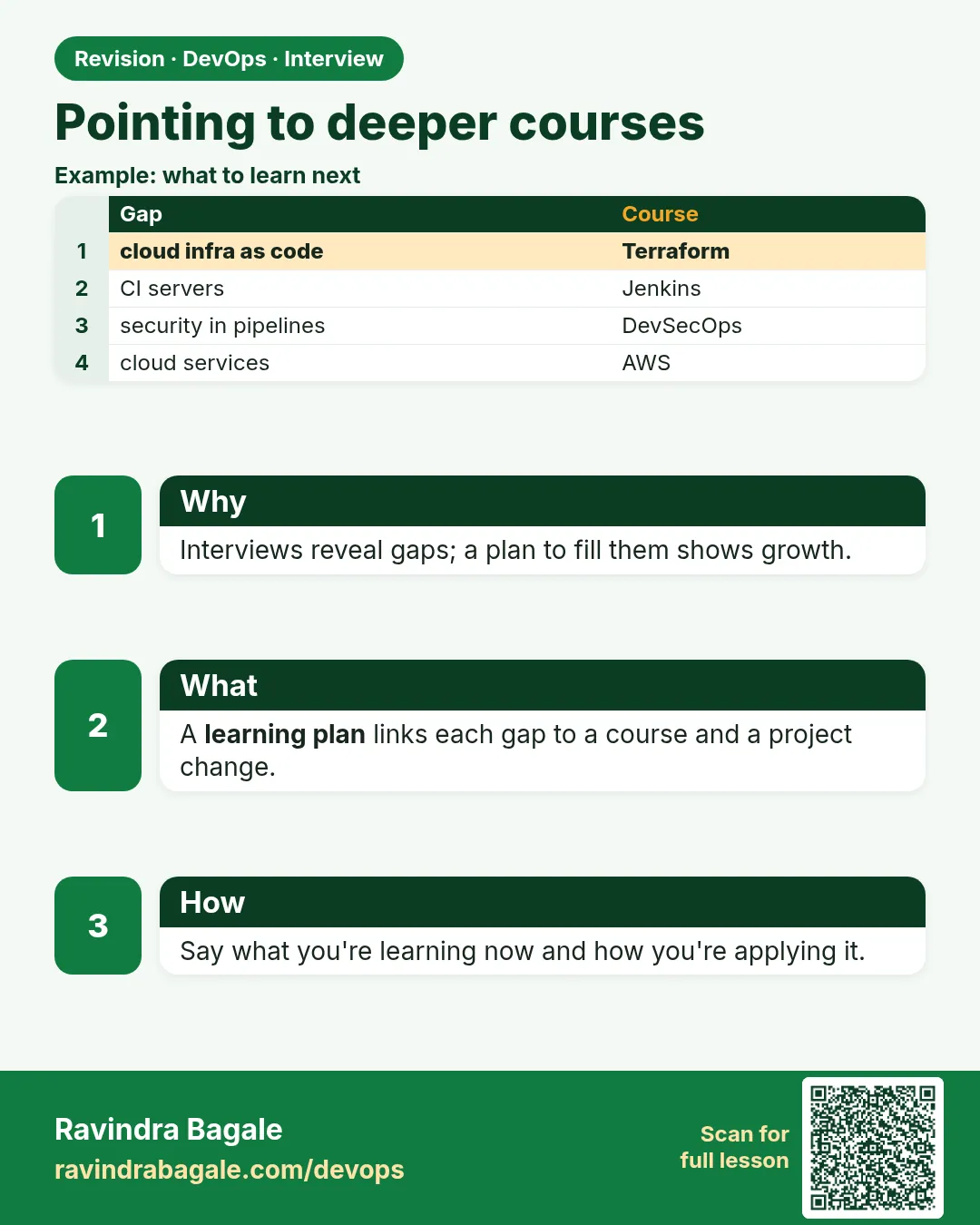
17.13 Pointing to deeper courses
Why: the problem
In the interview you will get a question you have not practised. For example, an L&T panel asks about VPC peering, or a security-minded bank asks how you would harden SSH on EC2. These go deeper than a DevOps course. The smart move is to know where each topic lives, so that during preparation you can jump to the right chapter, run the lab, and come back with evidence. In this lesson you will build a "gap map": a small file that links each interview topic to the chapter and the hands-on lab that covers it, plus a self-test command for each one. If the self-test fails on your machine, you know exactly what to revise. This also helps for AWS and cyber security follow-ups, which are covered in the AWS and Cyber Security courses on this site.
What we will build
You will write a gap map in CSV with topic, chapter, lab and a self-test command. You will write a script that runs each self-test and prints PASS or FAIL. Then you will plan one week of revision from the FAIL list.
What: every term in plain English
- Gap map — A table that links interview topics to where you learn and practise them.
- Self-test — A command that proves you can still do something, like starting a container.
- PASS or FAIL — The result of the self-test. FAIL means revise that topic.
- Deeper course — A full course for a topic, like AWS for VPC and IAM, or Cyber Security for hardening.
- Revision plan — A day by day list made from the FAIL lines.
- Hands-on proof — Output on your own screen, not a video you watched.
- Timebox — A fixed time limit for one topic, like 45 minutes.
- Follow-up question — The deeper question a panel asks after your first answer.
How: step by step
-
Make the folder
mkdir -p ~/iq/gap && cd ~/iq/gapWhat it does: Files for this lesson.
Output
(no output) -
Write the gap map
nano gapmap.csvWhat it does: Paste the CSV from Example 1.
Output
(editor) -
Count topics
wc -l gapmap.csvWhat it does: One line per topic plus a header.
Output
11 gapmap.csv -
Run the self-tests
python3 selftest.pyWhat it does: Each command runs with a timeout.
Output
PASS git git --version PASS docker docker run --rm hello-world FAIL k8s kubectl get nodes -
Save the FAIL list
python3 selftest.py | grep FAIL > todo.txt; cat todo.txtWhat it does: This is your revision list.
Output
FAIL k8s kubectl get nodes FAIL tf terraform version -
Make a week plan
awk '{print "Day " NR ": " $2 " - redo the lab, then re-run selftest"}' todo.txtWhat it does: One topic per day.
Output
Day 1: k8s - redo the lab, then re-run selftest
Day 2: tf - redo the lab, then re-run selftest
Example 1: The gap map file
Stack. CSV
Goal. The gap map file.
gapmap.csv
topic,chapter,lab,selftest
git,Git chapters and lesson 17.2,conflict + revert + reflog,git --version
linux,Linux chapters and lesson 17.3,nginx break and fix,systemctl --version
bash,lesson 17.4,cron backup script,bash -n ~/iq/bash/check_site.sh
docker,Docker chapters 47-56 and lesson 17.5,triage + slim image,docker run --rm hello-world
compose,Docker Compose chapter 53 and lesson 17.9,three tier incident lab,docker compose version
k8s,Kubernetes chapters and lesson 17.8,kind triage,kubectl get nodes
tf,Terraform chapters and lesson 17.7,drift + lock,terraform version
ansible,Ansible chapter 11 and lesson 17.7,idempotent playbook,ansible --version
monitoring,Monitoring chapter 13,PromQL error rate,curl -sf localhost:9090/-/ready
aws,AWS course: VPC and IAM,security group check,aws sts get-caller-identity
What each line does
topic— A short tag you can grep.chapter— Where to read and redo the lab.lab— The exact hands-on task to repeat.selftest— One quick command that proves it works on your machine today.aws line— Deeper topics point to the AWS course on this site.
Green output
10 topics mapped
Expected result. A one page map of your whole preparation.
Example 2: A self-test runner
Stack. Python
Goal. A self-test runner.
selftest.py
import csv, subprocess, os
rows = list(csv.DictReader(open("gapmap.csv")))
for r in rows:
    cmd = os.path.expanduser(r["selftest"])
    try:
        ok = subprocess.run(cmd, shell=True, capture_output=True, timeout=60).returncode == 0
    except subprocess.TimeoutExpired:
        ok = False
    print(f"{'PASS' if ok else 'FAIL'} {r['topic']:8} {r['selftest']}")
What each line does
csv.DictReader— Reads each row as a dictionary with column names.expanduser— Turns ~ into your home folder.subprocess.run— Runs the self-test command.timeout=60— Never hang on one test.returncode == 0— Exit code 0 means PASS, the same idea as lesson 17.4.
Green output
PASS git      git --version
PASS linux    systemctl --version
PASS bash     bash -n ~/iq/bash/check_site.sh
PASS docker   docker run --rm hello-world
PASS compose  docker compose version
FAIL k8s      kubectl get nodes
FAIL tf       terraform version
PASS ansible  ansible --version
FAIL monitoring curl -sf localhost:9090/-/ready
FAIL aws      aws sts get-caller-identity
Expected result. You see in 30 seconds what to revise.
Example 3: Follow-up ladder: from DevOps answer to the deeper course
Stack. AWS CLI
Goal. Follow-up ladder: from DevOps answer to the deeper course.
Example ladder for security groups
Level 1 (this course): "App not reachable on EC2 port 8080."
   Check: curl localhost:8080 on the server works, from laptop fails.
   Answer: the security group does not allow 8080.
Level 2 (AWS course): "Inbound vs outbound rules? Stateful?"
   Security groups are stateful: reply traffic is allowed automatically.
   NACLs are stateless and need both directions.
Level 3 (Cyber course): "How do you harden it?"
   Only 443 open to the world, 22 only from your IP or use SSM,
   no 0.0.0.0/0 on database ports, VPC flow logs on.
Commands for level 1 and 2
curl -s -o /dev/null -w "%{http_code}\n" localhost:8080
aws ec2 describe-security-groups --group-ids sg-0abc123 \
  --query "SecurityGroups[0].IpPermissions[].{port:FromPort,cidr:IpRanges[0].CidrIp}" --output table
What each line does
Level 1— The DevOps triage you already know.Level 2— The AWS detail a cloud panel asks next.Level 3— The security detail a bank panel asks next.describe-security-groups— Shows the open ports and from where.--query— Picks only the fields you need.
Green output
200
|  cidr          | port |
|  0.0.0.0/0     | 443  |
|  203.0.113.7/32| 22   |
Expected result. You show you can go one level deeper and know where to learn more.
Verify: did it work?
-
Re-run after revising
python3 selftest.py | grep -c PASSWhat it does: The PASS count should grow every day.
Output
8 -
Check the todo list shrank
python3 selftest.py | grep FAIL | wc -lWhat it does: Goal is zero.
Output
2
When it is red 1
FAIL even though the tool works
Cause. The self-test needs a running service, like a cluster or Prometheus.
Fix, step by step
- Start the lab first, for example kind create cluster.
- Or change the self-test to a version check.
When it is red 2
Unable to locate credentials (aws)
Cause. AWS CLI is not configured.
Fix, step by step
- Run aws configure sso or aws configure with a lab user.
- Never use root keys.
When it is red 3
KeyError: selftest
Cause. The CSV header is wrong.
Fix, step by step
- First line must be exactly: topic,chapter,lab,selftest
Cleanup
-
Keep the folder
ls ~/iq/gapWhat it does: Run selftest.py every morning in the last week before interviews.
Output
gapmap.csv selftest.py todo.txt
Ravindra Bagale's Tip
If you do not know something, do not panic — write it on the gap map, redo the lab, until selftest is PASS.
माहित नसेल तर घाबरू नका — gap map मध्ये लिहा, lab पुन्हा करा, selftest PASS होईपर्यंत.
मालूम न हो तो घबराओ मत — gap map में लिखो, lab फिर करो, selftest PASS होने तक.
Practice tasks
Medium Read three job posts
Why: Real posts tell you what to prepare.
What to do: Copy the skills from three DevOps job posts into gapmap.csv.
- Remove duplicates.
- Add a self-test for each new skill.
Check: Every skill in the posts has a row.
Hard Ladder one topic three levels deep
Why: Panels keep asking "why" until you stop.
What to do: Write a three level ladder for Docker networking.
- Level 1: containers cannot talk.
- Level 2: bridge, host, overlay.
- Level 3: iptables rules Docker creates.
Check: Each level has one command.
Easy Say Deeper learning in two lines
Why: Interviewers cut you off after 30 seconds. The short version must come first.
What to do: Write a two line answer about Deeper learning for a fresher interview.
- Line 1: the problem it solves.
- Line 2: the one command or file you used.
- Say it aloud with a timer.
Check: You finish inside 30 seconds and you name one real command.
Easy Run the commands, not just read them
Why: An interviewer can tell if you only read. Typing the command once gives you the real output to talk about.
What to do: Run every command in the How part of this lesson on your own lab machine.
- Start a small Ubuntu VM, WSL or EC2 t3.micro.
- Run each step and save the output in notes.txt.
- Mark any output that looks different from the lesson.
Check: notes.txt has the real output of every step.
Medium Break it on purpose
Why: You must know the red error by face. In a live round there is no time to read slowly.
What to do: Cause one error from the "When it is red" part of this lesson and fix it.
- Follow the error section.
- Copy the exact message into your notes.
- Write the fix in one line.
Check: You fixed it using only your notes.
Medium Answer in the 4-line shape
Why: A clear shape makes any answer sound senior: Situation, Check, Fix, Prevent.
What to do: Pick one interview question from this lesson and answer in four lines.
- Situation: what broke.
- Check: the command you ran and what it showed.
- Fix: the change you made.
- Prevent: the alert, test or doc you added.
Check: Each of the four lines has a real noun, like a command, a file or a number.
Medium Mock round with a friend
Why: Speaking is a different skill from knowing. Practice it.
What to do: Let a friend ask you three questions from this lesson.
- Friend picks random questions.
- You answer, friend times you.
- Swap and repeat.
Check: You answer all three without saying "I am not sure" twice.
Hard Whiteboard it top to bottom
Why: Many panels say "draw it". A neat top-to-bottom drawing shows you see the whole flow.
What to do: Draw the main flow of this lesson as boxes from top to bottom.
- Start at the user or the trigger.
- Add each hop: server, container, pipeline, tool.
- Write the command you use to check each box beside it.
Check: Every box has one check command next to it.
Hard Write a mini runbook
Why: Good engineers leave notes for the next person. Interviewers love to hear that you do this.
What to do: Write a one page runbook for the main scenario in this lesson.
- Title, symptoms, first 3 checks, fix, how to confirm, how to undo.
Check: A teammate can follow it alone at 2 a.m.
Homework: try at home
Try at home
At home, add five more rows to gapmap.csv for topics you find in job posts you like, such as Helm, ArgoCD or CloudWatch. Write a self-test for each.
Recap
- Know where each topic lives so you can revise fast.
- Self-tests turn "I think I know" into PASS or FAIL.
- Plan revision from the FAIL list.
- Be ready for the follow-up ladder.
- Use the AWS and Cyber Security courses for deeper questions.
FAQ
Should I learn everything before applying?
No. Apply when your core labs pass. Keep revising in parallel.
How deep should AWS be for DevOps roles?
VPC, IAM, EC2, S3, ELB, CloudWatch, plus one of EKS or ECS.
Do I need security skills?
Basics: least privilege, secrets, patching, scanning. Panels often ask.
How long before the interview should I stop learning new tools?
Two or three days. Then only revise and practise speaking.
What if the job uses Azure, not AWS?
Ideas map well: VNet for VPC, Entra ID for IAM, AKS for EKS.
Interview questions
-
How do you keep your skills current?
Release notes, a weekly lab, and a self-test script for my core tools.
-
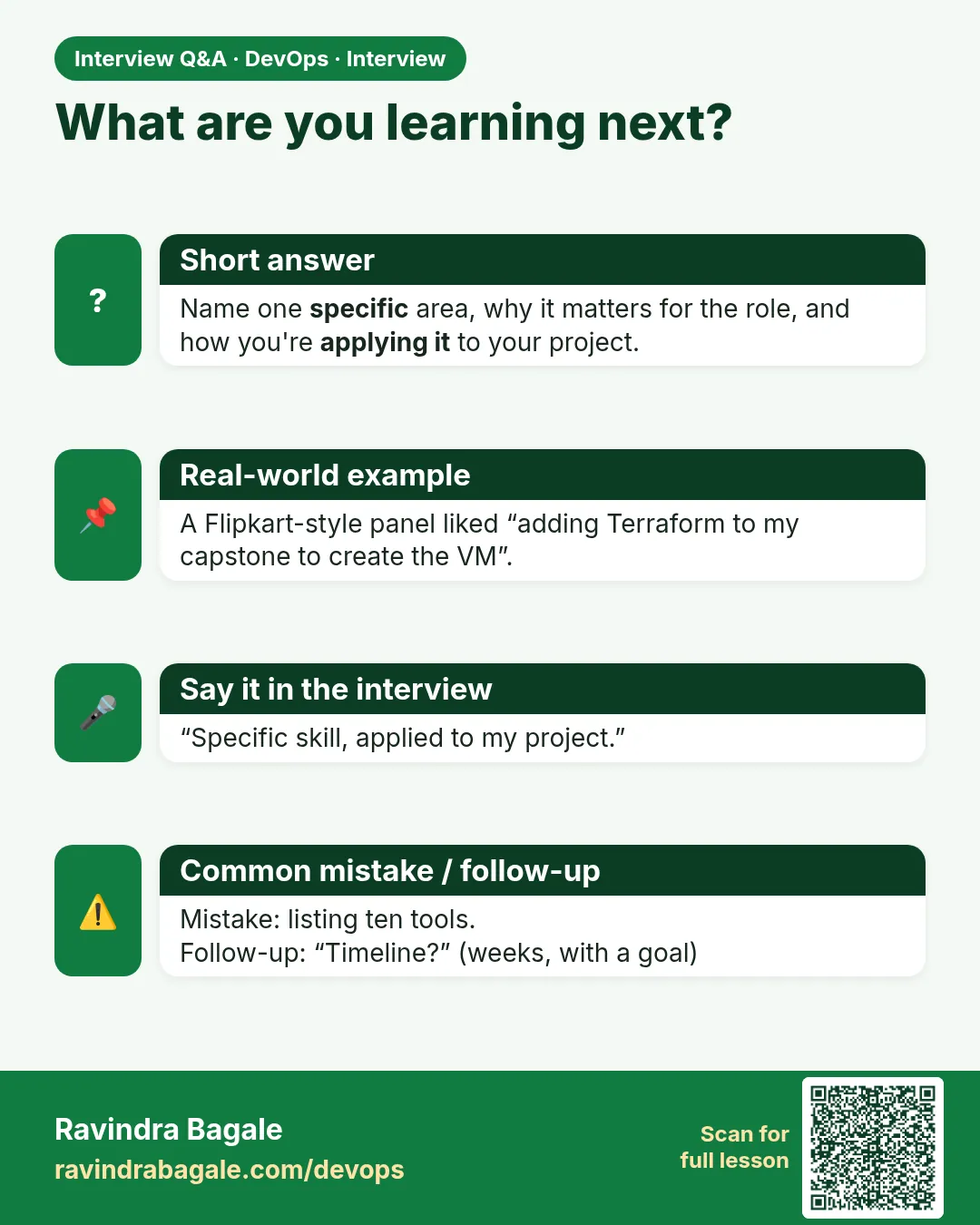
What will you learn next?
Name one tool from the job post and a small plan to learn it.
-
Why is a security group not enough?
Also need least privilege IAM, patching, logging and encryption.
-
How do you prepare for an on-call role?
Practise incident labs, write runbooks, learn the alerting tools.
-
What is your strongest area?
Name it and prove it with one lab result.
-
Where are you weakest?
Name it honestly and say your plan, with dates.
Quick quiz
Q1. What is a gap map?
A table linking topics to chapters, labs and self-tests.
Q2. What does FAIL mean?
Revise that topic and redo its lab.
Q3. Which course covers VPC and IAM depth?
The AWS course.
Q4. Which course covers hardening?
The Cyber Security course.
Q5. Why a timeout on self-tests?
So one stuck command does not block the rest.
Did you understand? Let us try it once more.
 Revision card
 Interview card