Chapter 9: GitHub Actions Hands-On
9.7c Reading a failed Actions log like a pro
Why: the problem
Suppose we are at Myntra during the End of Reason Sale. A pull request is red. The developer opens the log, sees 3,000 lines, scrolls to the bottom, reads "Process completed with exit code 1", and asks in the team channel: "CI is broken, can someone look?" The senior opens the same log and finds the real reason in 30 seconds. The difference is not magic. It is a reading method: find the red step, read upward to the first error, sort it into a type, and reproduce it locally.
What we will build
You will practice a fixed method on three real failures: a Python test failure, a Node.js dependency failure and a Docker build failure. You will also turn on debug logs, group long logs, and write a clear error summary that people can read from the run page.
What: every term in plain English
- Red step — The step with the red cross. The problem is inside it, or just before it.
- Exit code — The number at the end. 1 is a general error, 127 means command not found, 137 means killed (often out of memory).
- First error — The earliest error line in the step. Later lines are often only side effects.
- Debug logging — Extra detail from the runner. Turn on by re-running with debug enabled, or the secret ACTIONS_STEP_DEBUG=true.
- ::group:: — A command that folds many log lines under one title.
- ::error:: — A command that makes a red note on the file and line in the run summary.
- GITHUB_STEP_SUMMARY — A file. Markdown written here shows on the run page.
- Flaky test — A test that passes and fails on the same code. Usually timing or order problems.
How: step by step
-
Open the red step only
Click the run > the red job > the red stepWhat it does: Ignore the green steps.
Output
✗ Run pytest -q (exit code 1) -
Search the log for the first error
Use the log search box: type error, failed, or TracebackWhat it does: Read upward from the first hit.
Output
E AssertionError: assert 17.99 == 18.0 -
Sort the failure
Code? Dependency? Environment? Flaky? Infra?What it does: Each type has a different fix owner.
Output
Type: code (test assert) -
Reproduce locally
Run the exact command from the step with the same versionsWhat it does: If you can reproduce it, you can fix it.
Output
1 failed in 0.12s -
Re-run with debug if still unclear
gh run rerun 9123 --debugWhat it does: More runner details.
Output
✓ Requested rerun (with debug logging) of run 9123
Example 1: Python test failure: find the assert, not the last line
Stack. Python, pytest
Goal. Python test failure: find the assert, not the last line.
Red log (pytest)
Run pytest -q
..F.
=================================== FAILURES ===================================
____________________________ test_gst_rounding _________________________________
    def test_gst_rounding():
>       assert gst(99.95) == 17.99
E       assert 17.991 == 17.99
tests/test_calc.py:9: AssertionError
FAILED tests/test_calc.py::test_gst_rounding - assert 17.991 == 17.99
1 failed, 3 passed in 0.19s
Error: Process completed with exit code 1.
Fix in app/calc.py
def gst(amount):
    return round(amount * 0.18, 2)
What each line does
..F.— The third test failed.> assert ...— The line that failed.E assert 17.991 == 17.99— The real values: the code forgot to round.tests/test_calc.py:9— File and line.exit code 1— Only the result, not the reason.
Green output
Run pytest -q
....                                                             [100%]
4 passed in 0.12s
Expected result. You read the E line, fixed rounding, and the check is green. Type: code.
Example 2: Node
Stack. Node.js, npm, React
Goal. Node.js dependency failure: the real error is at the top.
Red log (npm)
Run npm ci
npm ERR! code ERESOLVE
npm ERR! ERESOLVE could not resolve
npm ERR! While resolving: myntra-cart@2.1.0
npm ERR! Found: react@18.3.1
npm ERR! Could not resolve dependency:
npm ERR! peer react@"^17.0.0" from old-carousel@1.4.2
npm ERR! A complete log of this run can be found in: /home/runner/.npm/_logs/2026-10-25T04_11_09_123Z-debug-0.log
Error: Process completed with exit code 1.
Fix
npm ls react
npm install old-carousel@latest
npm ci && npm test
git add package.json package-lock.json && git commit -m "upgrade carousel for react 18"
What each line does
code ERESOLVE— A version conflict between packages.peer react@^17 from old-carousel— An old package wants React 17, but the app uses 18.npm ls react— Shows who uses which React.npm install old-carousel@latest— The newer version supports React 18.
Green output
Run npm ci
added 523 packages in 11s
Run npm test
Tests: 64 passed, 64 total
Expected result. Type: dependency. Fixed by upgrading the old package, not by --force.
Example 3: Docker build failure plus a clear summary on the run page
Stack. Docker, workflow commands
Goal. Docker build failure plus a clear summary on the run page.
Red log (docker build)
#7 [3/6] RUN apt-get update && apt-get install -y libpq-dev
#7 2.112 E: Unable to locate package libpq-dev
#7 ERROR: process "/bin/sh -c apt-get install -y libpq-dev" did not complete successfully: exit code: 100
Workflow steps with group, error and summary
- name: Build image
  run: |
    echo "::group::docker build output"
    if ! docker build -t api:ci . 2>&1 | tee build.log; then
      echo "::error file=Dockerfile::docker build failed, see first ERROR line"
    fi
    echo "::endgroup::"
    grep -m1 "ERROR" build.log && exit 1 || true
- name: Summary
  if: always()
  run: |
    echo "### Build result" >> "$GITHUB_STEP_SUMMARY"
    echo "- Commit: ${GITHUB_SHA::7}" >> "$GITHUB_STEP_SUMMARY"
    grep -m1 "ERROR" build.log >> "$GITHUB_STEP_SUMMARY" || echo "- No errors" >> "$GITHUB_STEP_SUMMARY"
What each line does
E: Unable to locate package— apt-get install ran without a fresh package list, or the base image changed.exit code: 100— apt-get failed.::group:: ... ::endgroup::— Folds the long build log.::error file=Dockerfile::— Puts a red note on the Dockerfile in the summary.GITHUB_STEP_SUMMARY— Shows a short markdown result on the run page.
Green output
Annotations
  ✗ Dockerfile: docker build failed, see first ERROR line
Build result
- Commit: a3f2c1d
#7 ERROR: process "/bin/sh -c apt-get install -y libpq-dev" did not complete successfully: exit code: 100
Expected result. Anyone can read the reason on the run page without opening 3,000 lines. Fix: run apt-get update in the same RUN line.
Verify: did it work?
-
Download the full log to search with grep
gh run view 9123 --log-failed | grep -n -m5 -i "error"What it does: Only failed steps, searchable.
Output
212:E assert 17.991 == 17.99 -
Check if a test is flaky
gh run rerun 9123 --failedWhat it does: Re-run only failed jobs. If it passes with no change, it is flaky; still open a ticket.
Output
✓ Requested rerun of failed jobs
When it is red 1
Error: Process completed with exit code 127.
Cause. Command not found: the tool is not installed on the runner or the name is wrong.
Fix, step by step
- Read the line above: "xyz: command not found".
- Install it in a step or fix the spelling.
When it is red 2
Error: Process completed with exit code 137.
Cause. The process was killed, usually out of memory.
Fix, step by step
- Lower parallel test workers, like jest --maxWorkers=2.
- Use a larger runner if it is really needed.
When it is red 3
The job running on runner ... has exceeded the maximum execution time of 360 minutes.
Cause. A step hung, often waiting for input or a server that never started.
Fix, step by step
- Add timeout-minutes: 15 to the job.
- Find the last log line before the hang and fix that command.
Cleanup
-
Turn debug off again
gh secret delete ACTIONS_STEP_DEBUGWhat it does: Debug logs are long; use them only while needed.
Output
✓ Deleted Actions secret ACTIONS_STEP_DEBUG
Ravindra Bagale's Tip
Do not only read the last line. Find the first error in the red step. The answer is there!
शेवटची line वाचू नका. लाल step मध्ये पहिली error शोधा. तिथेच उत्तर असतं!
सिर्फ आखिरी line मत पढ़ो. लाल step में पहली error खोजो. जवाब वहीं होता है!
Practice tasks
Easy Exit code card
Why: Know the numbers.
What to do: Write 1, 2, 126, 127, 137 and their meaning.
- Keep it near your desk.
Check: You can say each from memory.
Medium Add a summary
Why: Help readers.
What to do: Write test counts into GITHUB_STEP_SUMMARY.
- echo lines into the file.
Check: The run page shows your summary.
Hard Flaky hunt
Why: Flaky tests hurt trust.
What to do: Re-run a suite 5 times and list unstable tests.
- Use gh run rerun.
Check: You have a list with owners.
Easy Say reading failed logs in two lines
Why: If you can say it simply, you understand it. Juniors and interviewers both want the short version first.
What to do: Write two short lines about reading failed logs for a fresher who knows only Linux and Git basics.
- Write the problem it solves.
- Write the one workflow line or command you use for it.
- Read it aloud to a friend.
Check: A fresher understands it without asking a question.
Easy Make a throwaway practice repo
Why: Practice needs a repo you can break. If the workflow history gets messy, you delete the repo and start again.
What to do: Create a new empty repo named actions-lab with one small app and push it.
- mkdir actions-lab && cd actions-lab && git init -b main
- Add app code and a test file.
- git remote add origin https://git.example.com/ravi/actions-lab.git && git push -u origin main
Check: The Actions tab of the repo shows your first run.
Medium Do it on a second stack
Why: A CI idea must work for Node.js, Python and Java. Only the setup and test lines should change.
What to do: Repeat this lesson with a different language than the one you used first.
- If you used Python, use Node.js now.
- Change only the setup action and the test command.
- Keep the same job names.
Check: Same result, and the job names did not change.
Medium Break it on purpose
Why: You must know the red log by face. In a real outage there is no time to read slowly.
What to do: Cause one error from the "When it is red" part of this lesson and fix it.
- Follow the error section.
- Copy the exact message into your notes.
- Write the fix in one line.
Check: You fixed it using only the steps, without searching the web.
Medium Write a one-page runbook
Why: At 2 a.m. nobody remembers YAML keys. A short page saves the on-call person.
What to do: Write a one-page runbook for this lesson.
- Title, when to use, exact YAML or commands, how to check, how to undo.
Check: A teammate can follow it alone.
Hard Explain it like an interview
Why: Interviewers want real stories, not definitions.
What to do: Record a 60 second answer about this lesson.
- Say the problem, the workflow lines you wrote, and one error you hit.
Check: Your answer has a real YAML line and a real error message.
Hard Draw the flow top to bottom
Why: A drawing shows the order of work and which job waits for which.
What to do: Draw this lesson as boxes from top to bottom.
- Start at git push, go through each job and step, end at the green check or the deployed app.
Check: Each box matches a real step in your run log.
Homework: try at home
Try at home
At home, break your lab repo three ways (a wrong assert, a missing package, a bad Dockerfile line) and practice the method: red step, first error, type, reproduce, fix. Time yourself.
Recap
- Go to the red step, then the first error line.
- Exit codes give quick hints: 127, 137, 1.
- Sort the failure type before fixing.
- Reproduce locally with the same command.
- Use groups, annotations and summaries to help others.
FAQ
Should I just re-run until green?
Only for known flaky tests, and still log a ticket.
Who fixes infra errors?
Usually the platform team; post the run link and first error.
Can I see logs of old runs?
Yes, until the retention period ends.
Why does it pass locally but fail in CI?
Different versions, missing env vars, time zone, or case-sensitive file names on Linux.
Is debug logging safe?
Secrets are still masked, but logs get long. Turn it off after.
Interview questions
-
How do you debug a failed pipeline?
Open the red step, find the first error, classify, reproduce locally, fix, and add a test or check.
-
What do exit codes 127 and 137 mean?
Command not found; killed, often by out-of-memory.
-
Works locally, fails in CI: why?
Version, environment, OS or case-sensitivity differences, or missing secrets.
-
How do you handle flaky tests?
Quarantine, track, fix root cause like timing or order, and never ignore silently.
-
How do you make CI failures easy to read?
Annotations, grouped logs and a job summary.
Quick quiz
Q1. Where is the real reason usually?
At the first error line in the red step.
Q2. What does exit code 127 mean?
Command not found.
Q3. What does exit code 137 mean?
Killed, often out of memory.
Q4. How do you get more detail?
Re-run with debug logging.
Q5. What is GITHUB_STEP_SUMMARY for?
A short markdown result on the run page.
Did you understand? Let us try it once more.
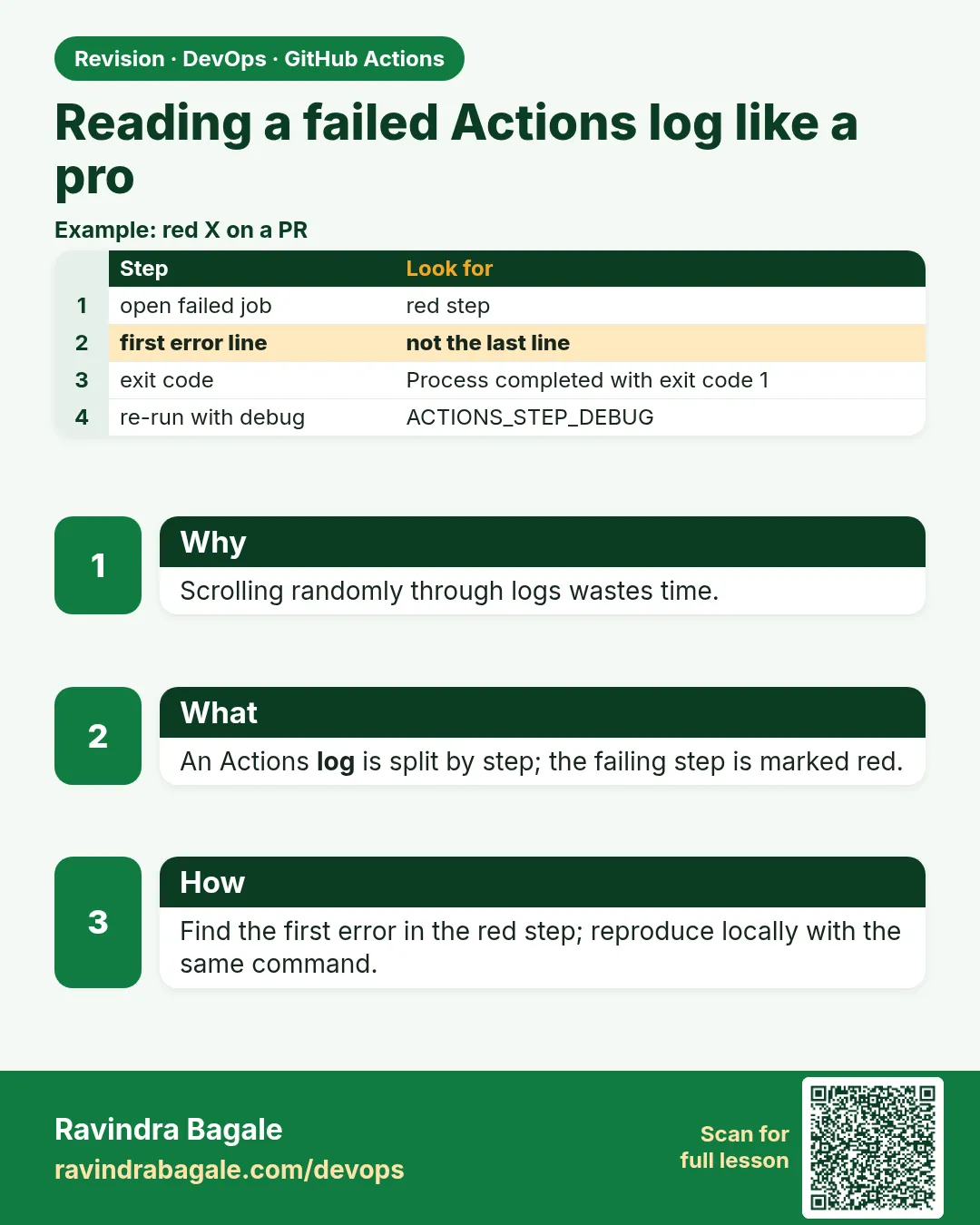 Revision card
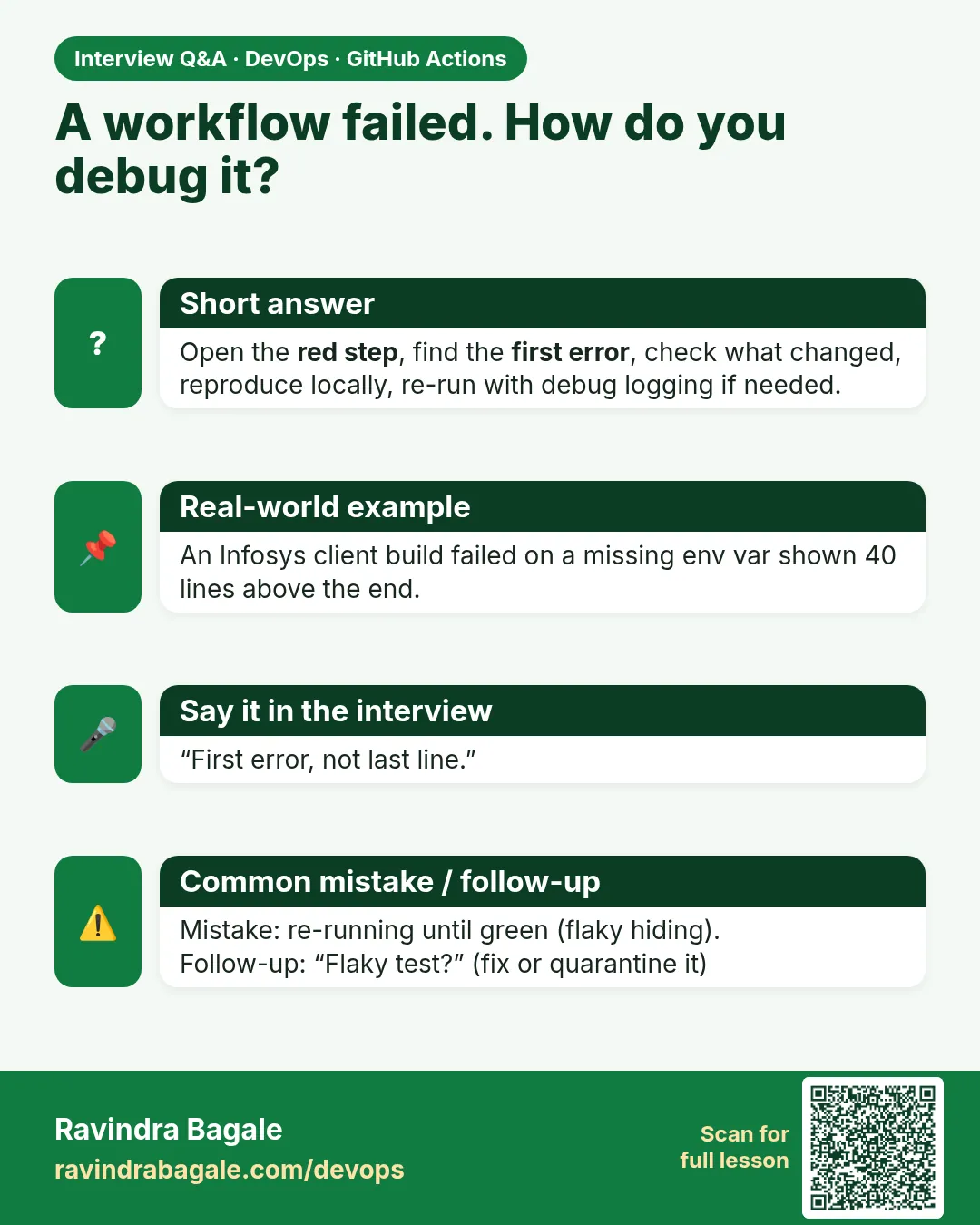 Interview card