Chapter 9: GitHub Actions Hands-On
9.5b Local act / dry thinking before push
Why: the problem
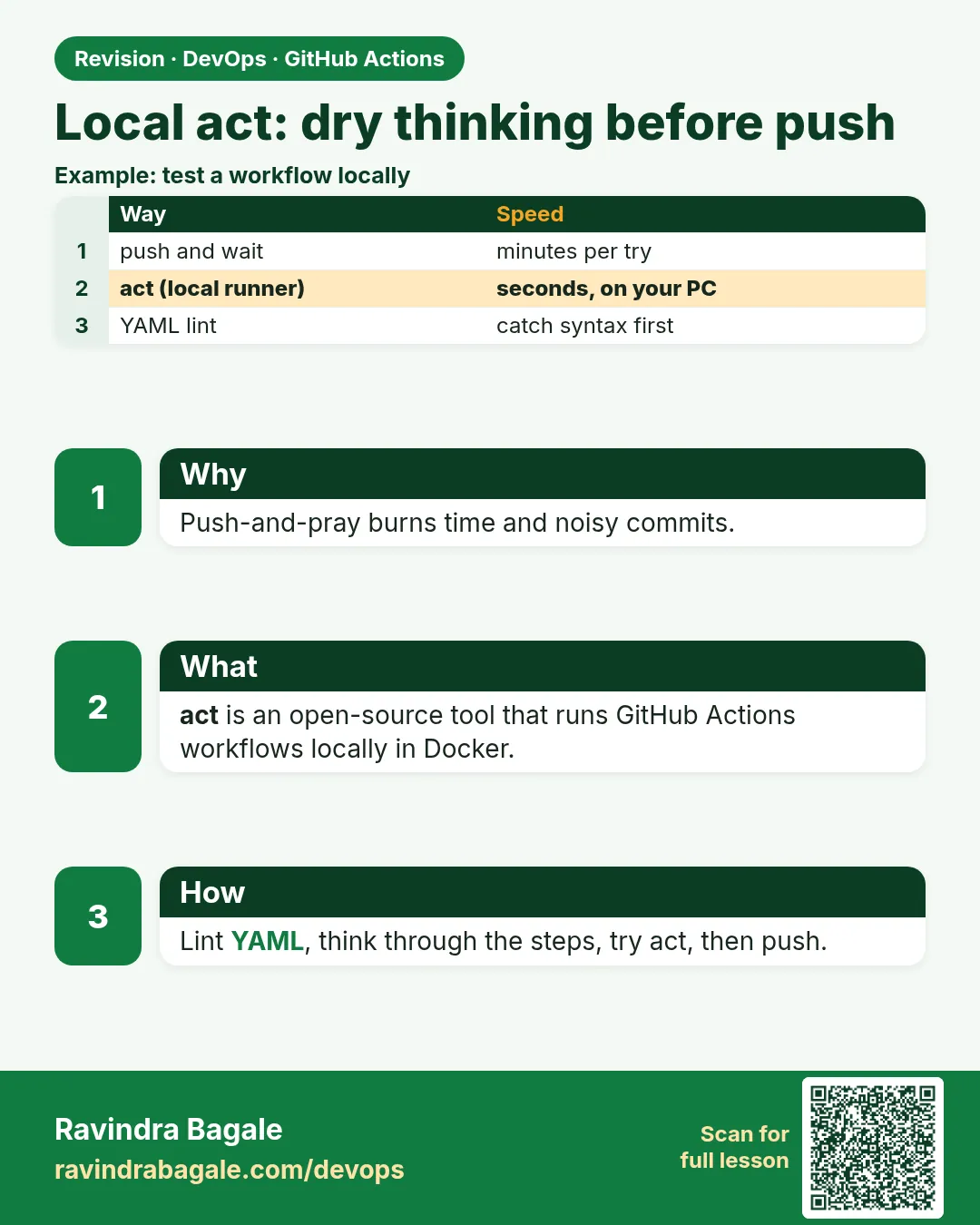
Suppose we are at Infosys. A trainee changes the workflow file, pushes, waits 4 minutes, sees a YAML error, fixes one space, pushes again, waits again. Twelve pushes later the history is full of "fix ci" commits. Every try costs minutes and runner time. The better way: check the workflow on your laptop before you push. Lint the YAML, run the same commands locally, and use a tool called act to run the workflow in Docker on your own machine.
What we will build
You will check workflows locally in three ways: actionlint to catch mistakes in seconds, running the same test commands in a container, and act to run a whole job in Docker. You will try it on a Python, a Node.js and a shell project.
What: every term in plain English
- actionlint — A small tool that checks workflow files for errors, like wrong keys and bad expressions.
- act — An open-source tool that runs workflows locally using Docker containers.
- Runner image — The Docker image act uses to pretend to be the hosted runner.
- Dry run — Show what would run, without running it. act -n.
- .actrc — A settings file for act, like which image to use.
- Feedback loop — The time between a change and knowing if it works. Shorter is better.
How: step by step
-
Install actionlint
bash -c "$(curl -fsSL https://raw.example.com/actionlint/download-actionlint.bash)" && sudo mv actionlint /usr/local/bin/What it does: Downloads one binary. Use the official install page of the project.
Output
actionlint 1.7.3 -
Lint all workflows
actionlintWhat it does: Checks every file in .github/workflows.
Output
(no output means no problems) -
Install act
curl -fsSL https://raw.example.com/nektos/act/install.sh | sudo bash -s -- -b /usr/local/binWhat it does: Needs Docker running.
Output
act version 0.2.68 -
List jobs act sees
act -lWhat it does: Shows jobs and events.
Output
Stage Job ID Job name Workflow name Events 0 test test ci push,pull_request -
Run the push event locally
act push -j testWhat it does: Runs the test job in a container.
Output
[ci/test] 🏁 Job succeeded
Example 1: Catch a typo before pushing with actionlint
Stack. Any repo, actionlint
Goal. Catch a typo before pushing with actionlint.
.github/workflows/ci.yml (with mistakes)
name: ci
on: [push]
jobs:
  test:
    runs-on: ubuntu-latest
    steps:
      - uses: actions/checkout@v4
      - run: echo "${{ github.shaa }}"
      - uses: actions/setup-python@v5
        with:
          python_version: "3.12"
What each line does
github.shaa— A typo; the real property is github.sha.python_version— Wrong input name; it is python-version with a dash.actionlint— Finds both in under a second.
Green output
.github/workflows/ci.yml:8:24: property "shaa" is not defined in object type {...} [expression]
.github/workflows/ci.yml:11:11: input "python_version" is not defined in action "actions/setup-python@v5". available inputs are "python-version", "cache", ... [action]
Expected result. Two bugs fixed without a single push.
Example 2: Python: run the CI commands in the same container image
Stack. Python, Docker
Goal. Python: run the CI commands in the same container image.
Terminal
docker run --rm -v "$PWD":/src -w /src python:3.12-slim \
  sh -c "pip install -q -r requirements.txt && pytest -q"
What each line does
docker run --rm— Throwaway container, removed after.-v "$PWD":/src -w /src— Mount your code and work there.python:3.12-slim— Same Python version as CI.sh -c "..."— Run the exact CI commands.
Green output
3 passed in 0.21s
Expected result. If it passes here, it almost always passes in CI too.
Example 3: Node
Stack. Node.js, act, Docker
Goal. Node.js: run the whole job with act.
.actrc
-P ubuntu-latest=catthehacker/ubuntu:act-22.04
Terminal
act -n push -j test
act push -j test
act pull_request -j test --secret-file .secrets.local
What each line does
-P ubuntu-latest=...— Maps the runner label to a Docker image with common tools.act -n— Dry run: shows steps only.act push -j test— Runs only the test job for a push event.--secret-file .secrets.local— Fake local secrets file. Add it to .gitignore.
Green output
[ci/test] ⭐ Run Main actions/setup-node@v4
[ci/test]   ✅  Success - Main actions/setup-node@v4
[ci/test] ⭐ Run Main npm ci
[ci/test]   | added 312 packages in 7s
[ci/test] ⭐ Run Main npm test
[ci/test]   | Tests: 4 passed, 4 total
[ci/test] 🏁  Job succeeded
Expected result. The full job ran on your laptop in about 40 seconds, with no push.
Example 4: Shell scripts: lint workflows and scripts as a CI job too
Stack. Bash, shellcheck, actionlint
Goal. Shell scripts: lint workflows and scripts as a CI job too.
.github/workflows/lint.yml
name: lint
on: [pull_request]
jobs:
  lint:
    runs-on: ubuntu-latest
    steps:
      - uses: actions/checkout@v4
      - name: actionlint
        run: |
          curl -fsSL -o al.tgz https://downloads.example.com/actionlint_1.7.3_linux_amd64.tar.gz
          tar xzf al.tgz actionlint
          ./actionlint -color
      - name: shellcheck
        run: shellcheck scripts/*.sh
scripts/deploy.sh (with a bug)
#!/usr/bin/env bash
set -euo pipefail
DIR=$1
rm -rf $DIR/build
What each line does
actionlint -color— Same check as on your laptop, now enforced for everyone.shellcheck scripts/*.sh— Checks shell scripts for common bugs. It is already on hosted Ubuntu runners.rm -rf $DIR/build— Dangerous: if DIR is empty, it becomes rm -rf /build. shellcheck warns to quote it.
Green output
Run shellcheck scripts/*.sh
In scripts/deploy.sh line 4:
rm -rf $DIR/build
       ^--^ SC2086 (info): Double quote to prevent globbing and word splitting.
Error: Process completed with exit code 1.
Expected result. The pull request is red until the script quotes the variable. A real bug caught before it deleted a folder.
Verify: did it work?
-
Lint in a pre-commit hook
echo "actionlint" > .git/hooks/pre-commit && sh .git/hooks/pre-commitWhat it does: Optional: lint on every commit.
Output
(no output means clean) -
Check act used the right image
docker ps --format "{{.Image}}" | grep actWhat it does: While act runs, you see the container.
Output
catthehacker/ubuntu:act-22.04
When it is red 1
Error: Cannot connect to the Docker daemon at unix:///var/run/docker.sock
Cause. act needs Docker running.
Fix, step by step
- Start Docker Desktop or sudo systemctl start docker.
- Run act again.
When it is red 2
[ci/test] ❌ Failure - Main actions/setup-python@v5
The version 3.12 with architecture x64 was not found
Cause. The small act image does not have the tool cache.
Fix, step by step
- Use the medium image from .actrc above.
- Or run the test commands in a python image instead.
When it is red 3
Error: unknown flag: --secret-fil
Cause. A typo in the act flag.
Fix, step by step
- Run act --help.
- Use --secret-file.
When it is red 4
Error: This workflow has no jobs for event pull_request
Cause. act ran an event that the workflow does not listen to.
Fix, step by step
- Run act -l to see the events each job supports.
- Run act push instead, or add pull_request to on:.
Cleanup
-
Remove act containers and images
docker container prune -f && docker image rm catthehacker/ubuntu:act-22.04What it does: act images are large.
Output
Untagged: catthehacker/ubuntu:act-22.04
Ravindra Bagale's Tip
Instead of pushing twelve times, run actionlint once. You save time and minutes both!
बारा वेळा push करण्यापेक्षा एकदा actionlint चालवा. वेळ आणि minutes दोन्ही वाचतात!
बारह बार push करने से बेहतर एक बार actionlint चलाओ. समय और minutes दोनों बचते हैं!
Practice tasks
Easy Lint first
Why: Seconds, not minutes.
What to do: Run actionlint on every workflow.
- Fix every warning.
Check: actionlint prints nothing.
Medium Dry run
Why: See the plan.
What to do: Run act -n push.
- Read the step list.
Check: You know what will run.
Hard Full local job
Why: Fewer pushes.
What to do: Run a full job with act.
- Use .actrc image.
Check: Job succeeded locally.
Easy Say local workflow checks in two lines
Why: If you can say it simply, you understand it. Juniors and interviewers both want the short version first.
What to do: Write two short lines about local workflow checks for a fresher who knows only Linux and Git basics.
- Write the problem it solves.
- Write the one workflow line or command you use for it.
- Read it aloud to a friend.
Check: A fresher understands it without asking a question.
Easy Make a throwaway practice repo
Why: Practice needs a repo you can break. If the workflow history gets messy, you delete the repo and start again.
What to do: Create a new empty repo named actions-lab with one small app and push it.
- mkdir actions-lab && cd actions-lab && git init -b main
- Add app code and a test file.
- git remote add origin https://git.example.com/ravi/actions-lab.git && git push -u origin main
Check: The Actions tab of the repo shows your first run.
Medium Do it on a second stack
Why: A CI idea must work for Node.js, Python and Java. Only the setup and test lines should change.
What to do: Repeat this lesson with a different language than the one you used first.
- If you used Python, use Node.js now.
- Change only the setup action and the test command.
- Keep the same job names.
Check: Same result, and the job names did not change.
Medium Break it on purpose
Why: You must know the red log by face. In a real outage there is no time to read slowly.
What to do: Cause one error from the "When it is red" part of this lesson and fix it.
- Follow the error section.
- Copy the exact message into your notes.
- Write the fix in one line.
Check: You fixed it using only the steps, without searching the web.
Medium Write a one-page runbook
Why: At 2 a.m. nobody remembers YAML keys. A short page saves the on-call person.
What to do: Write a one-page runbook for this lesson.
- Title, when to use, exact YAML or commands, how to check, how to undo.
Check: A teammate can follow it alone.
Hard Explain it like an interview
Why: Interviewers want real stories, not definitions.
What to do: Record a 60 second answer about this lesson.
- Say the problem, the workflow lines you wrote, and one error you hit.
Check: Your answer has a real YAML line and a real error message.
Hard Draw the flow top to bottom
Why: A drawing shows the order of work and which job waits for which.
What to do: Draw this lesson as boxes from top to bottom.
- Start at git push, go through each job and step, end at the green check or the deployed app.
Check: Each box matches a real step in your run log.
Homework: try at home
Try at home
At home, install actionlint, put two typos in a workflow and let it find them. Then run your test job with act or with a docker run of the same image.
Recap
- Lint workflows locally with actionlint.
- Run the same commands in the same image.
- act runs jobs in Docker on your laptop.
- Push once, not twelve times.
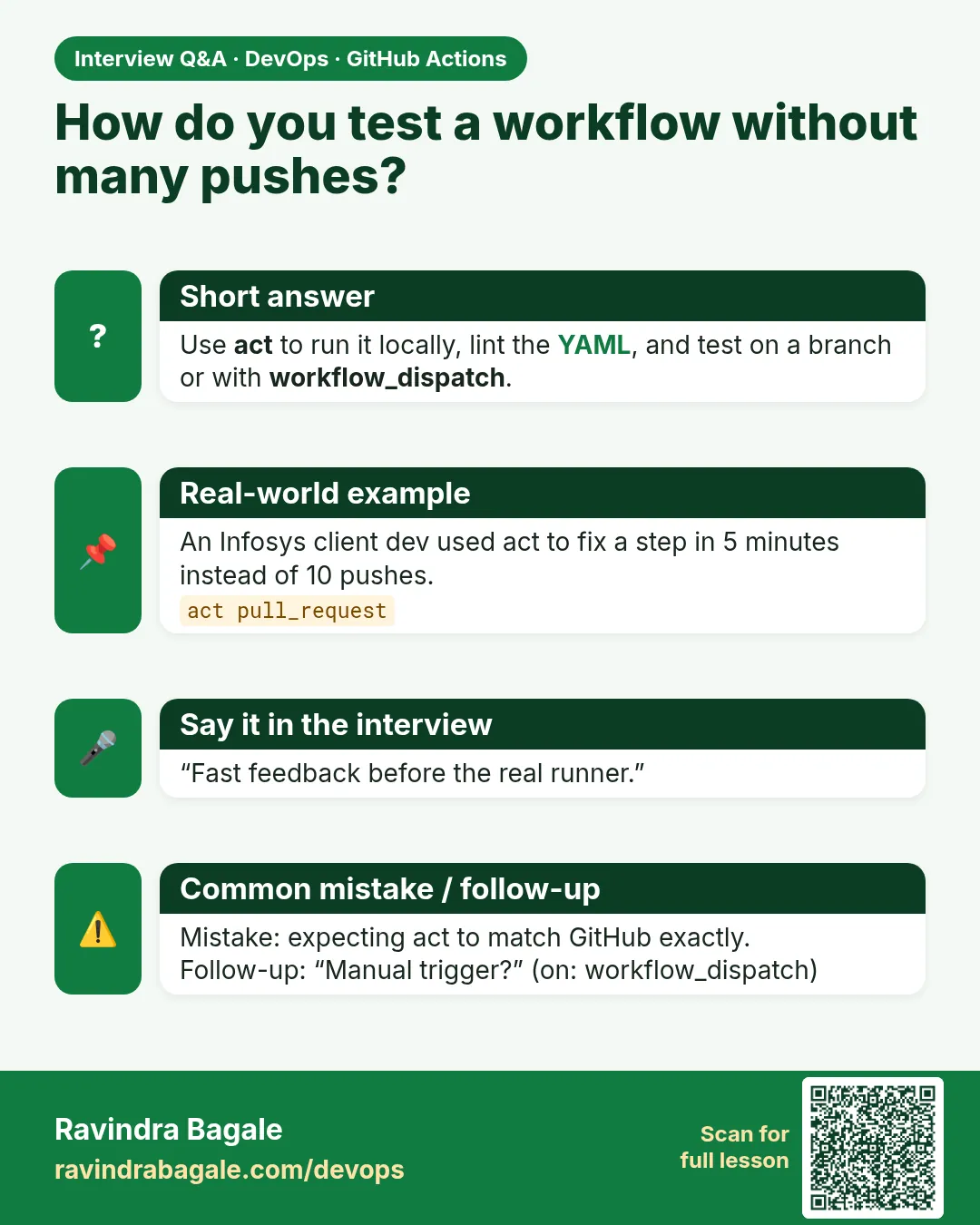
- act is close to, not equal to, hosted runners.
FAQ
Can act run every action?
Most. Some platform-only features do not work.
Do I need real secrets with act?
No. Use fake values in a local file kept out of Git.
Is actionlint safe to add to CI?
Yes, many teams run it as a job.
Why are act images big?
They copy many runner tools.
Does act cost runner minutes?
No, it runs on your machine.
Interview questions
-
How do you test workflow changes without many pushes?
actionlint, local runs of the same commands, and act.
-
What is act?
A tool that runs workflows locally in Docker.
-
Limits of act?
Different images, some services and OIDC not available.
-
How do you avoid fix-ci commit noise?
Lint locally and squash fix commits.
-
What does a short feedback loop give?
Faster learning and fewer broken runs.
Quick quiz
Q1. What does actionlint check?
Workflow syntax, expressions and action inputs.
Q2. What does act need?
Docker.
Q3. What does act -n do?
A dry run.
Q4. Why run CI commands locally?
Faster feedback, fewer fix commits.
Q5. Is act 100 percent the same as hosted runners?
No, it is close but not identical.
Did you understand? Let us try it once more.
 Revision card
 Interview card