Ravi Sir's Cards › Generative AI
Build mode facts
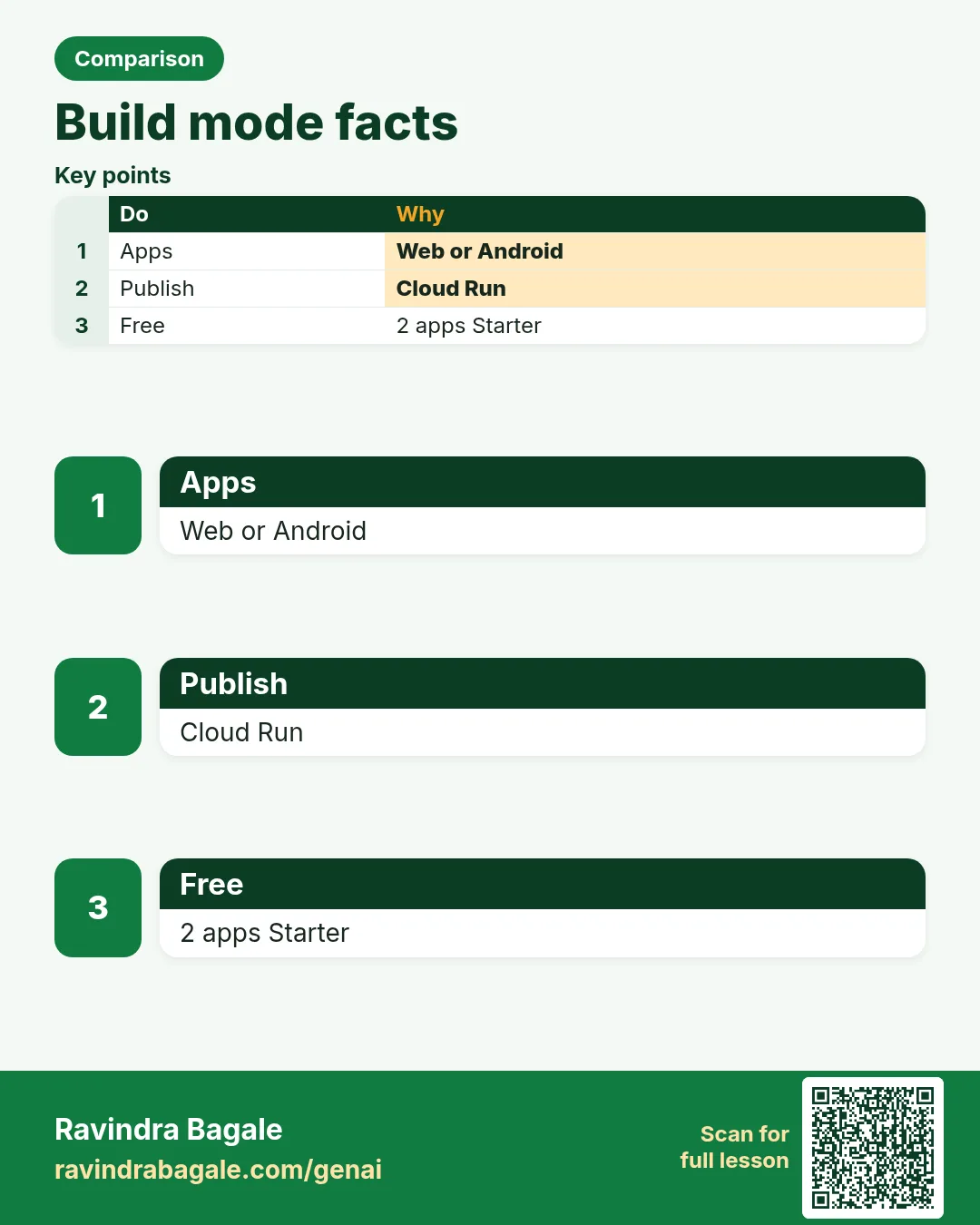
This comparison card lists three key facts about Build mode in Google AI Studio. First, it can build two kinds of apps from a prompt: web apps, and native Android apps that you preview in a browser-based Android emulator. Second, a finished web app can be published to Cloud Run, while an Android app is installed on a phone or sent to Google Play internal testing. Third, Google says Starter Tier accounts can deploy their first two apps at no cost without a credit card, so check the current limits before you publish more.
Read card text
What this card says
This comparison card lists three key facts about Build mode in Google AI Studio. First, it can build two kinds of apps from a prompt: web apps, and native Android apps that you preview in a browser-based Android emulator. Second, a finished web app can be published to Cloud Run, while an Android app is installed on a phone or sent to Google Play internal testing. Third, Google says Starter Tier accounts can deploy their first two apps at no cost without a credit card, so check the current limits before you publish more.
Learn this in the lesson: Google AI Studio Build Mode: Make an App Free from a Prompt