Chapter 11: Ansible Introduction
11.5b ansible.cfg for friendlier labs
Why: the problem
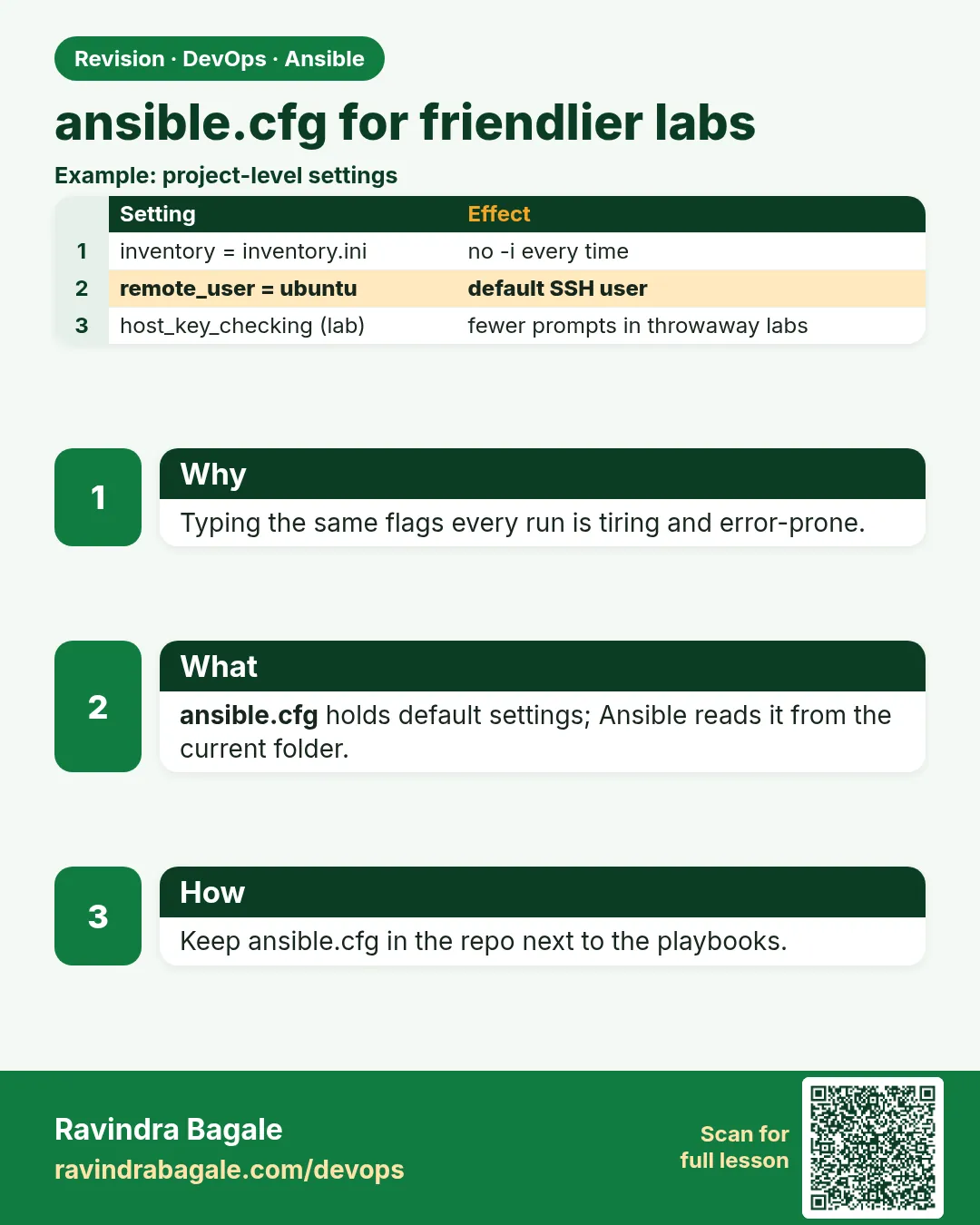
Suppose we are at Wipro and every command needs -i inventory/hosts.ini -u ubuntu --private-key ... It is long, and one teammate forgets -i and hits the wrong servers. ansible.cfg is a settings file. Put it next to your playbooks, and Ansible reads it by itself. Then the command becomes short and the same for everyone.
What we will build
You will write an ansible.cfg for the project, see which config Ansible uses, speed up runs with pipelining and forks, and make a separate config for a CI runner.
What: every term in plain English
- ansible.cfg — A settings file that Ansible reads before every run.
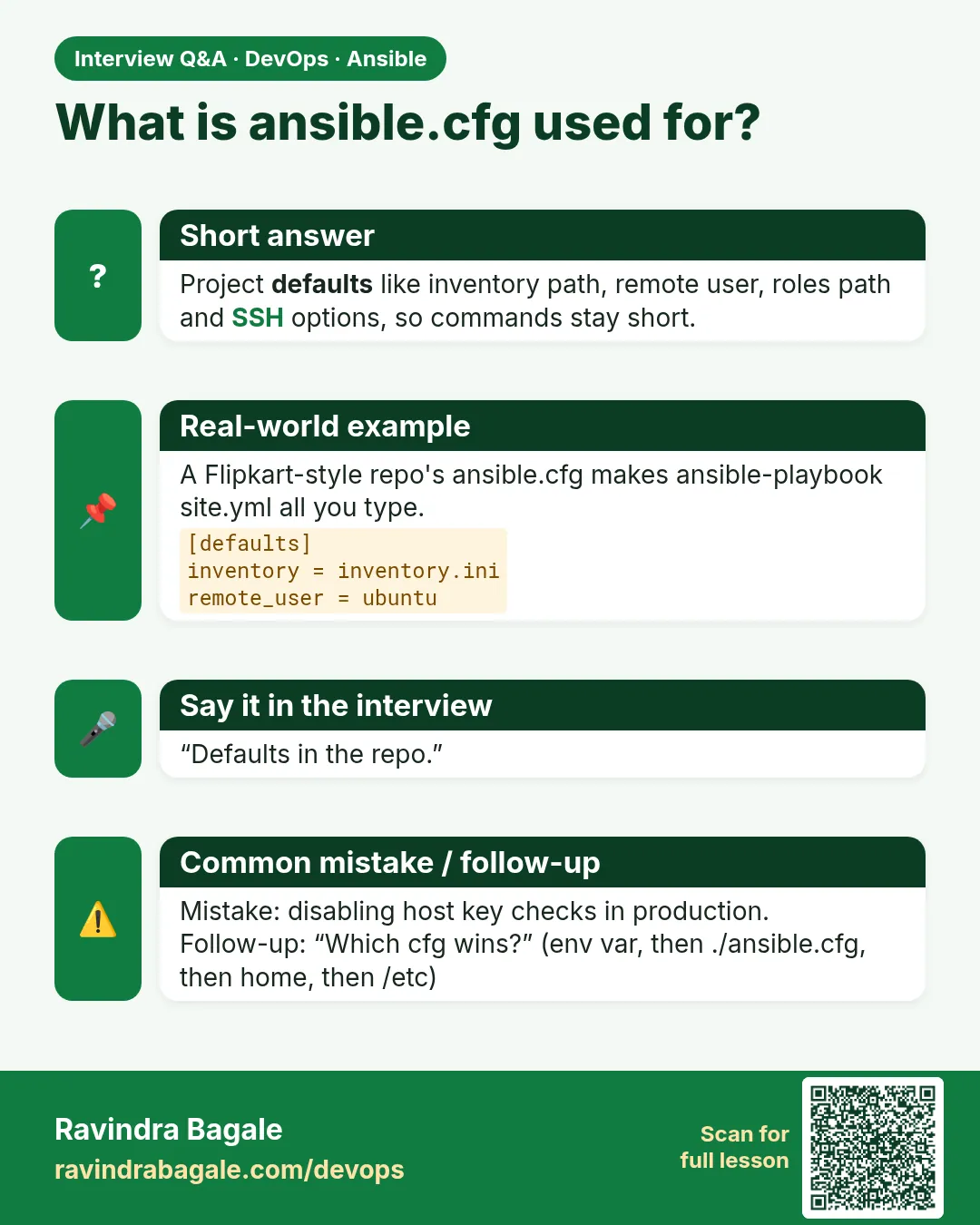
- Config order — ANSIBLE_CONFIG env, then ./ansible.cfg, then ~/.ansible.cfg, then /etc/ansible/ansible.cfg. The first one found wins.
- forks — How many hosts Ansible works on at the same time.
- pipelining — Fewer SSH steps per task, so runs are faster.
- host_key_checking — Ansible checks the server key, like SSH does. Keep it on for safety.
- ansible-config — A command that shows which settings are active.
How: step by step
-
See which config is used now
ansible --version | grep "config file"What it does: No file yet.
Output
config file = None -
Write ansible.cfg in the project
cat > ansible.cfgWhat it does: Paste example 1, press Ctrl+D.
Output
(no output) -
Check again
ansible --version | grep "config file"What it does: Now the project file is used.
Output
config file = /home/ravi/shop-ansible/ansible.cfg -
See only changed settings
ansible-config dump --only-changedWhat it does: Lists what your file changed from defaults.
Output
DEFAULT_FORKS(/home/ravi/shop-ansible/ansible.cfg) = 10 DEFAULT_HOST_LIST(/home/ravi/shop-ansible/ansible.cfg) = ['/home/ravi/shop-ansible/inventory/hosts.ini'] -
Run without -i
ansible web -m ping -oWhat it does: Inventory comes from the config.
Output
web1 | SUCCESS => {"ping": "pong"} -
Time a run
time ansible-playbook playbooks/web_welcome.ymlWhat it does: Note the real time.
Output
real 0m14.2s -
Turn on pipelining and time again
time ansible-playbook playbooks/web_welcome.ymlWhat it does: Fewer SSH round trips.
Output
real 0m7.9s
Example 1: Project ansible
Stack. ansible.cfg, INI format
Goal. Project ansible.cfg for a lab team.
ansible.cfg
# ansible.cfg - lives next to the playbooks
[defaults]
inventory = inventory/hosts.ini
remote_user = ubuntu
host_key_checking = True
retry_files_enabled = False
stdout_callback = yaml
forks = 10

[privilege_escalation]
become_method = sudo
What each line does
inventory =— Default inventory, so no -i needed.remote_user— Default SSH user.host_key_checking = True— Refuse unknown server keys.stdout_callback = yaml— Easier to read output.forks = 10— Ten hosts at a time.
Green output
$ ansible-config dump --only-changed
DEFAULT_FORKS = 10
DEFAULT_HOST_LIST = ['/home/ravi/shop-ansible/inventory/hosts.ini']
DEFAULT_REMOTE_USER = ubuntu
DEFAULT_STDOUT_CALLBACK = yaml
RETRY_FILES_ENABLED = False
Expected result. Short commands, same settings for everyone who clones the repo.
Example 2: Faster runs: pipelining and SSH connection reuse
Stack. OpenSSH ControlMaster
Goal. Faster runs: pipelining and SSH connection reuse.
ansible.cfg (extra part)
[ssh_connection]
pipelining = True
ssh_args = -o ControlMaster=auto -o ControlPersist=60s
What each line does
pipelining = True— Send the module through the open SSH session.ControlPersist=60s— Keep the SSH connection open for 60 seconds and reuse it.
Green output
$ time ansible-playbook playbooks/web_welcome.yml
web1 : ok=4 changed=0 unreachable=0 failed=0
web2 : ok=4 changed=0 unreachable=0 failed=0
real    0m7.9s
Expected result. Almost twice as fast on the same servers.
Example 3: A CI runner config chosen with ANSIBLE_CONFIG
Stack. Any CI runner (Jenkins, GitLab CI)
Goal. A CI runner config chosen with ANSIBLE_CONFIG.
ci/ansible-ci.cfg
[defaults]
inventory = inventory/staging.ini
host_key_checking = True
stdout_callback = default
callback_result_format = yaml
nocolor = True
forks = 20
ci step
export ANSIBLE_CONFIG=ci/ansible-ci.cfg
export ANSIBLE_PRIVATE_KEY_FILE="$CI_SSH_KEY_PATH"
ansible-playbook playbooks/web_welcome.yml
What each line does
ANSIBLE_CONFIG— Env var with the highest priority.nocolor— Clean logs in CI.$CI_SSH_KEY_PATH— The CI system gives the key path as a secret env value.
Green output
$ ansible --version | grep "config file"
  config file = /builds/shop-ansible/ci/ansible-ci.cfg
Expected result. CI uses staging inventory and its own settings.
Verify: did it work?
-
Config in use
ansible --version | grep "config file"What it does: The project file.
Output
config file = /home/ravi/shop-ansible/ansible.cfg -
Inventory picked up
ansible all --list-hostsWhat it does: No -i needed.
Output
hosts (3): web1 web2 db1 -
One setting
ansible-config dump | grep ^DEFAULT_FORKSWhat it does: Shows the value and source.
Output
DEFAULT_FORKS(/home/ravi/shop-ansible/ansible.cfg) = 10 -
Check SSH reuse is working
ls ~/.ansible/cp/What it does: ControlPersist keeps a socket file for each open connection. If you see files here right after a run, connection reuse works.
Output
a1b2c3d4e5 f6a7b8c9d0
When it is red 1
[WARNING]: Ansible is being run in a world writable directory (/mnt/c/shop-ansible), ignoring it as an ansible.cfg source.
Cause. For safety, Ansible ignores a config in a folder anyone can write, common on WSL /mnt/c.
Fix, step by step
- Move the project into your Linux home, like ~/shop-ansible.
- Or set ANSIBLE_CONFIG to the file path.
When it is red 2
[WARNING]: provided hosts list is empty, only localhost is available
Cause. The inventory path in ansible.cfg is wrong.
Fix, step by step
- Check the inventory = line.
- Run ansible-config dump --only-changed.
When it is red 3
Host key verification failed.
Cause. A new server key is not in known_hosts.
Fix, step by step
- ssh to the server once and check the fingerprint.
- Or add it with ssh-keyscan from a trusted network.
- Do not turn off host_key_checking in prod.
Cleanup
-
Nothing to remove
git status --short ansible.cfgWhat it does: Keep the file in Git.
Output
A ansible.cfg
Ravindra Bagale's Tip
Keep ansible.cfg in the project folder. Then you stop typing -i on every command.
Project folder मध्ये ansible.cfg ठेवा. प्रत्येक command मध्ये -i लिहायचा त्रास संपेल.
Project folder में ansible.cfg रखो. हर command में -i लिखने का झंझट खत्म.
Practice tasks
Easy Show your config
Why: Know your settings.
What to do: Run ansible-config dump --only-changed and explain each line.
- Run the command.
- Write one line per setting.
Check: Every line is explained.
Medium Make a staging config
Why: CI and humans differ.
What to do: Write ci/ansible-ci.cfg and use it with ANSIBLE_CONFIG.
- export ANSIBLE_CONFIG=ci/ansible-ci.cfg
- ansible all --list-hosts
Check: Only staging hosts are listed.
Easy Say ansible.cfg in two lines
Why: If you can say it simply, you understand it. Interviewers and juniors both need the short version first.
What to do: Write two short lines about ansible.cfg for a fresher who knows only Linux basics.
- Write the problem it solves.
- Write the one command or file you use for it.
- Read it aloud to a friend.
Check: A fresher understands it without asking a question.
Easy Start a two-server Ansible lab
Why: Practice needs safe throwaway servers. If you break them, you delete them and start again in one minute.
What to do: Start two Ubuntu containers that accept SSH, and one control machine with Ansible.
- python3 -m pip install --user ansible-core
- docker run -d --name web1 -p 2221:22 lscr.io/linuxserver/openssh-server
- docker run -d --name web2 -p 2222:22 lscr.io/linuxserver/openssh-server
- ansible --version
Check: ansible --version prints a core version, and ssh to both ports works.
Medium Do it on the second setup
Why: The idea must work on a VM, a container and a cloud server. Only the inventory should change, never the playbook.
What to do: Repeat this lesson on a different target than the one you used first.
- If you used containers, use one EC2 or local VM now.
- Change only the inventory file.
- Run the same playbook.
Check: Same result, and you changed only the inventory.
Medium Break it on purpose
Why: You must know the red output by face. On a real outage there is no time to read slowly.
What to do: Cause one error from the "When it is red" part of this lesson and fix it.
- Follow the error section.
- Copy the exact message into your notes.
- Write the fix in one line.
Check: You fixed it using the steps, without searching the web.
Medium Run it twice and read the recap
Why: Idempotence is the heart of Ansible.
What to do: Run your playbook or command two times and compare the PLAY RECAP lines.
- Run once and note changed=.
- Run again with no edits.
- Explain any task that still says changed.
Check: The second run shows changed=0, or you can explain every change.
Medium Write a runbook page
Why: At 2 a.m. nobody remembers flags. A short written page saves the on-call person.
What to do: Write a one-page runbook for this lesson.
- Title, when to use, exact commands, how to check, how to undo.
Check: A teammate can follow it alone.
Hard Explain it like an interview
Why: Interviewers want real stories, not definitions.
What to do: Record a 60 second answer about this lesson.
- Say the problem, the playbook or command, and one error you hit.
Check: Your answer has a real command and a real error message.
Hard Draw the flow top to bottom
Why: A drawing shows the order of work.
What to do: Draw this lesson as boxes from top to bottom.
- Start at your laptop, go through SSH, end at the check on the server.
Check: Each box matches a real step you ran.
Homework: try at home
Try at home
At home, create ansible.cfg in your lab project with inventory, remote_user and forks. Time a playbook before and after pipelining.
Recap
- ansible.cfg makes commands short and the same for everyone.
- Search order: ANSIBLE_CONFIG, ./ansible.cfg, ~/.ansible.cfg, /etc/ansible.
- Pipelining and ControlPersist make runs faster.
- Keep host_key_checking on.
- Never put passwords or keys in ansible.cfg.
FAQ
Can I commit ansible.cfg?
Yes. It has no secrets if you follow the rules.
Why is my ansible.cfg ignored?
The folder may be world writable, or ANSIBLE_CONFIG points elsewhere.
Does pipelining need anything on the server?
sudo must not require a tty (requiretty off), which is the default on modern Linux.
How big should forks be?
Start with 10 to 20. Larger needs more CPU on the control node.
Can I set settings with env vars?
Yes, like ANSIBLE_FORKS=30.
What is the difference between ansible.cfg and the inventory?
The inventory says which servers. ansible.cfg says how Ansible behaves: user, forks, output style and SSH options.
Can I have one ansible.cfg per environment?
Yes. Keep one per folder, or pick one with ANSIBLE_CONFIG in each CI job. Keep secrets out of all of them.
Interview questions
-
What is the precedence order for ansible.cfg?
ANSIBLE_CONFIG env var, ansible.cfg in the current folder, ~/.ansible.cfg, then /etc/ansible/ansible.cfg.
-
How do you speed up Ansible?
Pipelining, ControlPersist, more forks, turning off facts when not needed, and the free strategy.
-
Why keep host_key_checking on?
It stops man-in-the-middle attacks on SSH.
-
How do you debug which setting is used?
ansible-config dump --only-changed shows value and source file.
-
Where do you set the CI config?
With ANSIBLE_CONFIG in the CI job, and keys from CI secrets as env values.
-
What does the yaml stdout callback change?
Only the look of the output. Results print as readable YAML instead of one long JSON line.
-
Why is retry_files_enabled usually False?
Retry files clutter the folder. Teams prefer --limit with the failed host names from the recap.
Quick quiz
Q1. Which config wins first?
The file in ANSIBLE_CONFIG.
Q2. Where should the team config live?
In the project folder, in Git.
Q3. What does forks control?
How many hosts run at the same time.
Q4. What speeds up SSH?
pipelining and ControlPersist.
Q5. How do you see changed settings?
ansible-config dump --only-changed
Did you understand? Let us try it once more.
 Revision card
 Interview card