Chapter 11: Ansible Introduction
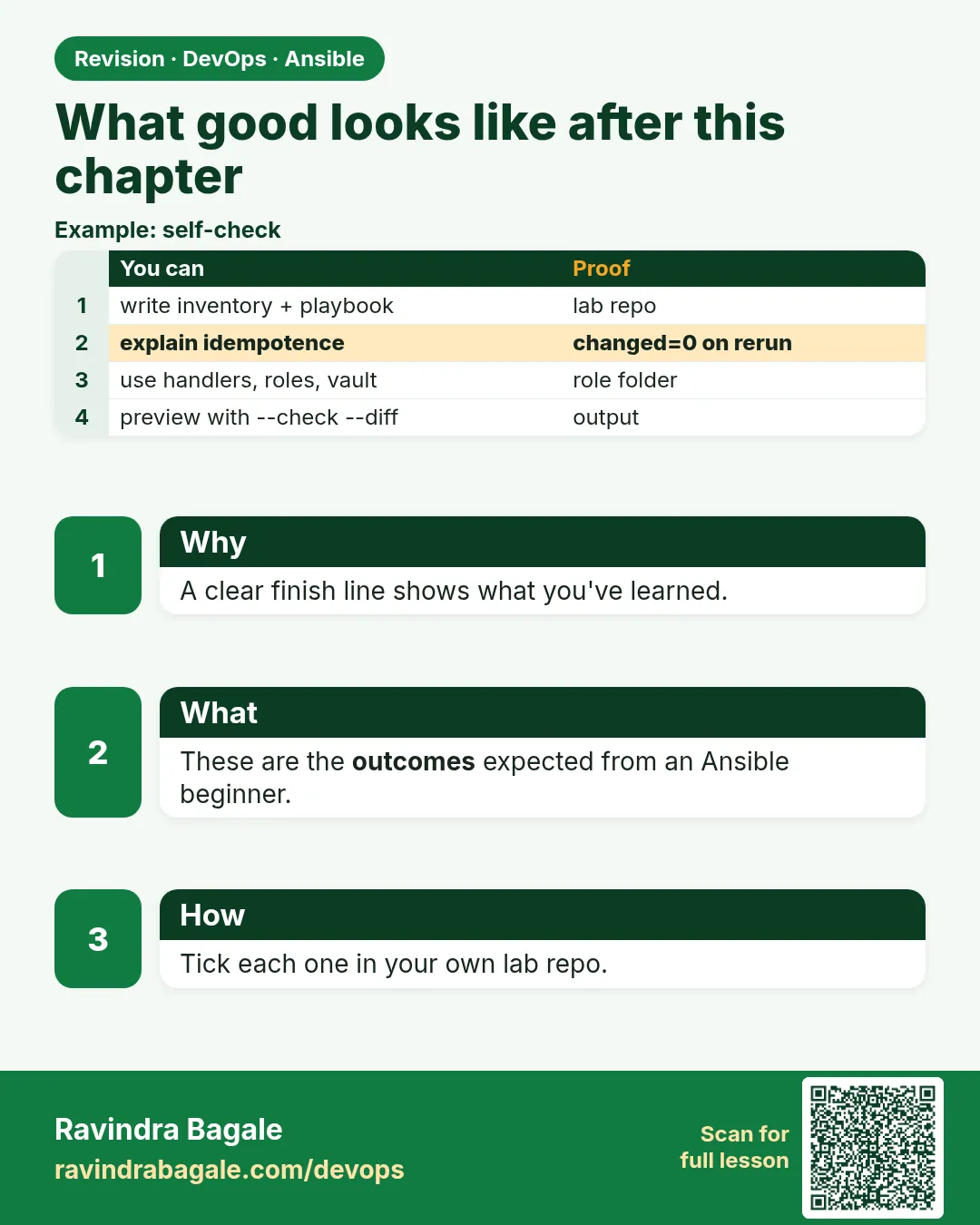
11.13 What good looks like after this chapter
Why: the problem
Suppose you join Zomato as a junior DevOps engineer next month. On day one your lead says: here are three servers, make them match, and do not break production. If you finished this chapter well, you can do it calmly. This lesson is a self check. It shows what good looks like, with one complete run across stacks, so you know you are ready for Terraform next.
What we will build
You will run one final check: a skills checklist, a site.yml that sets up web, app and database servers together, a proof run with check, diff and a second run, and a short self review before moving to Terraform.
What: every term in plain English
- Configuration management — Keeping many servers in a known, repeatable state.
- Provisioning — Creating servers; Terraform does this next chapter.
- Desired state — What the server should look like, written in YAML.
- Drift — When a server changes away from the desired state.
- Check mode — A dry run that reports what would change.
- Self review — You test yourself against a list before moving on.
How: step by step
-
Ping everything
ansible all -m pingWhat it does: All pong.
Output
web1 | SUCCESS web2 | SUCCESS db1 | SUCCESS -
Lint
ansible-lint playbooks/What it does: Clean.
Output
Passed: 0 failure(s), 0 warning(s) -
Dry run full site
ansible-playbook playbooks/site.yml --check --diffWhat it does: Planned changes only.
Output
db1 : ok=9 changed=2 -
Real run
ansible-playbook playbooks/site.ymlWhat it does: Green.
Output
web1 : ok=14 changed=4 failed=0 -
Smoke test
curl -s http://10.0.1.11/api/healthWhat it does: App healthy.
Output
{"status":"ok"} -
Second run
ansible-playbook playbooks/site.yml | tail -4What it does: changed=0 everywhere.
Output
db1 : ok=9 changed=0 web1 : ok=14 changed=0 -
Drift check
ansible-playbook playbooks/site.yml --check | grep changed=What it does: Shows any host that drifted.
Output
web1 : ok=14 changed=0
Example 1: Full site
Stack. Node.js, MongoDB, nginx
Goal. Full site.yml: nginx web, Node.js app, MongoDB database.
playbooks/site.yml
- name: Common baseline
  hosts: all
  become: true
  roles: [common]

- name: Database
  hosts: db
  become: true
  roles: [mongodb]

- name: App and web
  hosts: web
  become: true
  serial: 1
  roles: [node_app, nginx]
group_vars/db.yml
mongo_bind_ip: "0.0.0.0"
mongo_admin_password: "{{ lookup('env', 'MONGO_ADMIN_PASSWORD') }}"   # CHANGE_ME
group_vars/web.yml
app_port: 3000
mongo_url: "mongodb://{{ hostvars['db1'].ansible_host }}:27017/shop"
What each line does
Common baseline— Users, time zone, updates for all.serial: 1— Web servers update one at a time.hostvars['db1']— Web servers learn the DB IP from inventory.
Green output
PLAY [Common baseline] ****
PLAY [Database] ***********
PLAY [App and web] ********
PLAY RECAP ****************
db1  : ok=9  changed=0 unreachable=0 failed=0
web1 : ok=14 changed=0 unreachable=0 failed=0
web2 : ok=14 changed=0 unreachable=0 failed=0
Expected result. Three plays, one command, and the second run is changed=0.
Example 2: Same site idea for a Java and PostgreSQL team: only the roles change
Stack. Java 17, PostgreSQL
Goal. Same site idea for a Java and PostgreSQL team: only the roles change.
playbooks/site_java.yml
- hosts: db
  become: true
  roles: [postgresql]
- hosts: app
  become: true
  serial: "50%"
  roles: [java_app]
group_vars/app.yml
java_package: openjdk-17-jre-headless
app_jar: orders-1.4.2.jar
db_url: "jdbc:postgresql://{{ hostvars['db1'].ansible_host }}:5432/orders"
db_password: "{{ lookup('env', 'ORDERS_DB_PASSWORD') }}"   # CHANGE_ME
What each line does
serial: "50%"— Half the app servers at a time.jdbc URL— Built from inventory, not hard coded.
Green output
app1 : ok=8 changed=0 failed=0
app2 : ok=8 changed=0 failed=0
db1  : ok=7 changed=0 failed=0
Expected result. The pattern is the same for every stack.
Example 3: Drift detection: someone edited a file by hand, and check mode finds it
Stack. Drift, nginx
Goal. Drift detection: someone edited a file by hand, and check mode finds it.
terminal
ssh ubuntu@10.0.1.12 "echo '# hotfix' | sudo tee -a /etc/nginx/sites-enabled/default"
ansible-playbook playbooks/site.yml --check --diff --limit web2 | grep -A3 "^---"
ansible-playbook playbooks/site.yml --limit web2
What each line does
--check --diff— Shows the hand edit as a change.Real run— Puts the file back to the Git version.
Green output
--- before: /etc/nginx/sites-enabled/default
+++ after: /etc/nginx/sites-enabled/default
-# hotfix
web2 : ok=14 changed=1 failed=0
Expected result. Git is the truth; hand edits are removed.
Example 4: Self review checklist you can copy into your notes
Stack. Self review
Goal. Self review checklist you can copy into your notes.
ready.md
- [ ] I can write an INI and a YAML inventory.
- [ ] I can run ad-hoc ping, apt and service commands.
- [ ] I can write a playbook with handlers and variables.
- [ ] I can split tasks into a role.
- [ ] I keep secrets in vault or env, never in Git.
- [ ] I can read a failed recap and fix it.
- [ ] I can do a rolling update with serial.
- [ ] I can show changed=0 on the second run.
What each line does
Checklist— Tick each line only if you did it in the lab.
Green output
$ grep -c "\[x\]" ready.md
8
Expected result. All eight ticked means you are ready for Terraform.
Verify: did it work?
-
All hosts healthy
ansible all -m ping | grep -c SUCCESSWhat it does: Equals host count.
Output
3 -
No drift
ansible-playbook playbooks/site.yml --check | grep -c "changed=[1-9]"What it does: 0
Output
0 -
App answers
curl -s -o /dev/null -w "%{http_code}\n" http://10.0.1.11What it does: 200
Output
200
When it is red 1
ERROR! A worker was found in a dead state
Cause. Control node ran out of memory with high forks.
Fix, step by step
- Lower forks in ansible.cfg.
- Close other heavy apps.
When it is red 2
fatal: [web1]: FAILED! => {"msg": "'dict object' has no attribute 'db1'"}
Cause. hostvars for db1 is missing because db1 was not in the run.
Fix, step by step
- Run without --limit, or gather facts for db first.
- Use the IP from group_vars in place of hostvars.
When it is red 3
changed=1 on every run for one task
Cause. That task is not idempotent, often shell or command.
Fix, step by step
- Use a module, or add creates or changed_when.
- Rerun twice to confirm.
Cleanup
-
Stop lab servers
aws ec2 stop-instances --instance-ids i-0abc123exampleWhat it does: Save money.
Output
"CurrentState": {"Name": "stopping"}
Ravindra Bagale's Tip
Fill the checklist. When every box is ticked, move on to Terraform.
Checklist भरून घ्या. सगळ्या boxes tick झाल्या की Terraform कडे चला.
Checklist भर लो. सारे boxes tick हों तो Terraform की तरफ चलो.
Practice tasks
Medium Full site run
Why: Put it all together.
What to do: Run site.yml on three hosts.
- Use the Node and MongoDB example.
Check: All green and second run changed=0.
Hard Drift drill
Why: Real world habit.
What to do: Edit a file by hand and catch it.
- --check --diff --limit host
Check: Diff shows the edit and the real run fixes it.
Easy Say chapter review in two lines
Why: If you can say it simply, you understand it. Interviewers and juniors both need the short version first.
What to do: Write two short lines about chapter review for a fresher who knows only Linux basics.
- Write the problem it solves.
- Write the one command or file you use for it.
- Read it aloud to a friend.
Check: A fresher understands it without asking a question.
Easy Start a two-server Ansible lab
Why: Practice needs safe throwaway servers. If you break them, you delete them and start again in one minute.
What to do: Start two Ubuntu containers that accept SSH, and one control machine with Ansible.
- python3 -m pip install --user ansible-core
- docker run -d --name web1 -p 2221:22 lscr.io/linuxserver/openssh-server
- docker run -d --name web2 -p 2222:22 lscr.io/linuxserver/openssh-server
- ansible --version
Check: ansible --version prints a core version, and ssh to both ports works.
Medium Do it on the second setup
Why: The idea must work on a VM, a container and a cloud server. Only the inventory should change, never the playbook.
What to do: Repeat this lesson on a different target than the one you used first.
- If you used containers, use one EC2 or local VM now.
- Change only the inventory file.
- Run the same playbook.
Check: Same result, and you changed only the inventory.
Medium Break it on purpose
Why: You must know the red output by face. On a real outage there is no time to read slowly.
What to do: Cause one error from the "When it is red" part of this lesson and fix it.
- Follow the error section.
- Copy the exact message into your notes.
- Write the fix in one line.
Check: You fixed it using the steps, without searching the web.
Medium Run it twice and read the recap
Why: Idempotence is the heart of Ansible.
What to do: Run your playbook or command two times and compare the PLAY RECAP lines.
- Run once and note changed=.
- Run again with no edits.
- Explain any task that still says changed.
Check: The second run shows changed=0, or you can explain every change.
Medium Write a runbook page
Why: At 2 a.m. nobody remembers flags. A short written page saves the on-call person.
What to do: Write a one-page runbook for this lesson.
- Title, when to use, exact commands, how to check, how to undo.
Check: A teammate can follow it alone.
Hard Explain it like an interview
Why: Interviewers want real stories, not definitions.
What to do: Record a 60 second answer about this lesson.
- Say the problem, the playbook or command, and one error you hit.
Check: Your answer has a real command and a real error message.
Hard Draw the flow top to bottom
Why: A drawing shows the order of work.
What to do: Draw this lesson as boxes from top to bottom.
- Start at your laptop, go through SSH, end at the check on the server.
Check: Each box matches a real step you ran.
Homework: try at home
Try at home
At home, run the full site on fresh lab servers, introduce one drift by hand, catch it with check mode, fix it, and tick your checklist.
Recap
- You can configure many servers the same way.
- check, diff and a second run prove safety.
- Drift is fixed by running from Git.
- The pattern is the same for any stack.
- Next: Terraform creates the servers Ansible configures.
FAQ
Am I job ready with this?
For junior roles, with the labs done and in Git, yes.
Should I learn Molecule now?
After Terraform; it tests roles.
Ansible or Chef or Puppet?
Ansible is agentless and common; ideas carry over.
How long to master Ansible?
Basics in weeks, depth with real projects.
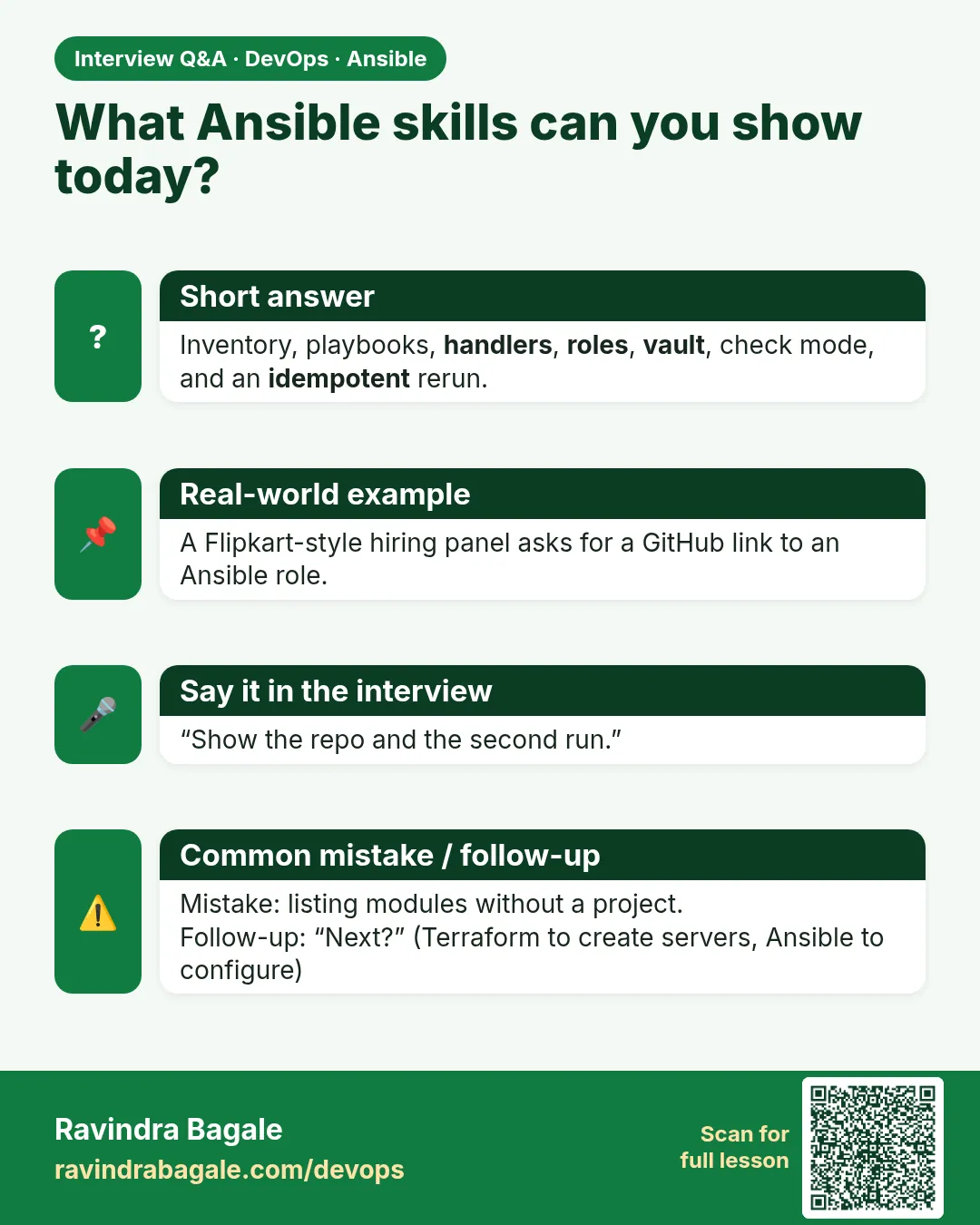
What do I show in interviews?
Your repo, the lab recap, and a troubleshooting story.
Interview questions
-
What is the difference between Ansible and Terraform?
Terraform provisions infrastructure with state; Ansible configures servers and apps over SSH.
-
How do you ensure servers stay consistent?
Run playbooks from Git on a schedule or in CI and check for drift.
-
How do you structure a multi-tier deployment?
Separate plays per group in site.yml with roles and group_vars.
-
How do you share data between hosts?
hostvars, facts, or set_fact with delegate.
-
Tell me about an Ansible problem you solved.
Use a real story: error, how you found it with -vvv, and the fix.
Quick quiz
Q1. What does Ansible do and what does Terraform do?
Ansible configures servers; Terraform creates them.
Q2. What is drift?
A server changed away from the desired state.
Q3. How do you detect drift?
--check --diff
Q4. What shows a healthy repeat run?
changed=0
Q5. Where should secrets come from?
Vault or environment variables.
Thodkyaat sangaycha tar
- Ansible configures hosts over SSH with modules; inventory names the targets.
- Playbooks declare desired state; idempotent runs stay safe to repeat.
- Ad-hoc is great for ping/package experiments; playbooks belong in Git.
- Roles split growing automation; handlers reload only on change.
- Nginx here is a target example — deep web hosting lives in the AWS course.
- Prefer clear
becomeand least-privilege file modes; keep secrets out of plain Git.
Did you understand? Let us try it once more.
 Revision card
 Interview card