Ravi Sir's Cards › Generative AI
YouTube to notes in 5 steps
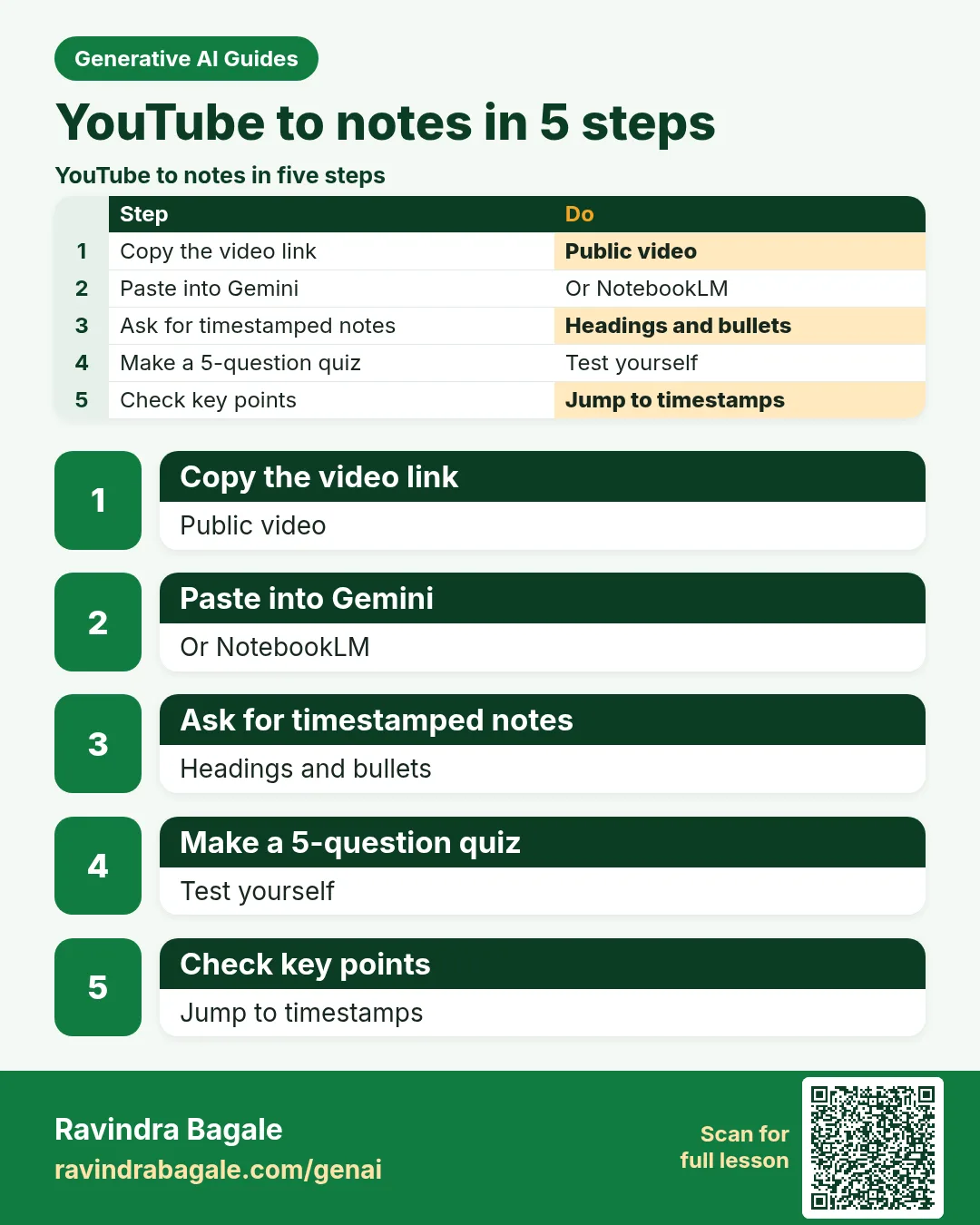
This card gives five steps for turning a YouTube video into study notes. First, copy the link of a public video. Second, paste it into Gemini, or add it as a source in NotebookLM, which Google's help pages now call Gemini Notebook. Third, ask for notes with headings and bullet points, and ask for timestamps where the tool can give them. Fourth, ask for a five-question quiz to test yourself. Fifth, check the key points by jumping to those moments in the video, because AI summaries and timestamps can be wrong.
Read card text
What this card says
This card gives five steps for turning a YouTube video into study notes. First, copy the link of a public video. Second, paste it into Gemini, or add it as a source in NotebookLM, which Google's help pages now call Gemini Notebook. Third, ask for notes with headings and bullet points, and ask for timestamps where the tool can give them. Fourth, ask for a five-question quiz to test yourself. Fifth, check the key points by jumping to those moments in the video, because AI summaries and timestamps can be wrong.
Learn this in the lesson: AI YouTube Video Summary to Study Notes (Free Ways)