Ravi Sir's Cards › Generative AI
Meta WhatsApp Business AI in 5 steps
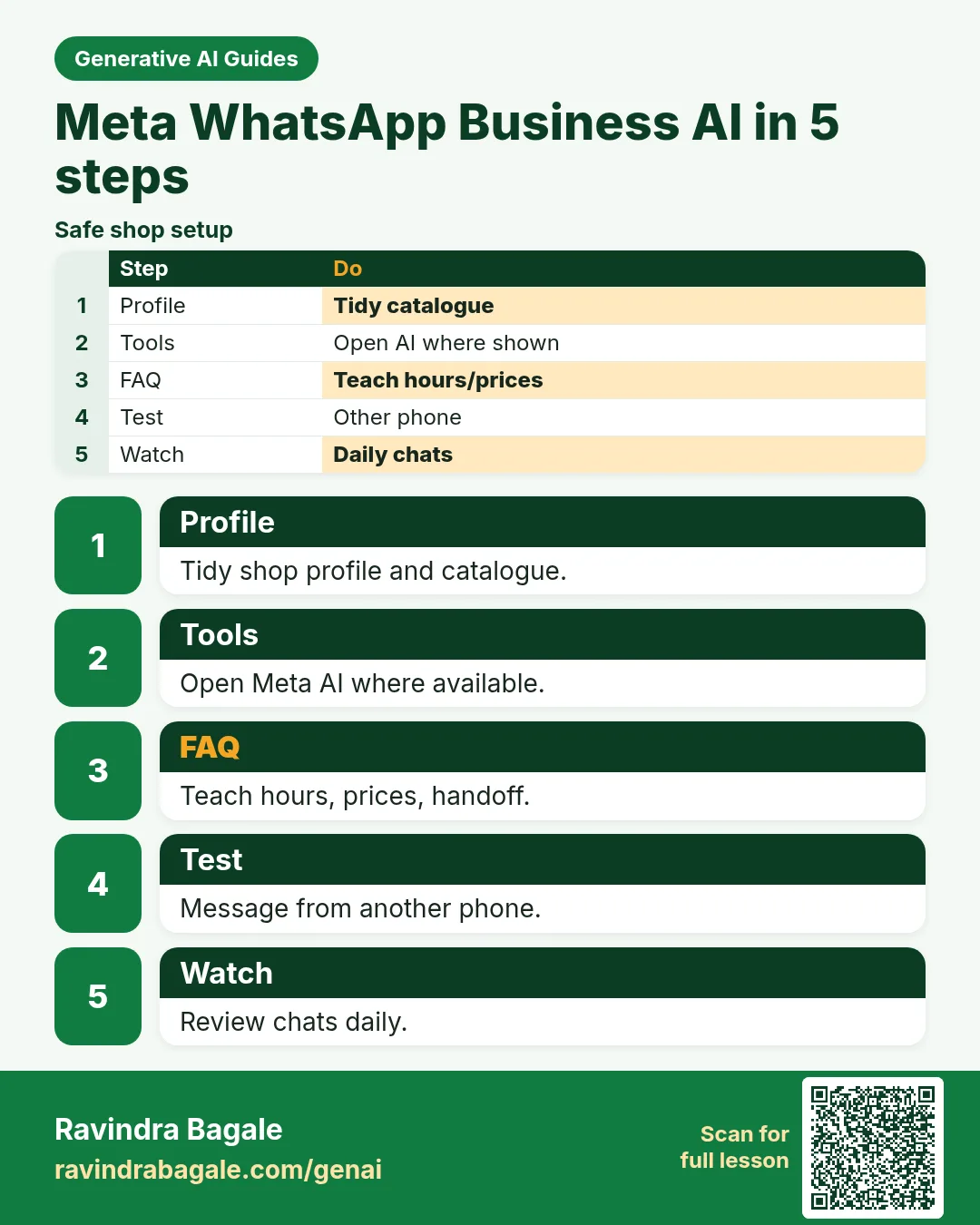
This card gives five steps for setting up Meta's AI agent in the WhatsApp Business app for a small shop. First, tidy your business profile and catalogue, because the AI answers customers from your profile, catalogue and website. Second, open the Tools tab and look for the AI agent option, which WhatsApp's help pages now call Meta Business Agent; it is offered only to some businesses in some countries, so it may not appear for you yet. Third, teach it your opening hours, your prices and when a person should take over the chat. Fourth, test it by sending messages from another phone. Fifth, read the chats every day, because Meta warns that AI-generated messages may not be accurate.
Read card text
What this card says
This card gives five steps for setting up Meta's AI agent in the WhatsApp Business app for a small shop. First, tidy your business profile and catalogue, because the AI answers customers from your profile, catalogue and website. Second, open the Tools tab and look for the AI agent option, which WhatsApp's help pages now call Meta Business Agent; it is offered only to some businesses in some countries, so it may not appear for you yet. Third, teach it your opening hours, your prices and when a person should take over the chat. Fourth, test it by sending messages from another phone. Fifth, read the chats every day, because Meta warns that AI-generated messages may not be accurate.
Learn this in the lesson: Meta Business AI on WhatsApp for Indian Small Shops (Setup and Safe Use)