Ravi Sir's Cards › Generative AI
Opal move in 5 steps
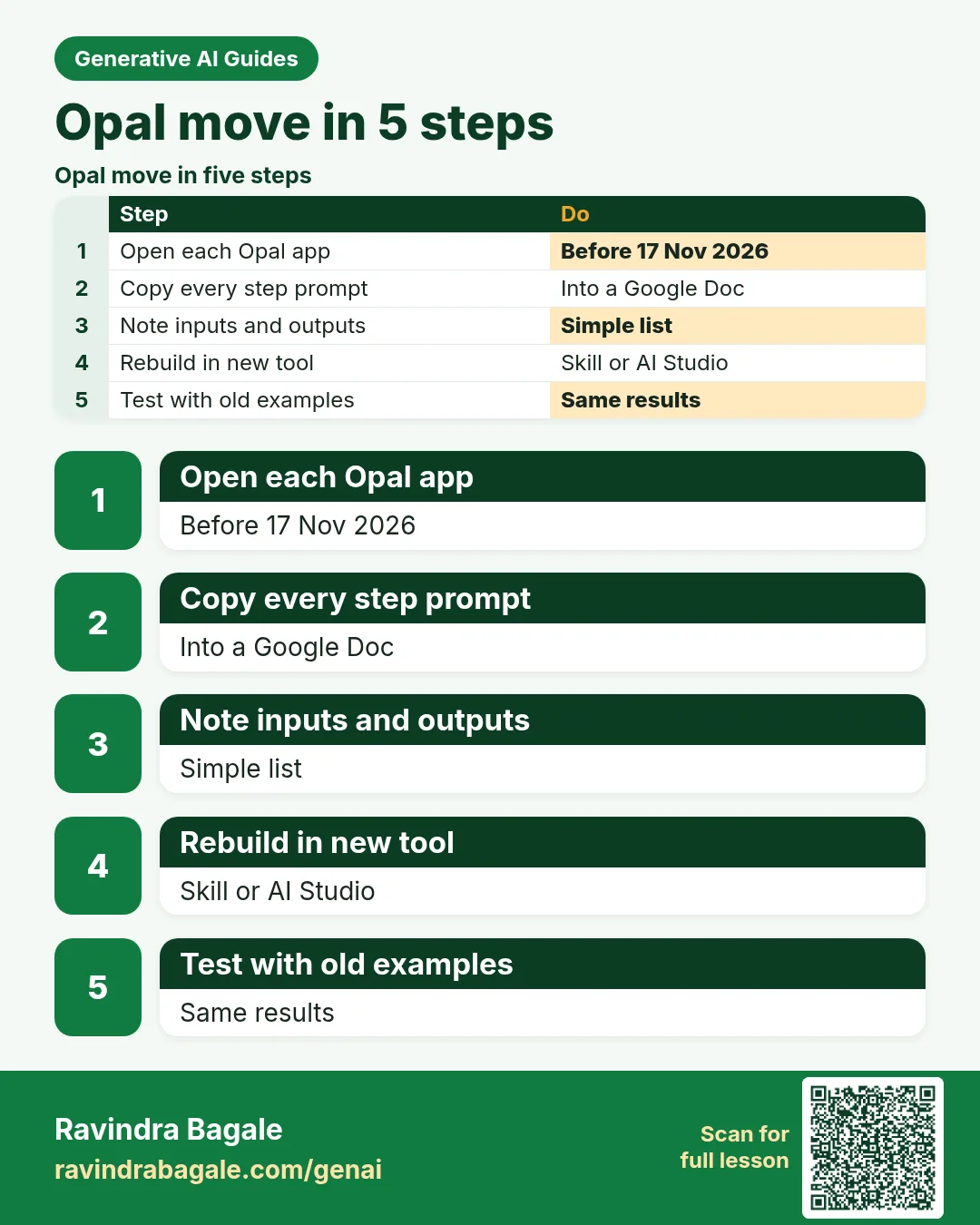
This card gives five steps for moving your Google Opal mini-apps. First, open each Opal app on opal.google.com before 17 November 2026, the date Google set for Opal to turn off and for workflows to stop running. Second, copy every step's prompt into a Google Doc, because Opal workflows do not move to a new tool automatically. Third, write a simple list of what each app takes in and what it gives back. Fourth, rebuild the app as a skill in Gemini for simple tasks, or in Google AI Studio for bigger prototypes. Fifth, test the new version with your old examples and check that you get similar results. If you missed the date, your workflow files are still in My Drive > Opal, and you can open them in a plain text editor to copy the prompts.
Read card text
What this card says
This card gives five steps for moving your Google Opal mini-apps. First, open each Opal app on opal.google.com before 17 November 2026, the date Google set for Opal to turn off and for workflows to stop running. Second, copy every step's prompt into a Google Doc, because Opal workflows do not move to a new tool automatically. Third, write a simple list of what each app takes in and what it gives back. Fourth, rebuild the app as a skill in Gemini for simple tasks, or in Google AI Studio for bigger prototypes. Fifth, test the new version with your old examples and check that you get similar results. If you missed the date, your workflow files are still in My Drive > Opal, and you can open them in a plain text editor to copy the prompts.
Learn this in the lesson: Google Opal Is Shutting Down: Save Your Mini-Apps and Move to Gemini or AI Studio