Ravi Sir's Cards › Generative AI
Copilot CLI in 5 steps
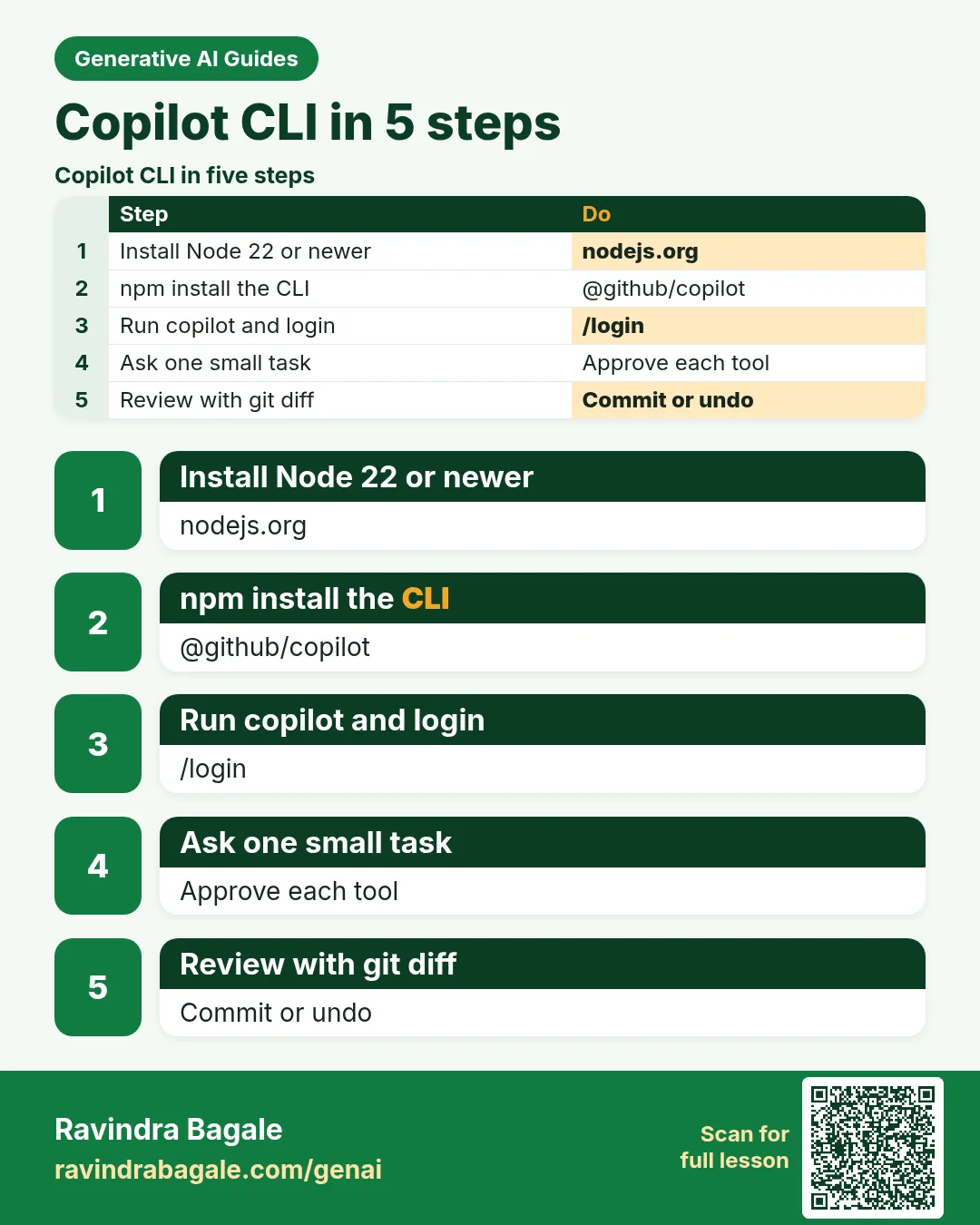
This card gives five steps for using GitHub Copilot CLI in the terminal. First, install Node.js 22 or newer if you will use npm, or use the official WinGet, Homebrew or install-script options instead. Second, install the CLI; with npm the package is @github/copilot. Third, in your project folder run copilot and sign in with /login. Fourth, ask one small task and approve each tool before Copilot changes files or runs commands. Fifth, review the changes with git diff, then commit or undo them. Official docs say Copilot CLI is available with all Copilot plans, and if your organisation gives you Copilot, the Copilot CLI policy must be enabled.
Read card text
What this card says
This card gives five steps for using GitHub Copilot CLI in the terminal. First, install Node.js 22 or newer if you will use npm, or use the official WinGet, Homebrew or install-script options instead. Second, install the CLI; with npm the package is @github/copilot. Third, in your project folder run copilot and sign in with /login. Fourth, ask one small task and approve each tool before Copilot changes files or runs commands. Fifth, review the changes with git diff, then commit or undo them. Official docs say Copilot CLI is available with all Copilot plans, and if your organisation gives you Copilot, the Copilot CLI policy must be enabled.
Learn this in the lesson: GitHub Copilot CLI for Beginners: Install, Login and First Agent Task