Ravi Sir's Cards › Generative AI
Copilot CLI basics
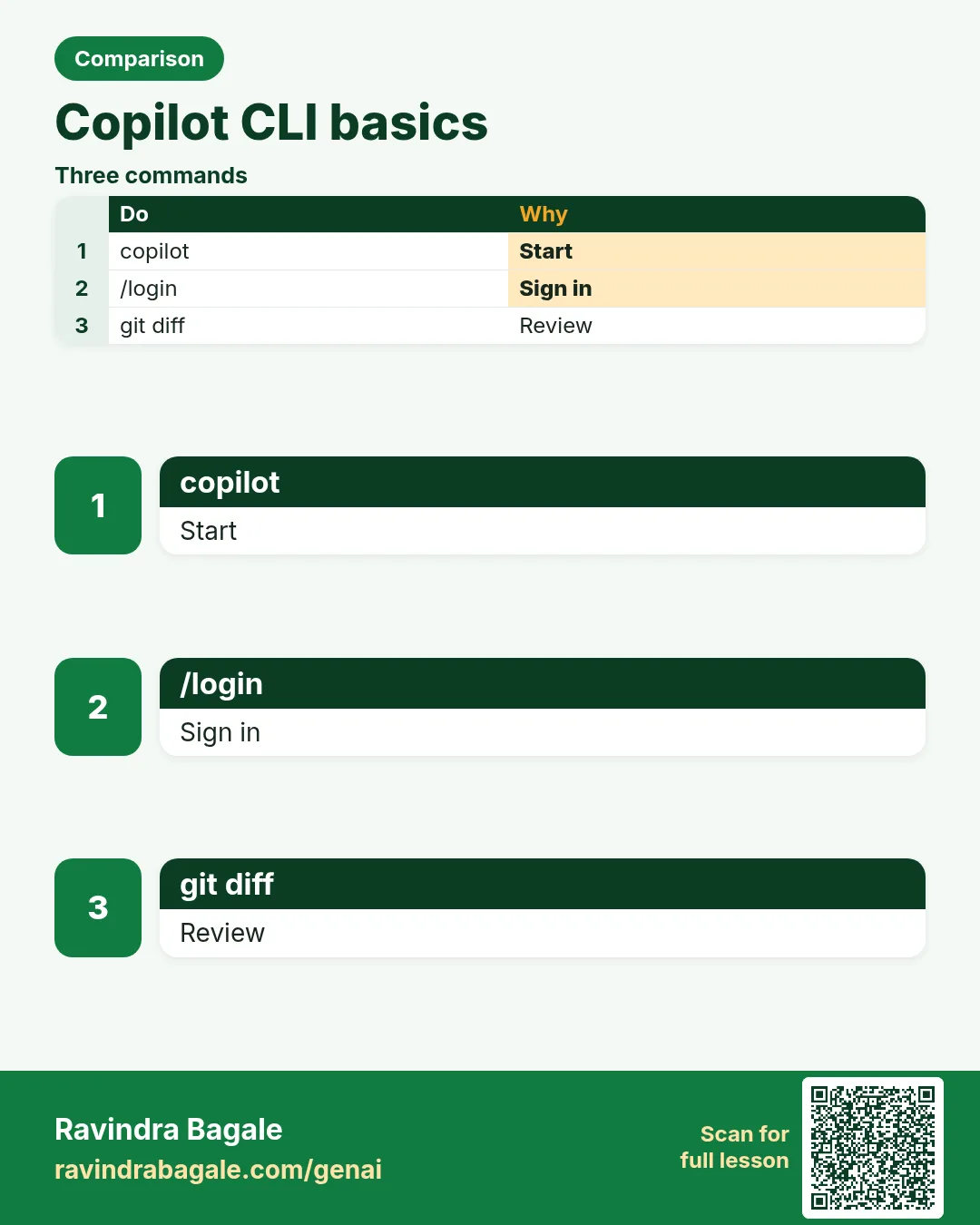
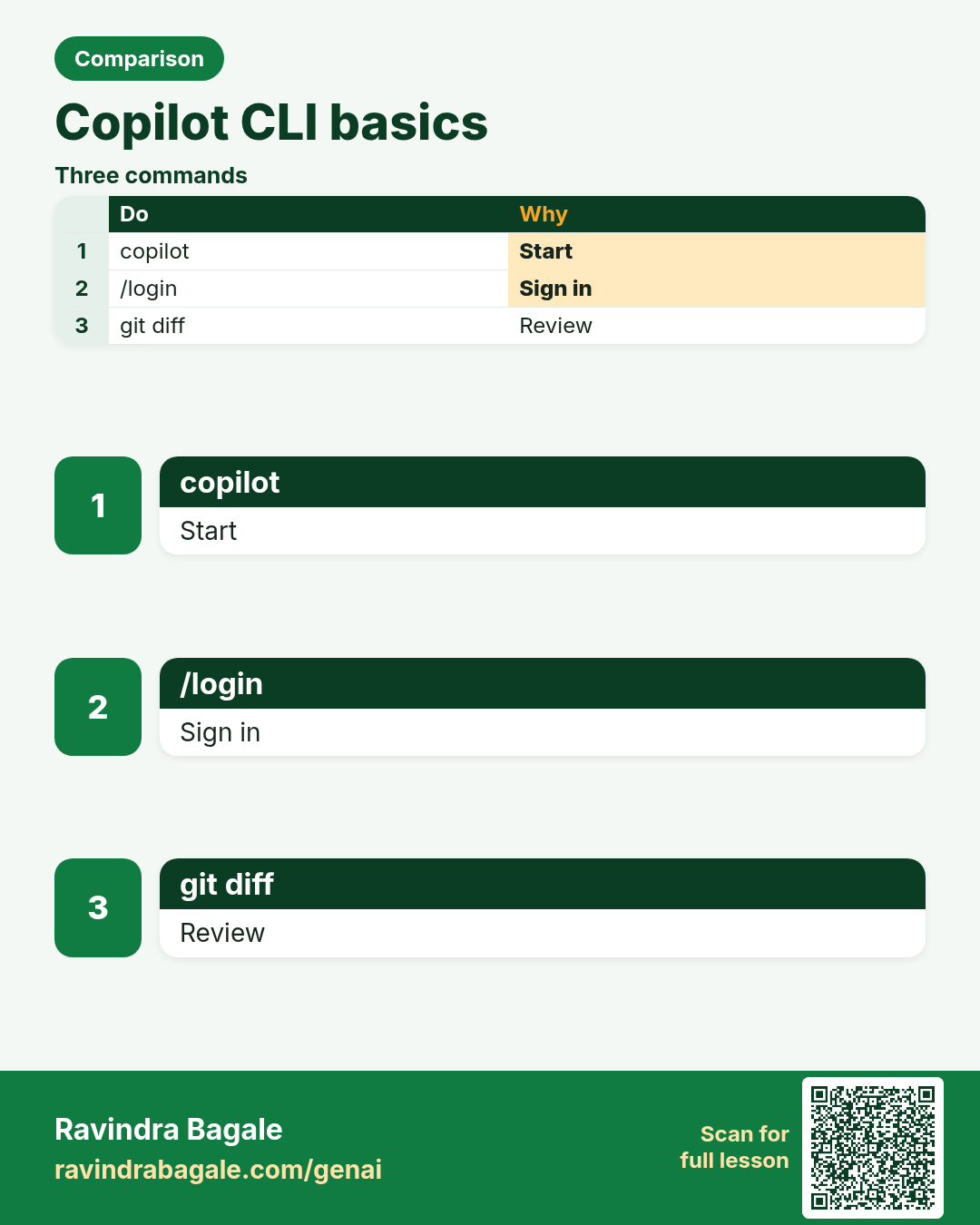
This comparison card covers GitHub Copilot CLI basics. Start it in your project folder with the copilot command, sign in with /login the first time, and review any file changes with git diff before you commit or undo them. Official docs also list npm, WinGet and Homebrew as install options, and say Copilot will not change files without your approval.
Read card text
What this card says
This comparison card covers GitHub Copilot CLI basics. Start it in your project folder with the copilot command, sign in with /login the first time, and review any file changes with git diff before you commit or undo them. Official docs also list npm, WinGet and Homebrew as install options, and say Copilot will not change files without your approval.
Learn this in the lesson: GitHub Copilot CLI for Beginners: Install, Login and First Agent Task