Ravi Sir's Cards › Generative AI
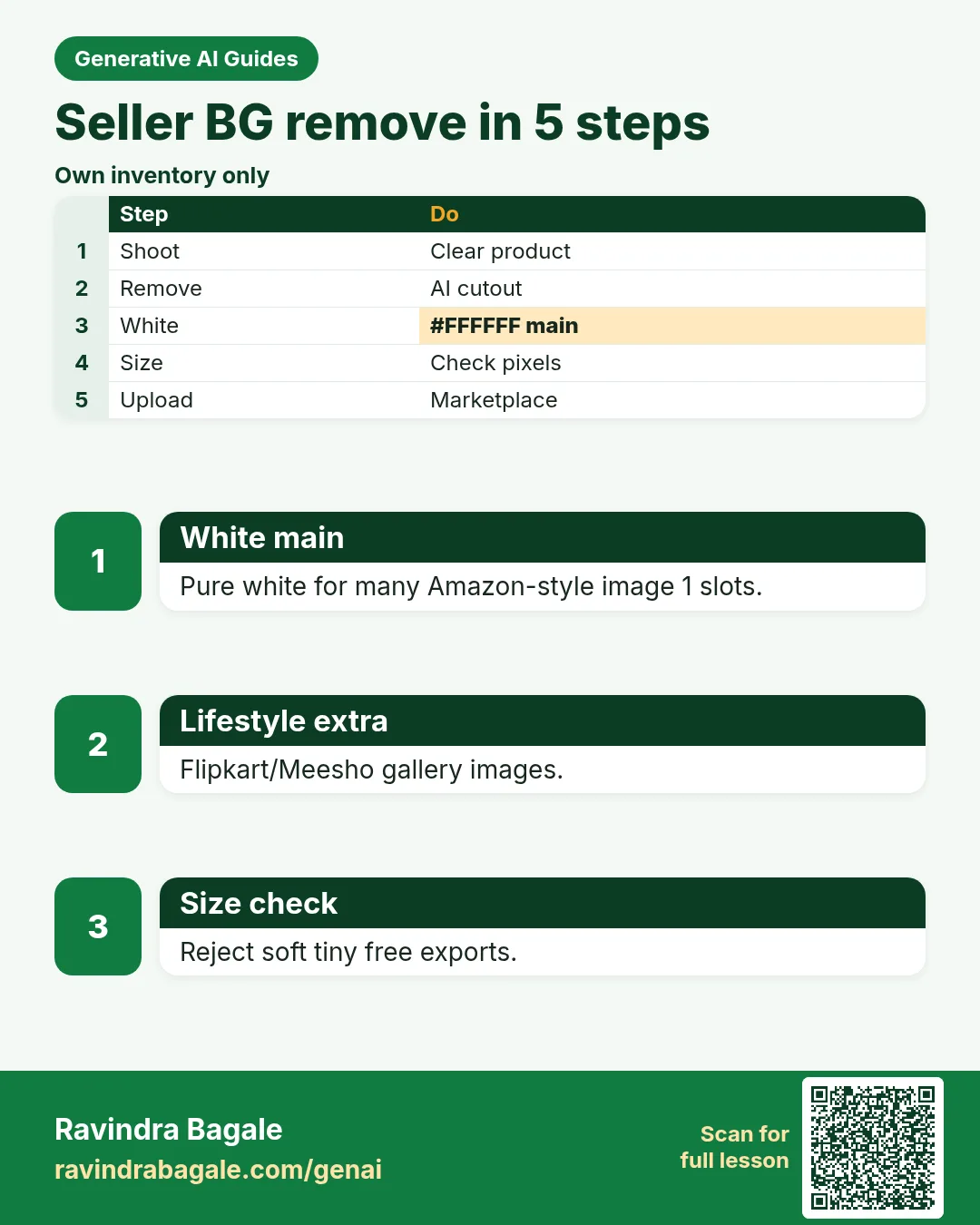
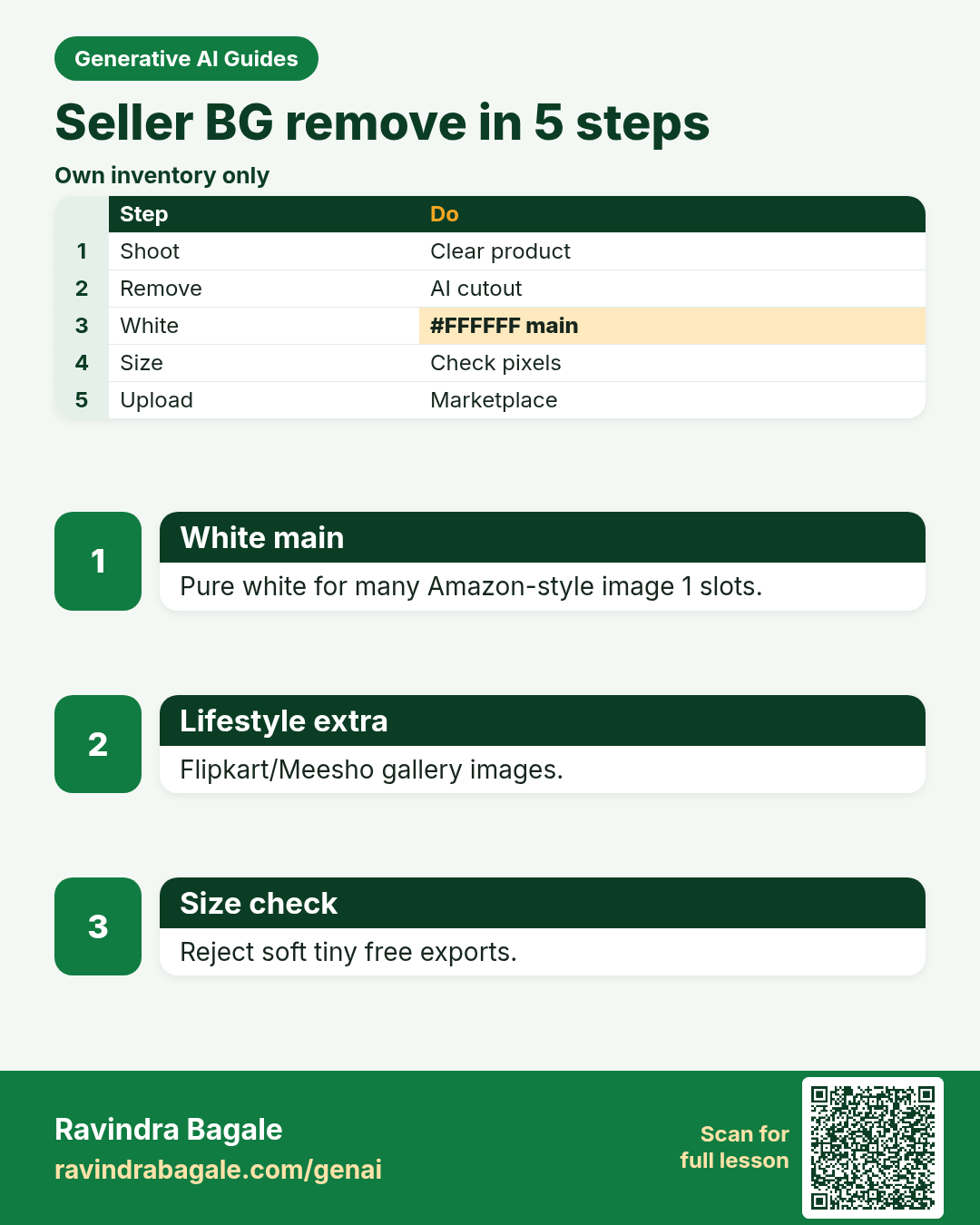
Seller BG remove in 5 steps
This card gives five steps for cleaning product photos with an AI background remover, using only photos of your own stock. First, shoot the product clearly in good light. Second, use an AI tool to cut the product out of its background. Third, place the product on a pure white background, hex #FFFFFF, because Amazon requires the main product image to have a pure white background. Fourth, check the pixel size of the final image and reject soft or tiny free exports. Fifth, upload the image to the marketplace, and use lifestyle scenes only as extra gallery images on sites such as Flipkart or Meesho after checking each site's image rules.
Learn this in the lesson: AI Background Remover for Amazon, Flipkart and Meesho Sellers