Ravi Sir's Cyber Security Cards › Revision Cards
Searching Text: grep
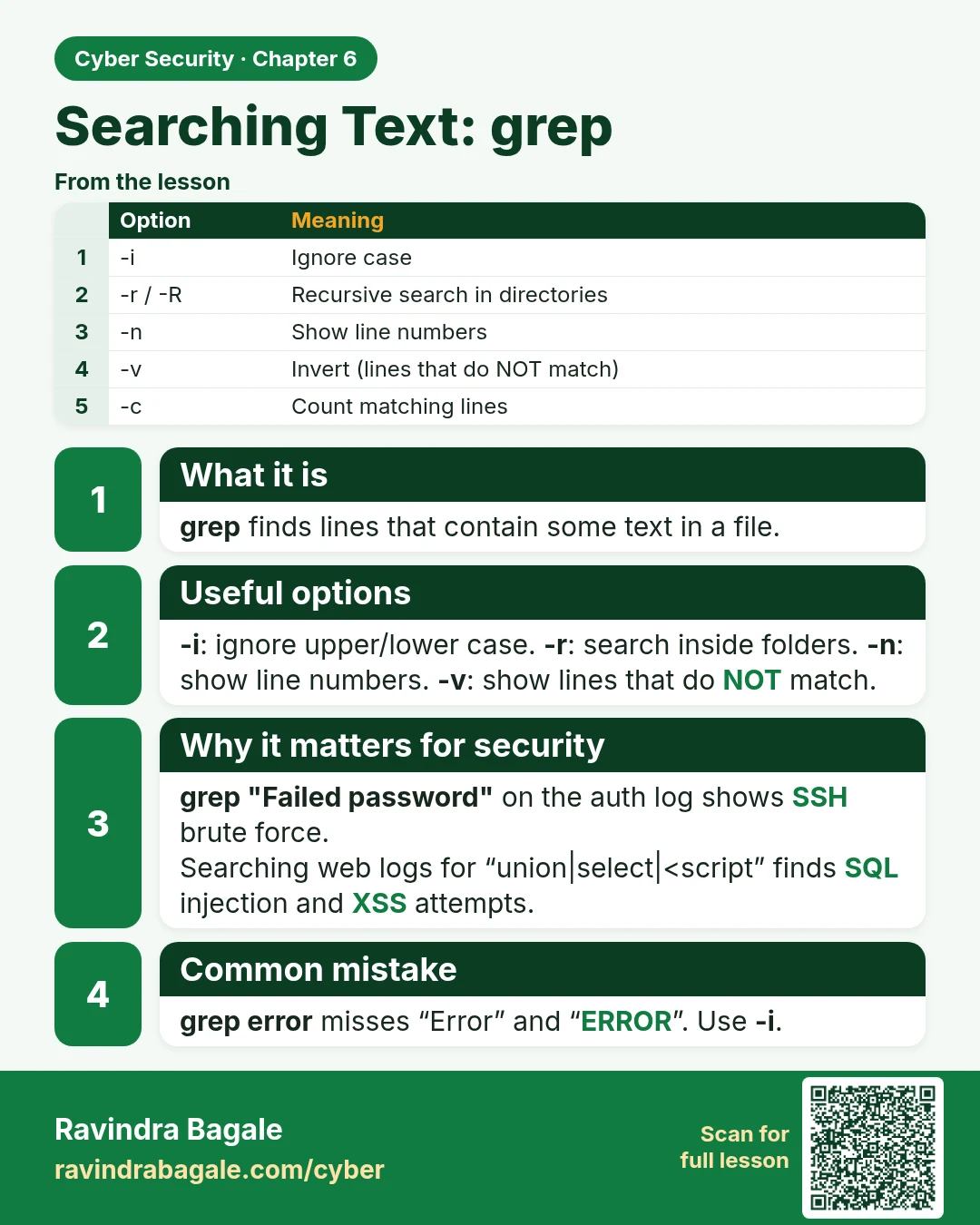
Searching Text: grep grep finds lines that contain some text in a file. -i : ignore upper/lower case. -r : search inside folders. -n : show line numbers. -v : show lines that do NOT match. grep "Failed password" on the auth log shows SSH brute force. Searching web logs for “union|select|<script” fin
Read card text
What this card says
What it is
grep finds lines that contain some text in a file.
Useful options
-i: ignore upper/lower case. -r: search inside folders. -n: show line numbers. -v: show lines that do NOT match.
Why it matters for security
grep "Failed password" on the auth log shows SSH brute force.
Searching web logs for “union|select|<script” finds SQL injection and XSS attempts.
Common mistake
grep error misses “Error” and “ERROR”. Use -i.
| Option | Meaning |
|---|---|
| -i | Ignore case |
| -r / -R | Recursive search in directories |
| -n | Show line numbers |
| -v | Invert (lines that do NOT match) |
| -c | Count matching lines |
Learn more in the lesson: 6.1 Searching Text: grep