Ravi Sir's Cyber Security Cards › Revision Cards
Display Filters and Following a Stream
Display Filters and Following a Stream A display filter shows only the packets you want, like http or ip.addr==192.168.56.20 . Right-click → Follow → TCP Stream. Wireshark rebuilds the whole conversation into readable text. Mixing up filters. A capture filter (like port 80 ) runs before capturing. A
Read card text
What this card says
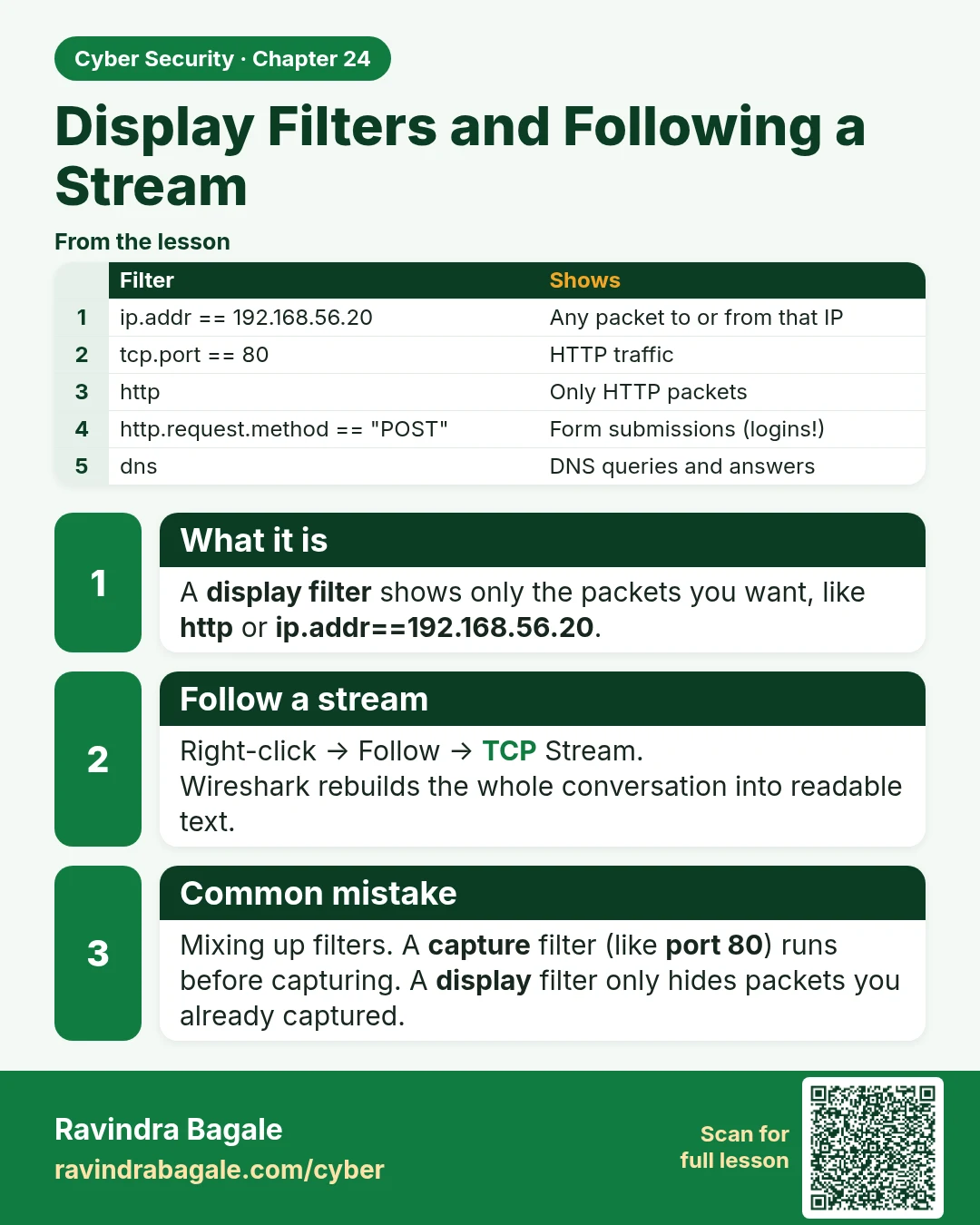
What it is
A display filter shows only the packets you want, like http or ip.addr==192.168.56.20.
Follow a stream
Right-click → Follow → TCP Stream.
Wireshark rebuilds the whole conversation into readable text.
Common mistake
Mixing up filters. A capture filter (like port 80) runs before capturing. A display filter only hides packets you already captured.
| Filter | Shows |
|---|---|
| ip.addr == 192.168.56.20 | Any packet to or from that IP |
| tcp.port == 80 | HTTP traffic |
| http | Only HTTP packets |
| http.request.method == "POST" | Form submissions (logins!) |
| dns | DNS queries and answers |
Learn more in the lesson: 24.4 Display Filters and Following a Stream