Ravi Sir's Cyber Security Cards › Revision Cards
Working with Files and Directories
Working with Files and Directories Basic commands to create, copy, move and delete files and folders in Linux. mkdir : make a folder. cp : copy. mv : move or rename. rm : delete. Running rm -rf without checking the path. A server has no Recycle Bin . Run ls on the same path first. mkdir -p ~/labs/si
Read card text
What this card says
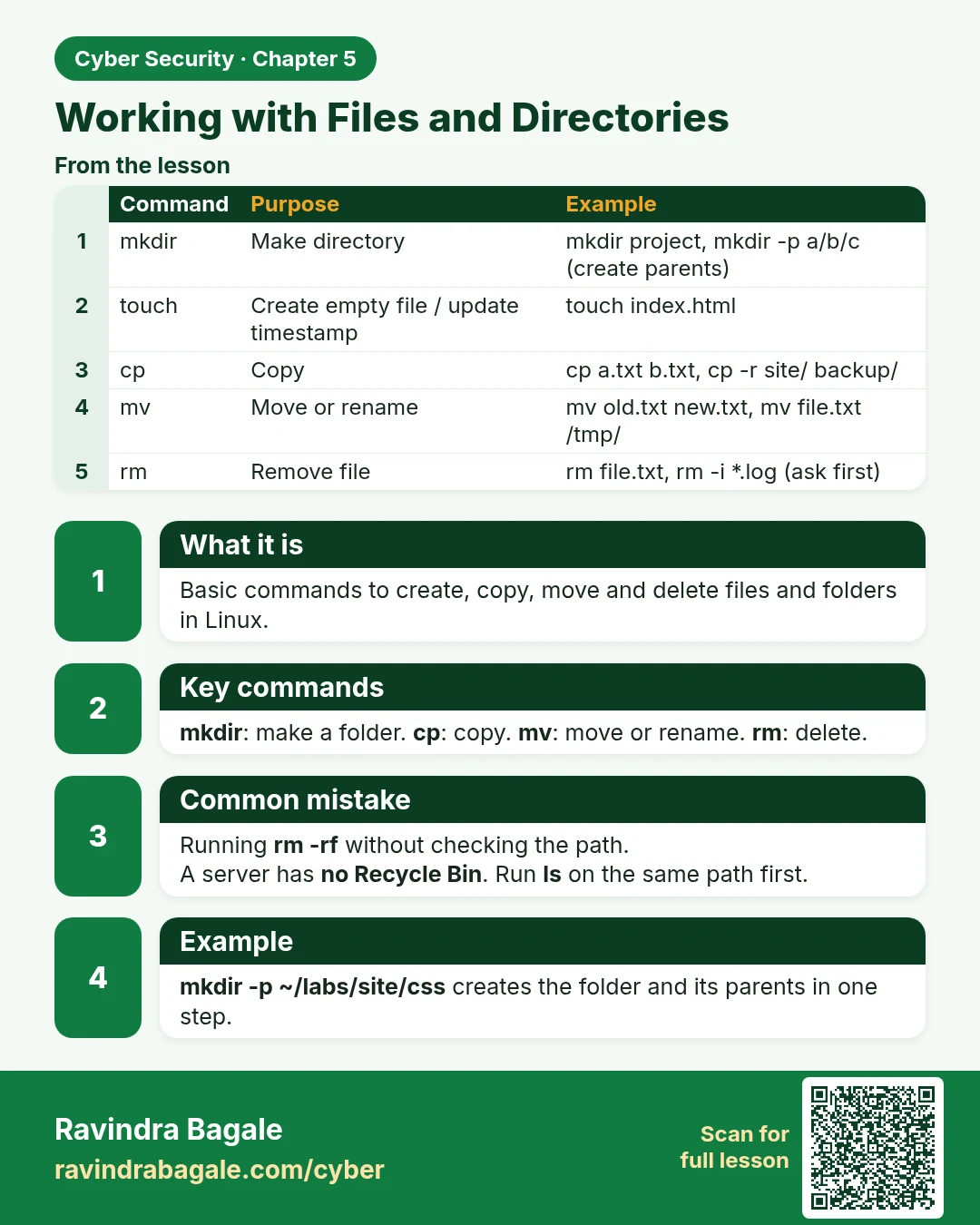
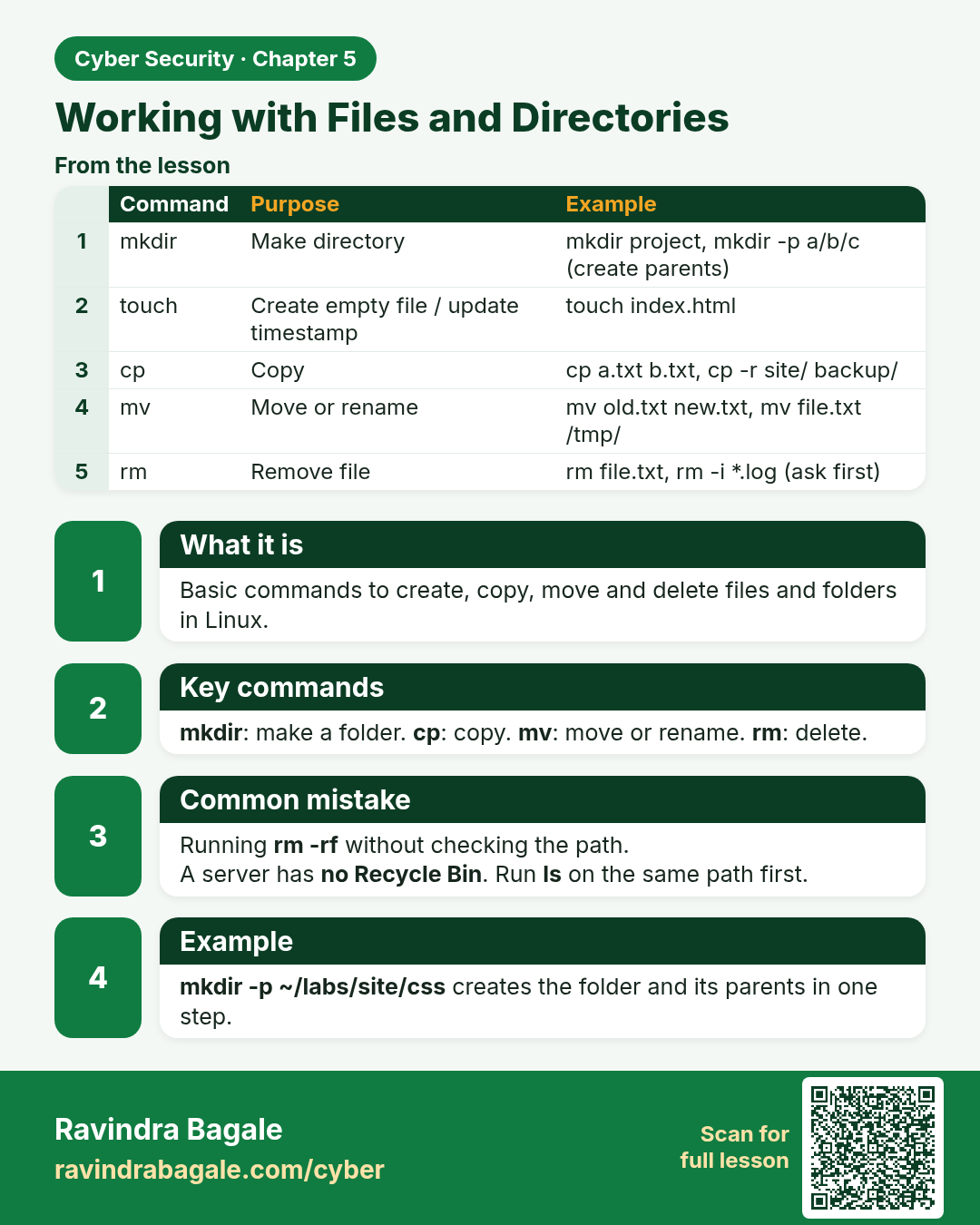
What it is
Basic commands to create, copy, move and delete files and folders in Linux.
Key commands
mkdir: make a folder. cp: copy. mv: move or rename. rm: delete.
Common mistake
Running rm -rf without checking the path.
A server has no Recycle Bin. Run ls on the same path first.
Example
mkdir -p ~/labs/site/css creates the folder and its parents in one step.
| Command | Purpose | Example |
|---|---|---|
| mkdir | Make directory | mkdir project, mkdir -p a/b/c (create parents) |
| touch | Create empty file / update timestamp | touch index.html |
| cp | Copy | cp a.txt b.txt, cp -r site/ backup/ |
| mv | Move or rename | mv old.txt new.txt, mv file.txt /tmp/ |
| rm | Remove file | rm file.txt, rm -i *.log (ask first) |
Learn more in the lesson: 5.3 Working with Files and Directories