Ravi Sir's Cyber Security Cards › Revision Cards
Web Servers and MySQL – Build and Protect
Web Servers and MySQL – Build and Protect Revision of building and protecting Apache/Nginx and MySQL. Always test before reload: nginx -t or apachectl configtest . MySQL: use keys, keep SQL_SAFE_UPDATES on, never expose port 3306. Connecting the app to MySQL as root . Use a least-privilege app user.
Read card text
What this card says
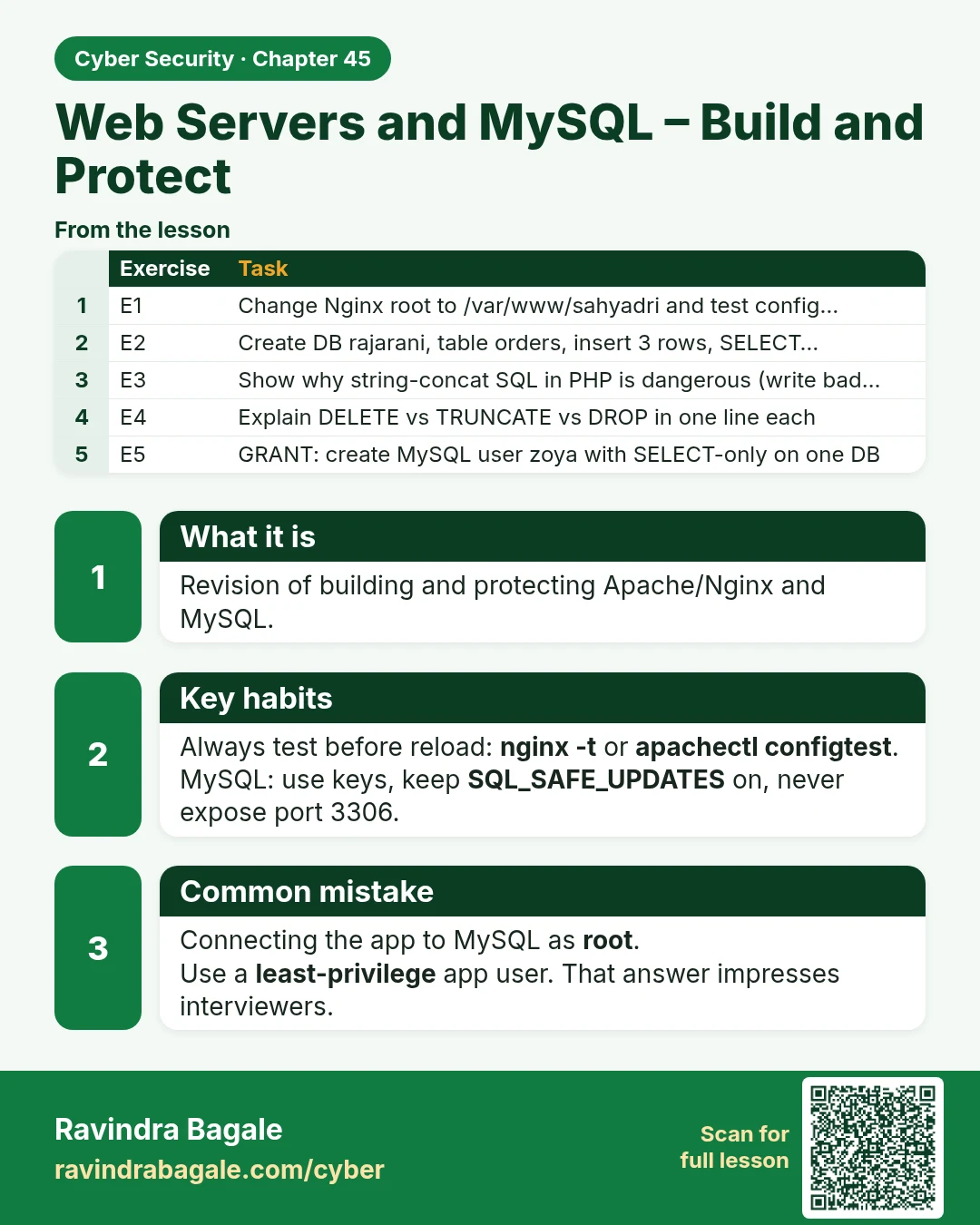
What it is
Revision of building and protecting Apache/Nginx and MySQL.
Key habits
Always test before reload: nginx -t or apachectl configtest.
MySQL: use keys, keep SQL_SAFE_UPDATES on, never expose port 3306.
Common mistake
Connecting the app to MySQL as root.
Use a least-privilege app user. That answer impresses interviewers.
| Exercise | Task |
|---|---|
| E1 | Change Nginx root to /var/www/sahyadri and test config… |
| E2 | Create DB rajarani, table orders, insert 3 rows, SELECT… |
| E3 | Show why string-concat SQL in PHP is dangerous (write bad… |
| E4 | Explain DELETE vs TRUNCATE vs DROP in one line each |
| E5 | GRANT: create MySQL user zoya with SELECT-only on one DB |
Learn more in the lesson: 45.4 Web Servers and MySQL – Build and Protect