Ravi Sir's Cyber Security Cards › Revision Cards
Viewing Files and Following Logs
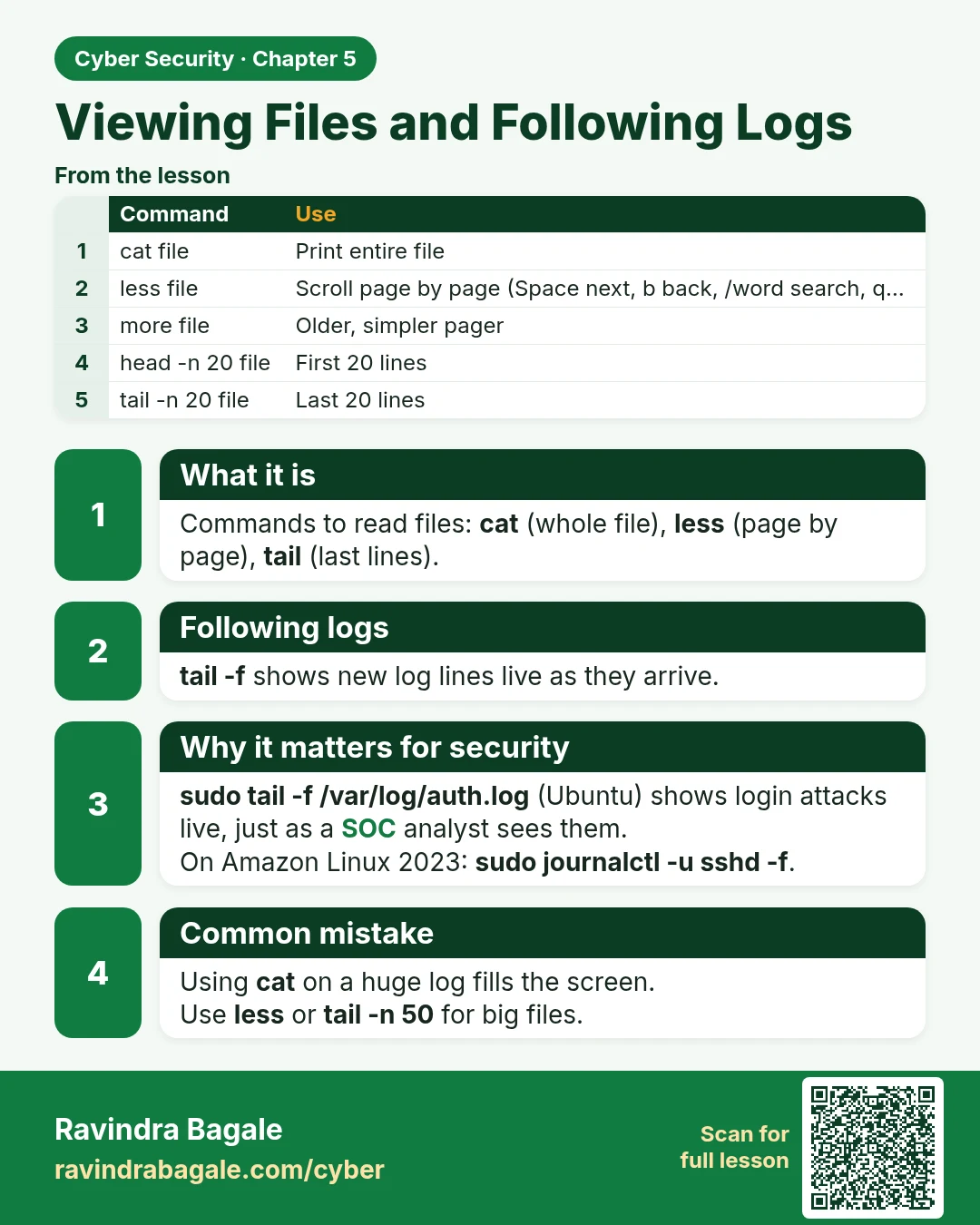
Viewing Files and Following Logs Commands to read files: cat (whole file), less (page by page), tail (last lines). tail -f shows new log lines live as they arrive. sudo tail -f /var/log/auth.log (Ubuntu) shows login attacks live, just as a SOC analyst sees them. On Amazon Linux 2023: sudo journalctl
Read card text
What this card says
What it is
Commands to read files: cat (whole file), less (page by page), tail (last lines).
Following logs
tail -f shows new log lines live as they arrive.
Why it matters for security
sudo tail -f /var/log/auth.log (Ubuntu) shows login attacks live, just as a SOC analyst sees them.
On Amazon Linux 2023: sudo journalctl -u sshd -f.
Common mistake
Using cat on a huge log fills the screen.
Use less or tail -n 50 for big files.
| Command | Use |
|---|---|
| cat file | Print entire file |
| less file | Scroll page by page (Space next, b back, /word search, q… |
| more file | Older, simpler pager |
| head -n 20 file | First 20 lines |
| tail -n 20 file | Last 20 lines |
Learn more in the lesson: 5.4 Viewing Files and Following Logs