Ravi Sir's Cyber Security Cards › Revision Cards
Verifying DNS with dig, nslookup and curl
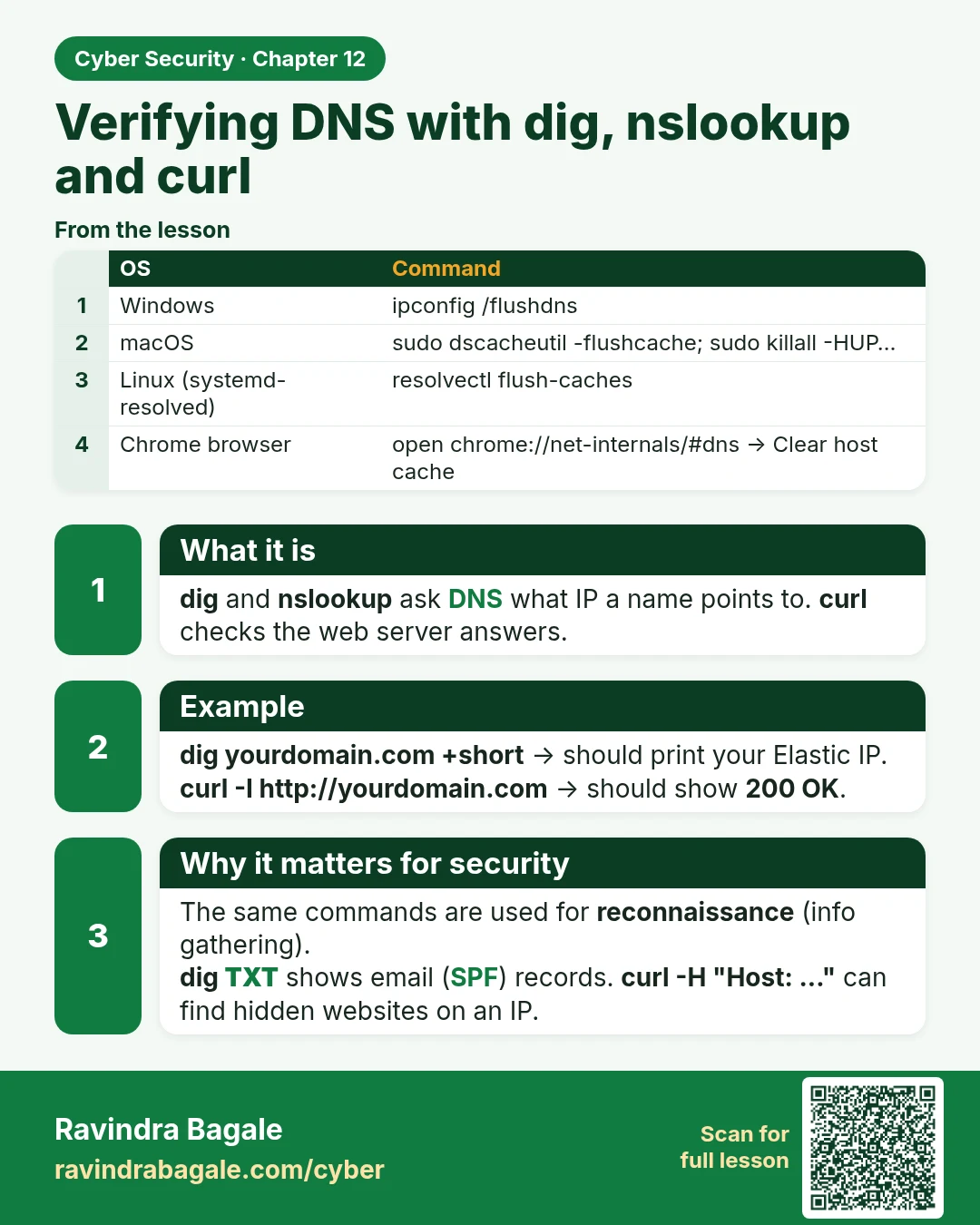
Verifying DNS with dig, nslookup and curl dig and nslookup ask DNS what IP a name points to. curl checks the web server answers. dig yourdomain.com +short → should print your Elastic IP. curl -I http://yourdomain.com → should show 200 OK . The same commands are used for reconnaissance (info gatherin
Read card text
What this card says
What it is
dig and nslookup ask DNS what IP a name points to. curl checks the web server answers.
Example
dig yourdomain.com +short → should print your Elastic IP.
curl -I http://yourdomain.com → should show 200 OK.
Why it matters for security
The same commands are used for reconnaissance (info gathering).
dig TXT shows email (SPF) records. curl -H "Host: ..." can find hidden websites on an IP.
| OS | Command |
|---|---|
| Windows | ipconfig /flushdns |
| macOS | sudo dscacheutil -flushcache; sudo killall -HUP… |
| Linux (systemd-resolved) | resolvectl flush-caches |
| Chrome browser | open chrome://net-internals/#dns → Clear host cache |
Learn more in the lesson: 12.6 Verifying DNS with dig, nslookup and curl