Ravi Sir's Cyber Security Cards › Revision Cards
Users, Groups and sudo
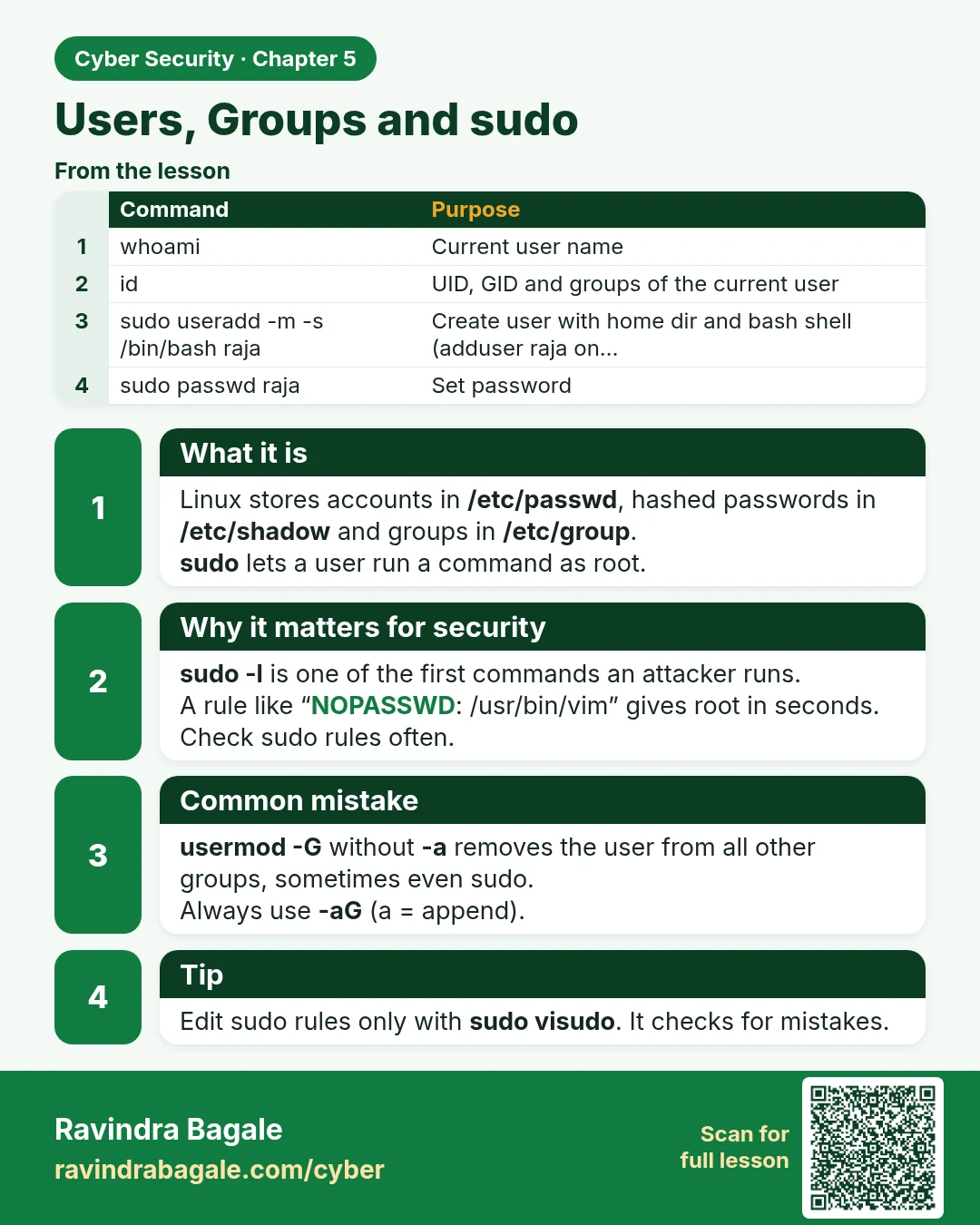
Users, Groups and sudo Linux stores accounts in /etc/passwd , hashed passwords in /etc/shadow and groups in /etc/group . sudo lets a user run a command as root. sudo -l is one of the first commands an attacker runs. A rule like “NOPASSWD: /usr/bin/vim” gives root in seconds. Check sudo rules often.
Read card text
What this card says
What it is
Linux stores accounts in /etc/passwd, hashed passwords in /etc/shadow and groups in /etc/group.
sudo lets a user run a command as root.
Why it matters for security
sudo -l is one of the first commands an attacker runs.
A rule like “NOPASSWD: /usr/bin/vim” gives root in seconds. Check sudo rules often.
Common mistake
usermod -G without -a removes the user from all other groups, sometimes even sudo.
Always use -aG (a = append).
Tip
Edit sudo rules only with sudo visudo. It checks for mistakes.
| Command | Purpose |
|---|---|
| whoami | Current user name |
| id | UID, GID and groups of the current user |
| sudo useradd -m -s /bin/bash raja | Create user with home dir and bash shell (adduser raja on… |
| sudo passwd raja | Set password |
| sudo usermod -aG wheel raja | Add to admin group (wheel on AL2023/CentOS, sudo on Ubuntu) |
Learn more in the lesson: 5.6 Users, Groups and sudo