Ravi Sir's Cyber Security Cards › Revision Cards
Ubuntu + Apache
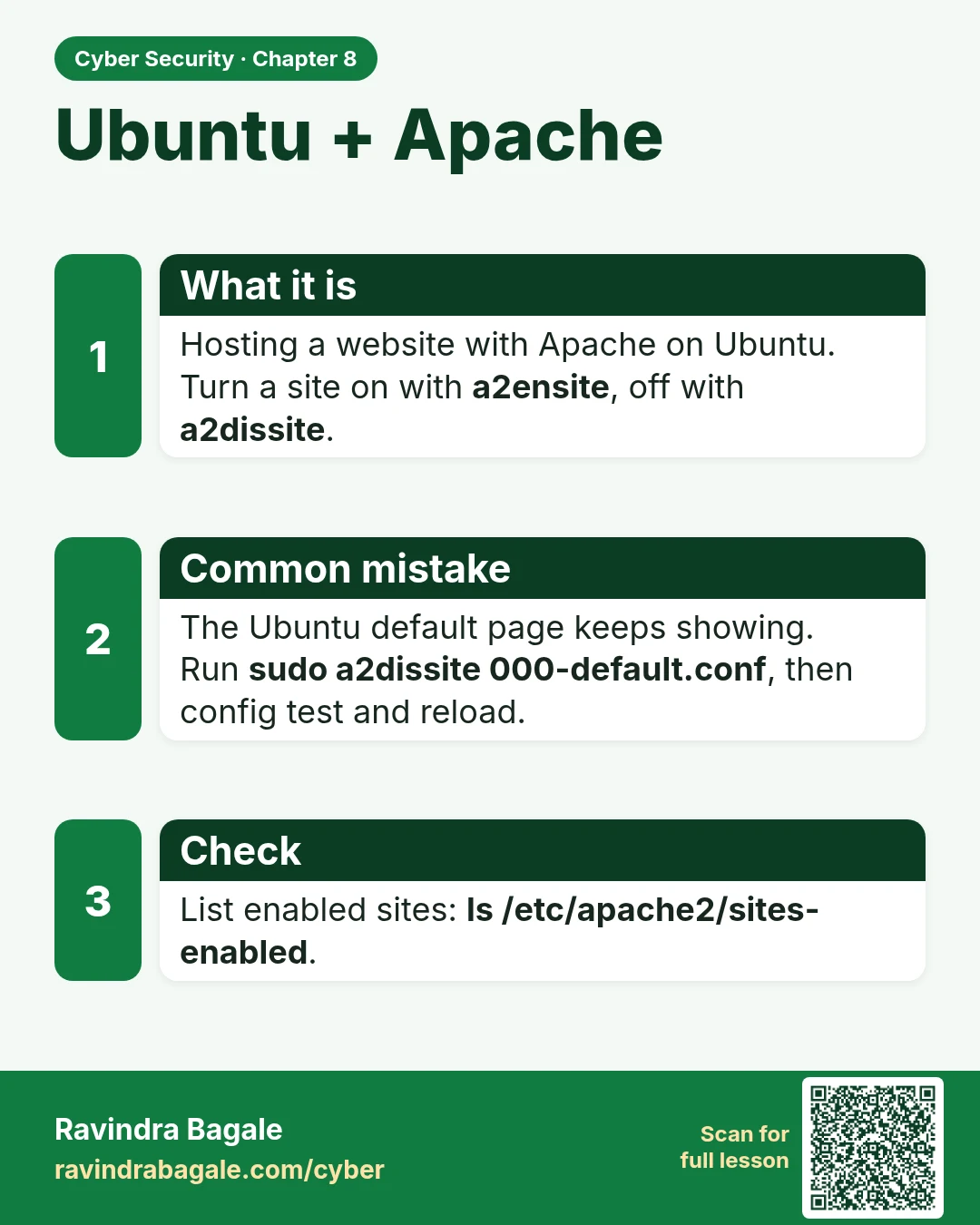
Ubuntu + Apache Hosting a website with Apache on Ubuntu. Turn a site on with a2ensite , off with a2dissite . The Ubuntu default page keeps showing. Run sudo a2dissite 000-default.conf , then config test and reload. List enabled sites: ls /etc/apache2/sites-enabled .
Read card text
What this card says
What it is
Hosting a website with Apache on Ubuntu.
Turn a site on with a2ensite, off with a2dissite.
Common mistake
The Ubuntu default page keeps showing.
Run sudo a2dissite 000-default.conf, then config test and reload.
Check
List enabled sites: ls /etc/apache2/sites-enabled.
Learn more in the lesson: 8.5 Ubuntu + Apache