Ravi Sir's Cyber Security Cards › Revision Cards
The Reel UI: HTML, CSS and JavaScript
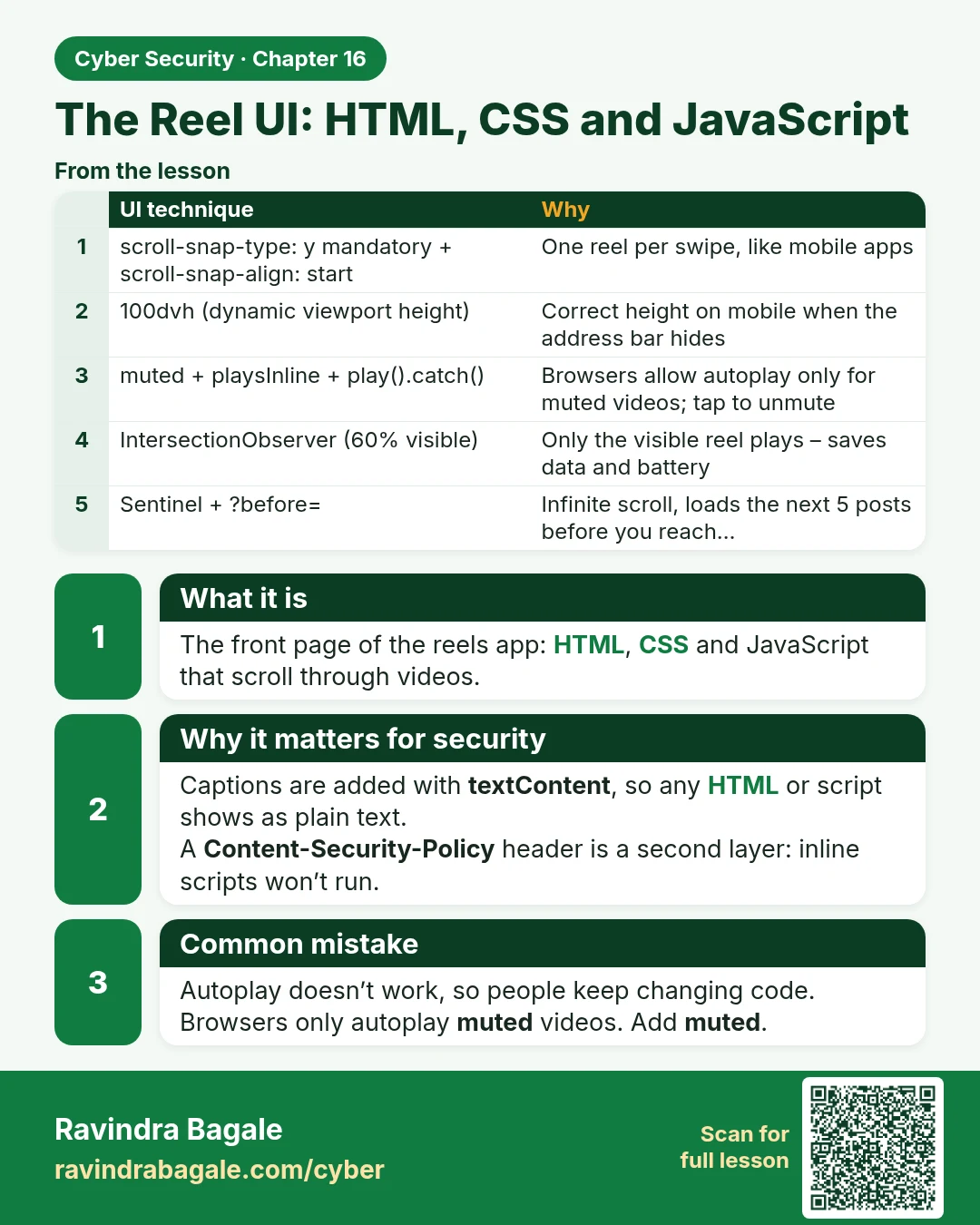
The Reel UI: HTML, CSS and JavaScript The front page of the reels app: HTML, CSS and JavaScript that scroll through videos. Captions are added with textContent , so any HTML or script shows as plain text. A Content-Security-Policy header is a second layer: inline scripts won’t run. Autoplay doesn’t
Read card text
What this card says
What it is
The front page of the reels app: HTML, CSS and JavaScript that scroll through videos.
Why it matters for security
Captions are added with textContent, so any HTML or script shows as plain text.
A Content-Security-Policy header is a second layer: inline scripts won’t run.
Common mistake
Autoplay doesn’t work, so people keep changing code.
Browsers only autoplay muted videos. Add muted.
| UI technique | Why |
|---|---|
| scroll-snap-type: y mandatory + scroll-snap-align: start | One reel per swipe, like mobile apps |
| 100dvh (dynamic viewport height) | Correct height on mobile when the address bar hides |
| muted + playsInline + play().catch() | Browsers allow autoplay only for muted videos; tap to unmute |
| IntersectionObserver (60% visible) | Only the visible reel plays – saves data and battery |
| Sentinel + ?before= | Infinite scroll, loads the next 5 posts before you reach… |
Learn more in the lesson: 16.9 The Reel UI: HTML, CSS and JavaScript