Ravi Sir's Cyber Security Cards › Revision Cards
tcpdump: Command-Line Capture
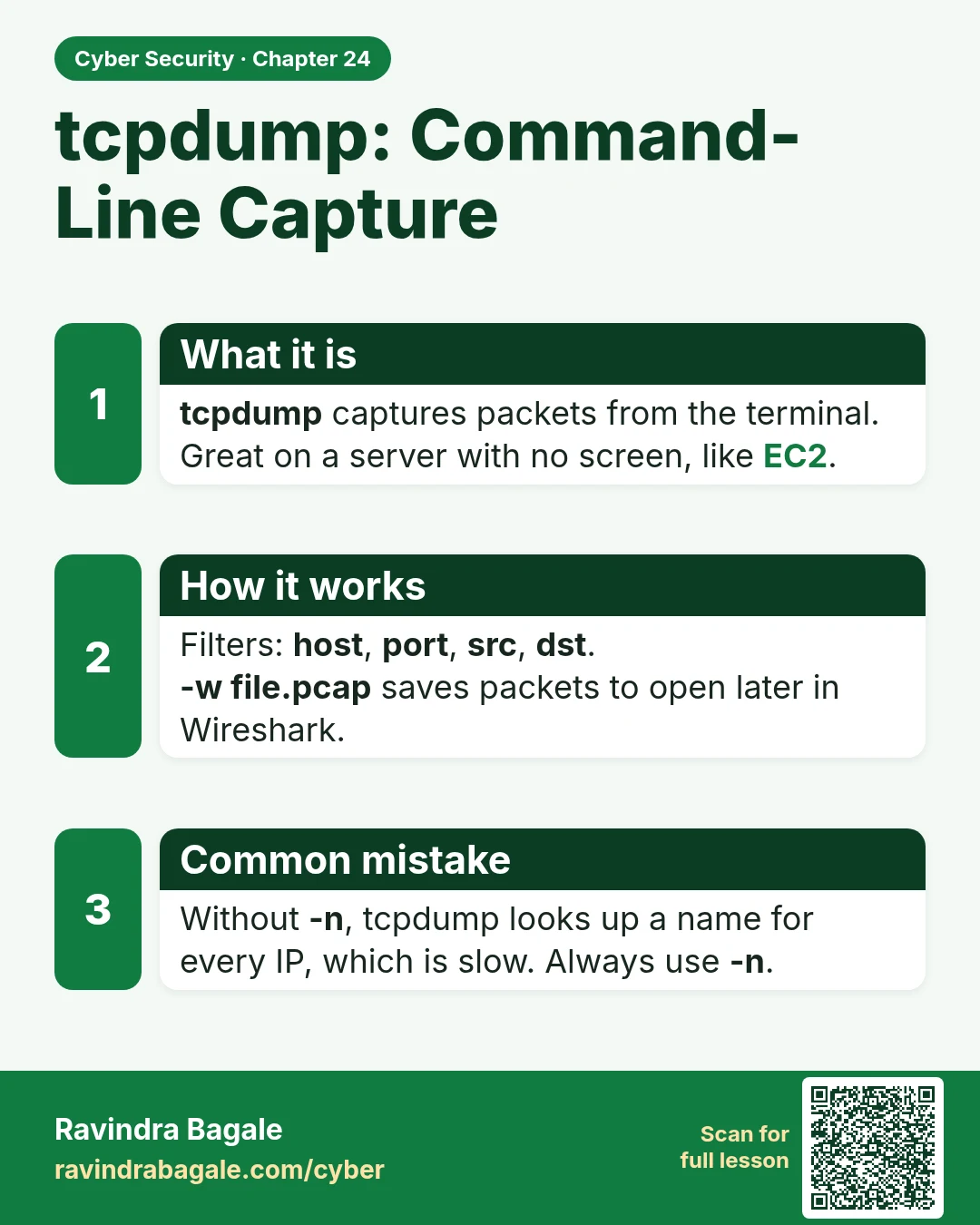
tcpdump: Command-Line Capture tcpdump captures packets from the terminal. Great on a server with no screen, like EC2. Filters: host , port , src , dst . -w file.pcap saves packets to open later in Wireshark. Without -n , tcpdump looks up a name for every IP, which is slow. Always use -n .
Read card text
What this card says
What it is
tcpdump captures packets from the terminal. Great on a server with no screen, like EC2.
How it works
Filters: host, port, src, dst.
-w file.pcap saves packets to open later in Wireshark.
Common mistake
Without -n, tcpdump looks up a name for every IP, which is slow. Always use -n.
Learn more in the lesson: 24.2 tcpdump: Command-Line Capture