Ravi Sir's Cyber Security Cards › Revision Cards
SSH (Secure Shell) – Port 22
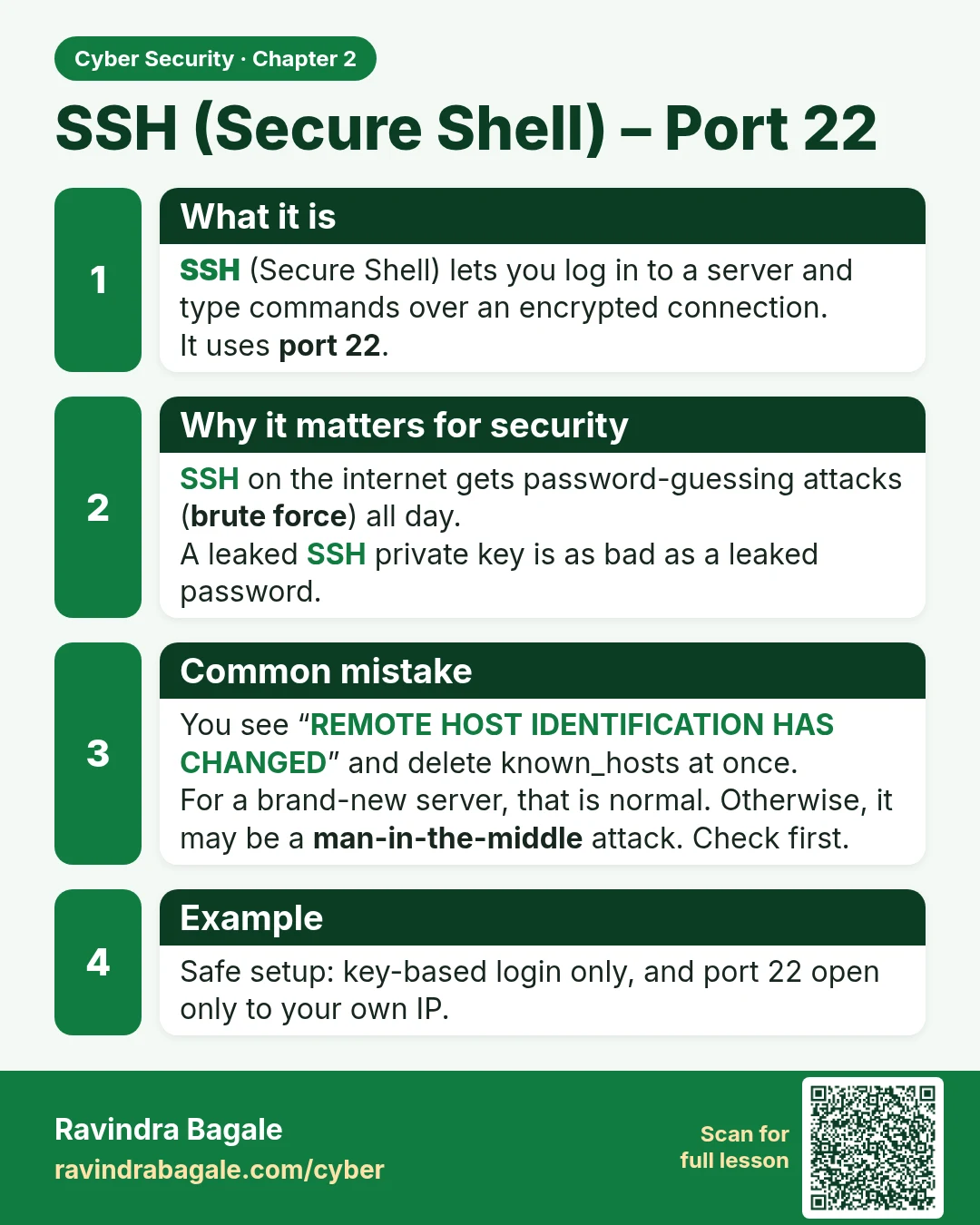
SSH (Secure Shell) – Port 22 SSH (Secure Shell) lets you log in to a server and type commands over an encrypted connection. It uses port 22 . SSH on the internet gets password-guessing attacks ( brute force ) all day. A leaked SSH private key is as bad as a leaked password. You see “REMOTE HOST IDEN
Read card text
What this card says
What it is
SSH (Secure Shell) lets you log in to a server and type commands over an encrypted connection.
It uses port 22.
Why it matters for security
SSH on the internet gets password-guessing attacks (brute force) all day.
A leaked SSH private key is as bad as a leaked password.
Common mistake
You see “REMOTE HOST IDENTIFICATION HAS CHANGED” and delete known_hosts at once.
For a brand-new server, that is normal. Otherwise, it may be a man-in-the-middle attack. Check first.
Example
Safe setup: key-based login only, and port 22 open only to your own IP.
Learn more in the lesson: 2.2 SSH (Secure Shell) – Port 22