Ravi Sir's Cyber Security Cards › Revision Cards
SSH Hardening and fail2ban
SSH Hardening and fail2ban Making SSH, the main way into a Linux server, much harder to attack. fail2ban blocks IPs after repeated failed logins. Use keys, not passwords (PasswordAuthentication no). Disable root login. Best on AWS: keep port 22 closed and use Session Manager . Setting PasswordAuthen
Read card text
What this card says
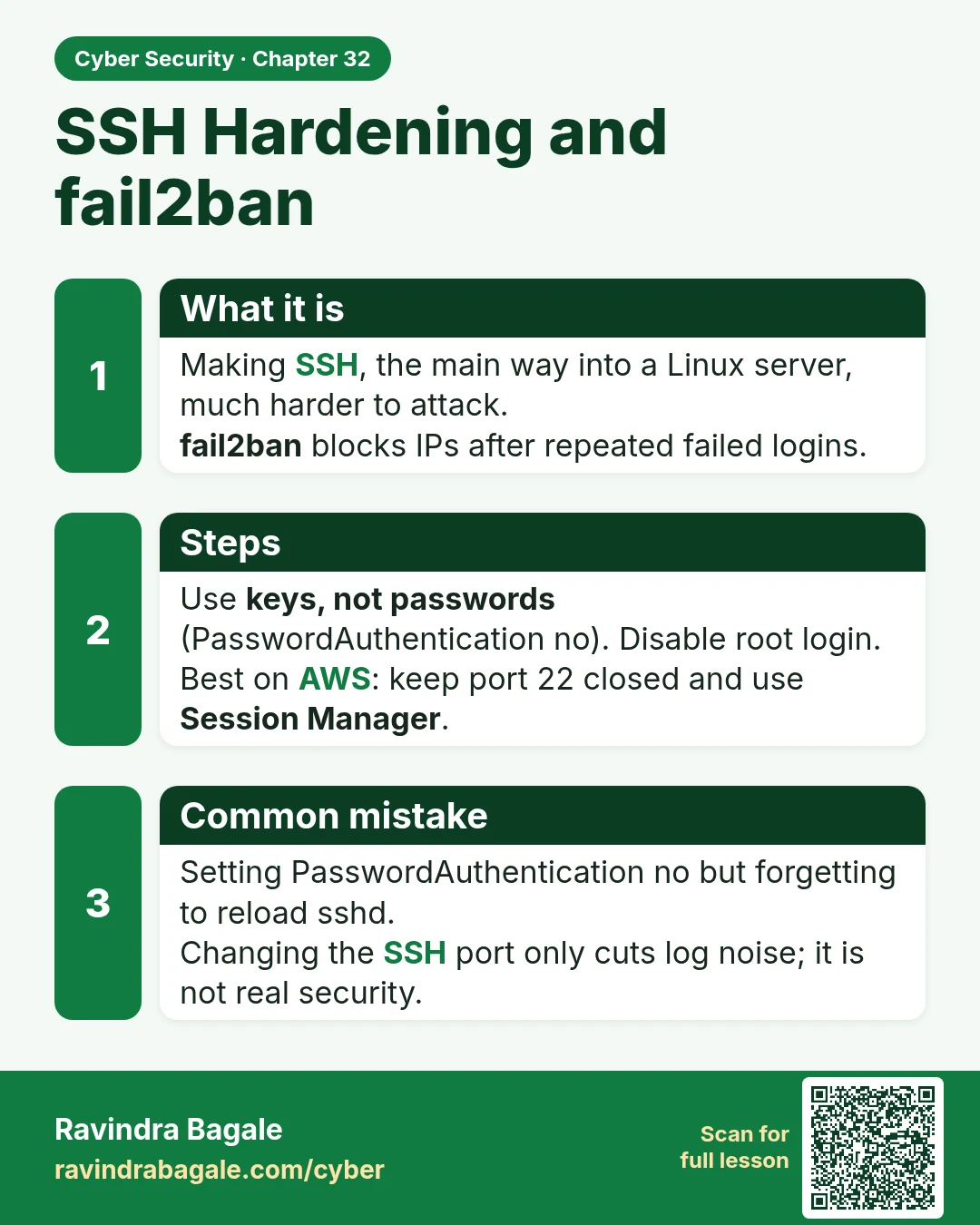
What it is
Making SSH, the main way into a Linux server, much harder to attack.
fail2ban blocks IPs after repeated failed logins.
Steps
Use keys, not passwords (PasswordAuthentication no). Disable root login.
Best on AWS: keep port 22 closed and use Session Manager.
Common mistake
Setting PasswordAuthentication no but forgetting to reload sshd.
Changing the SSH port only cuts log noise; it is not real security.
Learn more in the lesson: 32.2 SSH Hardening and fail2ban