Ravi Sir's Cyber Security Cards › Revision Cards
SSH from Windows: PowerShell, PuTTY and MobaXterm
SSH from Windows: PowerShell, PuTTY and MobaXterm From Windows, you can SSH to a server with PowerShell , PuTTY or MobaXterm . PuTTY needs a .ppk key. Open PuTTYgen → Load your .pem → Save private key as .ppk. In PuTTY, set Host Name (ec2-user@IP), port 22, and pick the .ppk under SSH → Auth. AWS Se
Read card text
What this card says
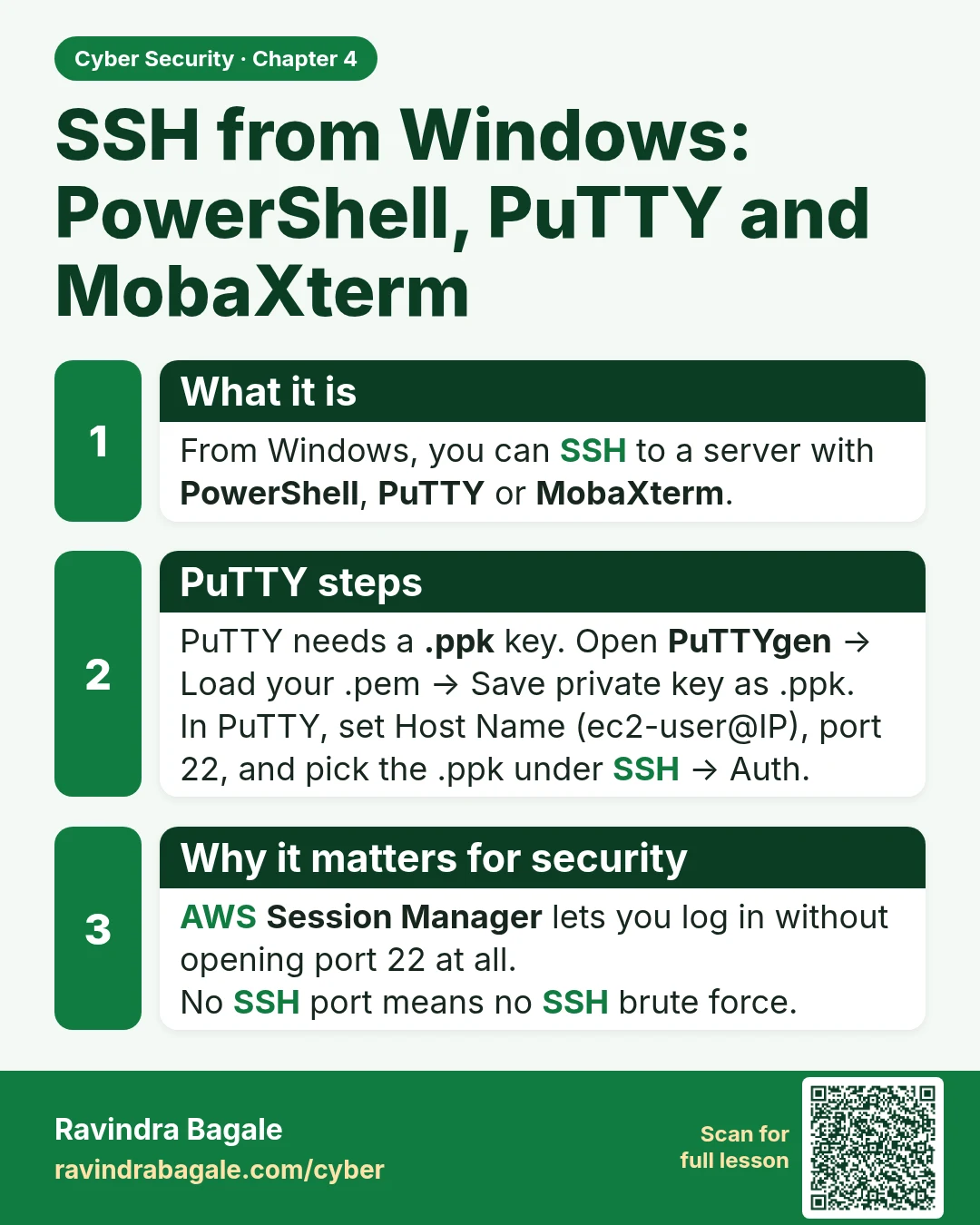
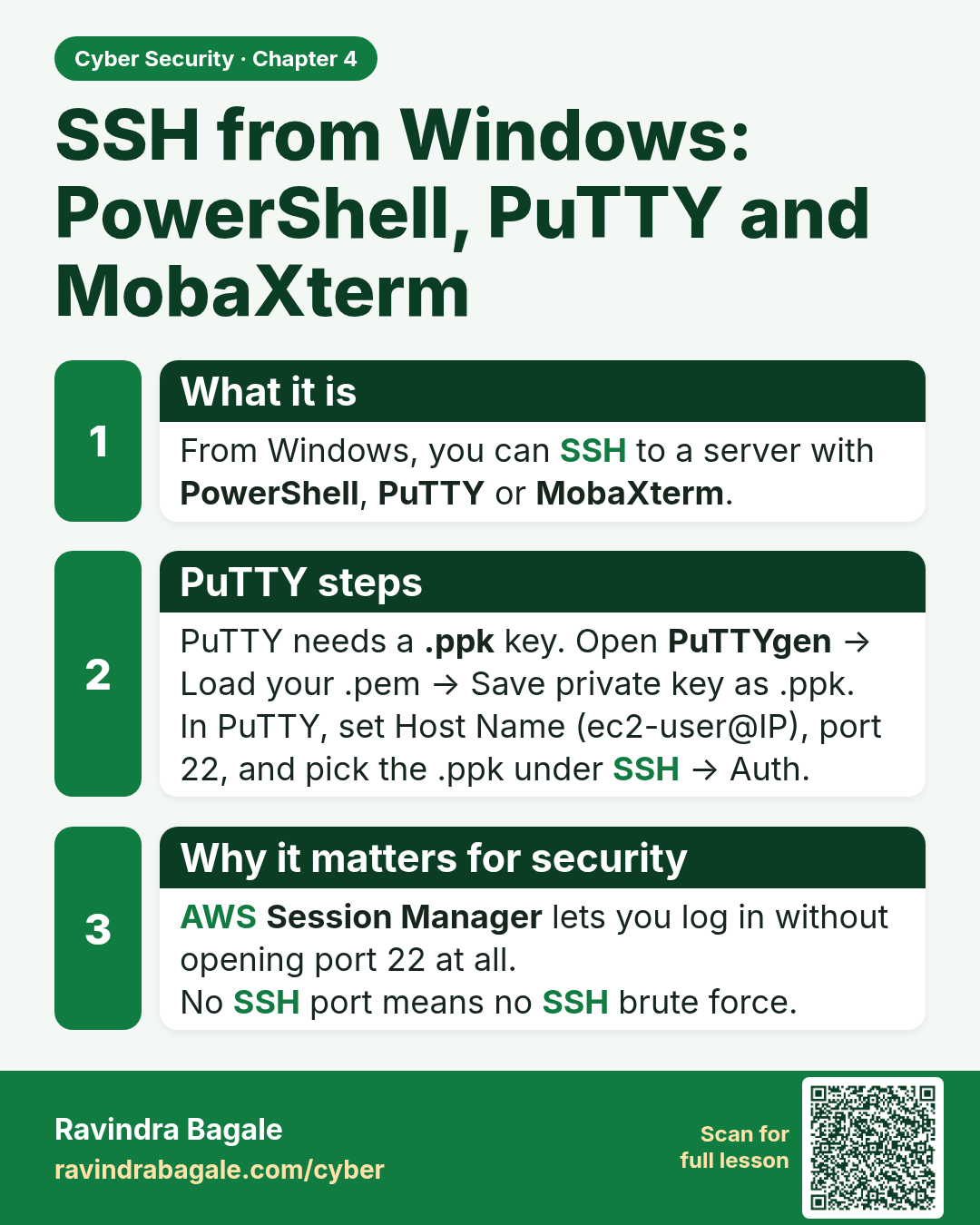
What it is
From Windows, you can SSH to a server with PowerShell, PuTTY or MobaXterm.
PuTTY steps
PuTTY needs a .ppk key. Open PuTTYgen → Load your .pem → Save private key as .ppk.
In PuTTY, set Host Name (ec2-user@IP), port 22, and pick the .ppk under SSH → Auth.
Why it matters for security
AWS Session Manager lets you log in without opening port 22 at all.
No SSH port means no SSH brute force.
Learn more in the lesson: 4.5 SSH from Windows: PowerShell, PuTTY and MobaXterm