Ravi Sir's Cyber Security Cards › Revision Cards
Services and Logs: service, systemctl enable, journalctl
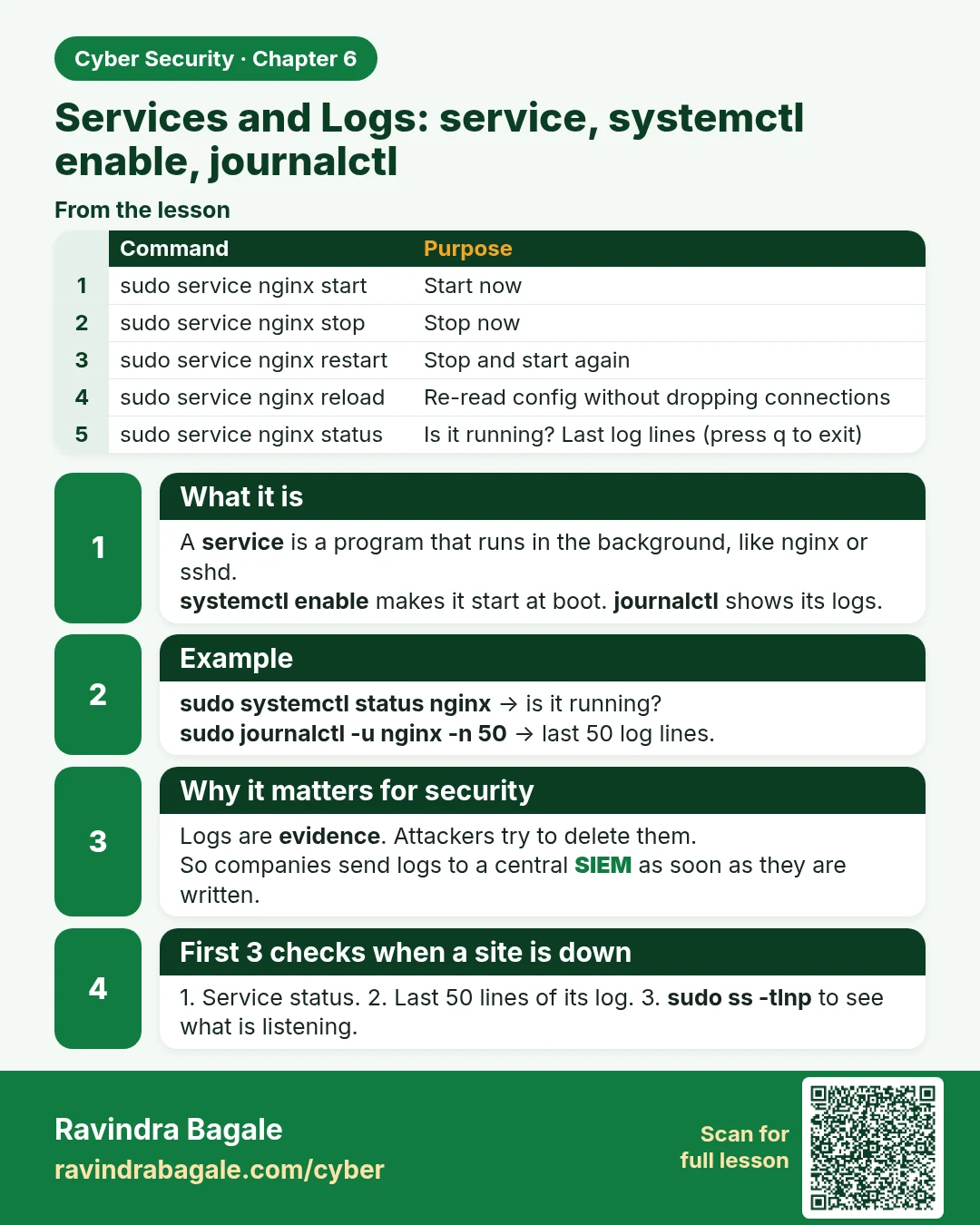
Services and Logs: service, systemctl enable, journalctl A service is a program that runs in the background, like nginx or sshd. systemctl enable makes it start at boot. journalctl shows its logs. sudo systemctl status nginx → is it running? sudo journalctl -u nginx -n 50 → last 50 log lines. Logs a
Read card text
What this card says
What it is
A service is a program that runs in the background, like nginx or sshd.
systemctl enable makes it start at boot. journalctl shows its logs.
Example
sudo systemctl status nginx → is it running?
sudo journalctl -u nginx -n 50 → last 50 log lines.
Why it matters for security
Logs are evidence. Attackers try to delete them.
So companies send logs to a central SIEM as soon as they are written.
First 3 checks when a site is down
1. Service status. 2. Last 50 lines of its log. 3. sudo ss -tlnp to see what is listening.
| Command | Purpose |
|---|---|
| sudo service nginx start | Start now |
| sudo service nginx stop | Stop now |
| sudo service nginx restart | Stop and start again |
| sudo service nginx reload | Re-read config without dropping connections |
| sudo service nginx status | Is it running? Last log lines (press q to exit) |
Learn more in the lesson: 6.6 Services and Logs: service, systemctl enable, journalctl