Ravi Sir's Cyber Security Cards › Revision Cards
Securing Your Own Wi-Fi
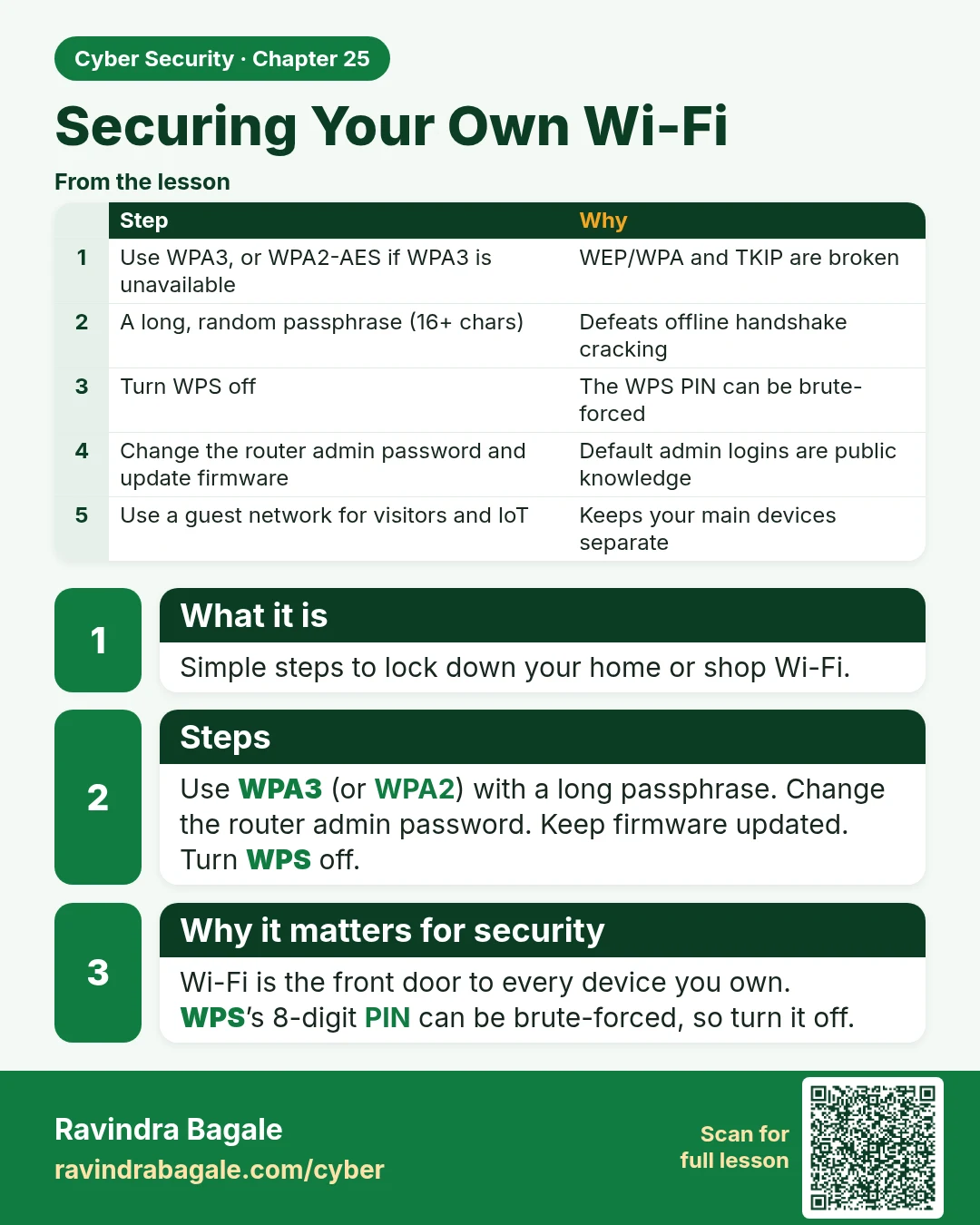
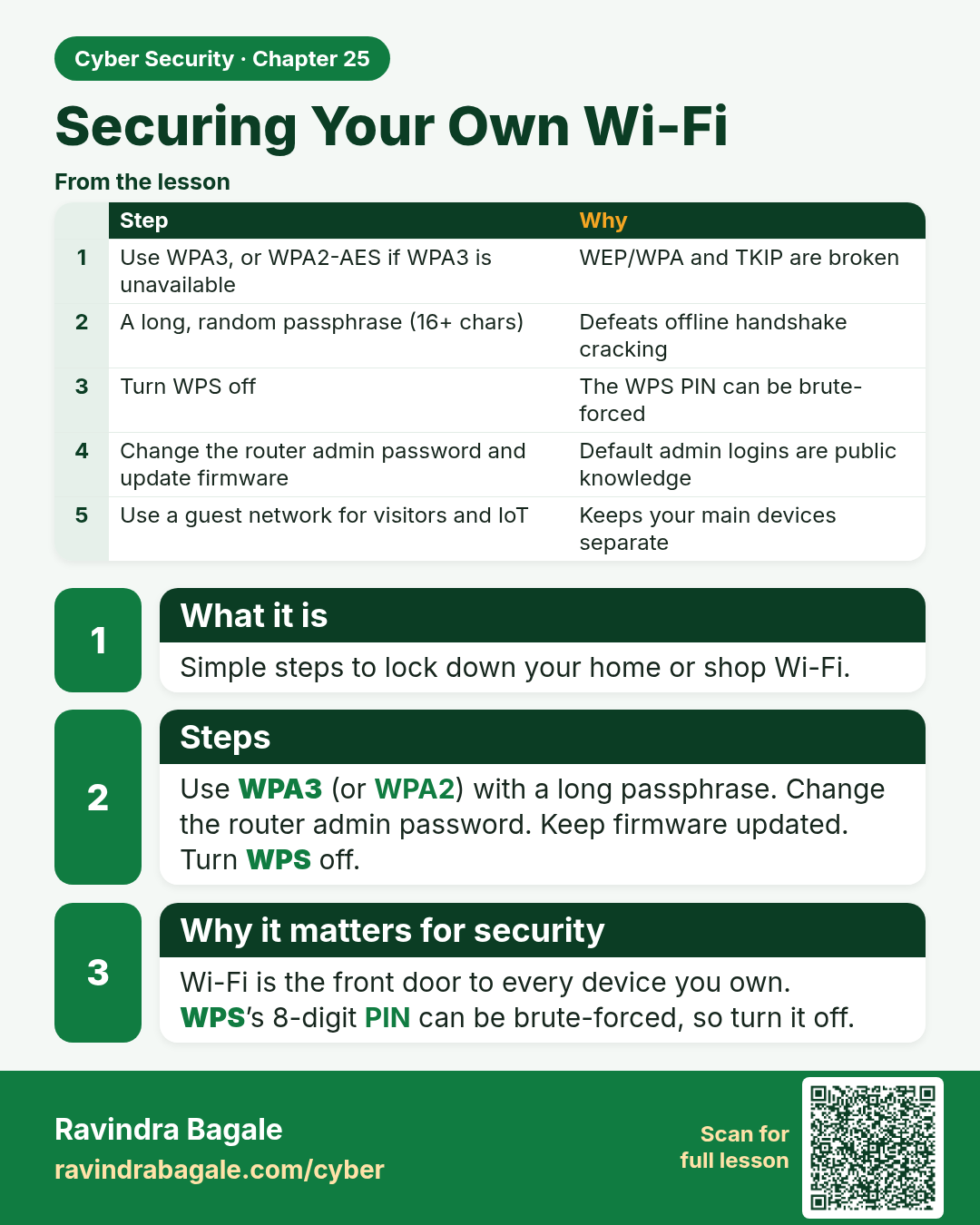
Securing Your Own Wi-Fi Simple steps to lock down your home or shop Wi-Fi. Use WPA3 (or WPA2) with a long passphrase. Change the router admin password. Keep firmware updated. Turn WPS off. Wi-Fi is the front door to every device you own. WPS ’s 8-digit PIN can be brute-forced, so turn it off.
Read card text
What this card says
What it is
Simple steps to lock down your home or shop Wi-Fi.
Steps
Use WPA3 (or WPA2) with a long passphrase. Change the router admin password. Keep firmware updated.
Turn WPS off.
Why it matters for security
Wi-Fi is the front door to every device you own.
WPS’s 8-digit PIN can be brute-forced, so turn it off.
| Step | Why |
|---|---|
| Use WPA3, or WPA2-AES if WPA3 is unavailable | WEP/WPA and TKIP are broken |
| A long, random passphrase (16+ chars) | Defeats offline handshake cracking |
| Turn WPS off | The WPS PIN can be brute-forced |
| Change the router admin password and update firmware | Default admin logins are public knowledge |
| Use a guest network for visitors and IoT | Keeps your main devices separate |
Learn more in the lesson: 25.5 Securing Your Own Wi-Fi