Ravi Sir's Cyber Security Cards › Revision Cards
Reading an Apache Virtual Host
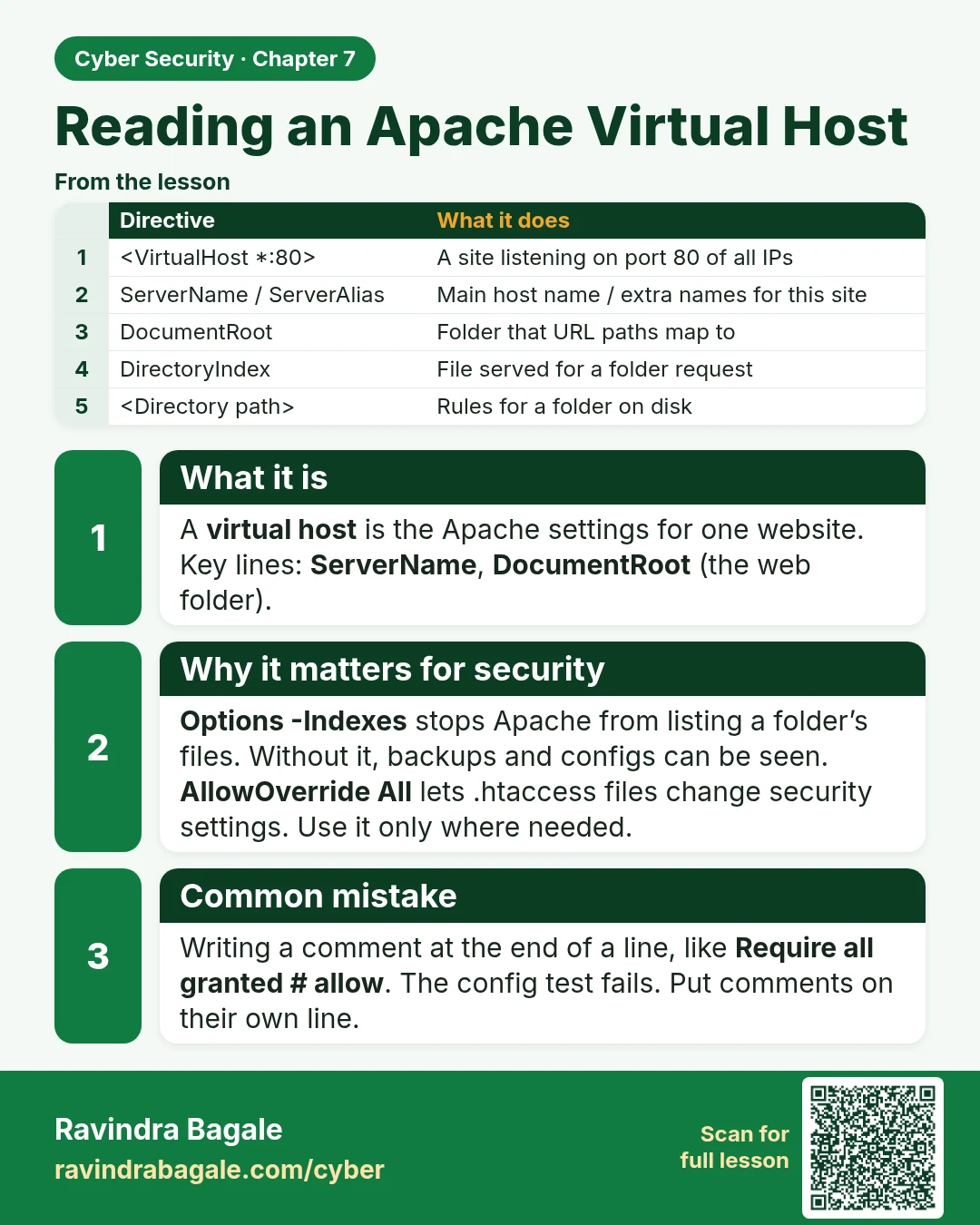
Reading an Apache Virtual Host A virtual host is the Apache settings for one website. Key lines: ServerName , DocumentRoot (the web folder). Options -Indexes stops Apache from listing a folder’s files. Without it, backups and configs can be seen. AllowOverride All lets .htaccess files change securit
Read card text
What this card says
What it is
A virtual host is the Apache settings for one website.
Key lines: ServerName, DocumentRoot (the web folder).
Why it matters for security
Options -Indexes stops Apache from listing a folder’s files. Without it, backups and configs can be seen.
AllowOverride All lets .htaccess files change security settings. Use it only where needed.
Common mistake
Writing a comment at the end of a line, like Require all granted # allow. The config test fails. Put comments on their own line.
| Directive | What it does |
|---|---|
| A site listening on port 80 of all IPs | |
| ServerName / ServerAlias | Main host name / extra names for this site |
| DocumentRoot | Folder that URL paths map to |
| DirectoryIndex | File served for a folder request |
| Rules for a folder on disk |
Learn more in the lesson: 7.6 Reading an Apache Virtual Host