Ravi Sir's Cyber Security Cards › Revision Cards
Processes
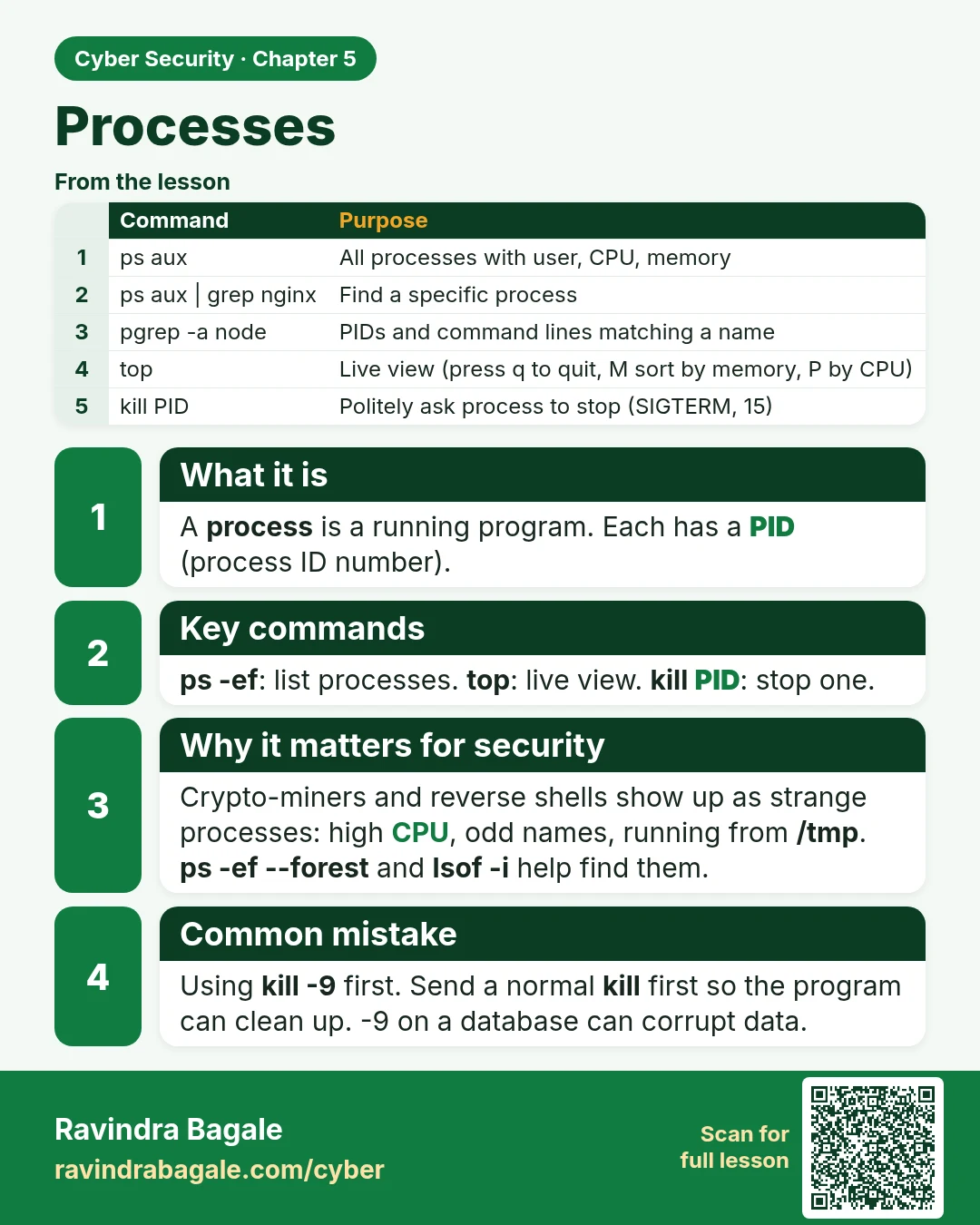
Processes A process is a running program. Each has a PID (process ID number). ps -ef : list processes. top : live view. kill PID : stop one. Crypto-miners and reverse shells show up as strange processes: high CPU, odd names, running from /tmp . ps -ef --forest and lsof -i help find them. Using kill
Read card text
What this card says
What it is
A process is a running program. Each has a PID (process ID number).
Key commands
ps -ef: list processes. top: live view. kill PID: stop one.
Why it matters for security
Crypto-miners and reverse shells show up as strange processes: high CPU, odd names, running from /tmp.
ps -ef --forest and lsof -i help find them.
Common mistake
Using kill -9 first. Send a normal kill first so the program can clean up. -9 on a database can corrupt data.
| Command | Purpose |
|---|---|
| ps aux | All processes with user, CPU, memory |
| ps aux | grep nginx | Find a specific process |
| pgrep -a node | PIDs and command lines matching a name |
| top | Live view (press q to quit, M sort by memory, P by CPU) |
| kill PID | Politely ask process to stop (SIGTERM, 15) |
Learn more in the lesson: 5.8 Processes