Ravi Sir's Cyber Security Cards › Revision Cards
Preparing the Server: Elastic IP and Security Group
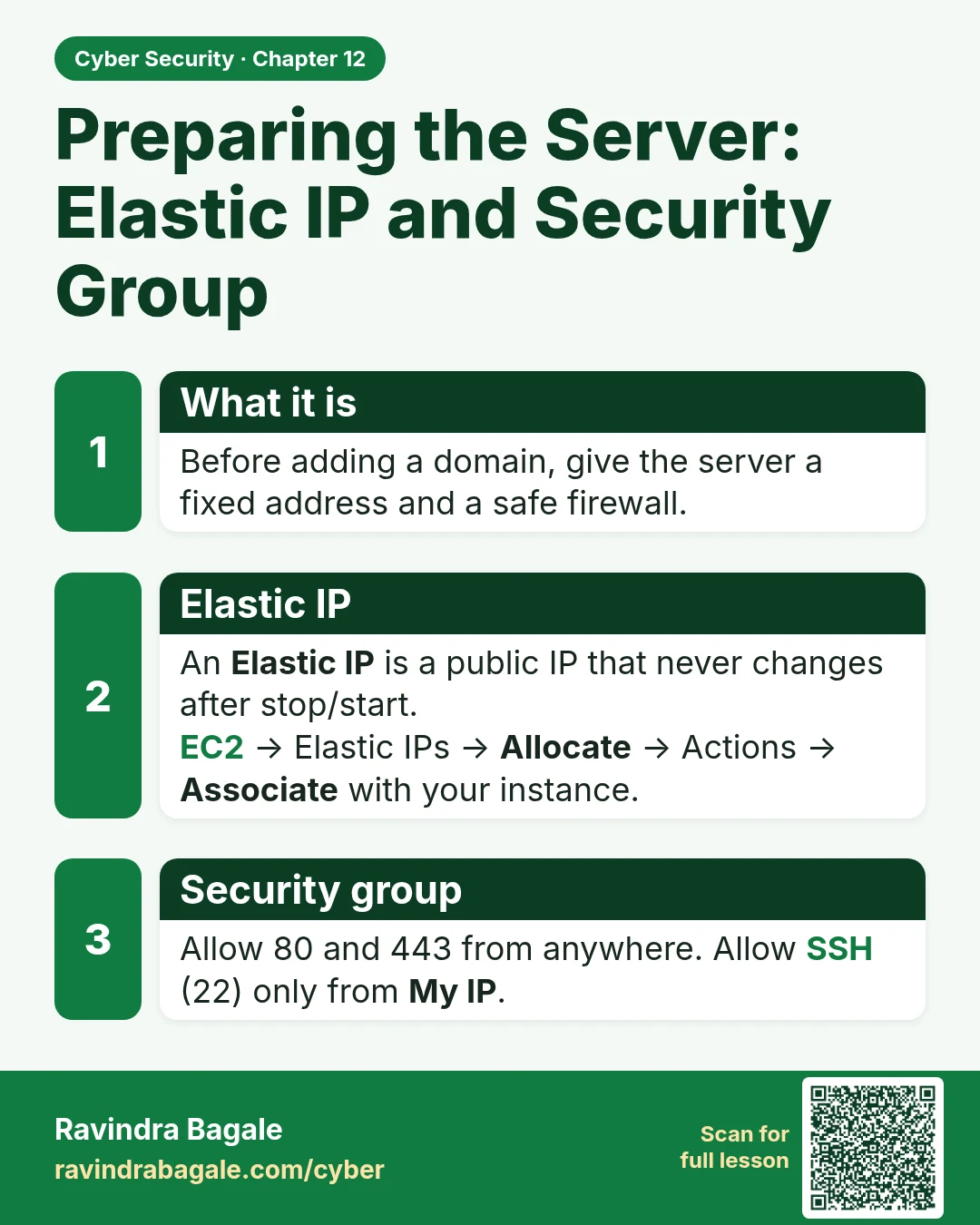
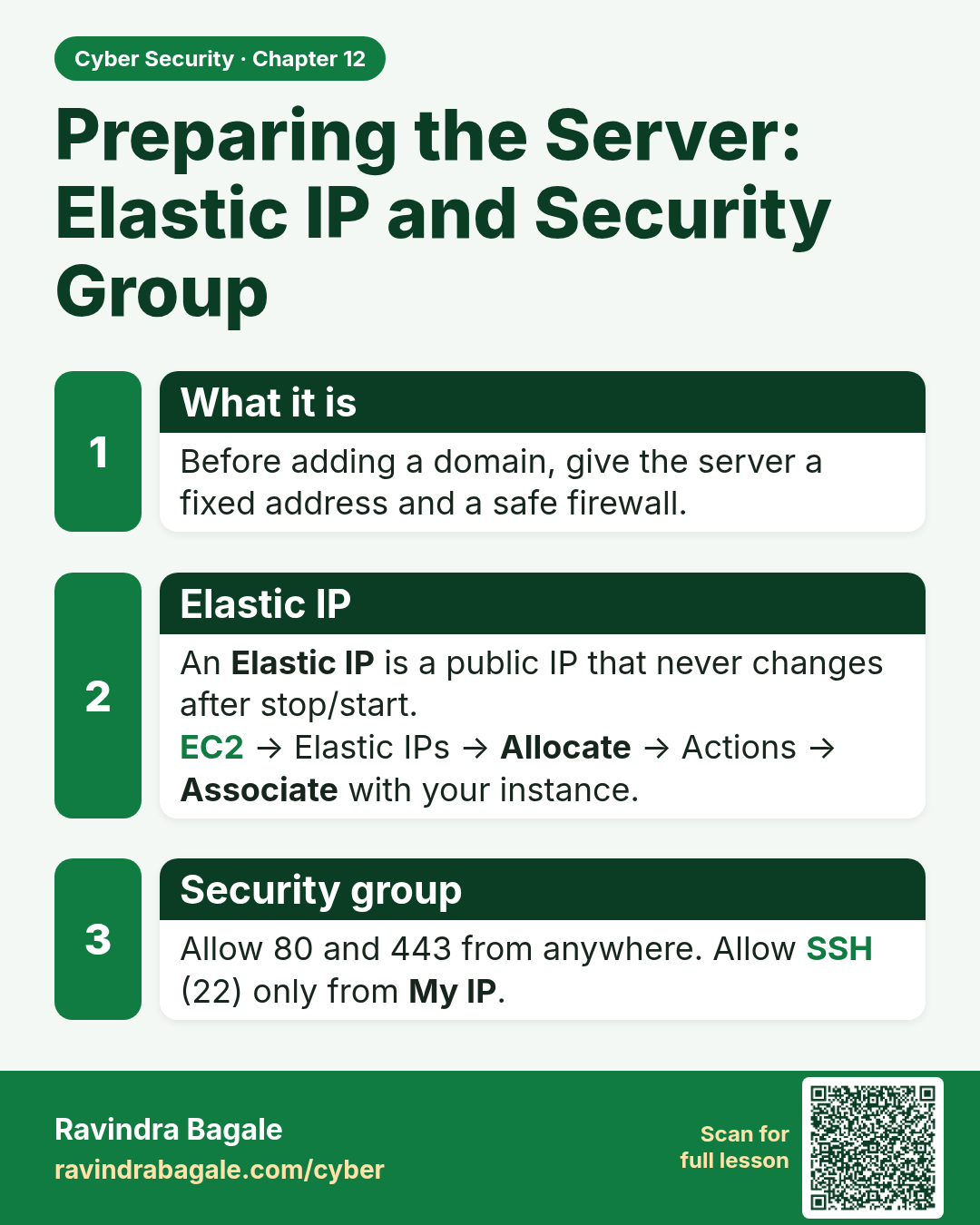
Preparing the Server: Elastic IP and Security Group Before adding a domain, give the server a fixed address and a safe firewall. An Elastic IP is a public IP that never changes after stop/start. EC2 → Elastic IPs → Allocate → Actions → Associate with your instance. Allow 80 and 443 from anywhere. Al
Read card text
What this card says
What it is
Before adding a domain, give the server a fixed address and a safe firewall.
Elastic IP
An Elastic IP is a public IP that never changes after stop/start.
EC2 → Elastic IPs → Allocate → Actions → Associate with your instance.
Security group
Allow 80 and 443 from anywhere. Allow SSH (22) only from My IP.
Learn more in the lesson: 12.2 Preparing the Server: Elastic IP and Security Group